Ir para o conteúdo principal

RDY Y70 001 RAM Replacement

O que você precisa

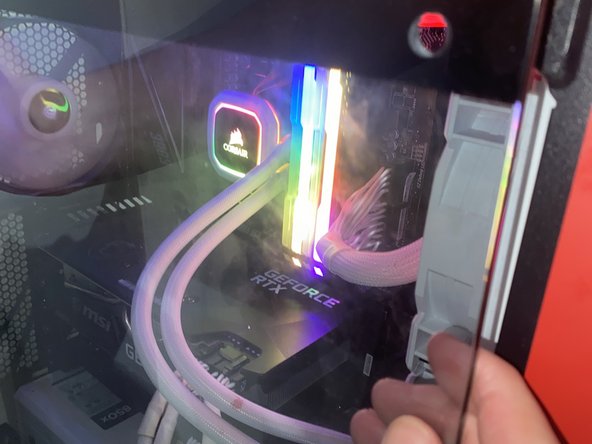
  1. RDY Y70 001 RAM Replacement, RAM sticks: passo 1, imagem 1 %32 RDY Y70 001 RAM Replacement, RAM sticks: passo 1, imagem 2 %32 RDY Y70 001 RAM Replacement, RAM sticks: passo 1, imagem 3 %32
    • Unplug Power

    • Make sure the PC is not powered by unplugging it

  2. RDY Y70 001 RAM Replacement: passo 2, imagem 1 %32 RDY Y70 001 RAM Replacement: passo 2, imagem 2 %32
    • Take the screws off using an Allen key

    • Pull the window off the PC

  3. RDY Y70 001 RAM Replacement: passo 3, imagem 1 %32 RDY Y70 001 RAM Replacement: passo 3, imagem 2 %32 RDY Y70 001 RAM Replacement: passo 3, imagem 3 %32
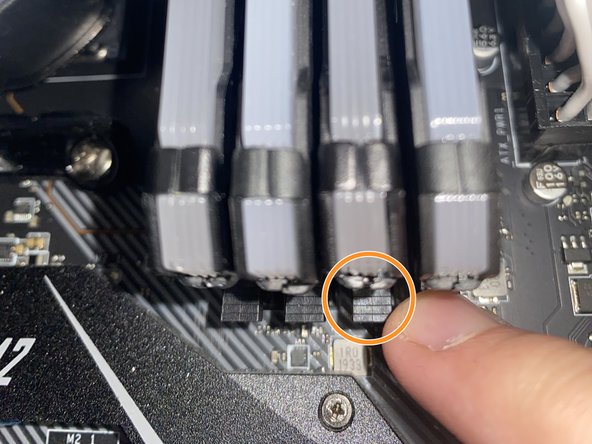
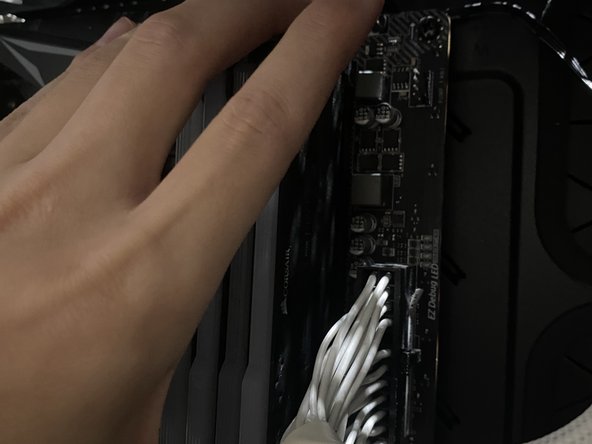
    • Remove current RAM

    • Push down on the clips holding down the current RAM

    • Carefully pull the RAM sticks out

  4. RDY Y70 001 RAM Replacement: passo 4, imagem 1 %32 RDY Y70 001 RAM Replacement: passo 4, imagem 2 %32
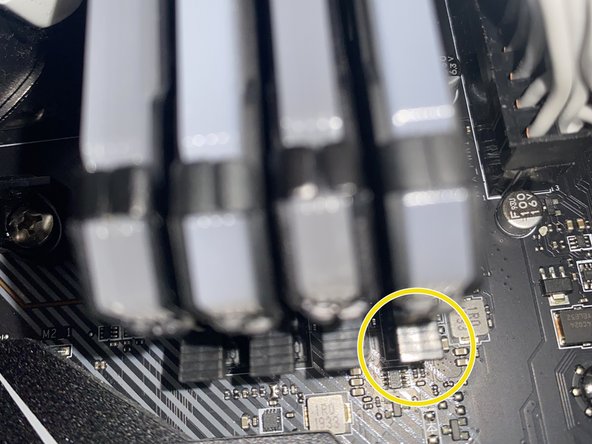
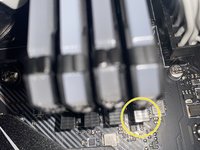
    • Install new RAM

    • Carefully put the new RAM sticks facing the right direction and in the correct slots.

    • Carefully apply pressure downwards on the RAM stick until the clip locks itself.

    • Make sure the clip is closed.

  5. RDY Y70 001 RAM Replacement: passo 5, imagem 1 %32 RDY Y70 001 RAM Replacement: passo 5, imagem 2 %32 RDY Y70 001 RAM Replacement: passo 5, imagem 3 %32
    • Put the window back onto the PC case

    • Screw the window onto the PC case

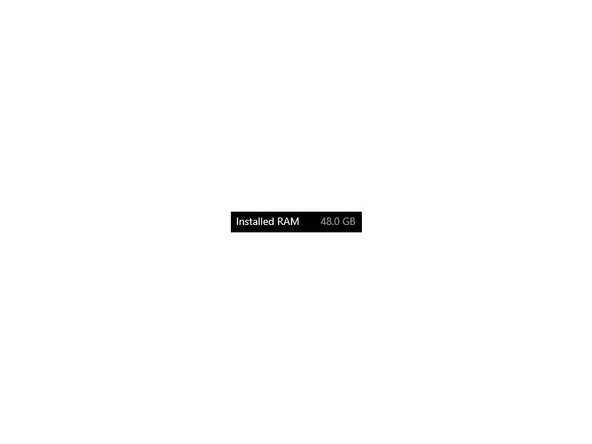
    • Check your system settings to make sure the RAM is installed properly

Conclusão

Hopefully your RDY Y70 001 is running smoother and faster than it was before.

Uma outra pessoa concluiu este guia.

Documentos anexados

Louis Ho

Membro desde: 07/04/24

148 Reputação

Autoria de 1 guia

Equipe

0Comentários do guia

Comentar

Visualizações:

Últimas 24 horas: 0

Últimos 7 dias: 4

Últimos 30 dias: 15

Ao todo: 237