Ir para o conteúdo principal
Participe da comunidade de reparos - Criar conta

Replacing VTech MobiGo Touch Learning System Speaker

O que você precisa

    1. Replacing VTech MobiGo Touch Learning System Speaker, Case: passo 1, imagem 1 %32
      • Remove the battery covers and the four batteries.

      Pergunte ao FixBot

      Comentar

    2. Replacing VTech MobiGo Touch Learning System Speaker: passo 2, imagem 1 %32 Replacing VTech MobiGo Touch Learning System Speaker: passo 2, imagem 2 %32
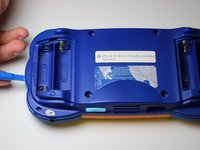
      • Remove the four plastic caps with a metal spudger to expose the 6.0 mm Philips JIS #0 case screws.

      • Remove the eight 6.0 mm JIS #0 case screws.

      Pergunte ao FixBot

      Comentar

    3. Replacing VTech MobiGo Touch Learning System Speaker: passo 3, imagem 1 %32 Replacing VTech MobiGo Touch Learning System Speaker: passo 3, imagem 2 %32
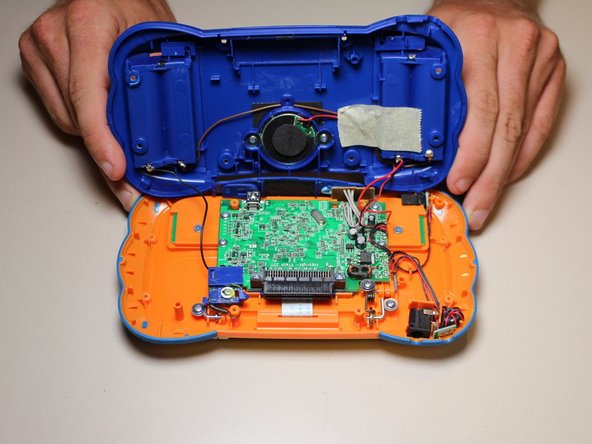
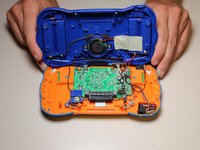
      • Using a plastic opening tool, separate the two pieces of the case carefully.

      Pergunte ao FixBot
      Comentar

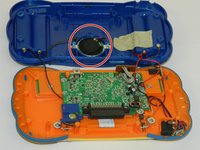
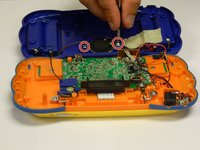
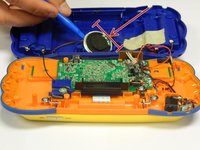
    1. Replacing VTech MobiGo Touch Learning System Speaker, Speaker: passo 4, imagem 1 %32 Replacing VTech MobiGo Touch Learning System Speaker, Speaker: passo 4, imagem 2 %32
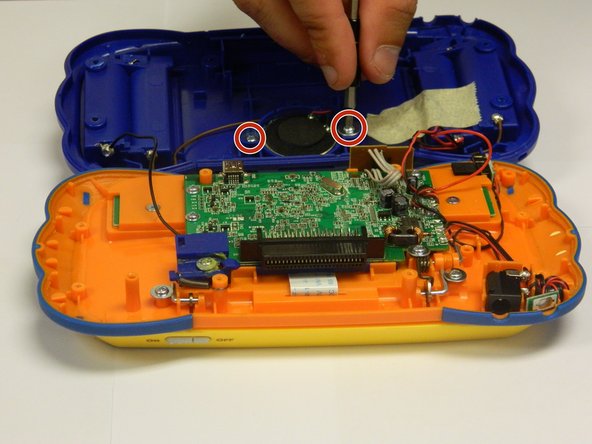
      • The speaker will be attached to the back of the case.

      • Unscrew the two 6.0 mm Philips J0 screws.

      • Careful! The wires are still attached to the back of the case and to the speakers.

      Pergunte ao FixBot
      Comentar

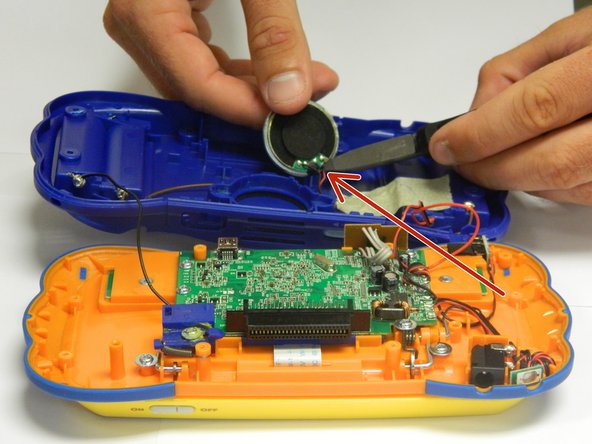
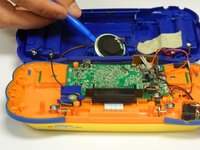
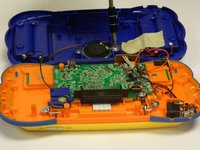
    2. Replacing VTech MobiGo Touch Learning System Speaker: passo 5, imagem 1 %32 Replacing VTech MobiGo Touch Learning System Speaker: passo 5, imagem 2 %32
      • Lift the round speaker with a plastic opening tool.

      • Remove the two wires connected to the speaker.

      • You can use wire cutters or regular needle nose pliers to disconnect the wires from the speaker.

      • Once the wires are disconnected, remove the speaker from the back of the case.

      Pergunte ao FixBot

      Comentar

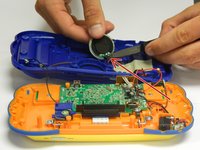
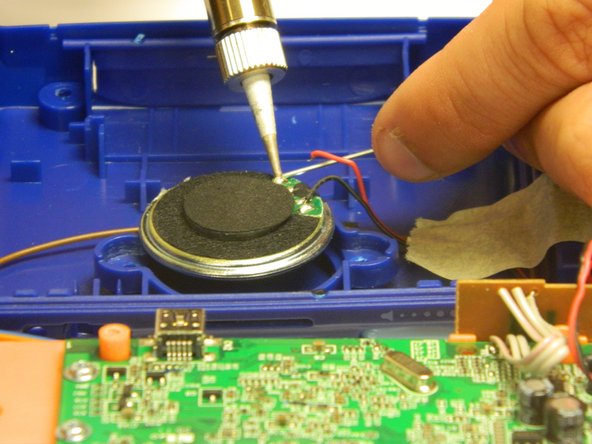
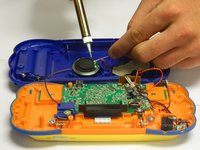
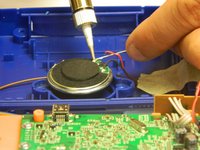
    3. Replacing VTech MobiGo Touch Learning System Speaker: passo 6, imagem 1 %32 Replacing VTech MobiGo Touch Learning System Speaker: passo 6, imagem 2 %32
      • Solder the wires to the appropriate spots on the new speaker, making sure that both wires are properly connected.

      • The wires may be hot.

      Pergunte ao FixBot

      Comentar

    4. Replacing VTech MobiGo Touch Learning System Speaker: passo 7, imagem 1 %32 Replacing VTech MobiGo Touch Learning System Speaker: passo 7, imagem 2 %32
      • Insert the new speaker into the hatch located in the middle part of the panel using a plastic spudger.

      • Make sure the speaker is the right size for the panel.

      • Once the speaker is properly placed, screw in the two 6.0 mm Philips J0 screws.

      • Do not over tighten the screws or the panel will break.

      Pergunte ao FixBot

      Comentar

Conclusão

To reassemble your case, follow the case instructions in reverse order.

Cancelar: não concluí este guia.

RBansil

Membro desde: 08/27/15

221 Reputação

Autoria de 2 guias

Equipe

USF Tampa, Team 8-3, Eyestone Fall 2015 Membro de USF Tampa, Team 8-3, Eyestone Fall 2015

USFT-EYESTONE-F15S8G3

3 Membros

Autoria de 17 guias

0Comentários do guia

Comentar

Visualizações:

Últimas 24 horas: 0

Últimos 7 dias: 11

Últimos 30 dias: 33

Ao todo: 2,211