Ir para o conteúdo principal
Participe da comunidade de reparos - Criar conta

Google Pixel Watch 4 Back Sensor Glass Replacement

O que você precisa

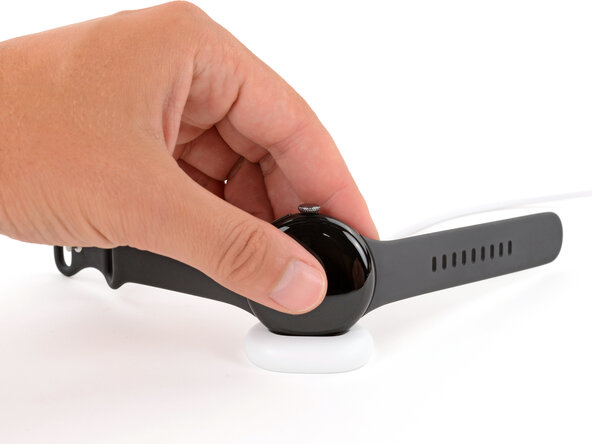
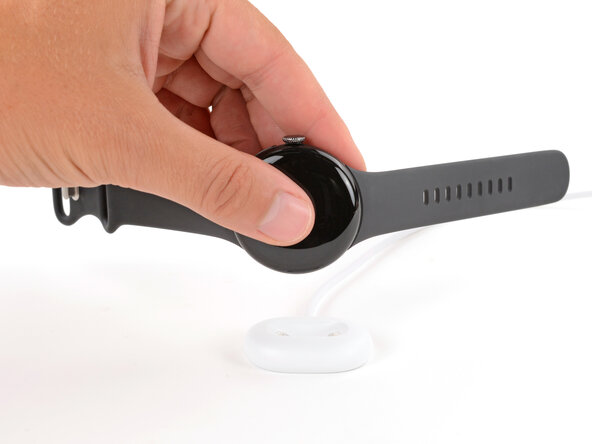
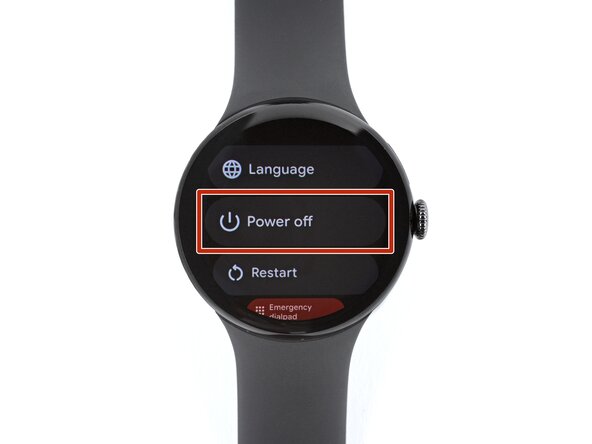
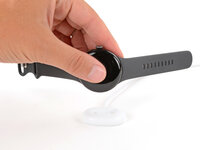
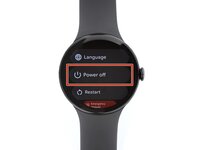
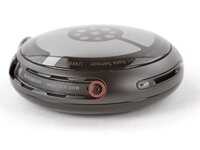
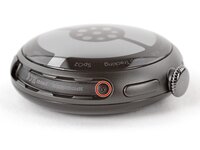
  1. Google Pixel Watch 4 Back Sensor Glass Replacement, Prepare your watch for disassembly: passo 1, imagem 1 %32 Google Pixel Watch 4 Back Sensor Glass Replacement, Prepare your watch for disassembly: passo 1, imagem 2 %32 Google Pixel Watch 4 Back Sensor Glass Replacement, Prepare your watch for disassembly: passo 1, imagem 3 %32
    • Before starting your repair:

    • Remove your watch from the charger.

    • Press and hold the crown button, then tap Power off to shut down your watch.

    Pergunte ao FixBot

    Comentar

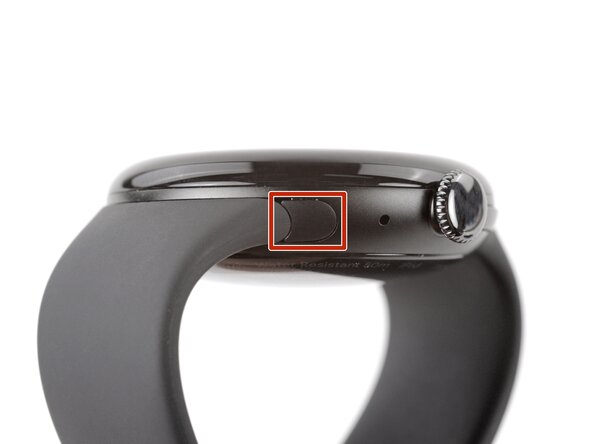
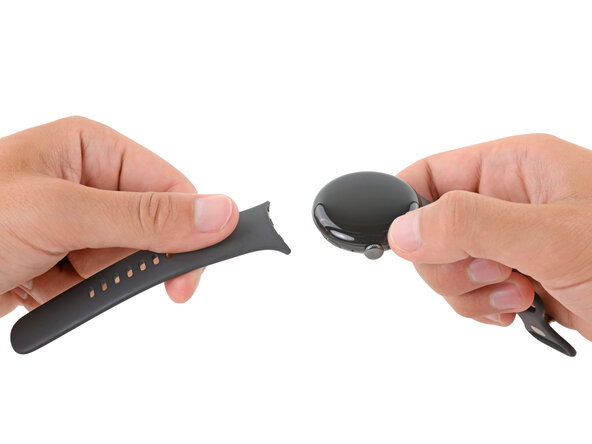
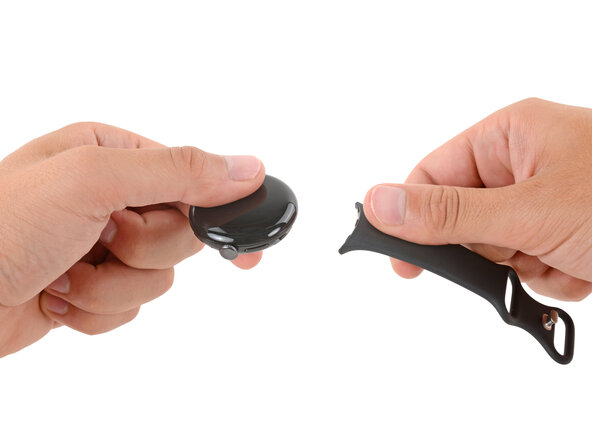
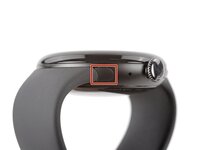
  2. Google Pixel Watch 4 Back Sensor Glass Replacement, Remove the watch bands: passo 2, imagem 1 %32 Google Pixel Watch 4 Back Sensor Glass Replacement, Remove the watch bands: passo 2, imagem 2 %32 Google Pixel Watch 4 Back Sensor Glass Replacement, Remove the watch bands: passo 2, imagem 3 %32
    • Remove each watch band by depressing the release button and sliding the band out of its groove.

    Pergunte ao FixBot

    Comentar

  3. Google Pixel Watch 4 Back Sensor Glass Replacement: passo 3, imagem 1 %32
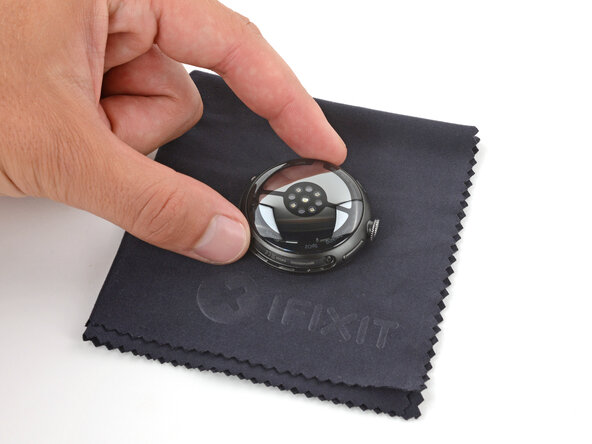
    • Throughout the rest of your repair, consider placing your watch on something soft like a clean cloth to help stabilize it and prevent scratches to the front glass.

    Pergunte ao FixBot

    Comentar

  4. Google Pixel Watch 4 Back Sensor Glass Replacement, Remove the back sensor glass screws: passo 4, imagem 1 %32 Google Pixel Watch 4 Back Sensor Glass Replacement, Remove the back sensor glass screws: passo 4, imagem 2 %32 Google Pixel Watch 4 Back Sensor Glass Replacement, Remove the back sensor glass screws: passo 4, imagem 3 %32
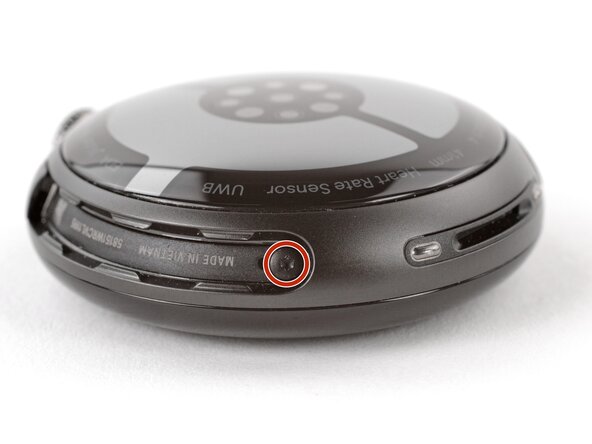
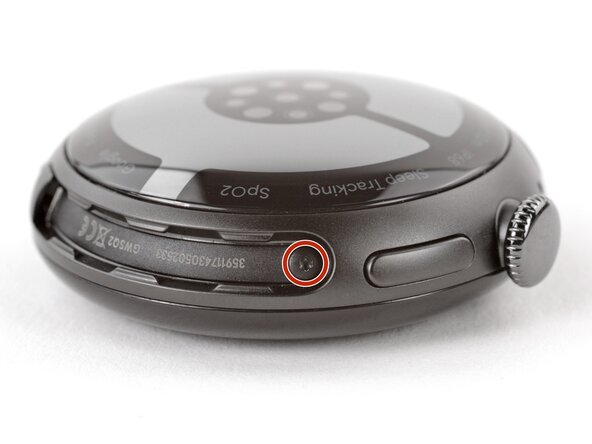
    • Use a Torx Plus 2IP screwdriver to remove the 3.0 mm‑long screw from both watch band grooves (two screws total).

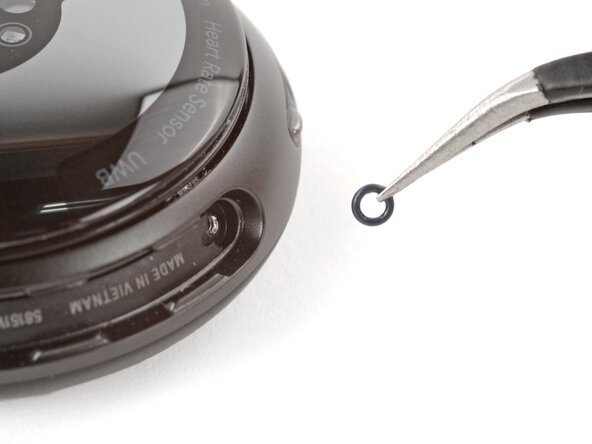
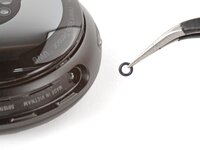
    • Both screws have a tiny O‑ring. If they don't lift away with the screw, use a pair of tweezers to carefully remove them from the band groove and set them aside. These O-rings are required to maintain waterproofing.

    • Handle these O-rings carefully. Avoid pinching or slicing them with your tool.

    • During reassembly:

    • Make sure the O‑rings are on the screws before installing them.

    • Push down firmly on the back glass while installing the screws to make sure the glass gets properly seated.

    • If there's a gap between the back glass and frame, remove the screws and reinstall them.

    Pergunte ao FixBot

    Comentar

  5. Google Pixel Watch 4 Back Sensor Glass Replacement, Separate the back sensor glass: passo 5, imagem 1 %32 Google Pixel Watch 4 Back Sensor Glass Replacement, Separate the back sensor glass: passo 5, imagem 2 %32
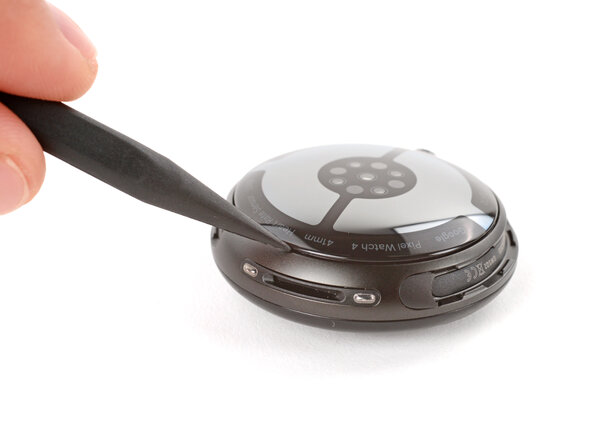
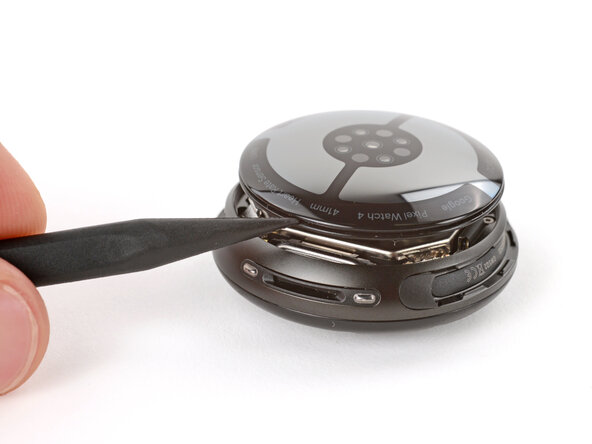
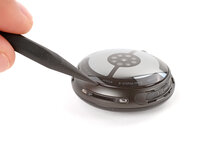
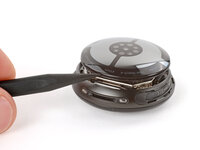
    • Insert the point of a spudger (or a clean fingernail) into the seam between the back sensor glass and frame and pry up until the cover detaches.

    Pergunte ao FixBot

    Comentar

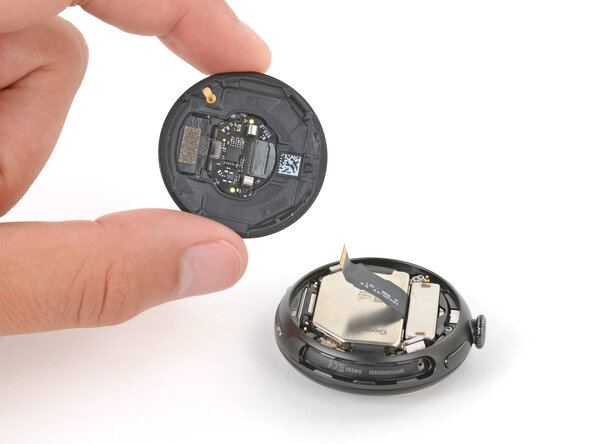
  6. Google Pixel Watch 4 Back Sensor Glass Replacement, Reposition the back sensor glass: passo 6, imagem 1 %32 Google Pixel Watch 4 Back Sensor Glass Replacement, Reposition the back sensor glass: passo 6, imagem 2 %32 Google Pixel Watch 4 Back Sensor Glass Replacement, Reposition the back sensor glass: passo 6, imagem 3 %32
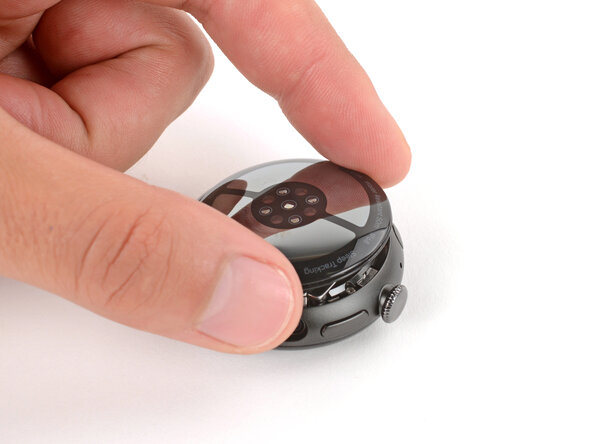
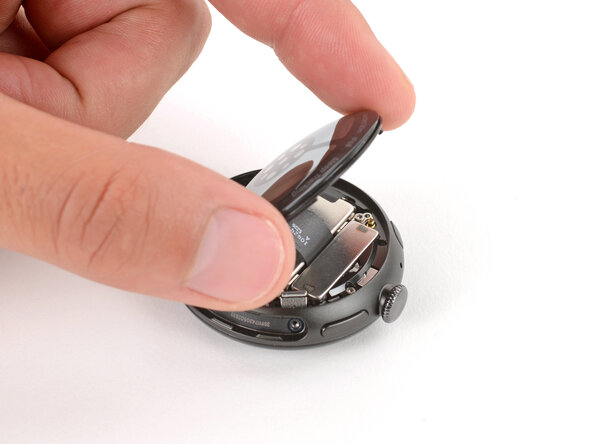
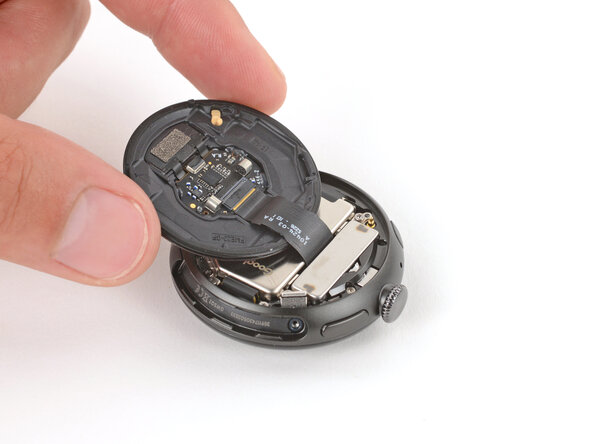
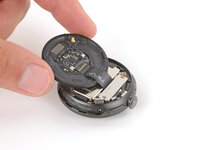
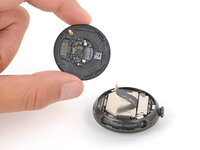
    • Gently lift the back glass and flip it over the side of the watch opposite the crown.

    • Be careful not to strain the cable connecting the back sensor glass.

    Pergunte ao FixBot

    Comentar

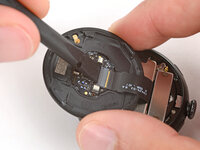
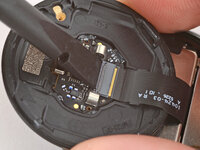
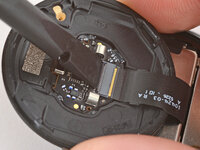
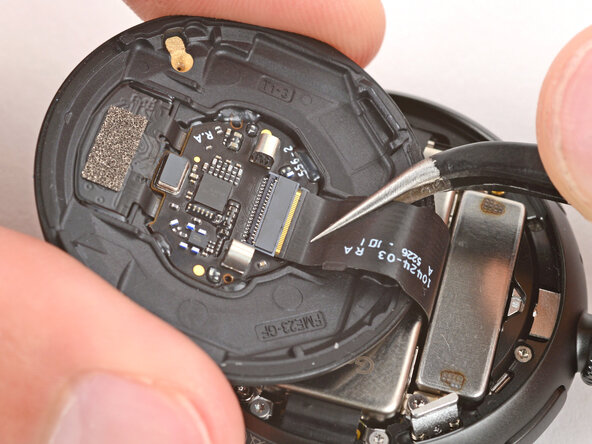
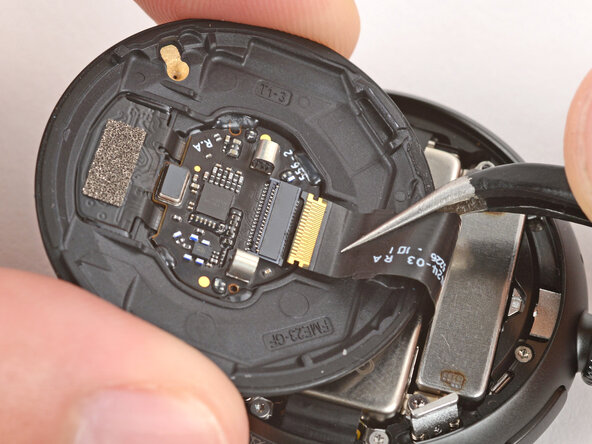
  7. Google Pixel Watch 4 Back Sensor Glass Replacement, Disconnect the back sensor glass: passo 7, imagem 1 %32 Google Pixel Watch 4 Back Sensor Glass Replacement, Disconnect the back sensor glass: passo 7, imagem 2 %32 Google Pixel Watch 4 Back Sensor Glass Replacement, Disconnect the back sensor glass: passo 7, imagem 3 %32
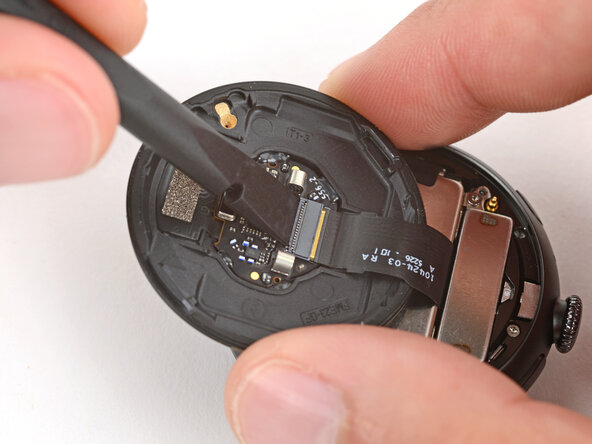
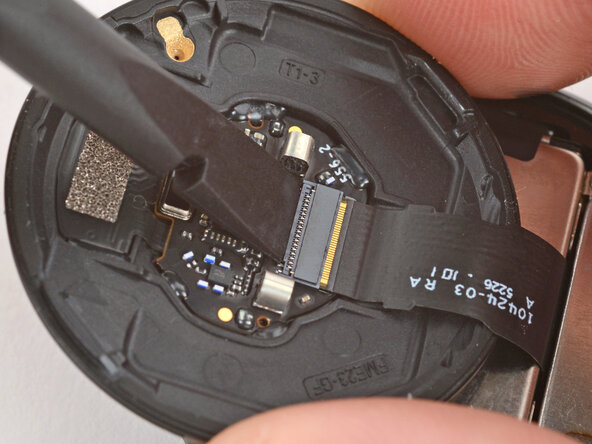
    • Use a spudger to lift the small, hinged locking‑flap on the back sensor glass ZIF connector.

    Pergunte ao FixBot

    Comentar

  8. Google Pixel Watch 4 Back Sensor Glass Replacement, Remove the back sensor glass: passo 8, imagem 1 %32 Google Pixel Watch 4 Back Sensor Glass Replacement, Remove the back sensor glass: passo 8, imagem 2 %32 Google Pixel Watch 4 Back Sensor Glass Replacement, Remove the back sensor glass: passo 8, imagem 3 %32
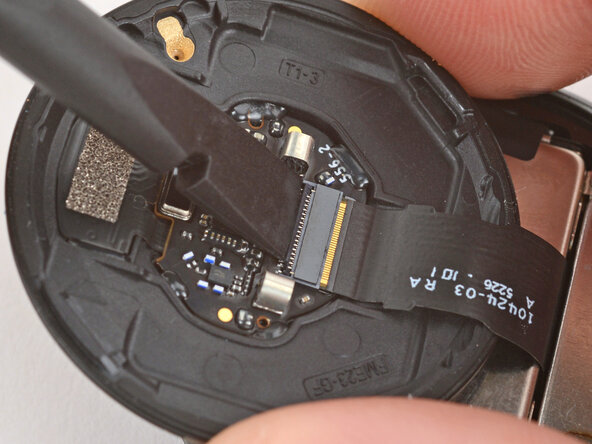
    • Gently slide the cable out of its socket and remove the back sensor glass.

    • During reassembly, make sure the locking flap is lifted before sliding the cable fully into its connector—it should snap into place.

    Pergunte ao FixBot

    Comentar

Conclusão

To reassemble your device, follow these instructions in reverse order.

Take your e-waste to an R2 or e-Stewards certified recycler.

Repair didn’t go as planned? Try some basic troubleshooting, or ask our Answers community for help.

Cancelar: não concluí este guia.

2 outras pessoas executaram este guia.

Spencer Day

Membro desde: 09/14/22

195.462 Reputação

Autoria de 1.243 guias

0Comentários do guia

Comentar

Visualizações:

Últimas 24 horas: 5

Últimos 7 dias: 30

Últimos 30 dias: 140

Ao todo: 1,291