Ir para o conteúdo principal

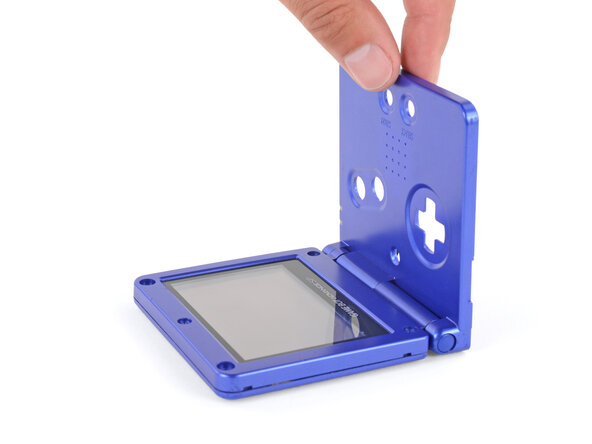
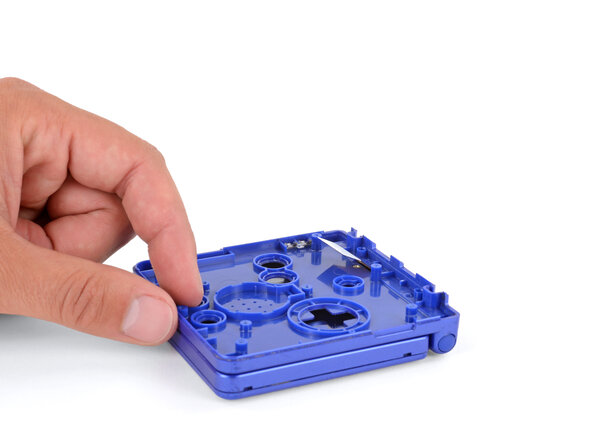
How to Reshell Your Game Boy Advance SP

O que você precisa

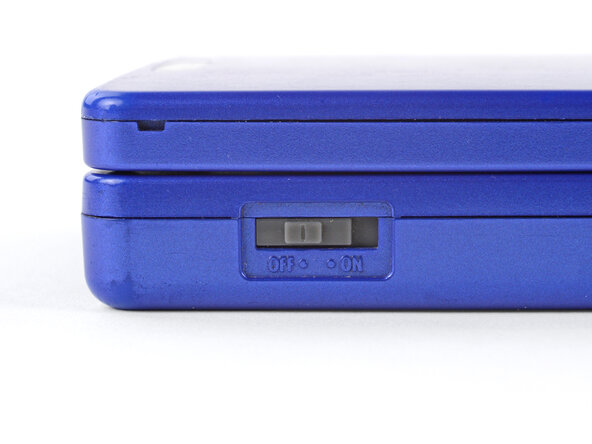
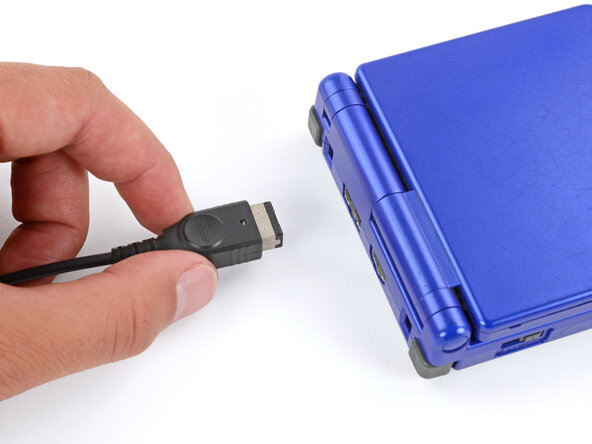
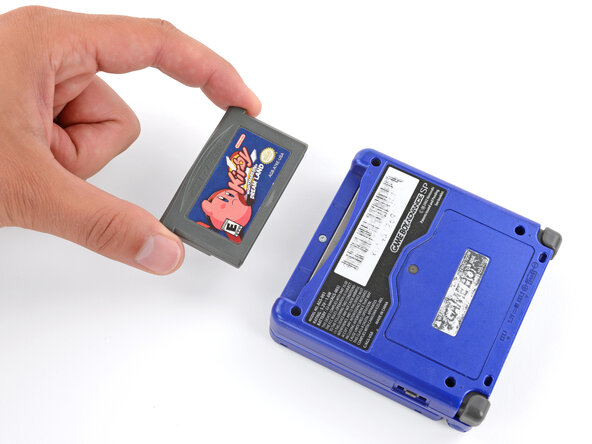
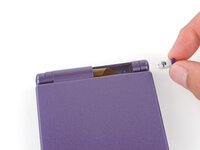
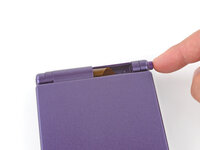
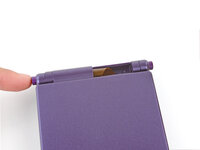
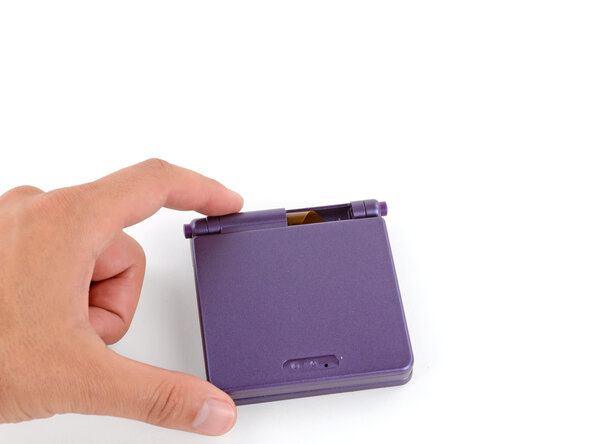
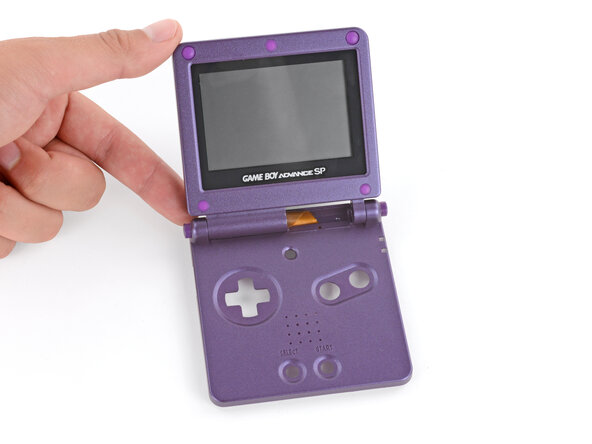
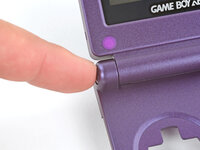
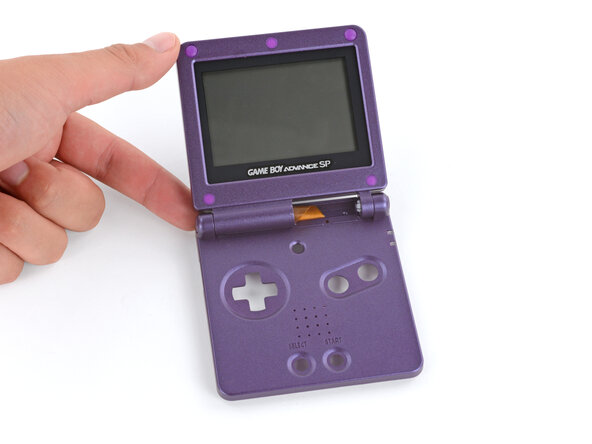
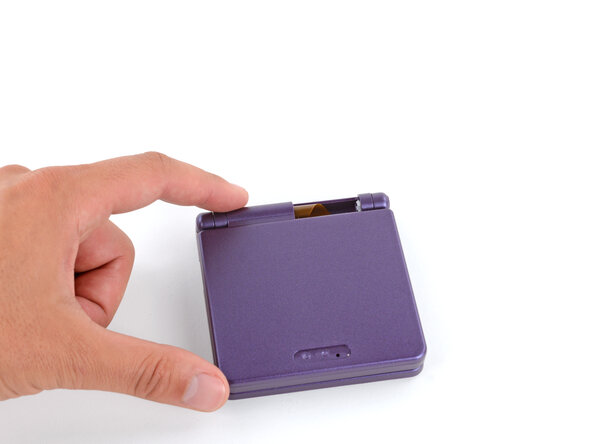
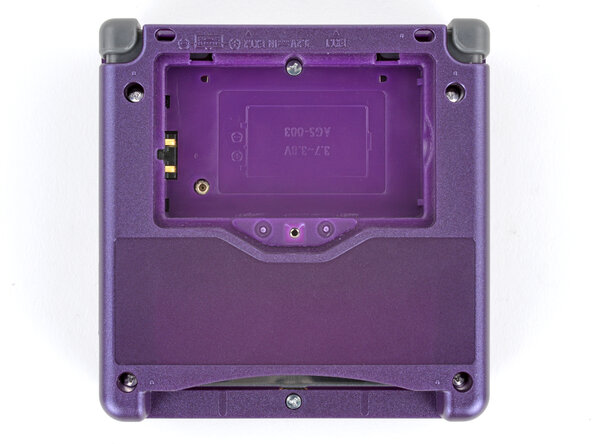
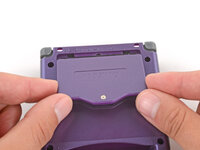
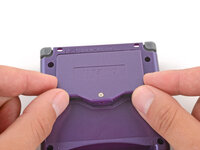
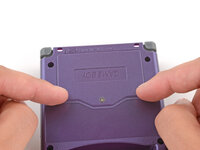
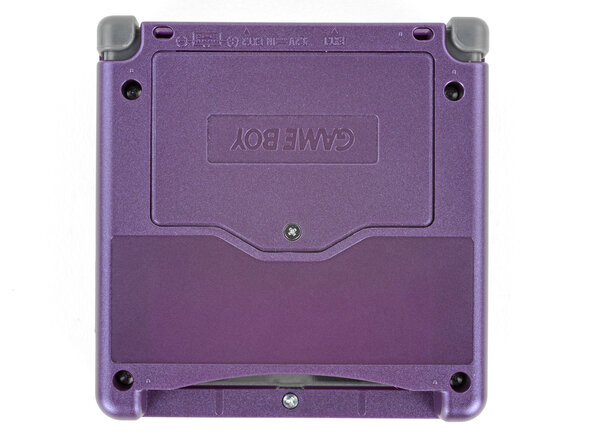
  1. How to Reshell Your Game Boy Advance SP, Prepare your Game Boy for disassembly: passo 1, imagem 1 %32 How to Reshell Your Game Boy Advance SP, Prepare your Game Boy for disassembly: passo 1, imagem 2 %32 How to Reshell Your Game Boy Advance SP, Prepare your Game Boy for disassembly: passo 1, imagem 3 %32
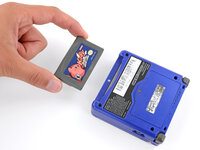
    • Slide the power switch to the OFF position and unplug any cables.

    • If you have a game cartridge in, remove it.

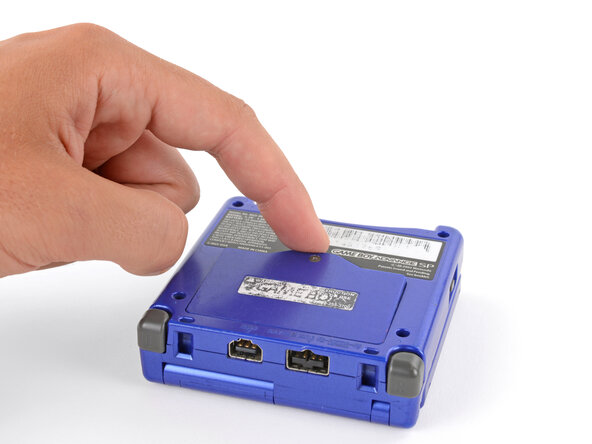
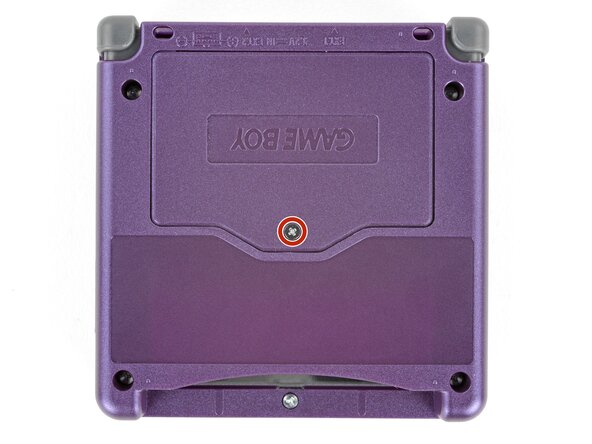
  2. How to Reshell Your Game Boy Advance SP, Remove the battery cover: passo 2, imagem 1 %32 How to Reshell Your Game Boy Advance SP, Remove the battery cover: passo 2, imagem 2 %32
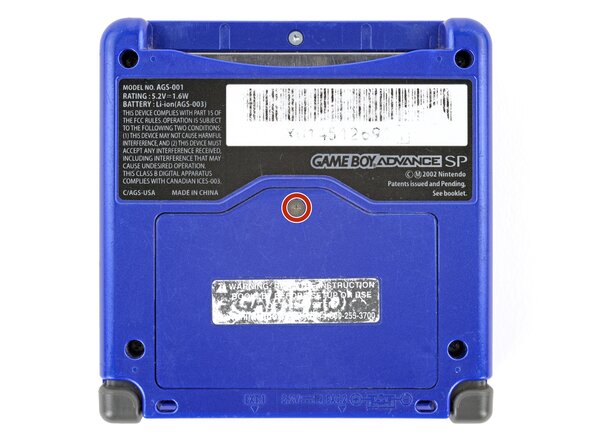
    • Use a JIS 00 screwdriver to loosen the captive screw securing the battery cover.

    • You can try to use a non-iFixit Phillips driver in a pinch, but you risk damaging or stripping the screw. Push down firmly on the driver and twist slowly.

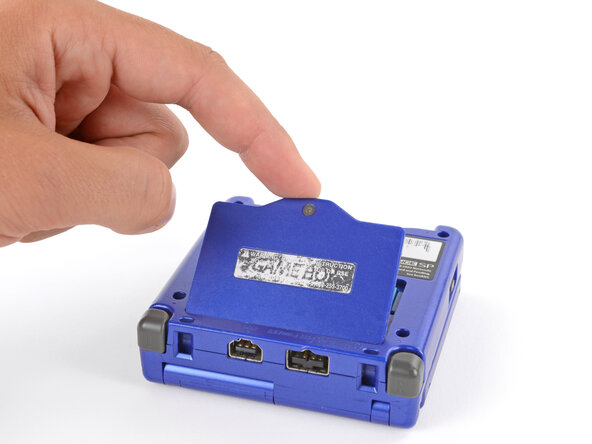
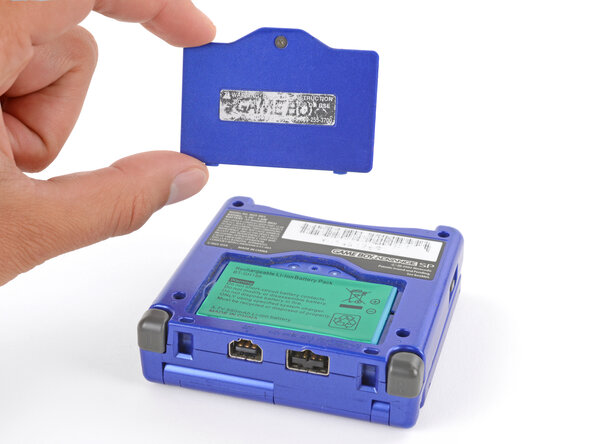
  3. How to Reshell Your Game Boy Advance SP: passo 3, imagem 1 %32 How to Reshell Your Game Boy Advance SP: passo 3, imagem 2 %32 How to Reshell Your Game Boy Advance SP: passo 3, imagem 3 %32
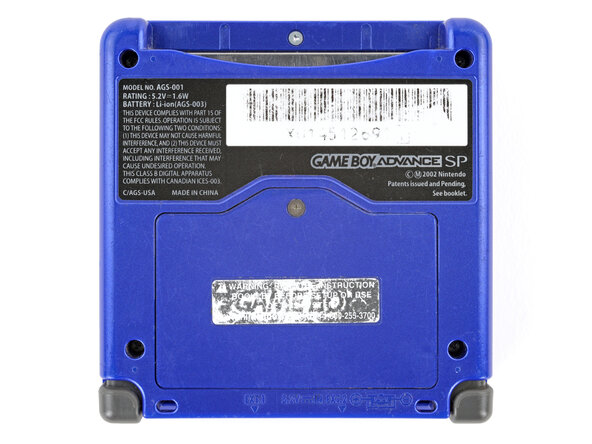
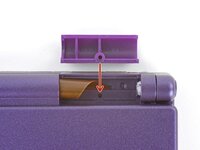
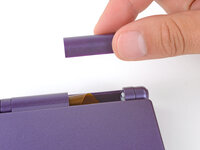
    • Lift the edge of the cover near the screw and remove the cover.

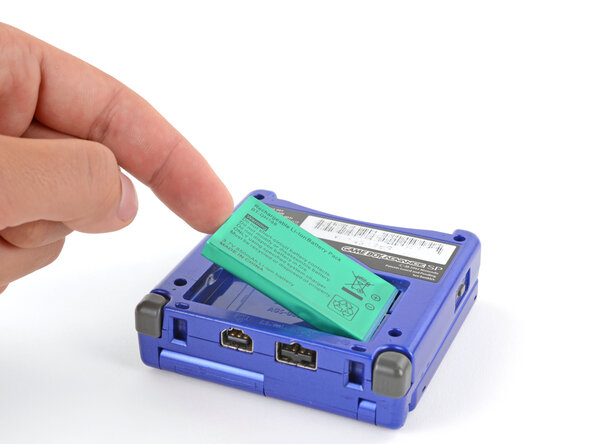
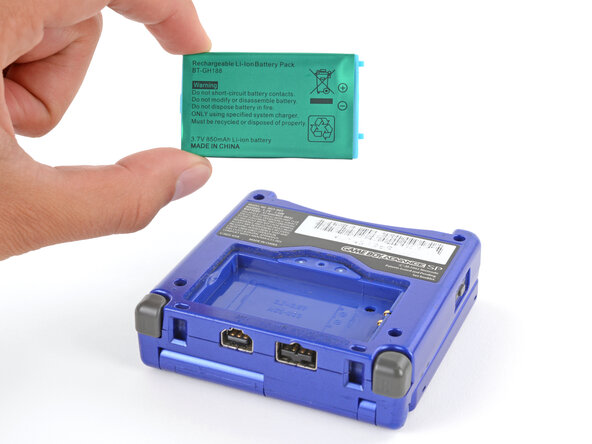
  4. How to Reshell Your Game Boy Advance SP, Remove the battery: passo 4, imagem 1 %32 How to Reshell Your Game Boy Advance SP, Remove the battery: passo 4, imagem 2 %32 How to Reshell Your Game Boy Advance SP, Remove the battery: passo 4, imagem 3 %32
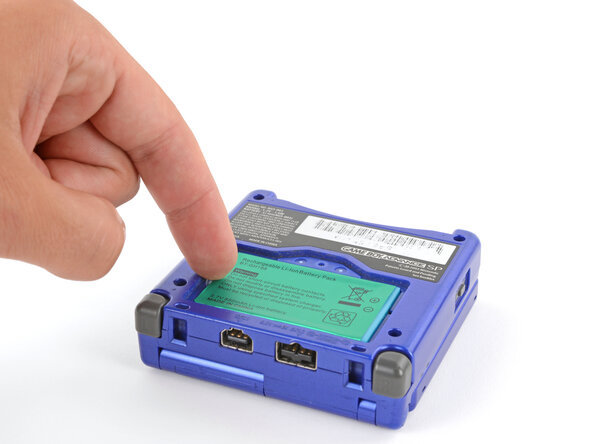
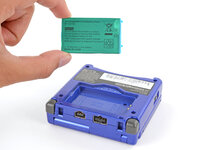
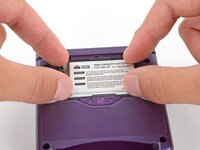
    • Use your finger to lift the battery by the tab on its left edge, then remove it.

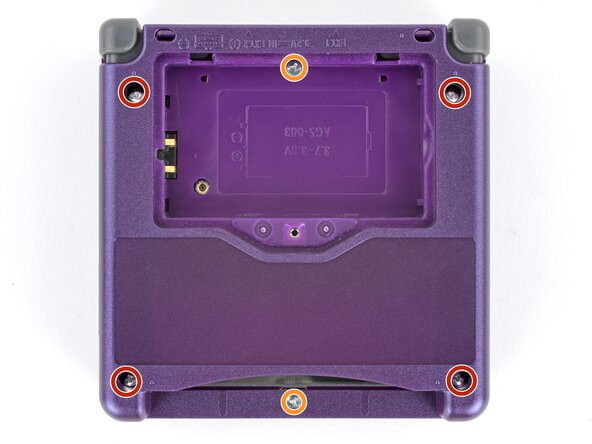
  5. How to Reshell Your Game Boy Advance SP, Remove the bottom shell: passo 5, imagem 1 %32 How to Reshell Your Game Boy Advance SP, Remove the bottom shell: passo 5, imagem 2 %32
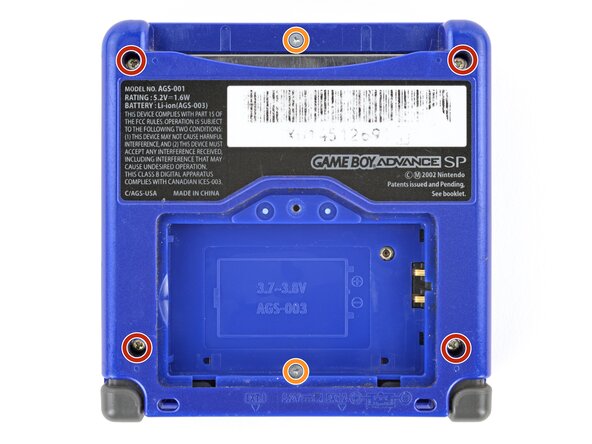
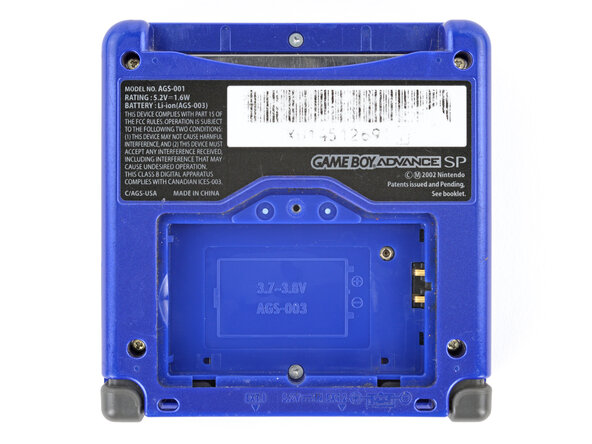
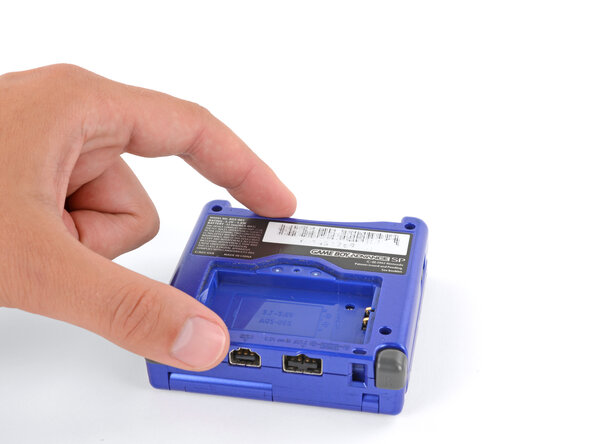
    • Use a tri‑point Y0 screwdriver to remove the six screws securing the bottom shell:

    • Four 6.3 mm‑long recessed screws

    • Two 4.6 mm‑long screws

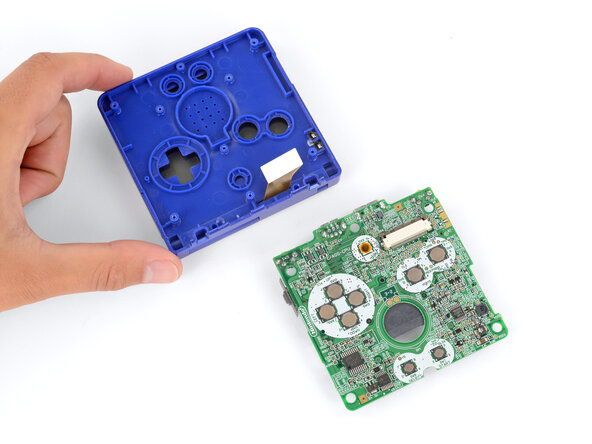
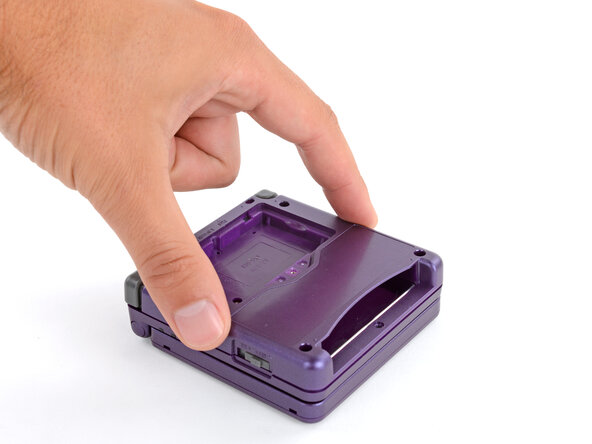
  6. How to Reshell Your Game Boy Advance SP: passo 6, imagem 1 %32 How to Reshell Your Game Boy Advance SP: passo 6, imagem 2 %32
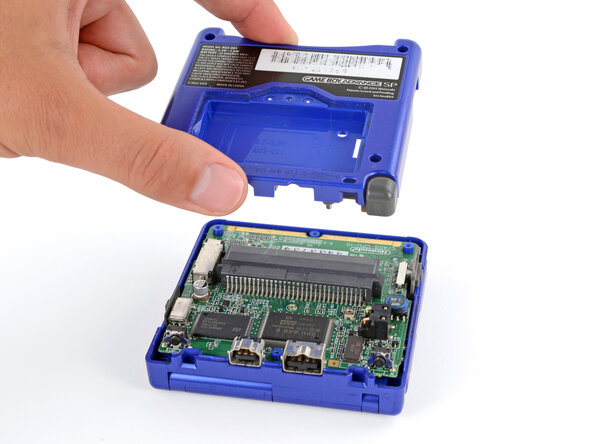
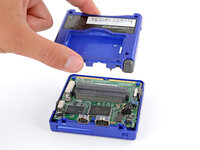
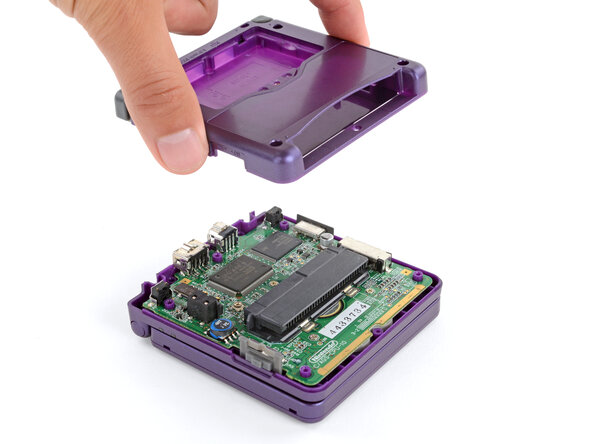
    • Lift the bottom shell straight up and remove it.

  7. How to Reshell Your Game Boy Advance SP, Remove the motherboard screws: passo 7, imagem 1 %32 How to Reshell Your Game Boy Advance SP, Remove the motherboard screws: passo 7, imagem 2 %32
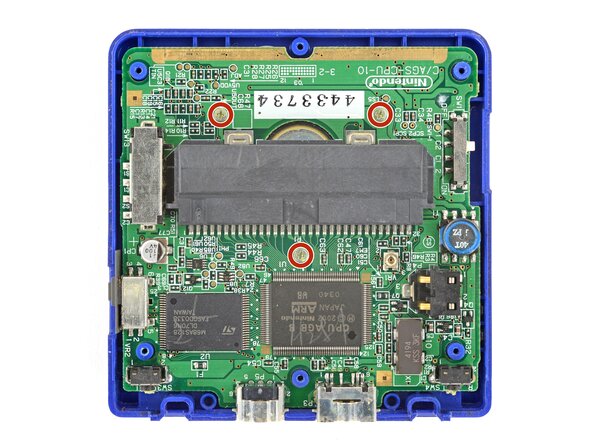
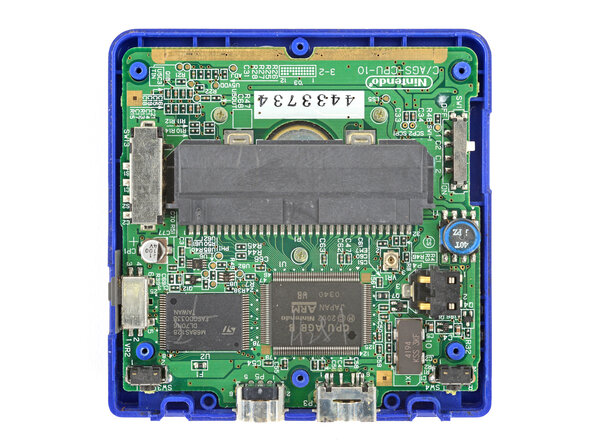
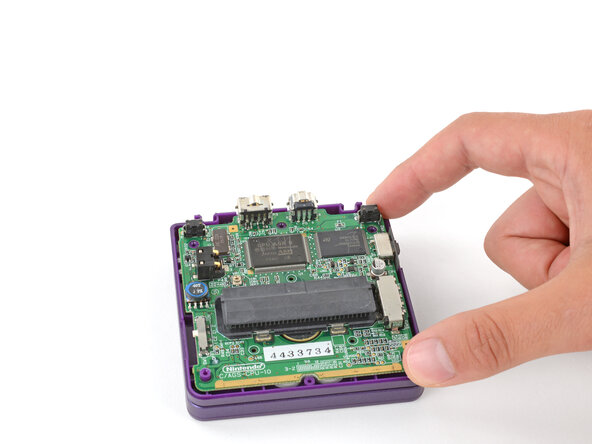
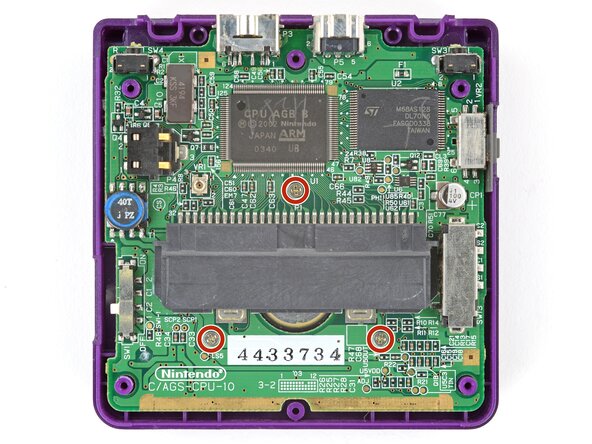
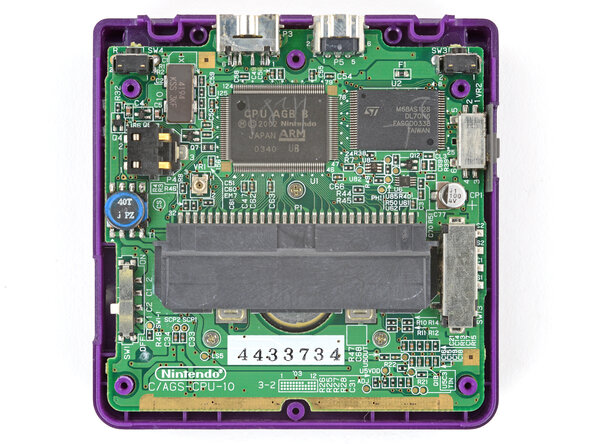
    • Use a JIS 00 screwdriver to remove the three 4.1 mm‑long screws securing the motherboard.

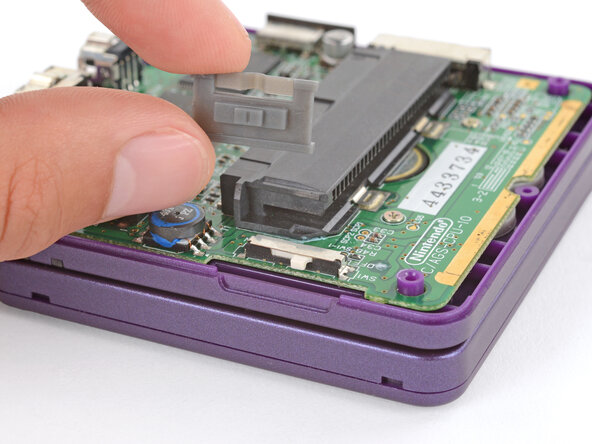
  8. How to Reshell Your Game Boy Advance SP, Remove the power switch cover: passo 8, imagem 1 %32 How to Reshell Your Game Boy Advance SP, Remove the power switch cover: passo 8, imagem 2 %32
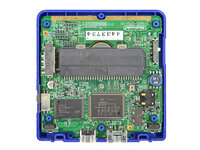
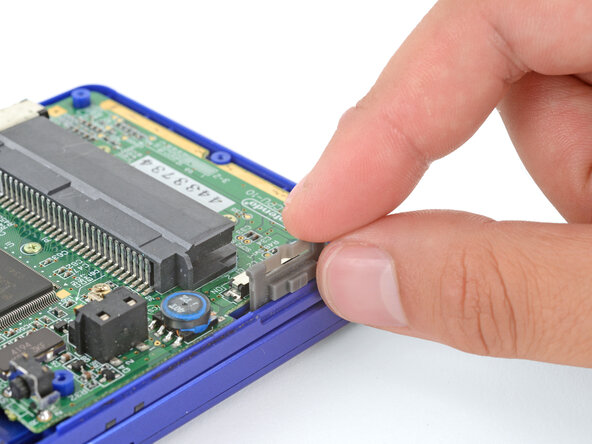
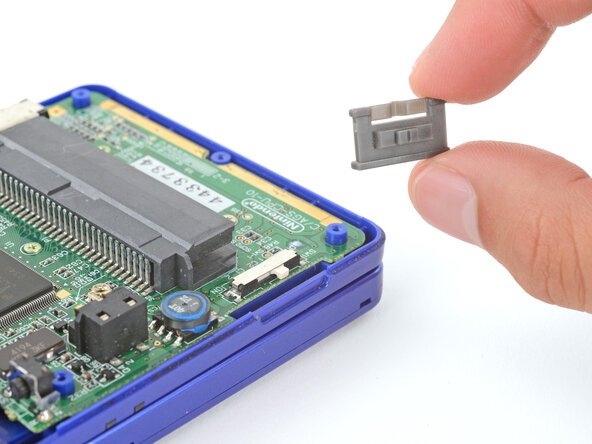
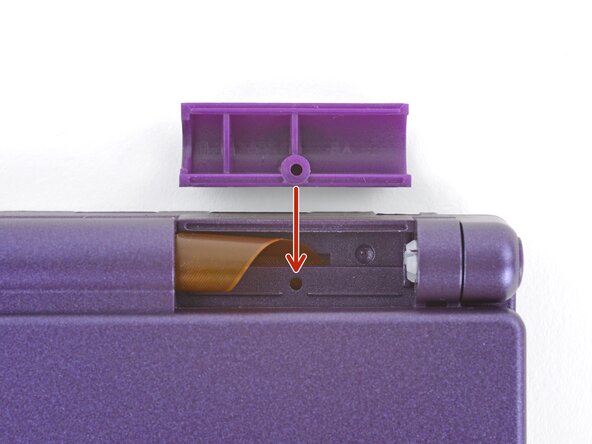
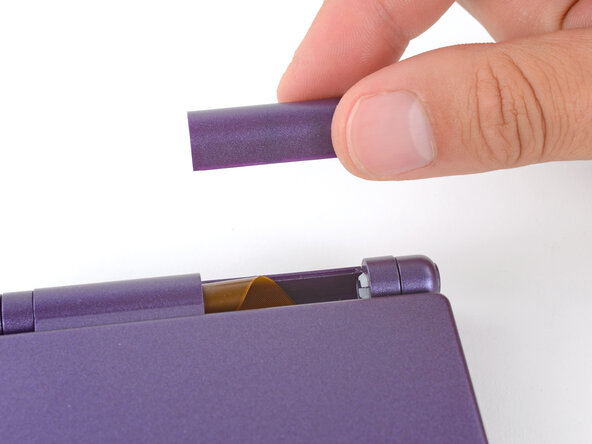
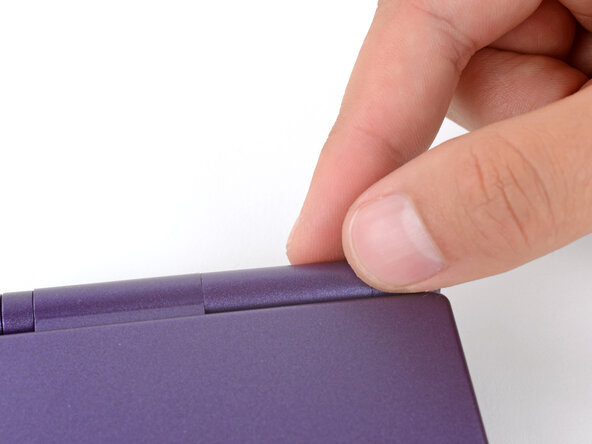
    • Use your fingers to lift and remove the power switch cover.

  9. How to Reshell Your Game Boy Advance SP, Prop up the motherboard: passo 9, imagem 1 %32 How to Reshell Your Game Boy Advance SP, Prop up the motherboard: passo 9, imagem 2 %32 How to Reshell Your Game Boy Advance SP, Prop up the motherboard: passo 9, imagem 3 %32
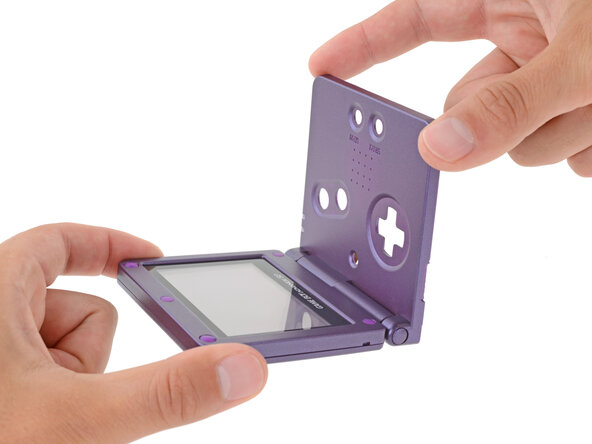
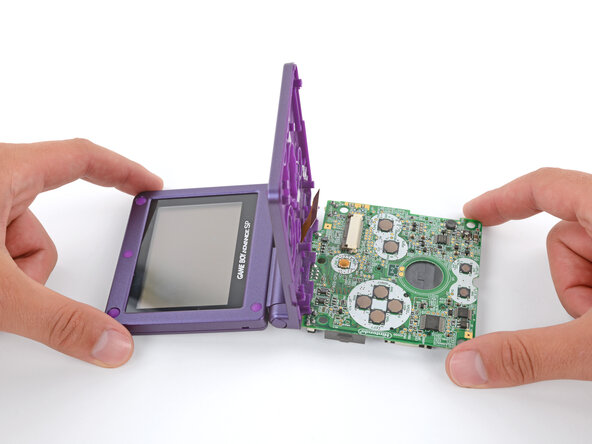
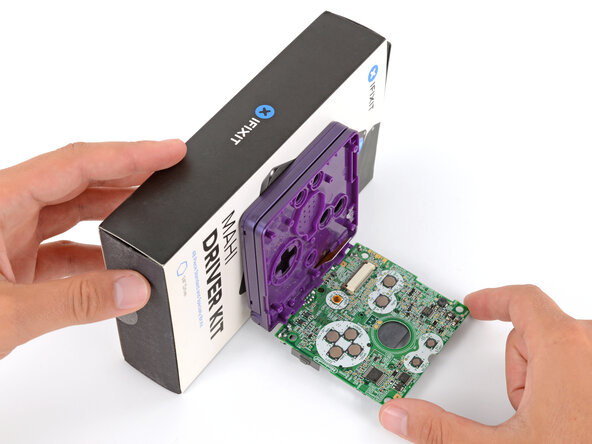
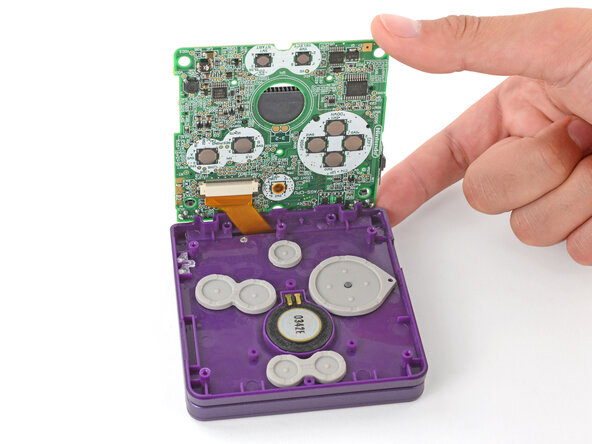
    • Place a sturdy object such as a stack of books or tool case along the edge of your Game Boy with the hinges.

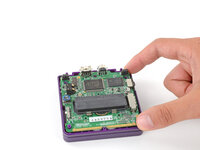
    • Use your fingers to gently flip the motherboard over the hinges and prop it up.

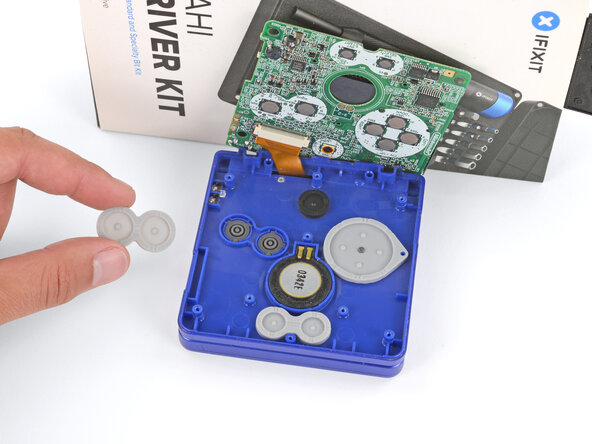
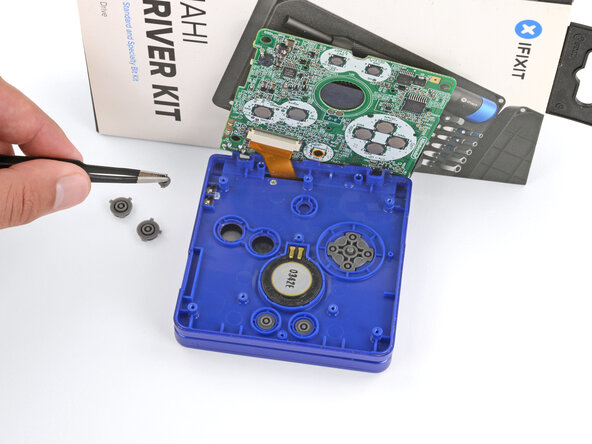
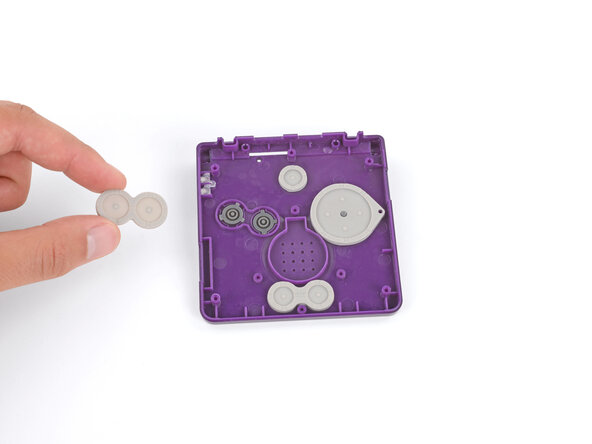
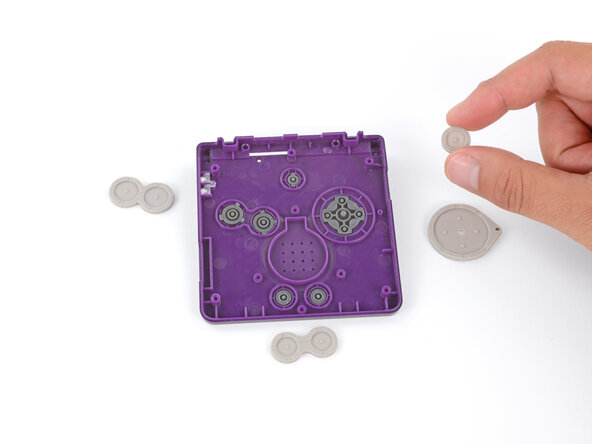
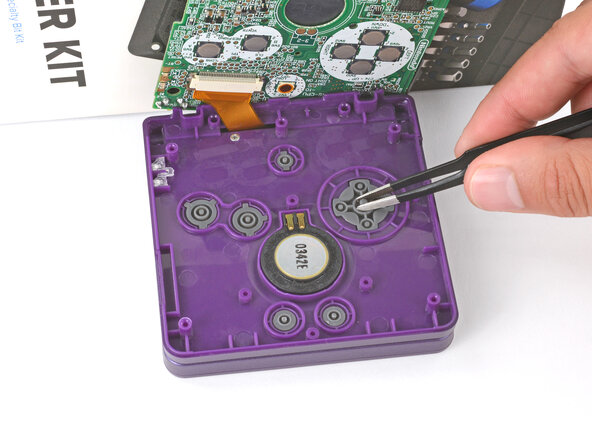
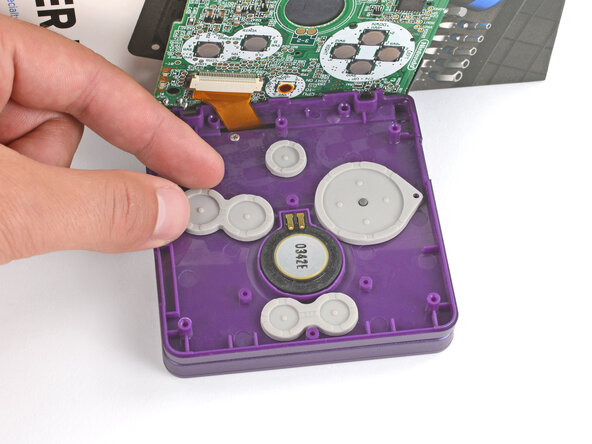
  10. How to Reshell Your Game Boy Advance SP, Remove the silicone pads: passo 10, imagem 1 %32 How to Reshell Your Game Boy Advance SP, Remove the silicone pads: passo 10, imagem 2 %32 How to Reshell Your Game Boy Advance SP, Remove the silicone pads: passo 10, imagem 3 %32
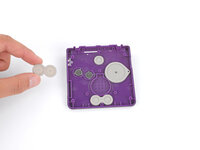
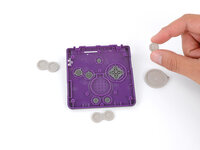
    • Use tweezers or your fingers to remove the four silicone pads covering the buttons (A and B, D‑pad, brightness, and Start/Select).

    • If any of the pads are missing, they may be stuck to their corresponding spot on the motherboard.

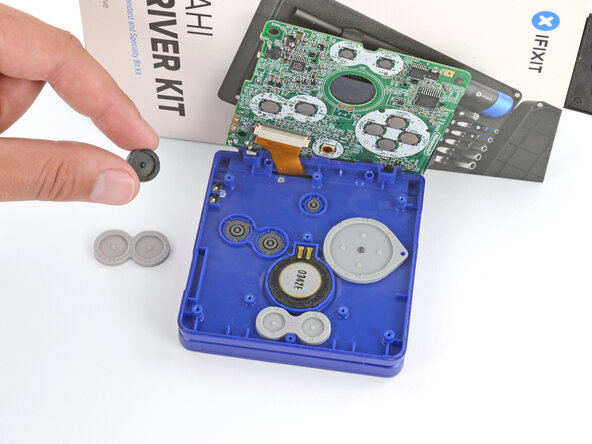
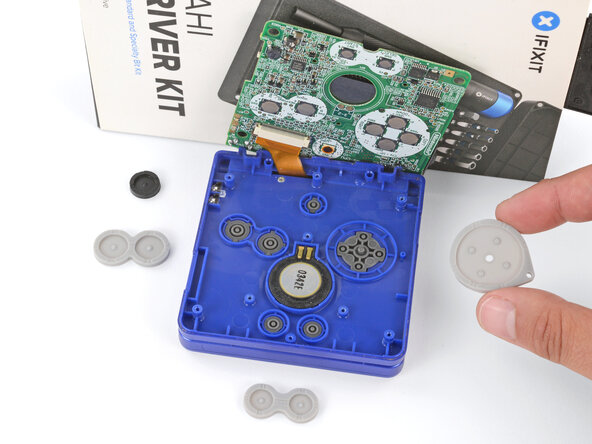
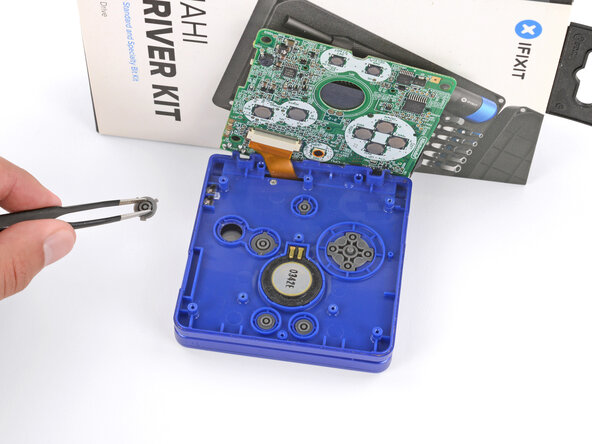
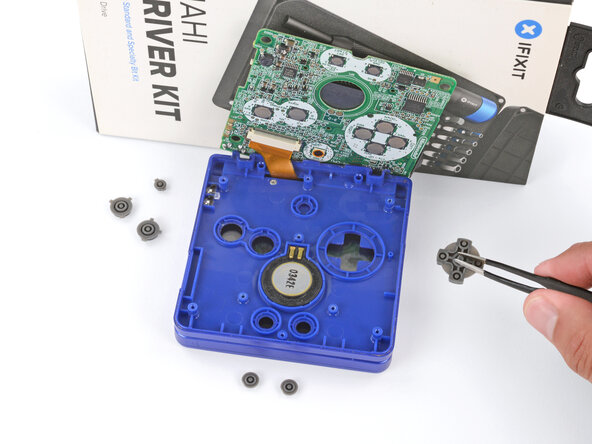
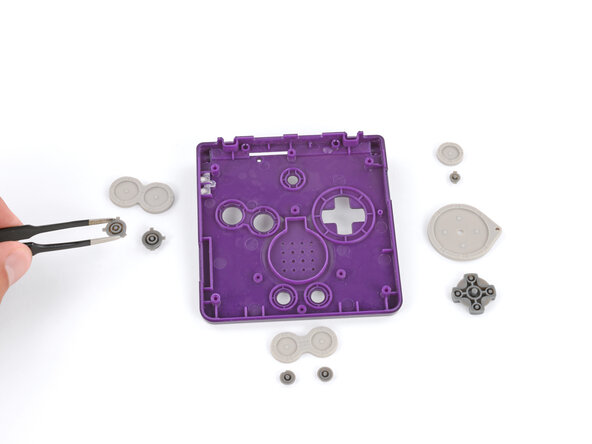
  11. How to Reshell Your Game Boy Advance SP, Remove the buttons: passo 11, imagem 1 %32 How to Reshell Your Game Boy Advance SP, Remove the buttons: passo 11, imagem 2 %32 How to Reshell Your Game Boy Advance SP, Remove the buttons: passo 11, imagem 3 %32
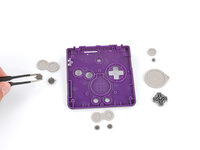
    • Use tweezers or your fingers to remove the buttons (A and B, D‑pad, brightness, and Start/Select).

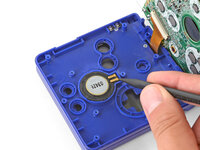
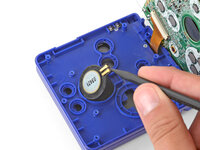
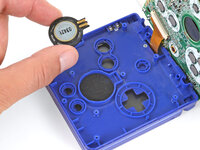
  12. How to Reshell Your Game Boy Advance SP, Remove the speaker: passo 12, imagem 1 %32 How to Reshell Your Game Boy Advance SP, Remove the speaker: passo 12, imagem 2 %32 How to Reshell Your Game Boy Advance SP, Remove the speaker: passo 12, imagem 3 %32
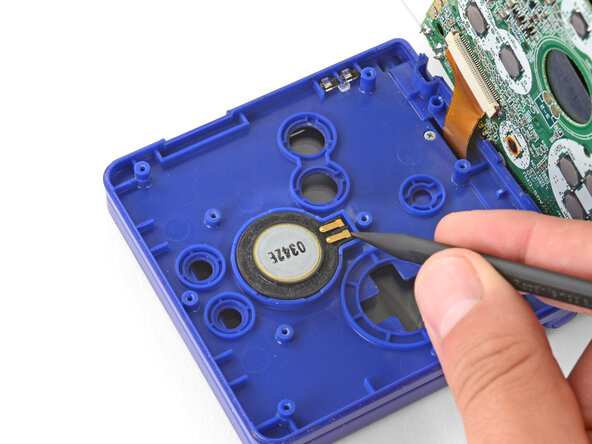
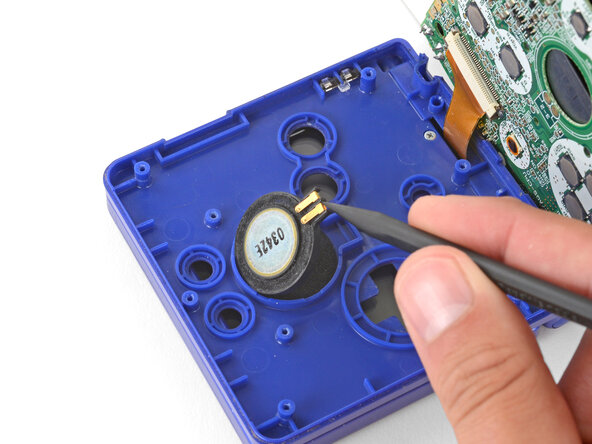
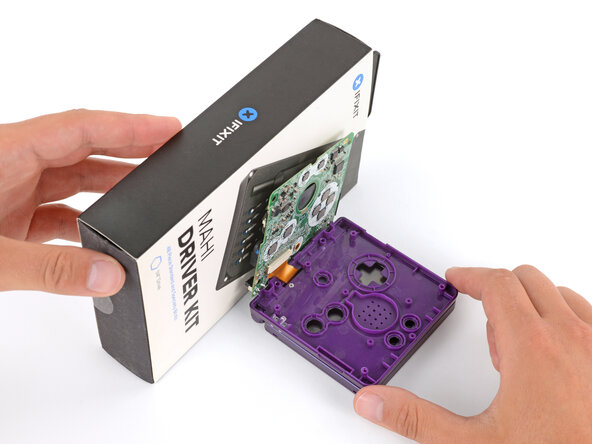
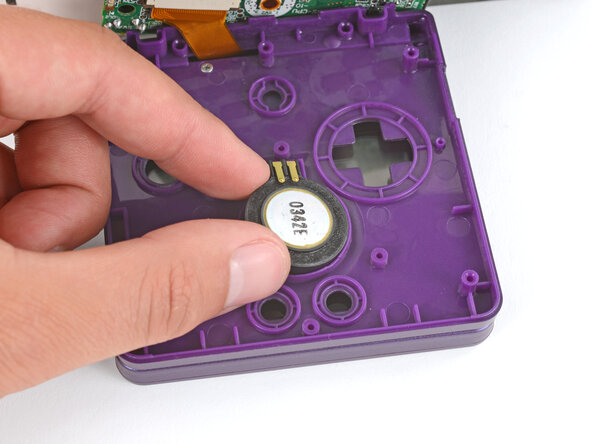
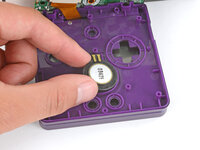
    • Use the point of a spudger or a clean fingernail to lift the speaker until you can grip it with your fingers.

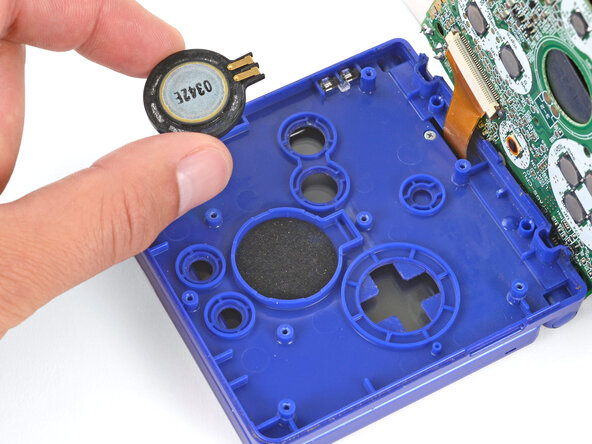
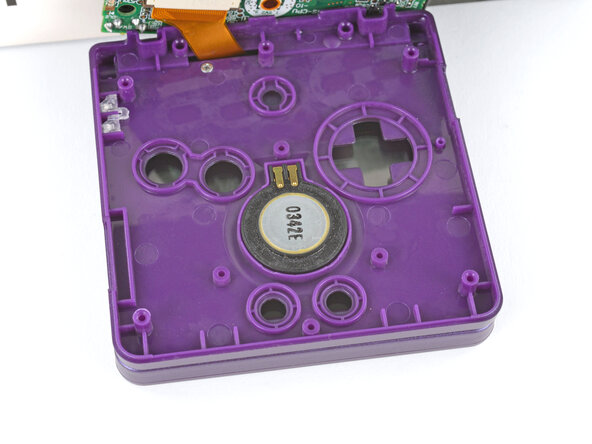
    • Remove the speaker.

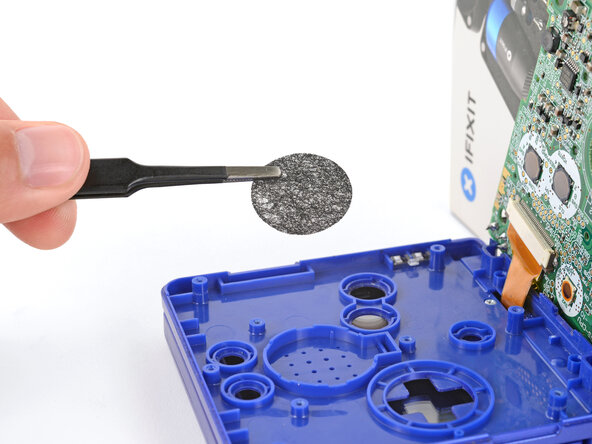
  13. How to Reshell Your Game Boy Advance SP: passo 13, imagem 1 %32
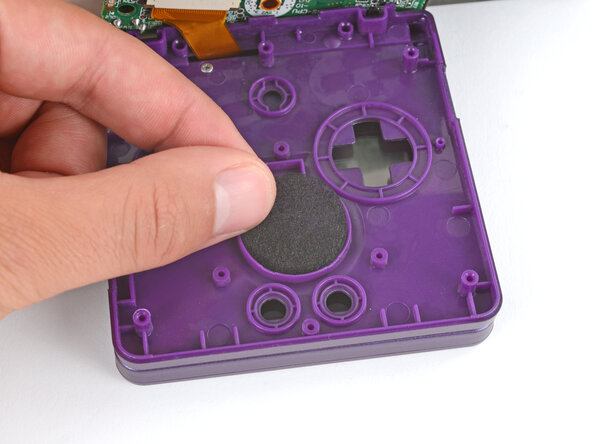
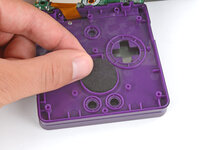
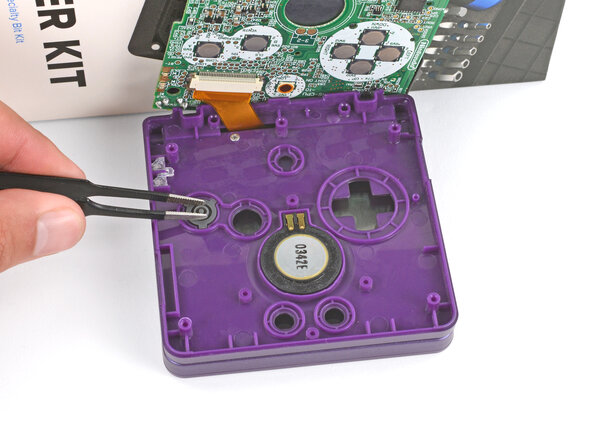
    • Remove the circular mesh from the speaker recess and set it aside—the piece can easily fall out and get lost when working.

  14. How to Reshell Your Game Boy Advance SP, Prop up the main body: passo 14, imagem 1 %32 How to Reshell Your Game Boy Advance SP, Prop up the main body: passo 14, imagem 2 %32 How to Reshell Your Game Boy Advance SP, Prop up the main body: passo 14, imagem 3 %32
    • Be careful not to strain the screen cable during the next few steps—it has very little slack.

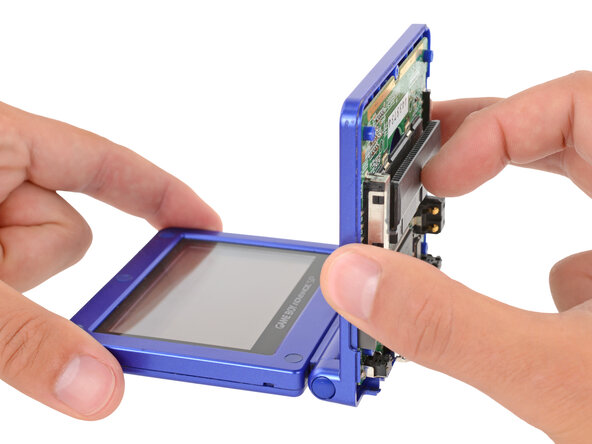
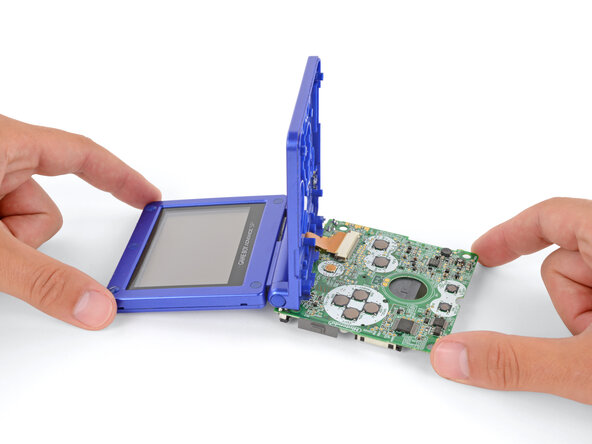
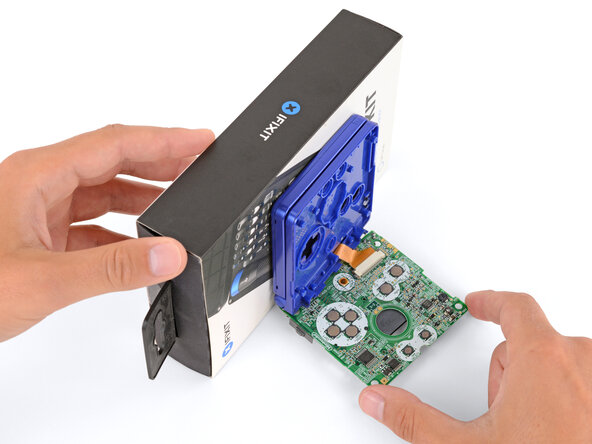
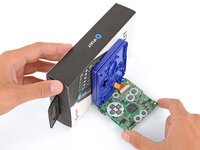
    • You need to prop up the main body of your Game Boy in order to disconnect the screen cable without straining it. Here are two ways to do so:

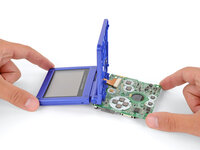
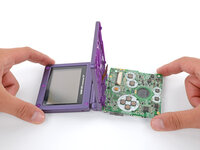
    • Option 1: Open the main body of your Game Boy to a 90‑degree angle and gently lay the motherboard down. Make sure the main body is resting on top of the motherboard to give the cable slack.

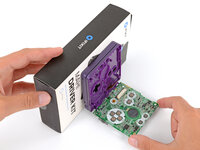
    • Option 2: Keep the main body closed and prop it up on the edge of the logic board, using a sturdy object to hold it up.

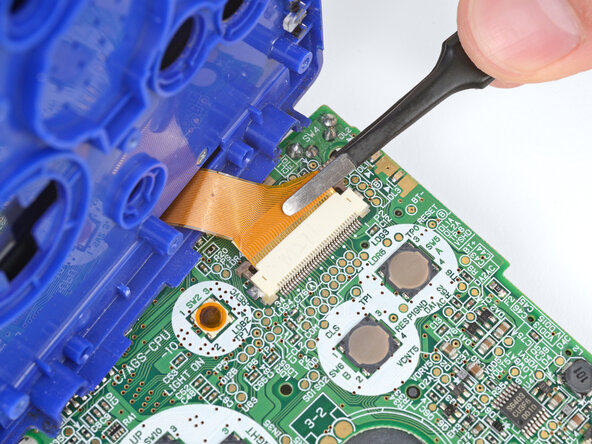
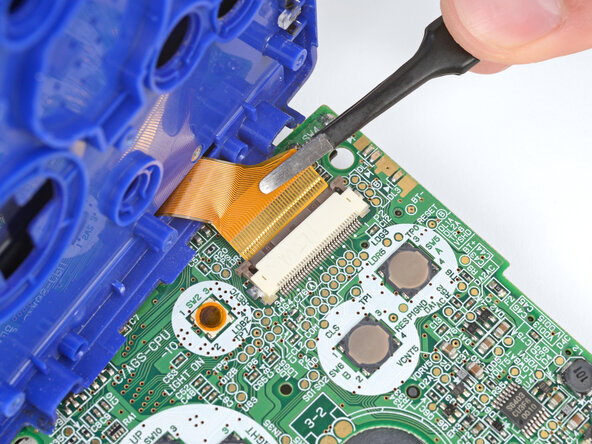
  15. How to Reshell Your Game Boy Advance SP, Disconnect the screen cable: passo 15, imagem 1 %32 How to Reshell Your Game Boy Advance SP, Disconnect the screen cable: passo 15, imagem 2 %32 How to Reshell Your Game Boy Advance SP, Disconnect the screen cable: passo 15, imagem 3 %32
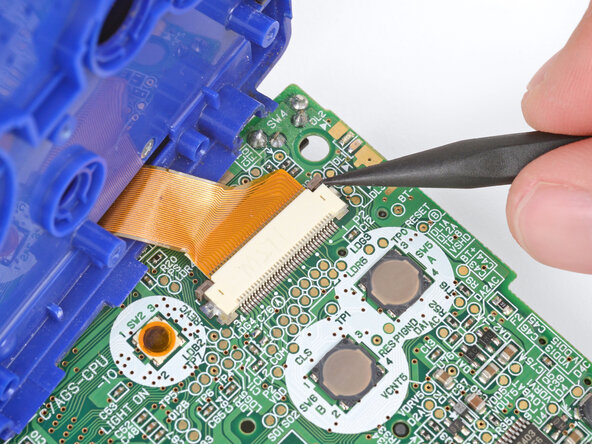
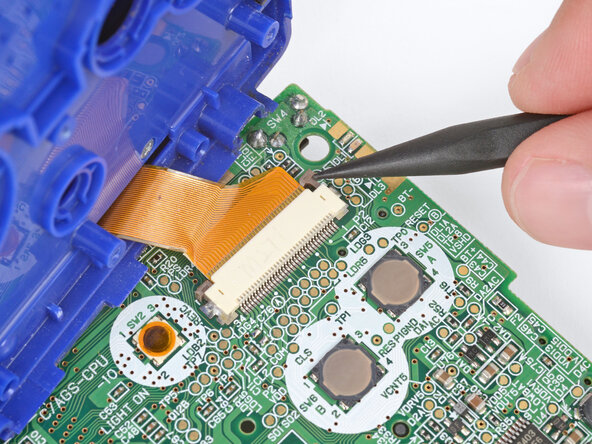
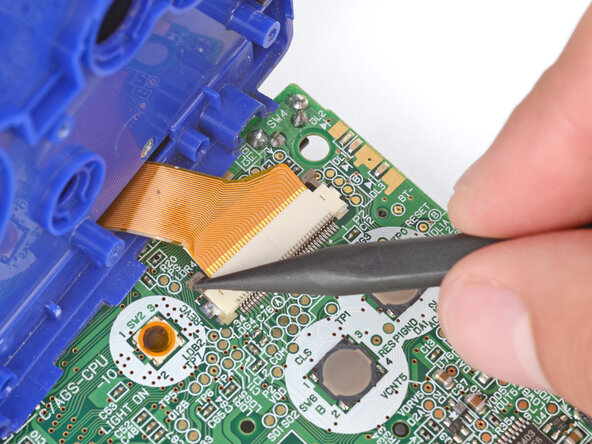
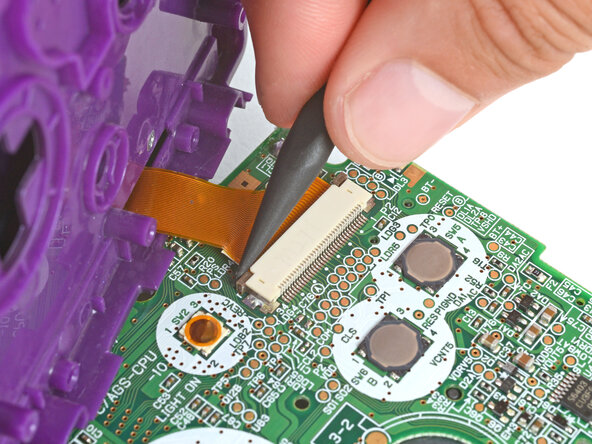
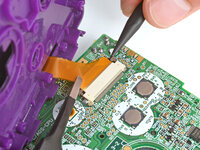
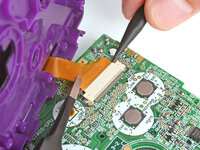
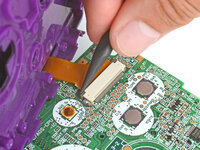
    • Use the point of a spudger to push the two tabs on either side of the screen cable connector into the unlocked position.

    • Only push the tabs until they stop. If you push them too far, you may slide the locking tab off the connector.

  16. How to Reshell Your Game Boy Advance SP: passo 16, imagem 1 %32 How to Reshell Your Game Boy Advance SP: passo 16, imagem 2 %32
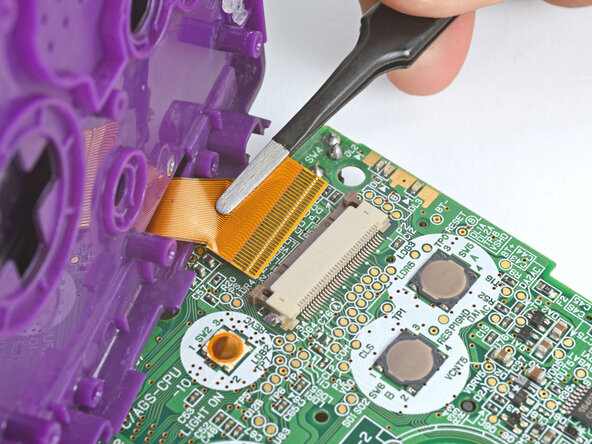
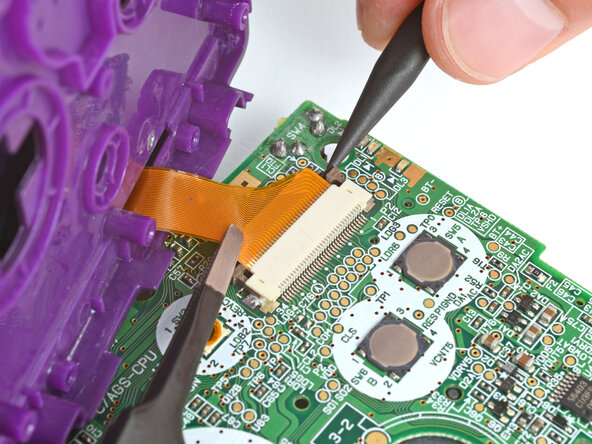
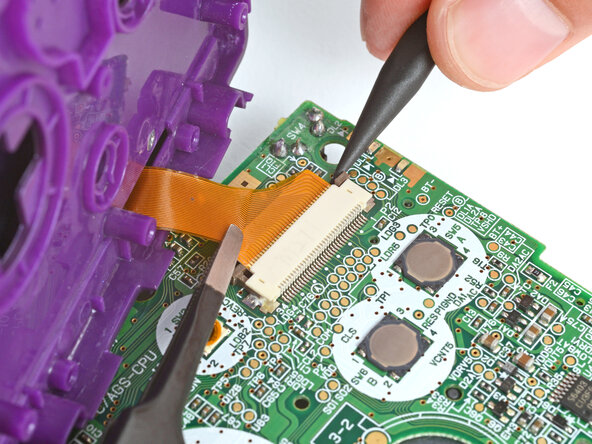
    • Use a pair of tweezers to gently slide the screen cable out of its socket.

  17. How to Reshell Your Game Boy Advance SP, Remove the motherboard: passo 17, imagem 1 %32
    • Remove the main body from the motherboard.

  18. How to Reshell Your Game Boy Advance SP, Open your Game Boy: passo 18, imagem 1 %32
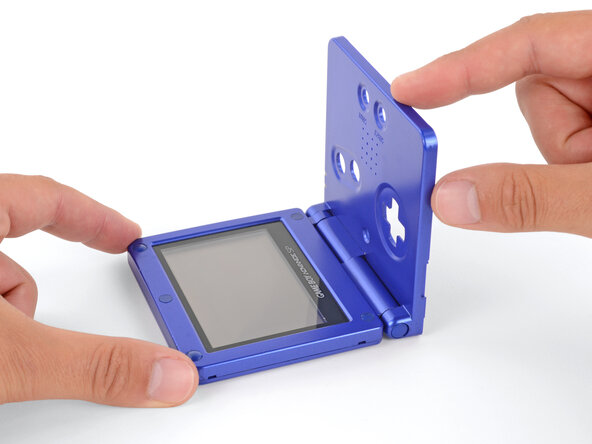
    • Open your Game Boy to a 90‑degree angle and set it down so the screen is facing up.

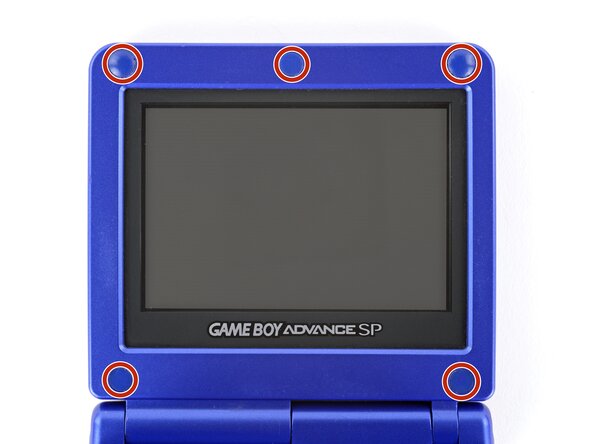
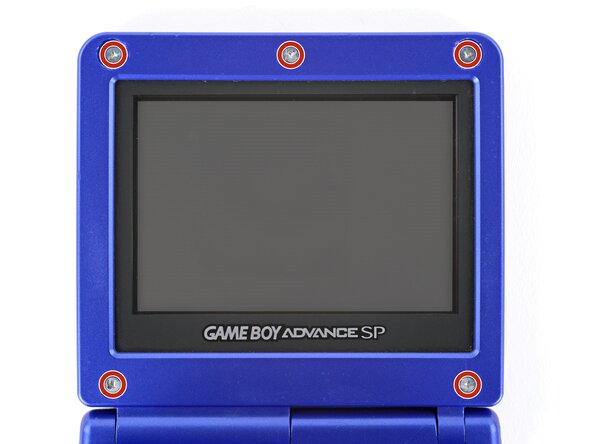
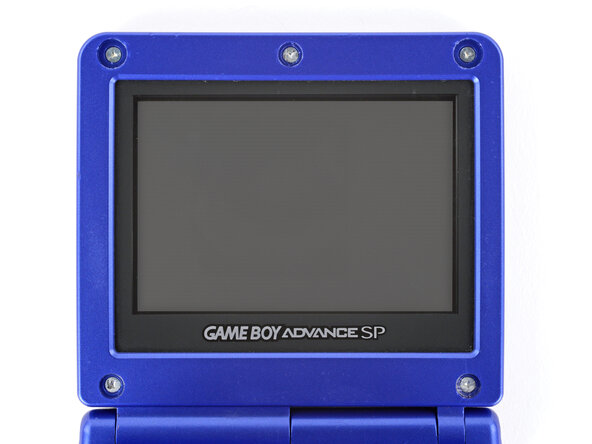
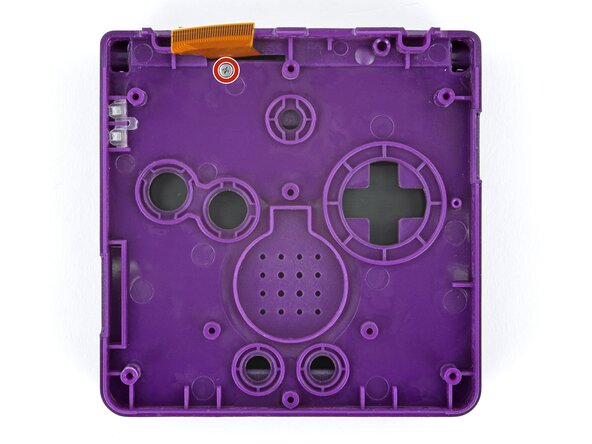
  19. How to Reshell Your Game Boy Advance SP, Remove the rubber screw covers: passo 19, imagem 1 %32 How to Reshell Your Game Boy Advance SP, Remove the rubber screw covers: passo 19, imagem 2 %32 How to Reshell Your Game Boy Advance SP, Remove the rubber screw covers: passo 19, imagem 3 %32
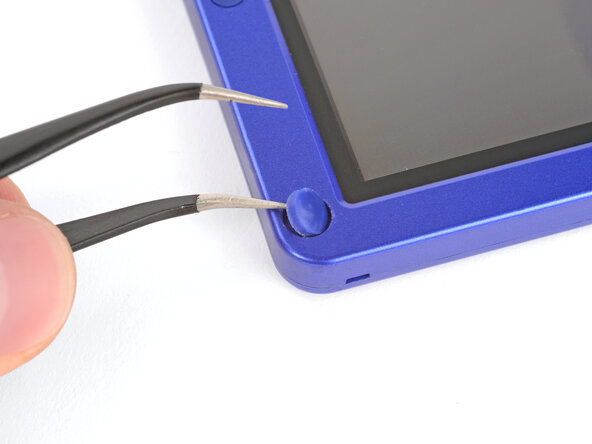
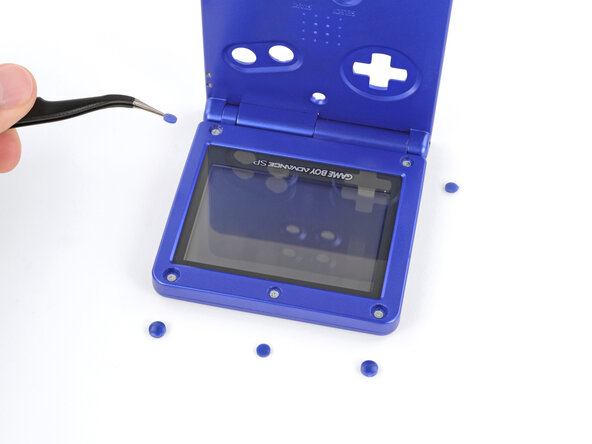
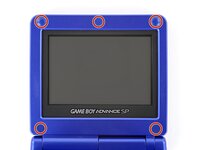
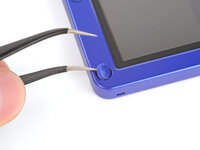
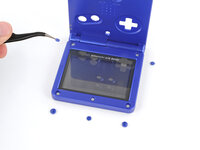
    • Use a pair of angled tweezers to pry up and remove all five rubber screw covers.

    • Removing old, brittle covers without damaging them can be tricky. Make sure to pry gently between the cover’s edge and the frame—don’t dig into the cover itself.

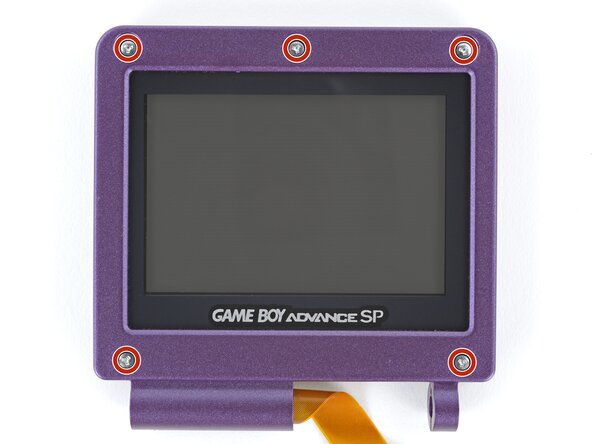
  20. How to Reshell Your Game Boy Advance SP, Remove the screen screws: passo 20, imagem 1 %32 How to Reshell Your Game Boy Advance SP, Remove the screen screws: passo 20, imagem 2 %32
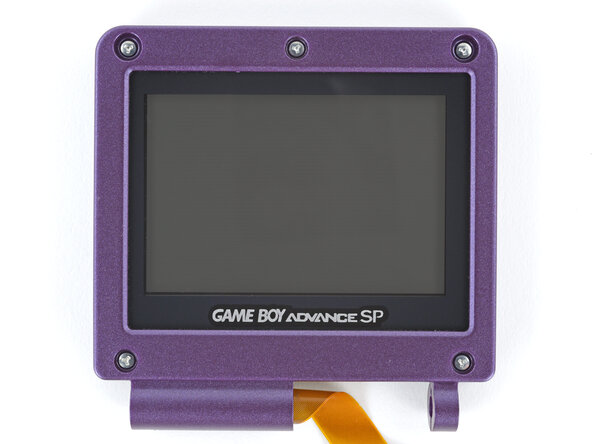
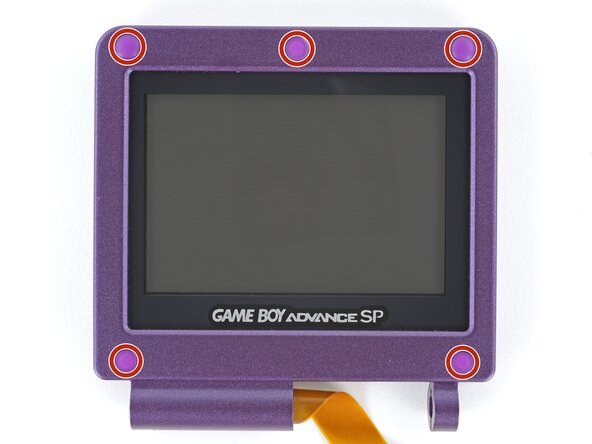
    • Use a tri‑point Y0 screwdriver to remove the five 4.7 mm‑long screws securing screen shells together.

  21. How to Reshell Your Game Boy Advance SP, Close the main body: passo 21, imagem 1 %32 How to Reshell Your Game Boy Advance SP, Close the main body: passo 21, imagem 2 %32
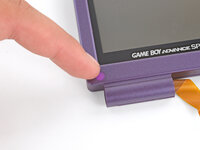
    • Fully close your Game Boy (the button cutouts should be on top).

  22. How to Reshell Your Game Boy Advance SP, Remove the hinge cover screw: passo 22, imagem 1 %32 How to Reshell Your Game Boy Advance SP, Remove the hinge cover screw: passo 22, imagem 2 %32 How to Reshell Your Game Boy Advance SP, Remove the hinge cover screw: passo 22, imagem 3 %32
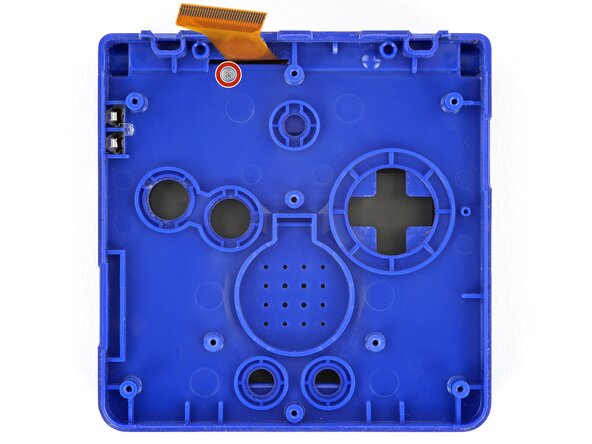
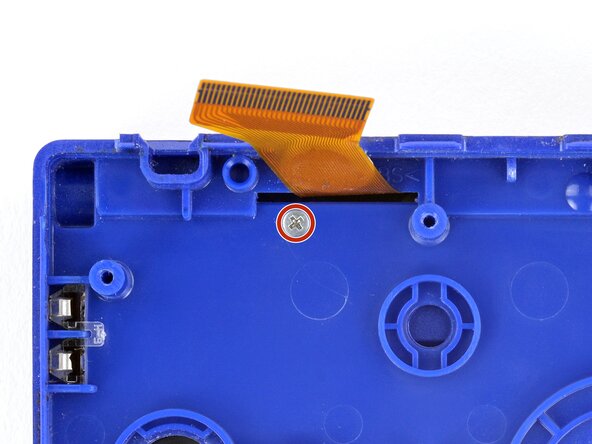
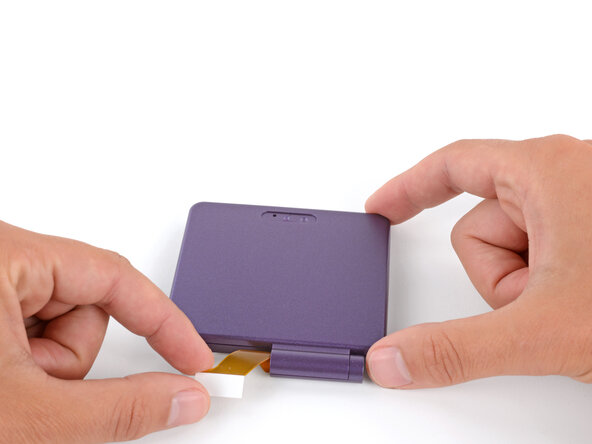
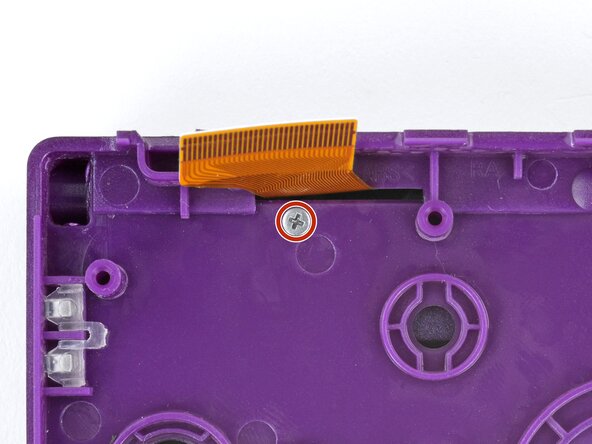
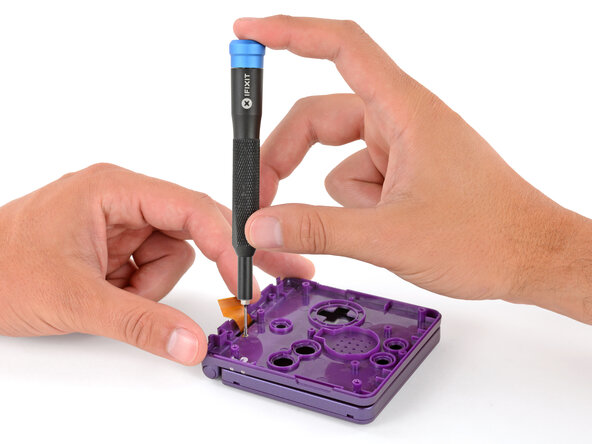
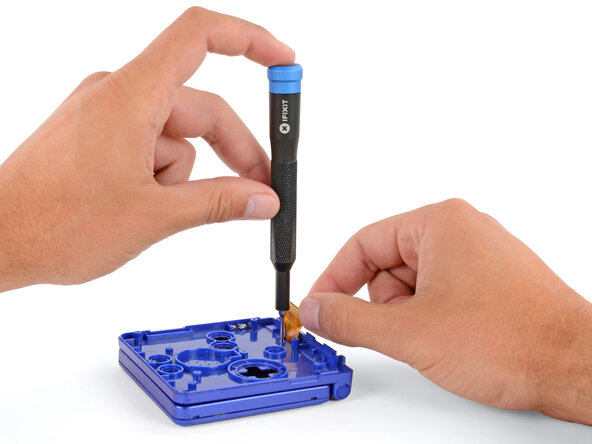
    • Use a JIS 00 screwdriver to remove the 6.3 mm‑long screw securing the hinge cover.

    • You may need to use your free hand to hold the screen cable out of the way.

  23. How to Reshell Your Game Boy Advance SP, Flip your Game Boy over: passo 23, imagem 1 %32 How to Reshell Your Game Boy Advance SP, Flip your Game Boy over: passo 23, imagem 2 %32
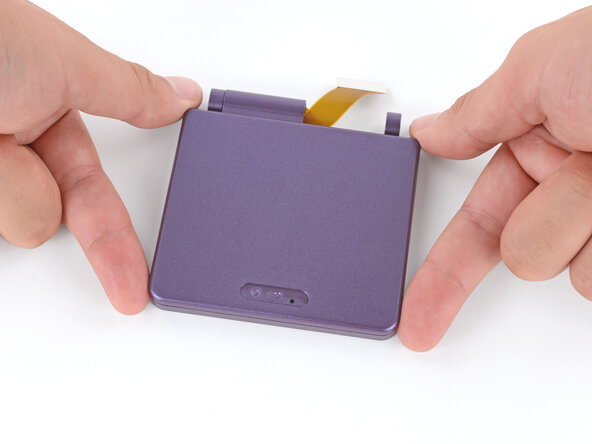
    • Flip your Game Boy over.

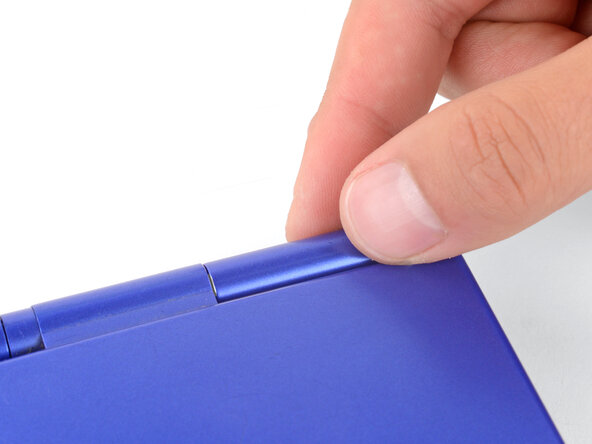
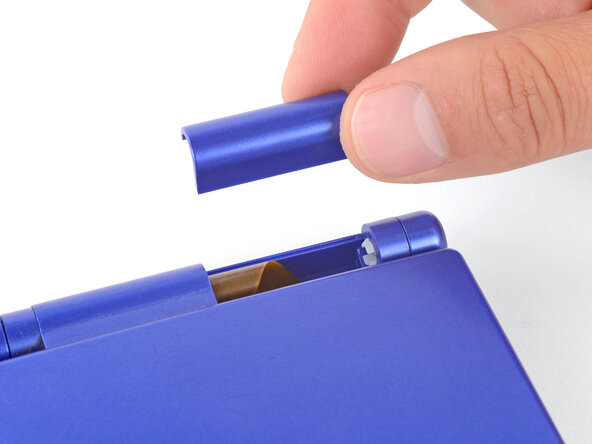
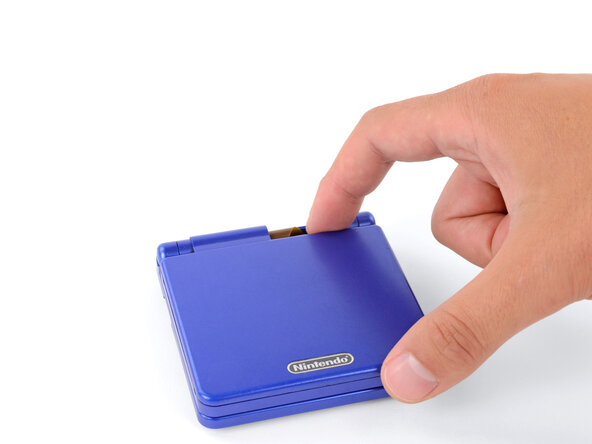
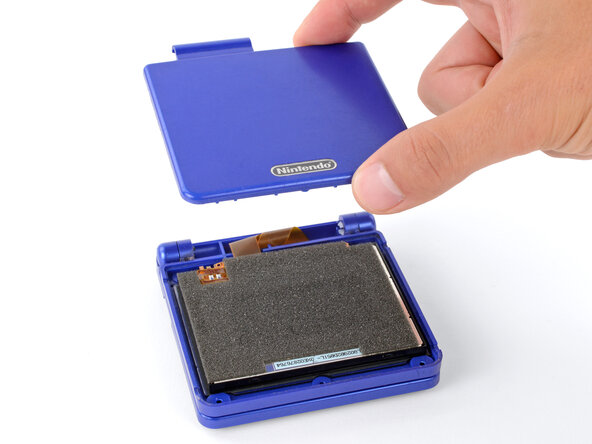
  24. How to Reshell Your Game Boy Advance SP, Remove the hinge cover: passo 24, imagem 1 %32 How to Reshell Your Game Boy Advance SP, Remove the hinge cover: passo 24, imagem 2 %32
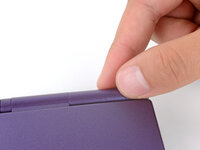
    • Use your fingers to lift and remove the hinge cover.

  25. How to Reshell Your Game Boy Advance SP, Remove the top shell: passo 25, imagem 1 %32 How to Reshell Your Game Boy Advance SP, Remove the top shell: passo 25, imagem 2 %32 How to Reshell Your Game Boy Advance SP, Remove the top shell: passo 25, imagem 3 %32
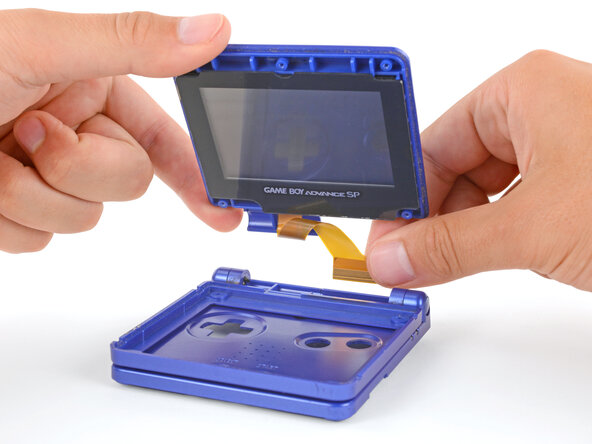
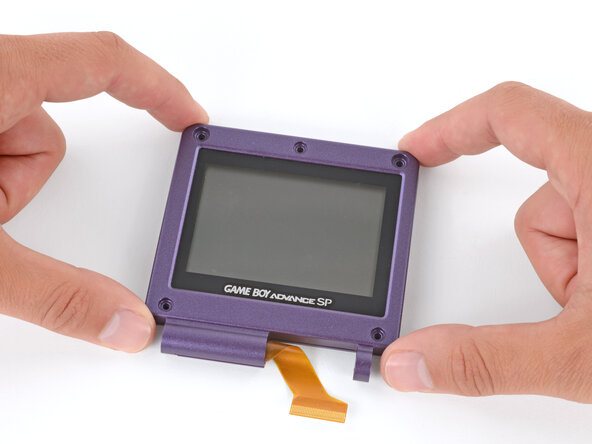
    • Depending on the age of your device, the screen may stay attached to its outer shell. If it does, make sure to thread the cable through its cutout while removing the shell.

    • Use your fingers to lift and remove the outer screen shell.

  26. How to Reshell Your Game Boy Advance SP, Remove the screen: passo 26, imagem 1 %32 How to Reshell Your Game Boy Advance SP, Remove the screen: passo 26, imagem 2 %32 How to Reshell Your Game Boy Advance SP, Remove the screen: passo 26, imagem 3 %32
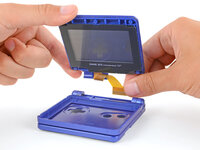
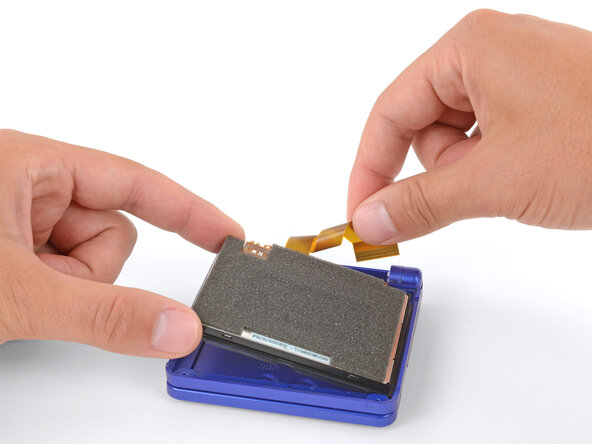
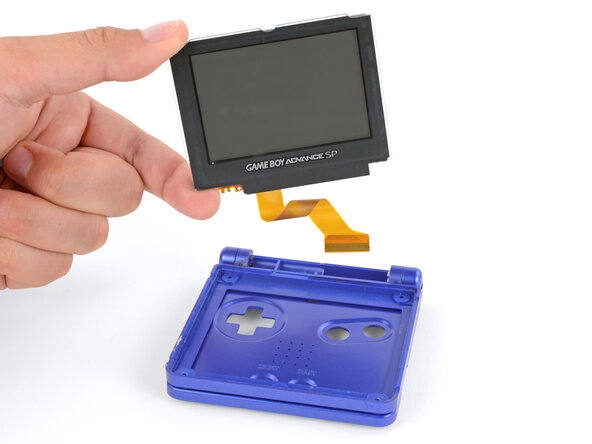
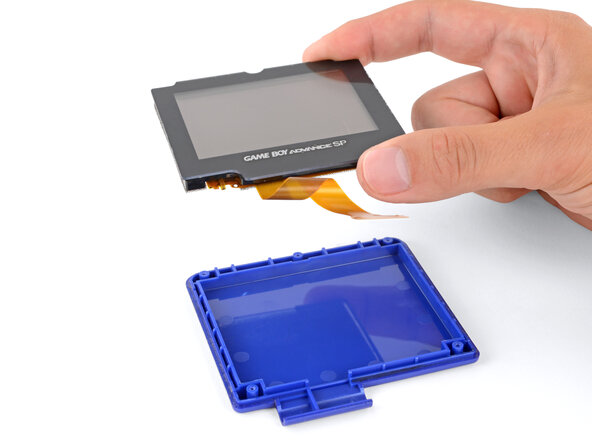
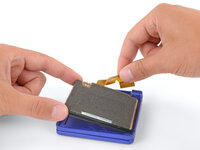
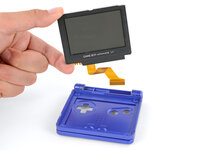
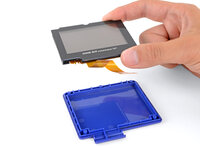
    • Use your fingers to lift and remove the screen, threading the cable through its cutout.

    • If your screen stayed attached to the shell, you may need to gently pry it up with a spudger before removing it.

  27. How to Reshell Your Game Boy Advance SP, Partially separate the hinges: passo 27, imagem 1 %32 How to Reshell Your Game Boy Advance SP, Partially separate the hinges: passo 27, imagem 2 %32 How to Reshell Your Game Boy Advance SP, Partially separate the hinges: passo 27, imagem 3 %32
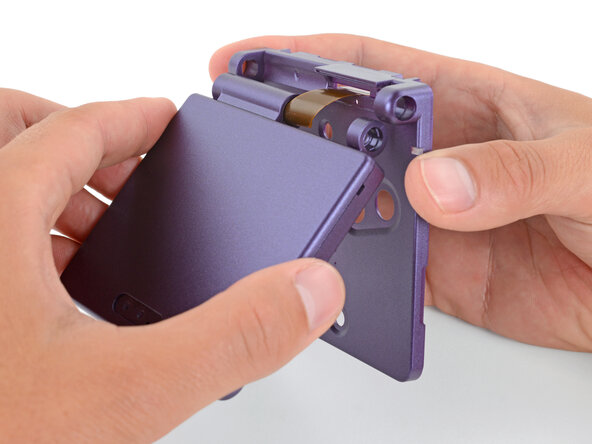
    • Don't try to force the hinges out of their sockets—you may damage the hinges, crack the shell, or injure yourself.

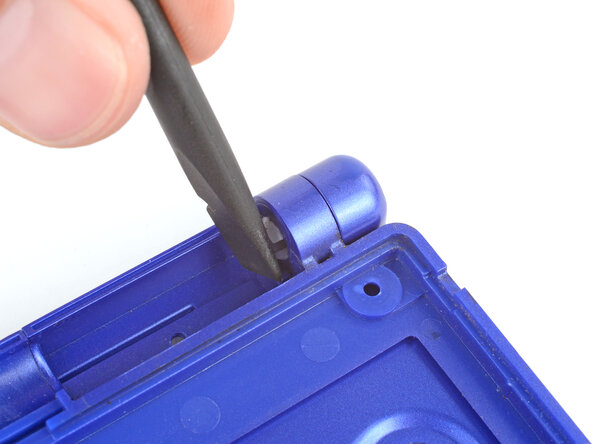
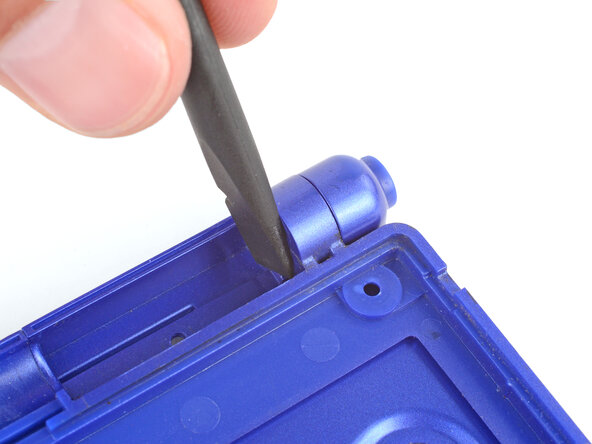
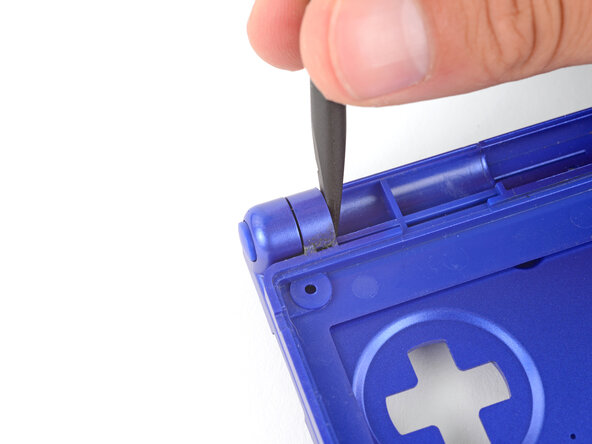
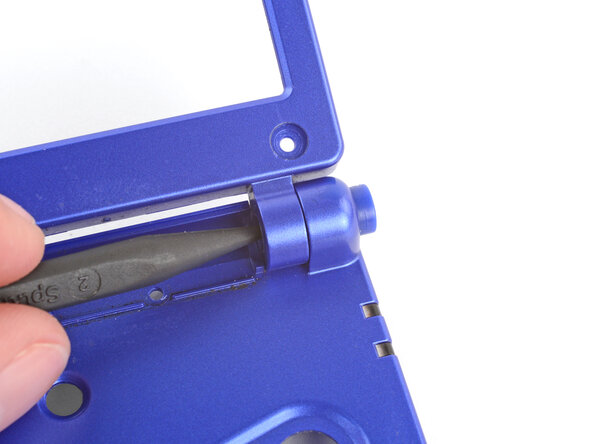
    • Use the flat end of a spudger to push both hinges partially out of their sockets.

    • You only need to push the hinges out until you feel them click into place.

  28. How to Reshell Your Game Boy Advance SP, Open the shell: passo 28, imagem 1 %32 How to Reshell Your Game Boy Advance SP, Open the shell: passo 28, imagem 2 %32
    • Full open the shell of your Game Boy.

  29. How to Reshell Your Game Boy Advance SP, Remove the right hinge: passo 29, imagem 1 %32 How to Reshell Your Game Boy Advance SP, Remove the right hinge: passo 29, imagem 2 %32
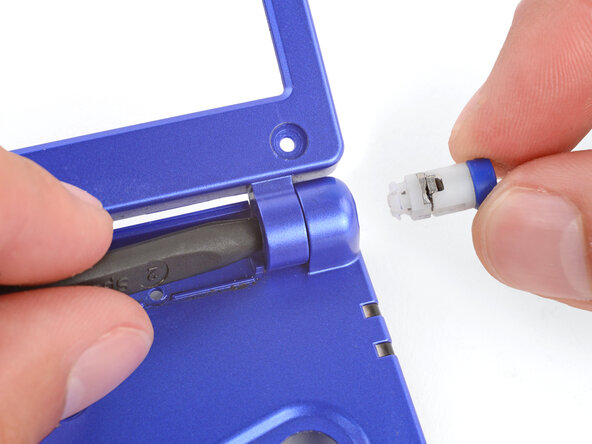
    • Use the point of a spudger to push the right hinge fully out of its socket and remove it.

  30. How to Reshell Your Game Boy Advance SP, Remove the screen bezel: passo 30, imagem 1 %32 How to Reshell Your Game Boy Advance SP, Remove the screen bezel: passo 30, imagem 2 %32 How to Reshell Your Game Boy Advance SP, Remove the screen bezel: passo 30, imagem 3 %32
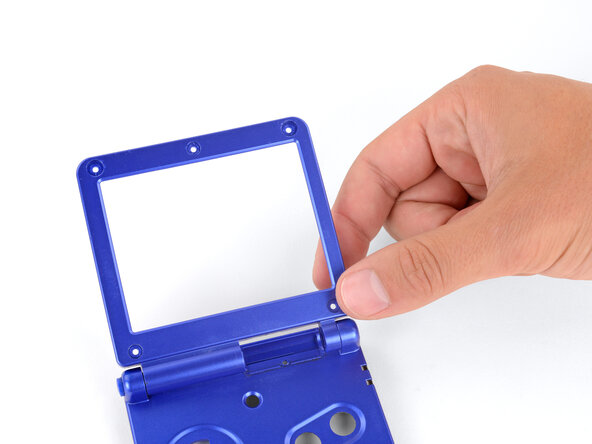
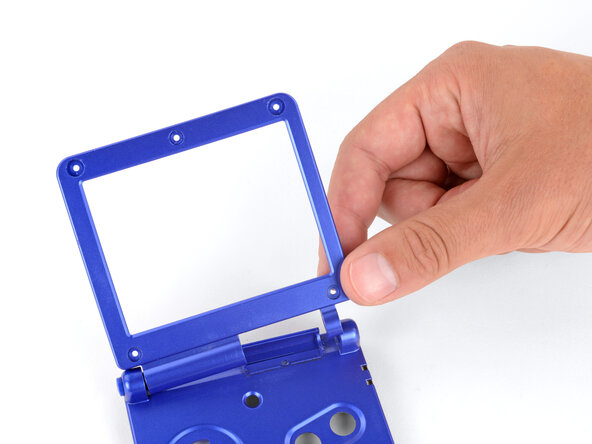
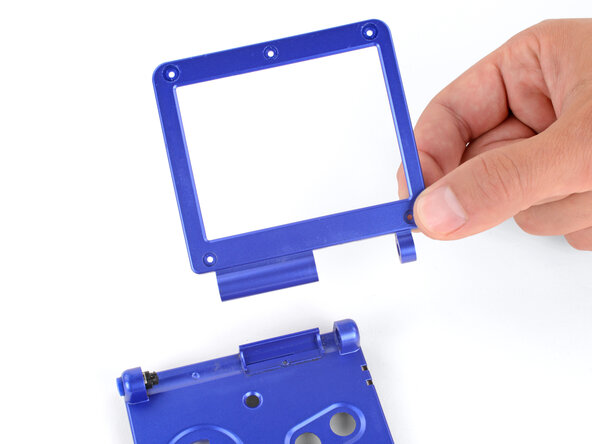
    • Use your fingers to gently lift the right side of the screen bezel.

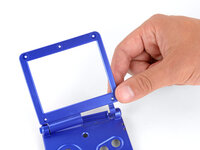
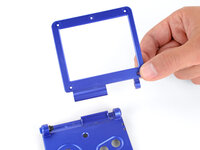
    • Pull the screen bezel to the right—so it slides out of the left hinge—and remove it.

  31. How to Reshell Your Game Boy Advance SP, Remove the left hinge: passo 31, imagem 1 %32 How to Reshell Your Game Boy Advance SP, Remove the left hinge: passo 31, imagem 2 %32 How to Reshell Your Game Boy Advance SP, Remove the left hinge: passo 31, imagem 3 %32
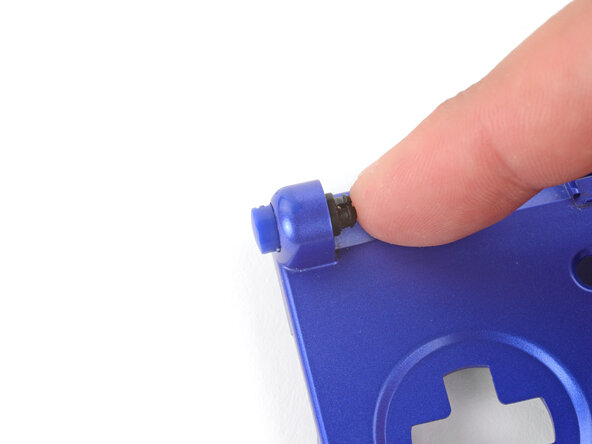
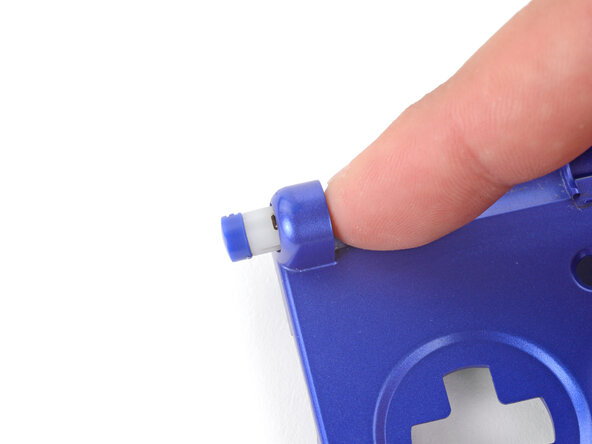
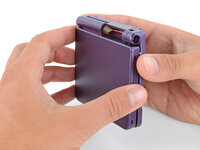
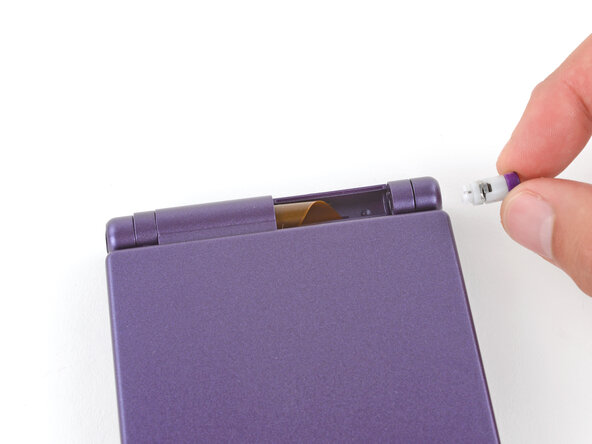
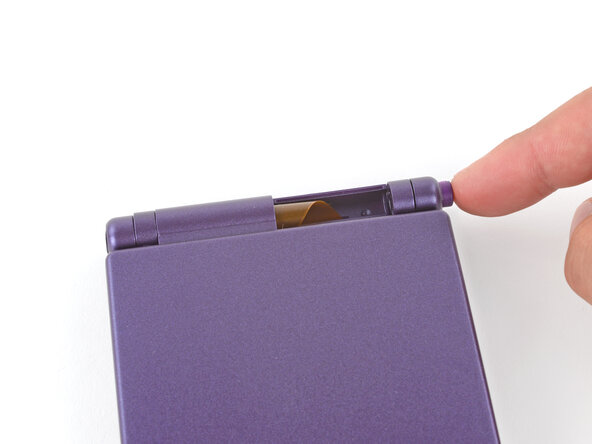
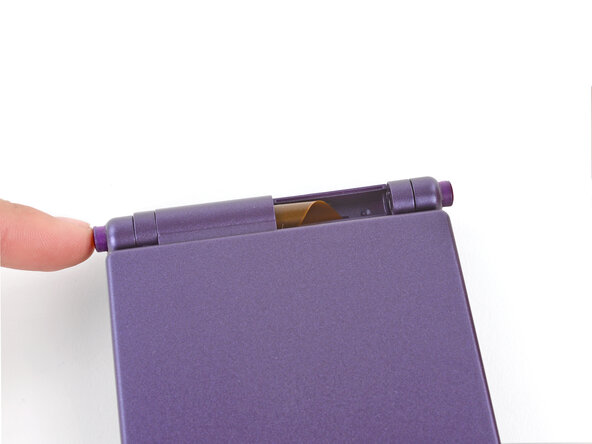
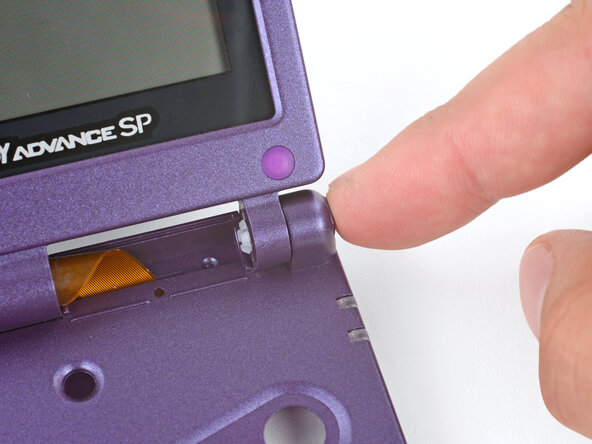
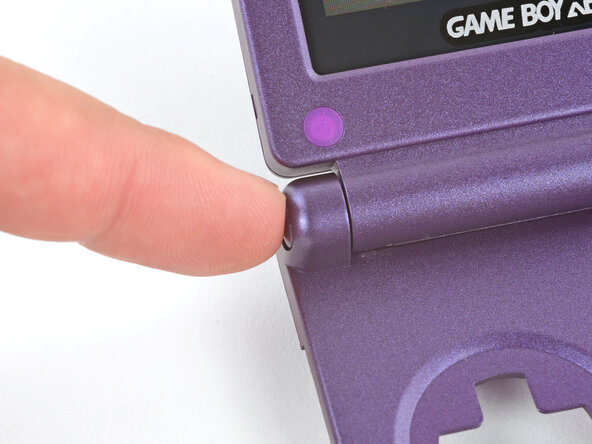
    • Use your finger to push the left hinge out of its socket and remove it.

  32. How to Reshell Your Game Boy Advance SP, Disassembly complete: passo 32, imagem 1 %32
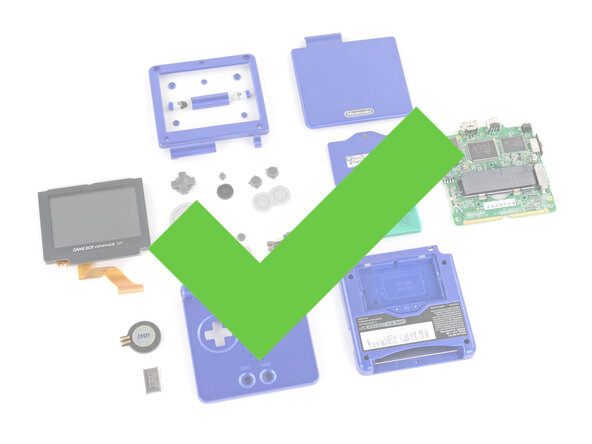
    • Congratulations on disassembling your Game Boy! The remaining steps will show you how to transfer everything into your new shells.

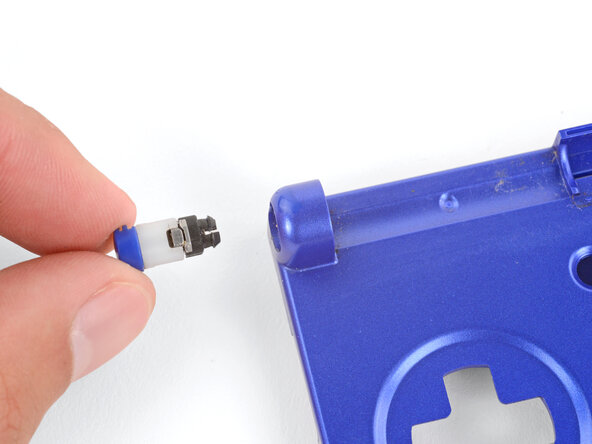
  33. How to Reshell Your Game Boy Advance SP, Install new hinge caps: passo 33, imagem 1 %32 How to Reshell Your Game Boy Advance SP, Install new hinge caps: passo 33, imagem 2 %32 How to Reshell Your Game Boy Advance SP, Install new hinge caps: passo 33, imagem 3 %32
    • If your kit comes with replacement hinges, you can skip this step. Otherwise, follow this step to install new hinge caps.

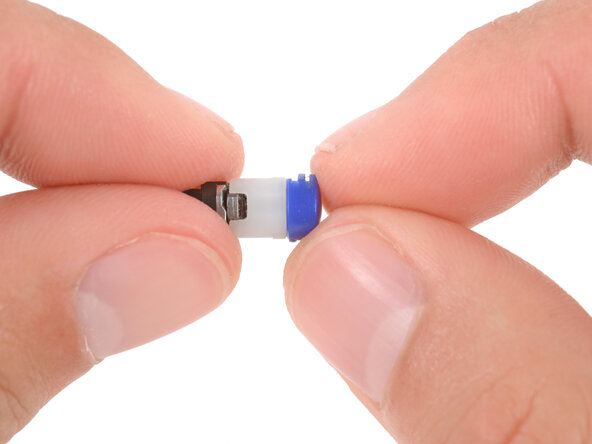
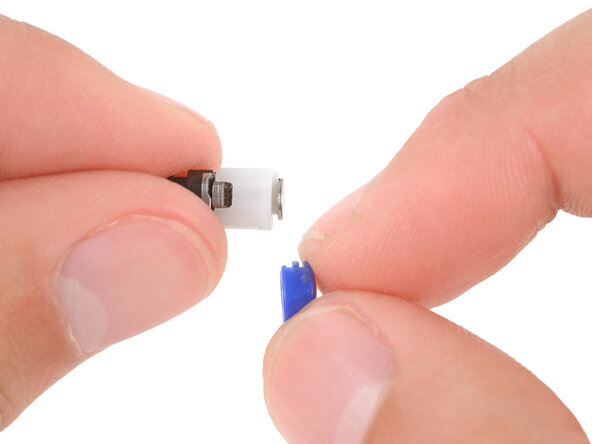
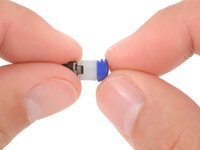
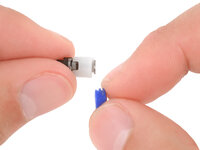
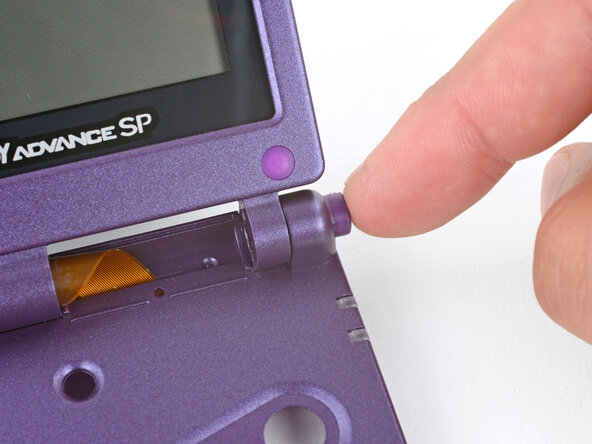
    • Use your fingers to firmly slide the plastic caps off of the hinges, at a perpendicular angle to the hinge.

    • This may take some force, as the caps fit very tightly on the hinges.

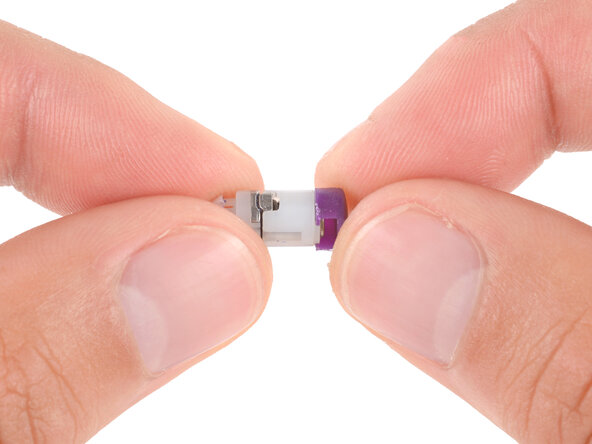
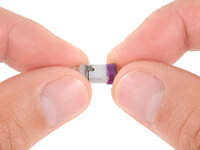
    • Slide your new caps onto the hinges until they click into place.

    • The caps are grooved so you can only slide them on when they're in the proper orientation.

  34. How to Reshell Your Game Boy Advance SP, Modification information: passo 34, imagem 1 %32 How to Reshell Your Game Boy Advance SP, Modification information: passo 34, imagem 2 %32 How to Reshell Your Game Boy Advance SP, Modification information: passo 34, imagem 3 %32
    • For some IPS screen upgrades, you may need to make modifications to your replacement outer screen shell, or the screen itself. If you're using the original screen, you don't need to make modifications. Check your kit or the website you purchased it from for specific instructions before making any modifications.

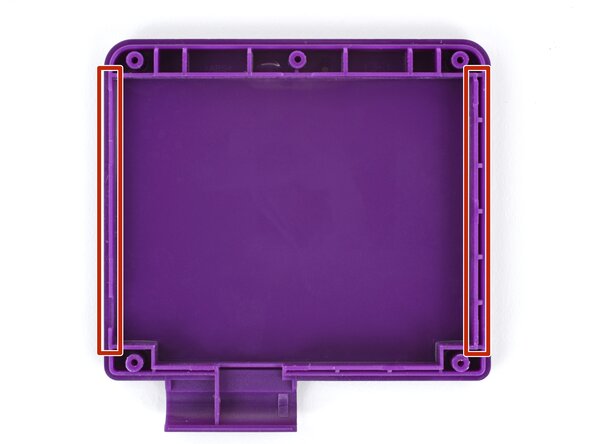
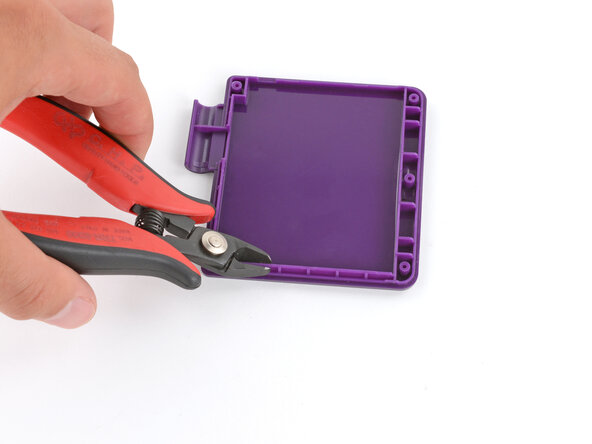
    • Some IPS screens are bigger than the original. You may need to use flush cutters to trim one of the plastic side rails to make room for your replacement screen.

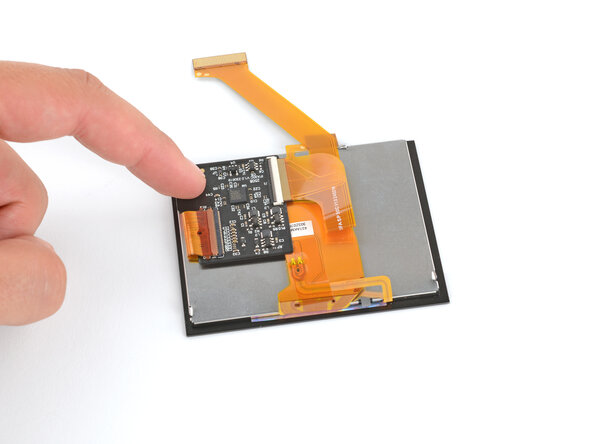
    • Your replacement screen may come with a small extra board and ribbon cable(s). The board will likely need to be adhered to the back of the screen, and the ribbon cable will connect to the board. Check the board and any cables for adhesive backings, and follow any manufacturer instructions.

  35. How to Reshell Your Game Boy Advance SP, Remove any protective screen liners: passo 35, imagem 1 %32
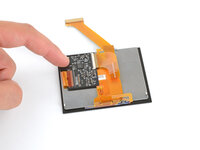
    • Make sure your screen has the large foam pad installed on the backside.

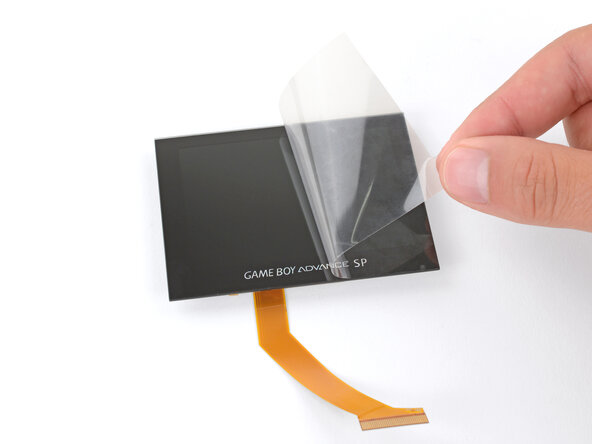
    • If you're installing a new screen, remove any protective liners.

  36. How to Reshell Your Game Boy Advance SP, Lay the screen in place: passo 36, imagem 1 %32 How to Reshell Your Game Boy Advance SP, Lay the screen in place: passo 36, imagem 2 %32
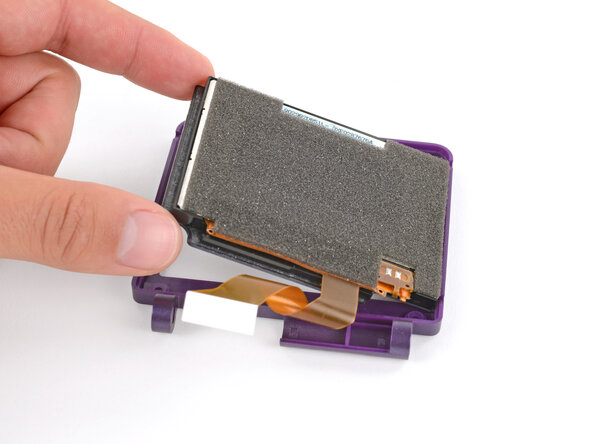
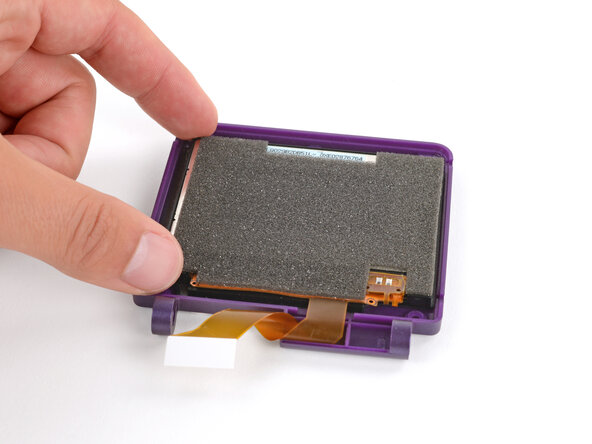
    • Remember, there are two screen shells—make sure you're laying the screen into the inner shell, with a cutout for the screen.

    • Lay the screen display‑side-down into its inner shell, so the cable is near the hinge sockets.

  37. How to Reshell Your Game Boy Advance SP, Loop the screen cable: passo 37, imagem 1 %32
    • Carefully twist the screen cable to make one loop and hold it in place.

  38. How to Reshell Your Game Boy Advance SP, Install the exterior shell: passo 38, imagem 1 %32 How to Reshell Your Game Boy Advance SP, Install the exterior shell: passo 38, imagem 2 %32
    • While keeping the screen cable looped, use your free hand to place the exterior screen shell into place over the screen.

  39. How to Reshell Your Game Boy Advance SP, Flip the shells over: passo 39, imagem 1 %32 How to Reshell Your Game Boy Advance SP, Flip the shells over: passo 39, imagem 2 %32
    • Nothing is securing the shells together. Be careful not to let them separate, or the screen may fall out.

    • Hold the screen shells firmly together and flip them over so the screen is facing up.

    • Continue holding the two halves of the screen shell together for the next step.

  40. How to Reshell Your Game Boy Advance SP, Install the screen screws: passo 40, imagem 1 %32 How to Reshell Your Game Boy Advance SP, Install the screen screws: passo 40, imagem 2 %32
    • Use a tri‑point Y0 screwdriver to install the five 4.7 mm‑long screws securing the screen shells together.

  41. How to Reshell Your Game Boy Advance SP, Install the rubber screw covers: passo 41, imagem 1 %32 How to Reshell Your Game Boy Advance SP, Install the rubber screw covers: passo 41, imagem 2 %32 How to Reshell Your Game Boy Advance SP, Install the rubber screw covers: passo 41, imagem 3 %32
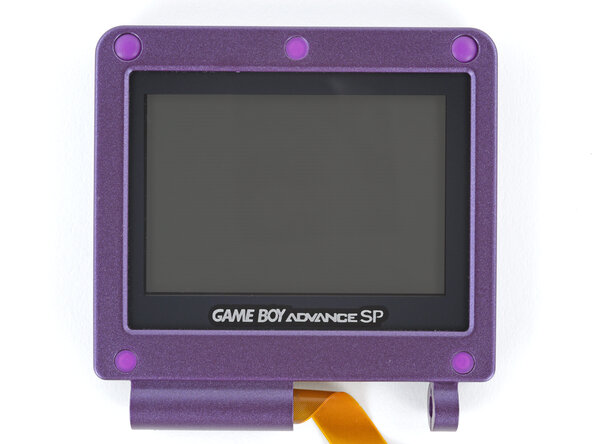
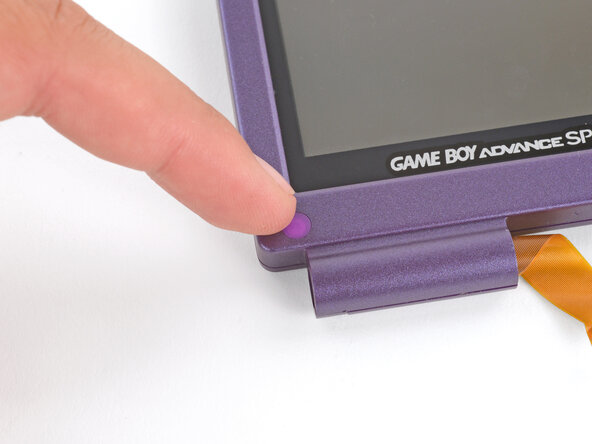
    • Use your finger to install the five rubber screw covers, pushing them firmly into place.

    • These don't usually need any adhesive—they stay secured on their own.

  42. How to Reshell Your Game Boy Advance SP, Remove the buttons: passo 42, imagem 1 %32 How to Reshell Your Game Boy Advance SP, Remove the buttons: passo 42, imagem 2 %32 How to Reshell Your Game Boy Advance SP, Remove the buttons: passo 42, imagem 3 %32
    • If your replacement button shell has silicone pads and buttons installed, use tweezers or your fingers to remove them and set them aside for now.

    • This prevents the buttons from falling out and getting lost while you work on the shell in the next steps.

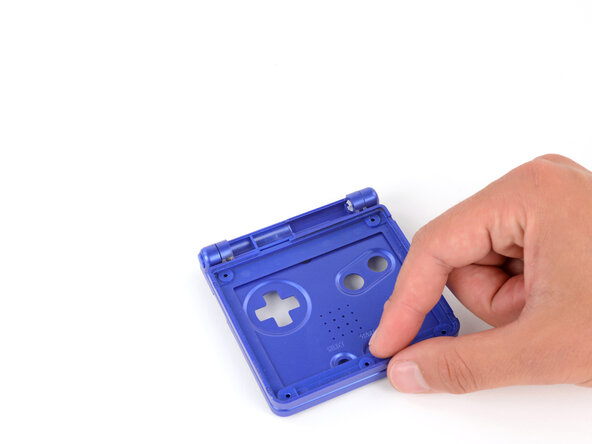
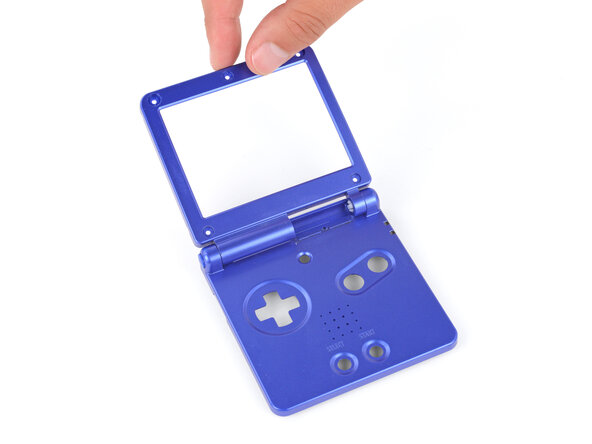
  43. How to Reshell Your Game Boy Advance SP, Fit the shells together: passo 43, imagem 1 %32 How to Reshell Your Game Boy Advance SP, Fit the shells together: passo 43, imagem 2 %32 How to Reshell Your Game Boy Advance SP, Fit the shells together: passo 43, imagem 3 %32
    • Hold the screen in one hand and the button shell in the other.

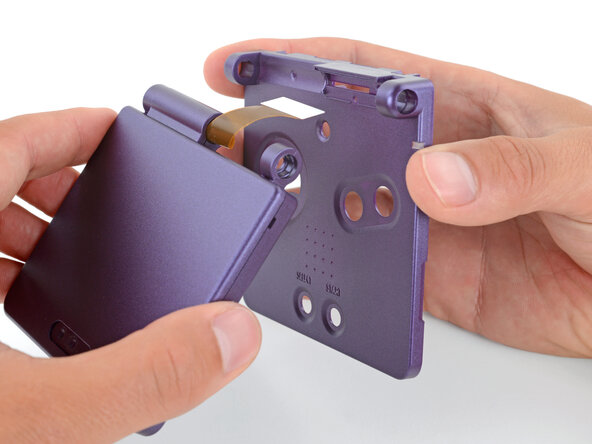
    • Thread the screen cable through its cutouts, slide the hinge sockets into place, and fully close the shells together.

    • Check that the screen cable isn't pinched.

  44. How to Reshell Your Game Boy Advance SP: passo 44, imagem 1 %32 How to Reshell Your Game Boy Advance SP: passo 44, imagem 2 %32 How to Reshell Your Game Boy Advance SP: passo 44, imagem 3 %32
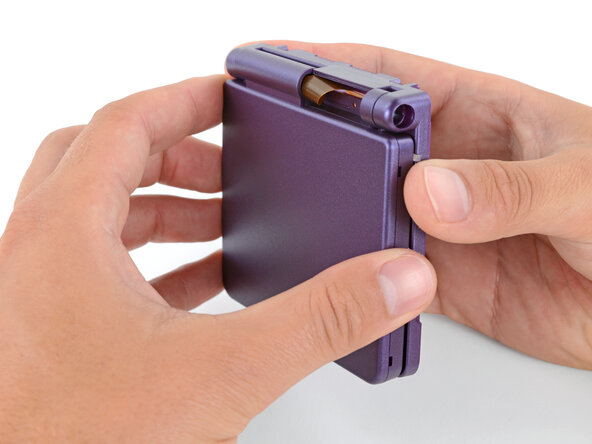
    • Use your fingers to partially insert both hinges in their sockets, only pushing them until they stop.

  45. How to Reshell Your Game Boy Advance SP, Fully open your Game Boy: passo 45, imagem 1 %32 How to Reshell Your Game Boy Advance SP, Fully open your Game Boy: passo 45, imagem 2 %32
    • Fully open your Game Boy and hold the screen in place.

  46. How to Reshell Your Game Boy Advance SP, Install the hinges: passo 46, imagem 1 %32 How to Reshell Your Game Boy Advance SP, Install the hinges: passo 46, imagem 2 %32 How to Reshell Your Game Boy Advance SP, Install the hinges: passo 46, imagem 3 %32
    • Use your finger to push the hinges fully into their sockets—they should click into place.

    • Gently open and close your Game Boy to make sure the hinges are correctly installed.

  47. How to Reshell Your Game Boy Advance SP, Close your Game Boy: passo 47, imagem 1 %32 How to Reshell Your Game Boy Advance SP, Close your Game Boy: passo 47, imagem 2 %32
    • Close your Game Boy.

  48. How to Reshell Your Game Boy Advance SP, Put the hinge cover into place: passo 48, imagem 1 %32 How to Reshell Your Game Boy Advance SP, Put the hinge cover into place: passo 48, imagem 2 %32 How to Reshell Your Game Boy Advance SP, Put the hinge cover into place: passo 48, imagem 3 %32
    • Use your fingers to put the hinge cover into place, with the screw hole closest to the screen.

  49. How to Reshell Your Game Boy Advance SP, Flip your Game Boy over: passo 49, imagem 1 %32
    • Hold the hinge cover and main body together and flip your Game Boy over, so the button cutouts face up.

  50. How to Reshell Your Game Boy Advance SP, Install the hinge cover screw: passo 50, imagem 1 %32 How to Reshell Your Game Boy Advance SP, Install the hinge cover screw: passo 50, imagem 2 %32 How to Reshell Your Game Boy Advance SP, Install the hinge cover screw: passo 50, imagem 3 %32
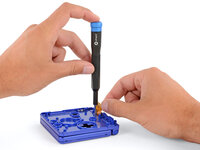
    • Use a JIS 00 screwdriver to install the 6.3 mm‑long screw securing the hinge cover.

    • You may need to use your free hand to hold the screen cable out of the way.

  51. How to Reshell Your Game Boy Advance SP, Transfer the LED diffuser: passo 51, imagem 1 %32 How to Reshell Your Game Boy Advance SP, Transfer the LED diffuser: passo 51, imagem 2 %32 How to Reshell Your Game Boy Advance SP, Transfer the LED diffuser: passo 51, imagem 3 %32
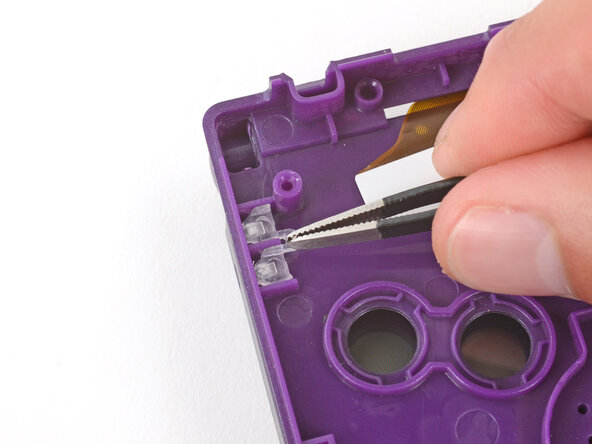
    • If your replacement button shell doesn't have an LED diffuser installed, transfer it from your original shell to the new one.

  52. How to Reshell Your Game Boy Advance SP, Prop up the main body: passo 52, imagem 1 %32 How to Reshell Your Game Boy Advance SP, Prop up the main body: passo 52, imagem 2 %32 How to Reshell Your Game Boy Advance SP, Prop up the main body: passo 52, imagem 3 %32
    • You'll need to prop up the main body of your Game Boy in order to reconnect the screen cable to the motherboard. Here are two ways to do so:

    • Option 1: Open the main body of your Game Boy to a 90‑degree angle. With the screen facing up, rest the hinges on the edge of the motherboard closest to the screen cable connector.

    • Option 2: Place the motherboard next to a sturdy object, such as a stack of books or tool case, so the side with the screen cable connector is up against it. With the Game Boy closed, prop it up so the hinges are on the motherboard and the screen cable is near its connector.

  53. How to Reshell Your Game Boy Advance SP, Connect the screen cable: passo 53, imagem 1 %32 How to Reshell Your Game Boy Advance SP, Connect the screen cable: passo 53, imagem 2 %32
    • Before inserting the screen cable, make sure both sides of the connector's tab are pushed into the unlocked position.

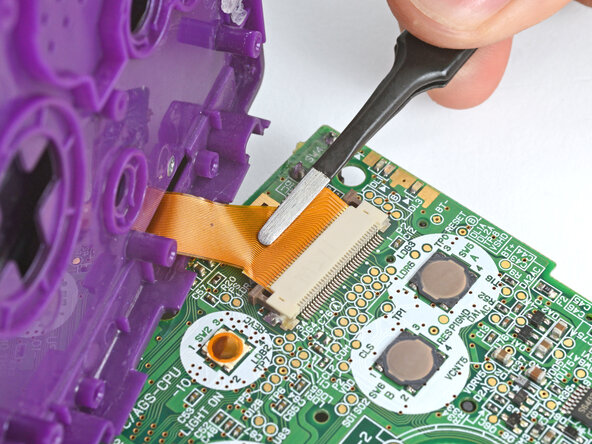
    • Use a pair of tweezers to slide the screen cable fully into its connector.

  54. How to Reshell Your Game Boy Advance SP: passo 54, imagem 1 %32 How to Reshell Your Game Boy Advance SP: passo 54, imagem 2 %32 How to Reshell Your Game Boy Advance SP: passo 54, imagem 3 %32
    • With one hand, hold the screen cable in place with a pair of tweezers—make sure it's fully inserted in the connector.

    • The screen cable will tend to slide out of its socket since there's very little slack. If it slides out slightly, your screen may not work.

    • With your free hand, use the point of a spudger to push both sides of the connector's tab into the locked position.

  55. How to Reshell Your Game Boy Advance SP, Flip the main body over: passo 55, imagem 1 %32
    • Be careful when repositioning your Game Boy. The motherboard is only attached by the screen cable—don't strain the cable.

    • With the Game Boy closed, place it screen-down on your work surface.

    • Place a sturdy object along the edge of your Game Boy with the hinges.

    • Use your fingers to gently flip the motherboard over the hinges and prop it up.

  56. How to Reshell Your Game Boy Advance SP, Install the speaker: passo 56, imagem 1 %32 How to Reshell Your Game Boy Advance SP, Install the speaker: passo 56, imagem 2 %32 How to Reshell Your Game Boy Advance SP, Install the speaker: passo 56, imagem 3 %32
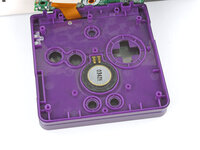
    • Place the speaker mesh into the speaker recess.

    • With the gold spring contacts facing up, place the speaker into its recess.

  57. How to Reshell Your Game Boy Advance SP, Install the buttons and silicone pads: passo 57, imagem 1 %32 How to Reshell Your Game Boy Advance SP, Install the buttons and silicone pads: passo 57, imagem 2 %32 How to Reshell Your Game Boy Advance SP, Install the buttons and silicone pads: passo 57, imagem 3 %32
    • Use tweezers or your fingers to place all the buttons into their recesses.

    • The action and brightness buttons are keyed specifically for their recesses and proper orientation.

    • Lay the four silicone pads into place over the buttons.

  58. How to Reshell Your Game Boy Advance SP, Lay the motherboard down: passo 58, imagem 1 %32 How to Reshell Your Game Boy Advance SP, Lay the motherboard down: passo 58, imagem 2 %32
    • Use your fingers to gently lower the motherboard into place, making sure all the screw posts go through their cutouts.

  59. How to Reshell Your Game Boy Advance SP, Install the motherboard screws: passo 59, imagem 1 %32 How to Reshell Your Game Boy Advance SP, Install the motherboard screws: passo 59, imagem 2 %32
    • If your kit includes replacement screws, install them during reassembly. The screw lengths or bit sizes may vary slightly—use the quantity of each type to determine placement, keeping in mind that each set may include an extra screw.

    • Use a JIS 00 screwdriver to install the three 4.1 mm‑long screws securing the motherboard.

  60. How to Reshell Your Game Boy Advance SP, Remove the power switch cover: passo 60, imagem 1 %32 How to Reshell Your Game Boy Advance SP, Remove the power switch cover: passo 60, imagem 2 %32
    • If the power switch cover is preinstalled in the new bottom shell, remove it—you'll install it in the next step.

    • The cover needs to be aligned properly over its switch, which is much easier to do with your fingers rather than trying to align it while putting the bottom shell on.

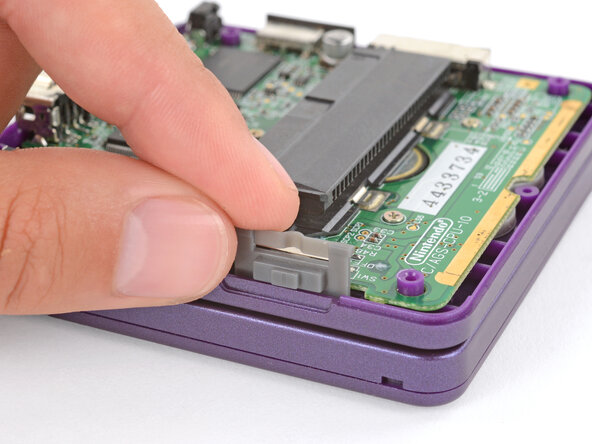
  61. How to Reshell Your Game Boy Advance SP, Install the power switch cover: passo 61, imagem 1 %32 How to Reshell Your Game Boy Advance SP, Install the power switch cover: passo 61, imagem 2 %32 How to Reshell Your Game Boy Advance SP, Install the power switch cover: passo 61, imagem 3 %32
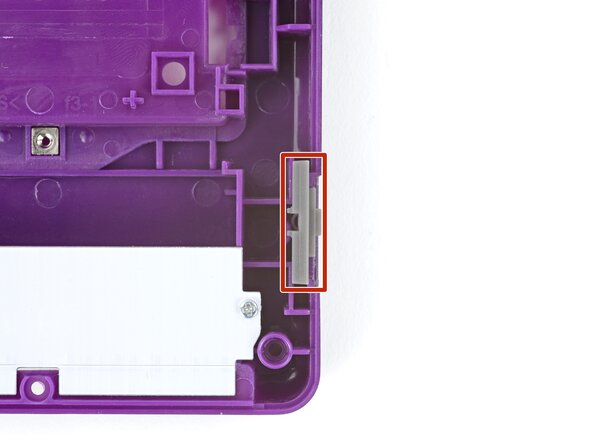
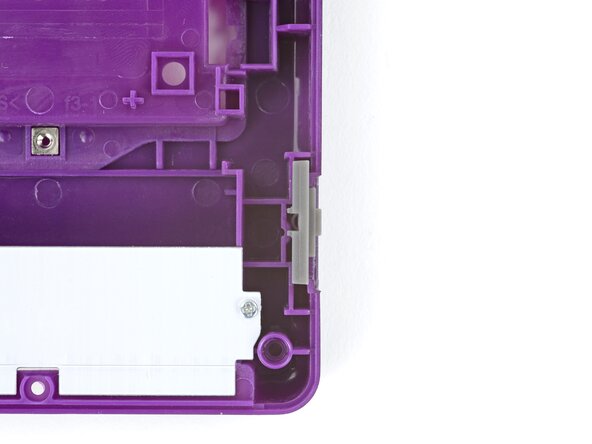
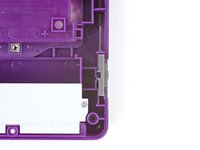
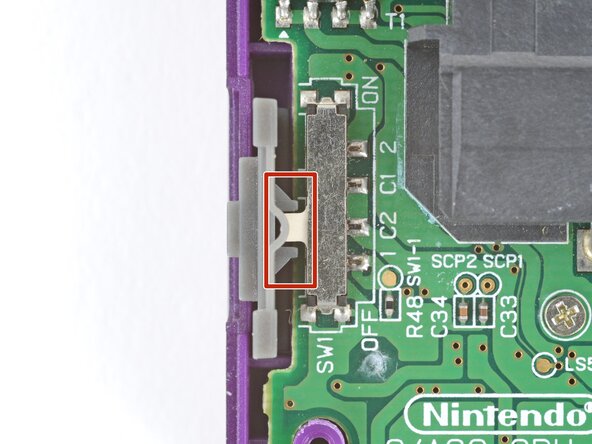
    • Use your fingers to put the power switch cover (notched side up) into place so the cutout goes around the actual switch.

    • Gently slide the cover back and forth to make sure it's positioned properly and moving the switch.

    • If the switch isn't properly in its cutout, you won't be able to power on your Game Boy.

  62. How to Reshell Your Game Boy Advance SP, Bottom shell components: passo 62, imagem 1 %32 How to Reshell Your Game Boy Advance SP, Bottom shell components: passo 62, imagem 2 %32 How to Reshell Your Game Boy Advance SP, Bottom shell components: passo 62, imagem 3 %32
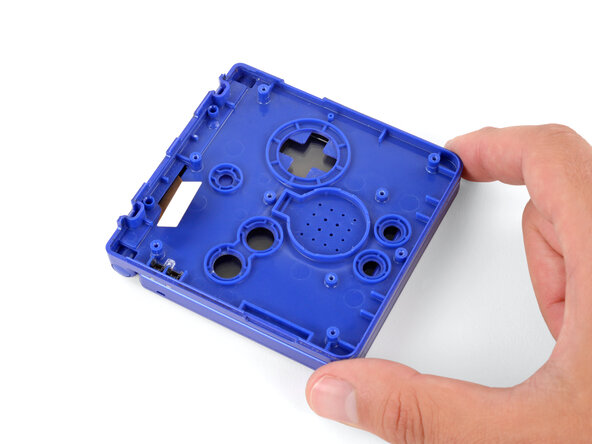
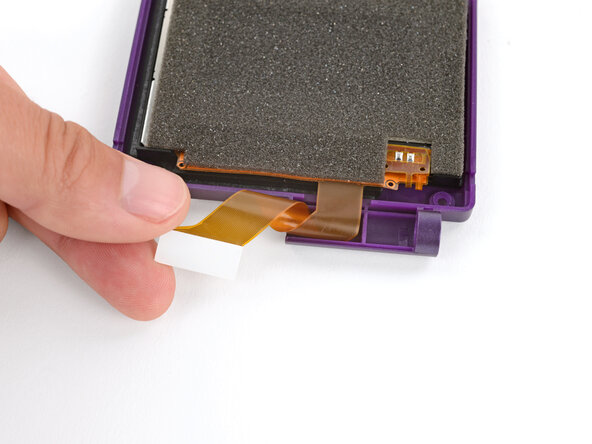
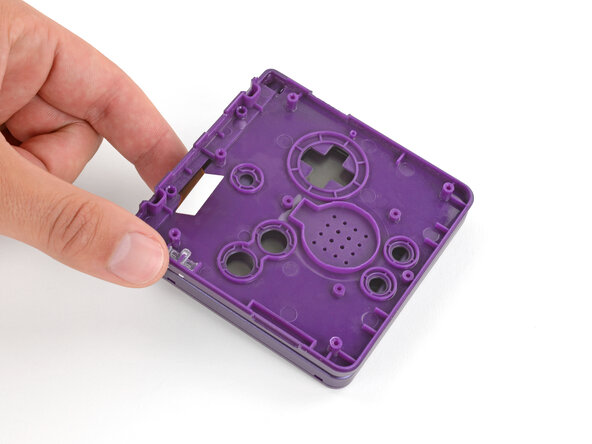
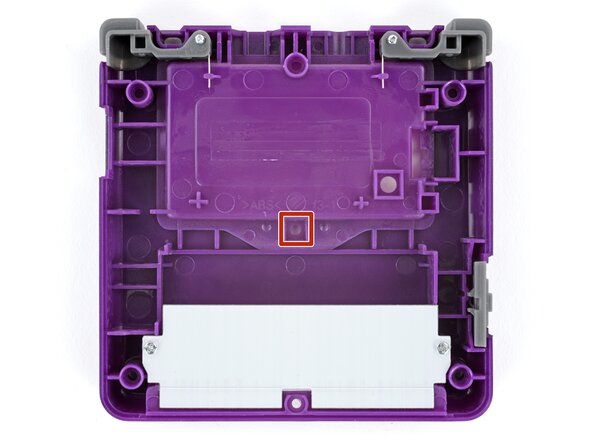
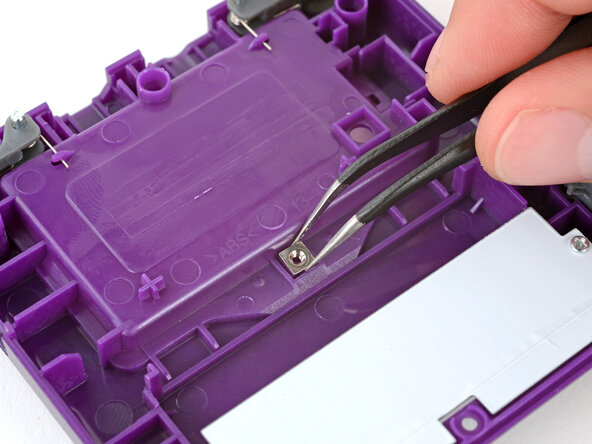
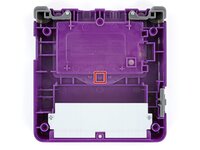
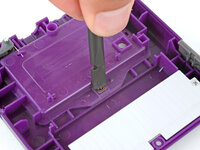
    • The bottom shell needs the small, metal captive nut/screw boss installed in the center for the battery cover screw to go into. Your kit may come with a new one, or you may need to transfer the one from your original shell.

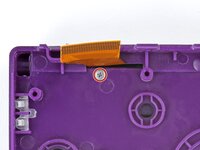
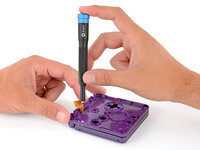
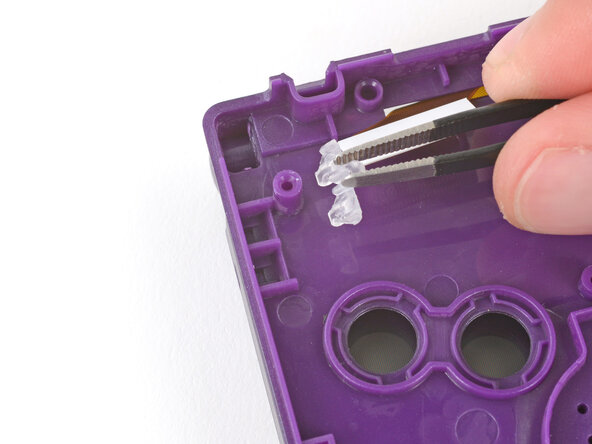
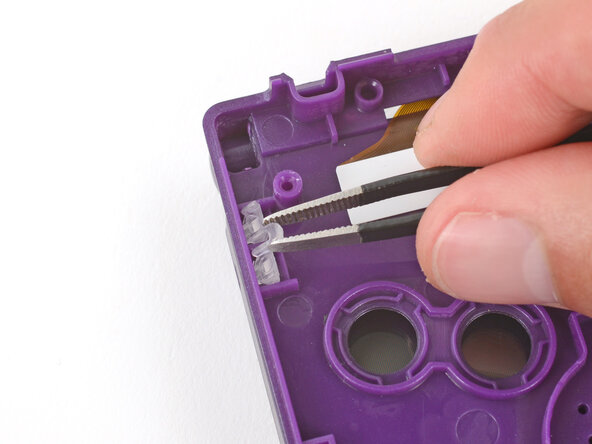
    • Use tweezers to place the captive nut into its recess in the center of the bottom shell.

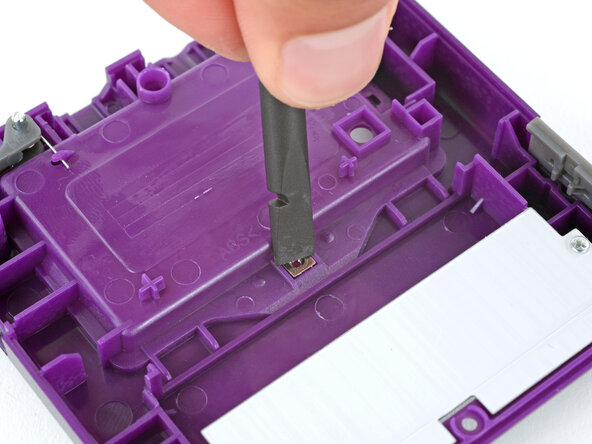
    • Use the flat end of a spudger to firmly push the nut fully into its recess.

    • This may require some force. Don't push too hard, or you may damage the shell.

  63. How to Reshell Your Game Boy Advance SP, Install the shoulder buttons: passo 63, imagem 1 %32 How to Reshell Your Game Boy Advance SP, Install the shoulder buttons: passo 63, imagem 2 %32 How to Reshell Your Game Boy Advance SP, Install the shoulder buttons: passo 63, imagem 3 %32
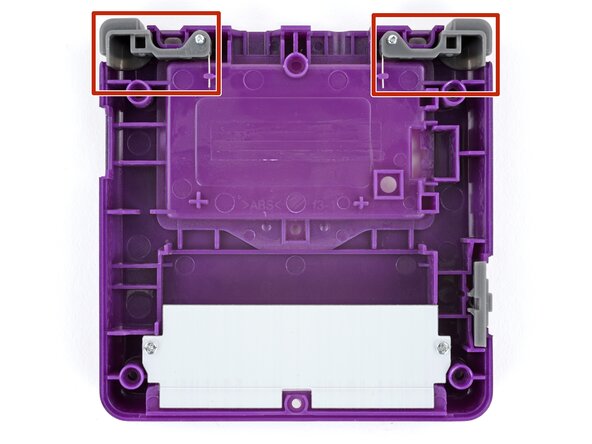
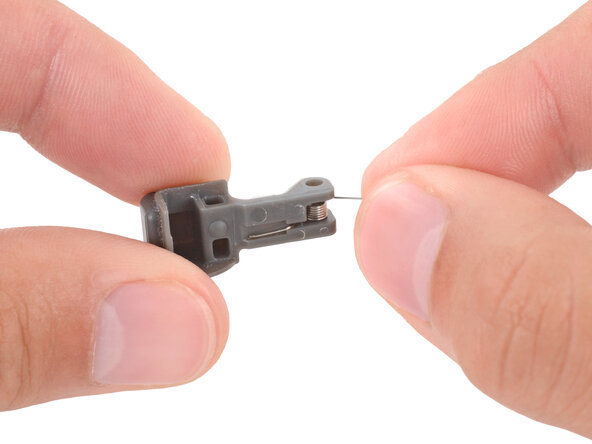
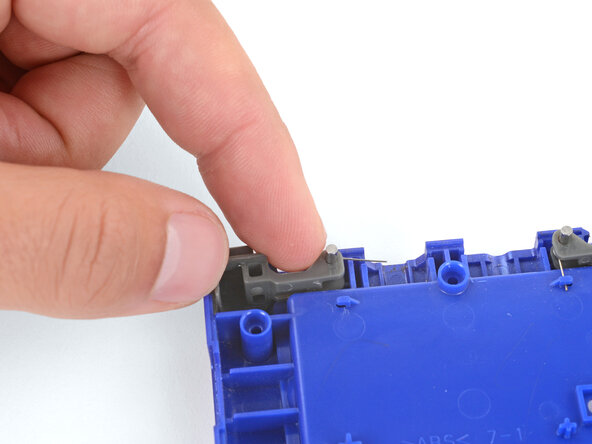
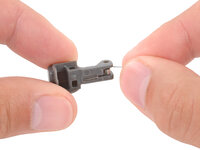
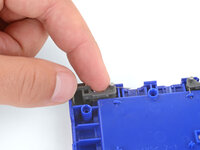
    • If shoulder buttons aren't already installed in your bottom shell, follow this guide to install them.

  64. How to Reshell Your Game Boy Advance SP, Put the bottom shell on: passo 64, imagem 1 %32 How to Reshell Your Game Boy Advance SP, Put the bottom shell on: passo 64, imagem 2 %32
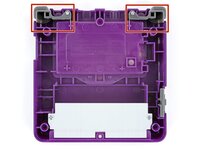
    • Place the bottom shell onto your Game Boy, making sure the shoulder buttons and power switch cover correctly slot into place.

    • While holding the shells together, test the shoulder buttons. If something doesn't feel right, remove the bottom shell and re‑seat it.

  65. How to Reshell Your Game Boy Advance SP, Install the bottom shell screws: passo 65, imagem 1 %32 How to Reshell Your Game Boy Advance SP, Install the bottom shell screws: passo 65, imagem 2 %32
    • Use a tri‑point Y0 screwdriver to install the six screws securing the bottom shell:

    • Four 6.3 mm‑long recessed screws

    • Two 4.6 mm‑long screws

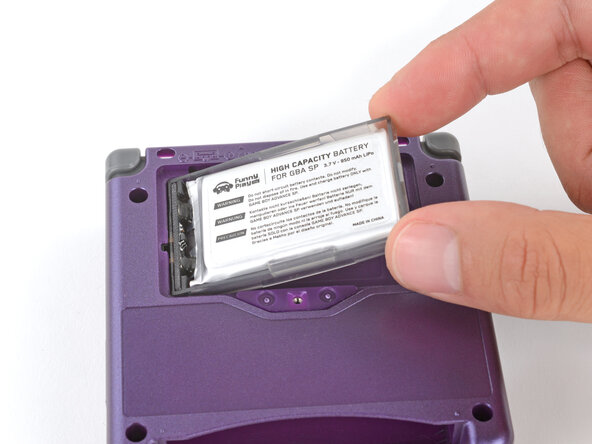
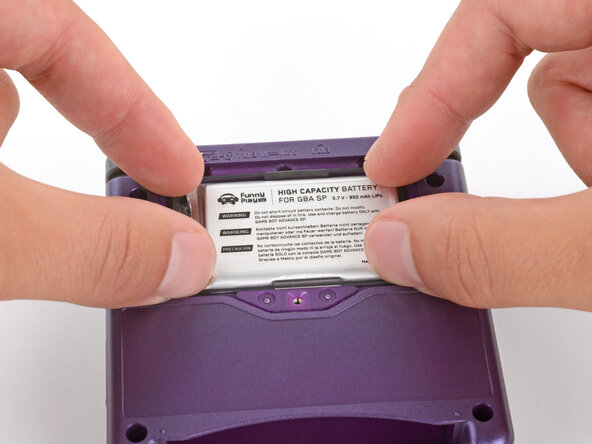
  66. How to Reshell Your Game Boy Advance SP, Install the battery: passo 66, imagem 1 %32 How to Reshell Your Game Boy Advance SP, Install the battery: passo 66, imagem 2 %32 How to Reshell Your Game Boy Advance SP, Install the battery: passo 66, imagem 3 %32
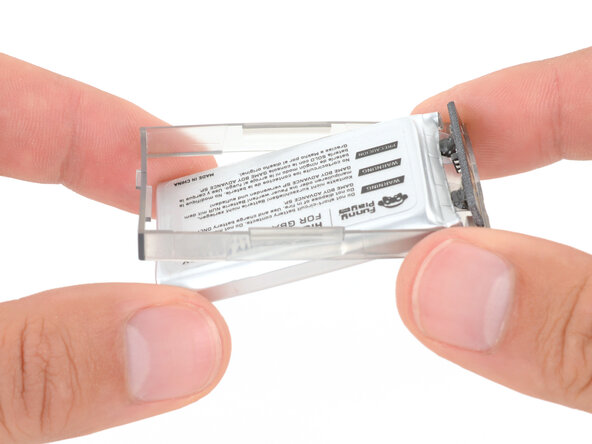
    • Some Game Boy Advance SP batteries are hard shell, and some are soft shell. Soft shell batteries will come with a plastic perimeter—don't try to remove it.

    • Insert the edge of the battery with contacts at a slight downward angle—aligning the contacts with their prongs in the recess—and press the battery into place.

  67. How to Reshell Your Game Boy Advance SP, Install the battery cover: passo 67, imagem 1 %32 How to Reshell Your Game Boy Advance SP, Install the battery cover: passo 67, imagem 2 %32 How to Reshell Your Game Boy Advance SP, Install the battery cover: passo 67, imagem 3 %32
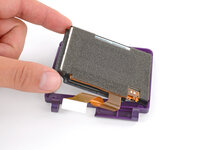
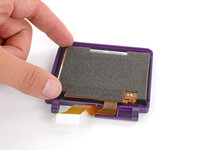
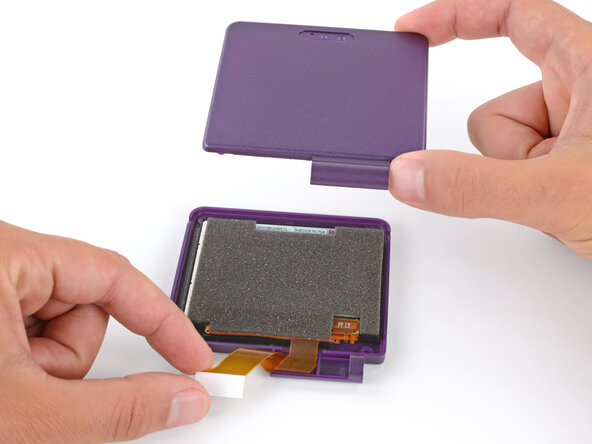
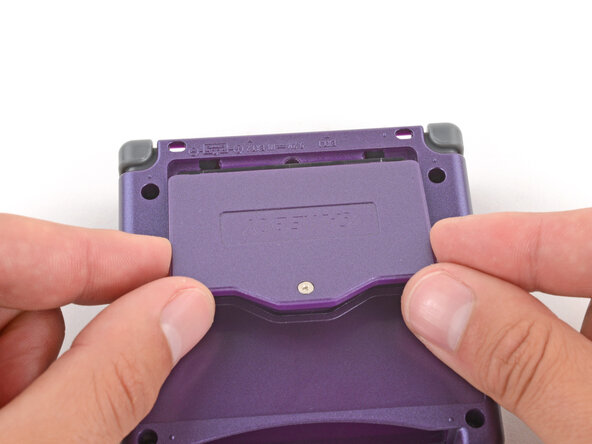
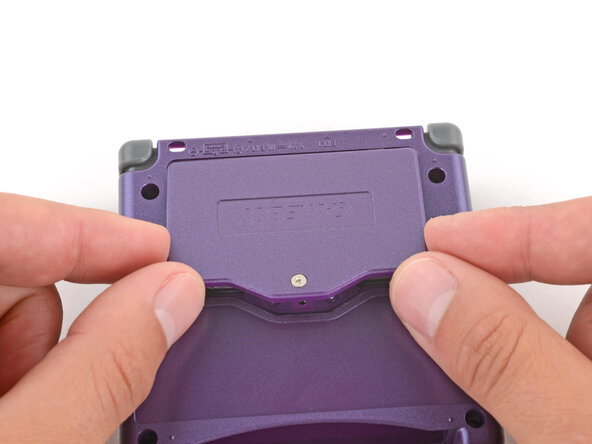
    • Slide the small tabs on the long edge of the battery into their cutouts and lay the cover into place.

  68. How to Reshell Your Game Boy Advance SP, Tighten the battery cover screw: passo 68, imagem 1 %32 How to Reshell Your Game Boy Advance SP, Tighten the battery cover screw: passo 68, imagem 2 %32
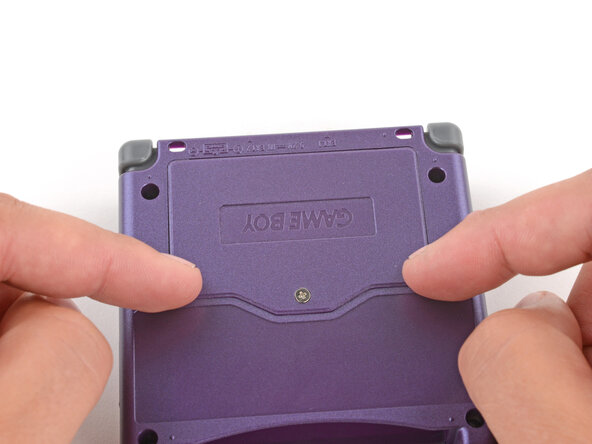
    • Use a JIS 00 screwdriver to tighten the captive screw securing the battery cover.

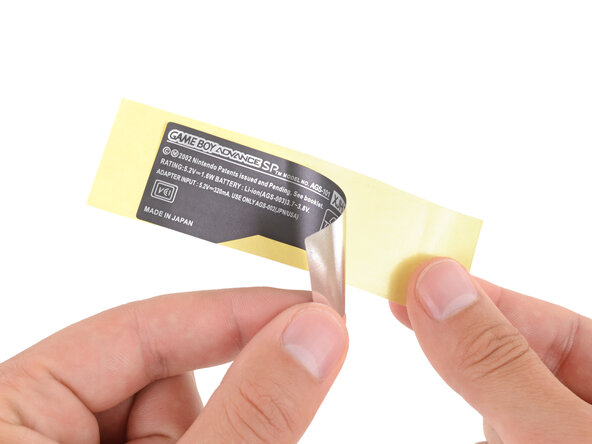
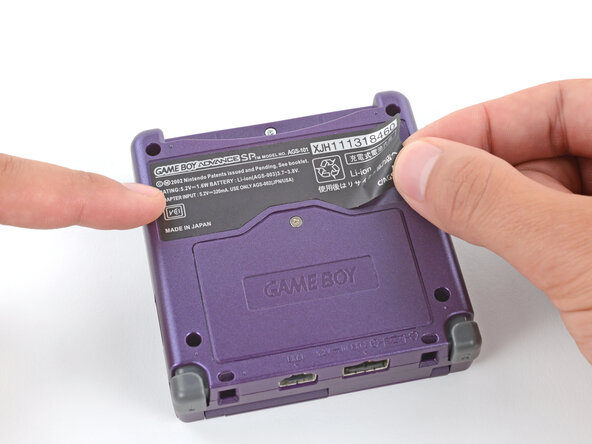
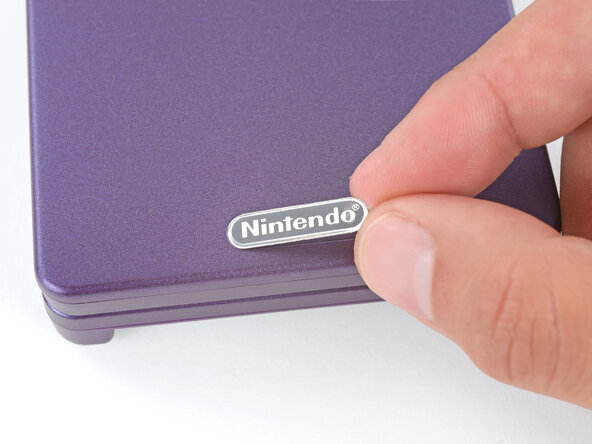
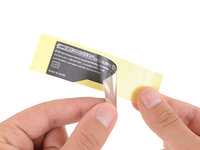
  69. How to Reshell Your Game Boy Advance SP, Apply new stickers: passo 69, imagem 1 %32 How to Reshell Your Game Boy Advance SP, Apply new stickers: passo 69, imagem 2 %32 How to Reshell Your Game Boy Advance SP, Apply new stickers: passo 69, imagem 3 %32
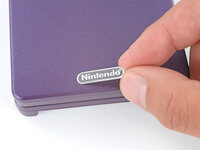
    • If your kit comes with replacement stickers, peel them off their liners, align them, and press them into place.

  70. How to Reshell Your Game Boy Advance SP, You're done!: passo 70, imagem 1 %32 How to Reshell Your Game Boy Advance SP, You're done!: passo 70, imagem 2 %32 How to Reshell Your Game Boy Advance SP, You're done!: passo 70, imagem 3 %32
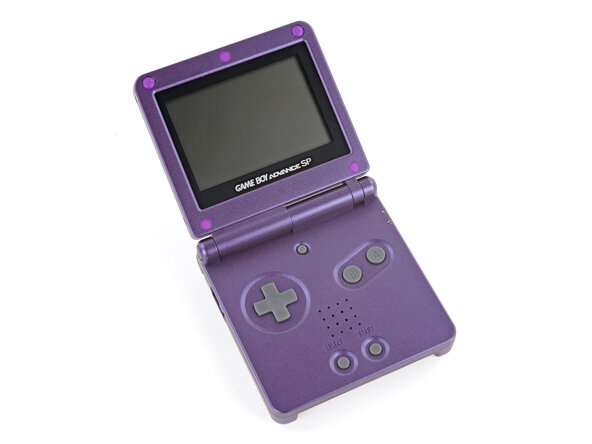
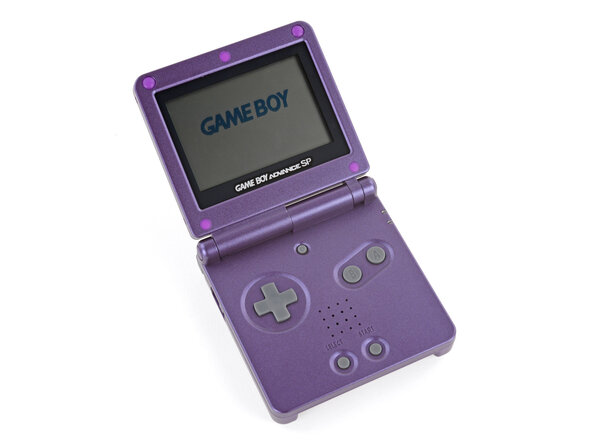
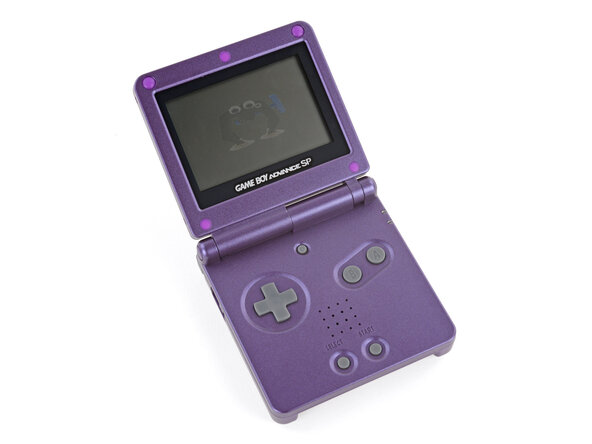
    • Flip the power switch into the On position and get to gaming!

    • That Game Boy startup really brings back some nostalgia…ours also somehow summoned Suction‑Cups‑For‑Feet Clampy...weird.

Conclusão

Congratulations on reshelling your Game Boy Advance SP!

Take your e-waste to an R2 or e-Stewards certified recycler.

Repair didn’t go as planned? Try some basic troubleshooting, or ask our Answers Community for troubleshooting help.

23 outras pessoas executaram este guia.

Spencer Day

Membro desde: 09/14/22

150.248 Reputação

Autoria de 995 guias

6Comentários do guia

Excellent guide thank you! My GBA is looking great now :)

Justin Gagnon - Responder
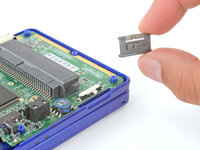
Hello this guide is great but it has some flaws (missing some steps) but I used an eXtremeRate GBA SP shell and they are the best ones to go with because they have It molded in a way to remove the Nintendo logo sticker and so you can put in a ips screen with out needing to trim and it is made out of a high quality plastic and it better than other third party shell and I used purple/blue color

dead - Responder
Thanks for the helpful guide! A couple things of note that I noticed along the way:


If you're replacing the screen lens, make sure you line it up properly so the end result isn't crooked.

Make sure to organize your screws, a mismatched screw can poke a hole through the shell.

Be gentle but firm when tightening a screw. I definitely messed up a screw or two being too forceful.

(I might be stupid) keep an eye on the battery lid screw hole. Mine ended up warping so I had to duct tape the lid to the shell.

If you're doing a button replacement too, be careful with the triggers.

Noah - Responder
Excelent guide, just a quick detail: you forgot to add the part when you put the screw under the screen ribbon, the one that afix the hinge in place. The rest was amazing, thank you very much.

Daniel - Responder
Bad guide, misses crucial parts (especially proper installation of the shoulder buttons)
edit: and it misses the top hinge cover.

Zac - Responder

Comentar

Visualizações:

Últimas 24 horas: 33

Últimos 7 dias: 226

Últimos 30 dias: 1,044

Ao todo: 70,023