Essa tradução foi gerada por um programa e ainda não foi revisada por uma pessoa. Falas essa língua? Dá uma olhada.
Introdução
Use este guia se você estiver com problemas na bateria do Anker Soundcore Motion Boom Plus. Se o alto-falante desligar inesperadamente ou não ligar, a bateria pode estar descarregada, com defeito ou precisando de substituição.
Antes de continuar com este guia, descarte outras causas possíveis. Se o dispositivo não estiver carregando, tente usar um cabo de carregamento ou uma fonte de alimentação diferente para determinar se a bateria está apenas com carga baixa. Além disso, verifique a porta de carregamento para ver se há sinais de danos.
Este reparo exige a abertura do dispositivo, portanto, prossiga com cautela — alguns componentes podem ser sensíveis a descargas eletrostáticas (ESD) ou danos acidentais. Considere usar um tapete antiestático ou uma pulseira antiestática para minimizar a ESD ao reparar dispositivos eletrônicos.
Se você notar que a bateria parece inchada ou exala um odor estranho, ela pode estar estufada. Tenha cautela caso encontre uma bateria inchada durante a desmontagem e manuseie-a com cuidado, pois ela representa um risco de incêndio.
Certifique-se de desligar o alto-falante completamente antes de começar o reparo para evitar choque elétrico ou danos ao seu dispositivo.
O que você precisa
-
-
-
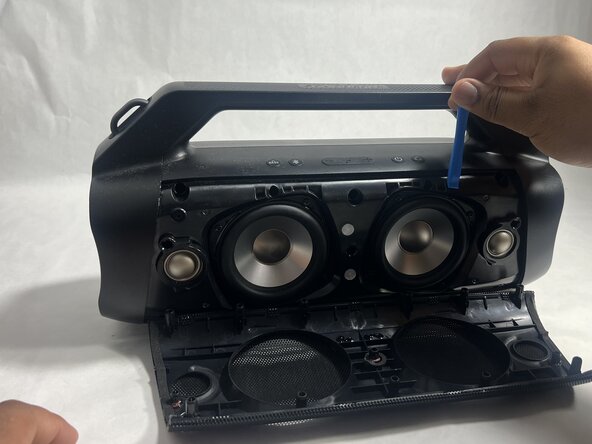
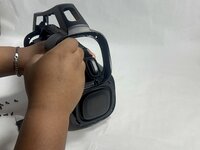
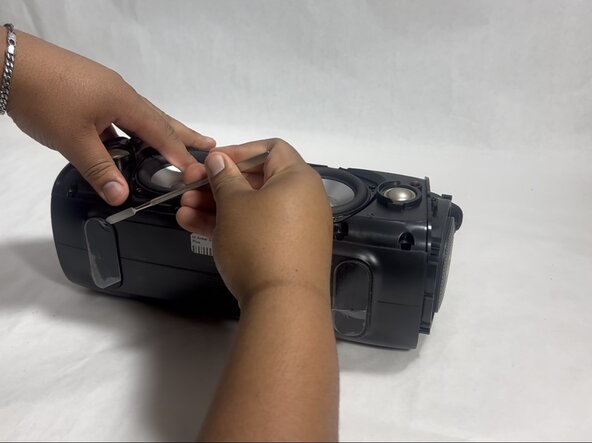
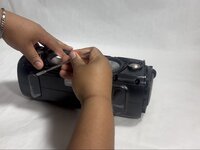
Insira uma ferramenta de abertura na fresta entre a grade de alto-falante e o chassi.
-
Alavanque a ferramenta ao redor da parte superior, inferior e das laterais até que a grade se solte completamente.
-
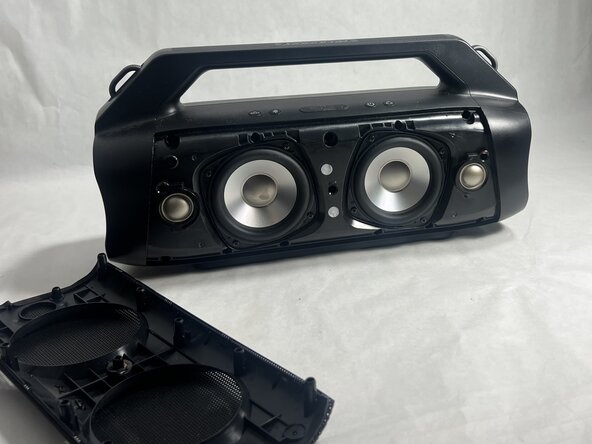
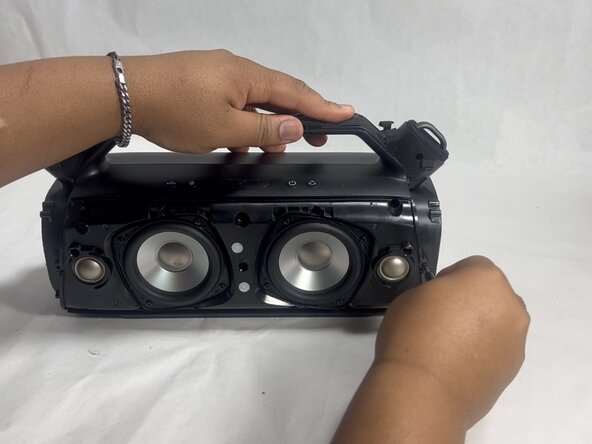
Remova a grade.
 Pergunte ao FixBot
-
-
-
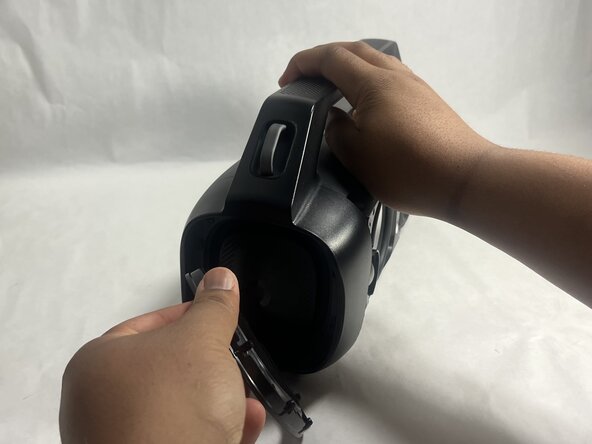
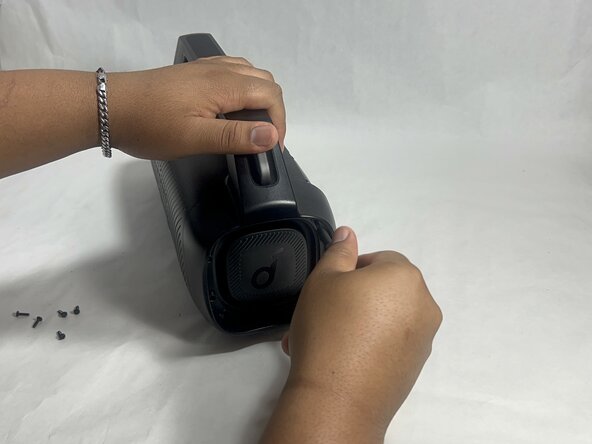
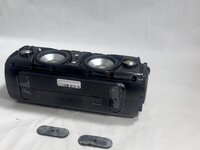
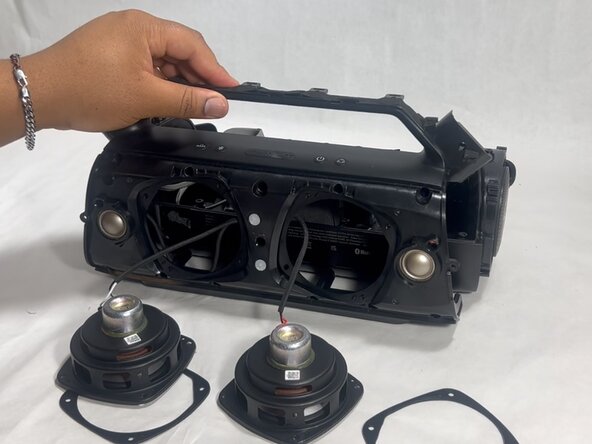
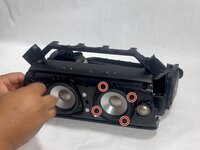
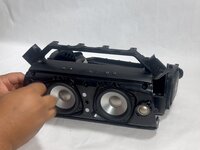
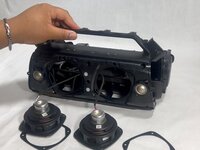
Remova os dois radiadores passivos em ambos os lados do dispositivo.
-
-
-
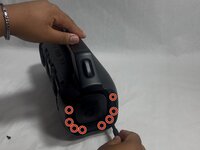
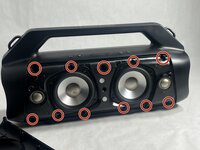
Remova os dezesseis parafusos Phillips de 14 mm, oito em cada extremidade do alto-falante.
-
-
-
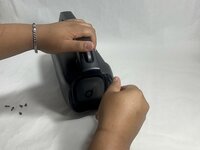
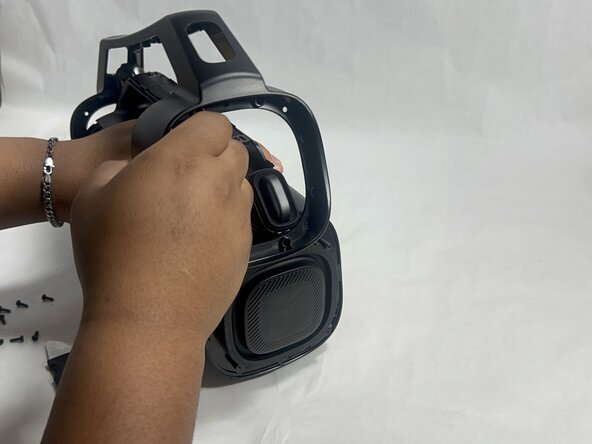
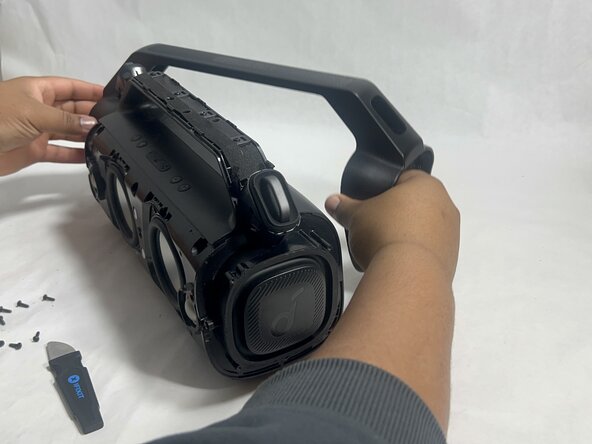
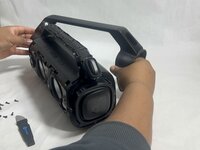
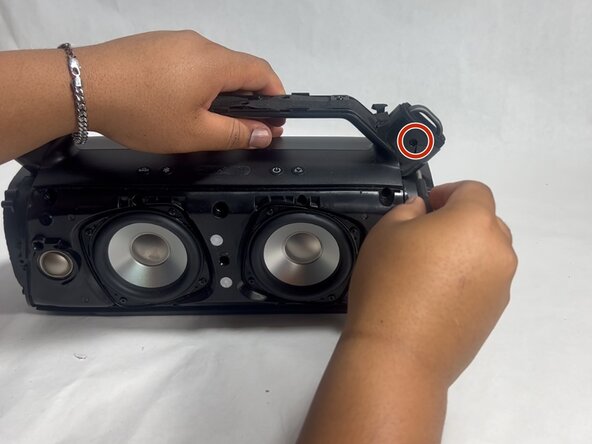
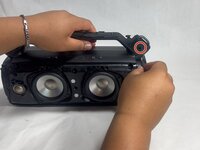
Remova suavemente a alça do dispositivo soltando os encaixes laterais e, em seguida, puxando-a para fora.
-
-
-
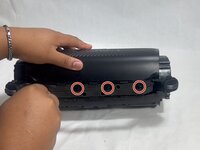
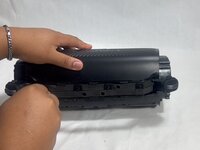
Vire o alto-falante de lado e use uma espátula para remover os dois pés de borracha na parte inferior do dispositivo.
-
-
-
Remova os 11 parafusos Phillips de 13 mm que prendem a carcaça da chave.
-
-
-
-
Remova os dois parafusos Phillips de 14 mm localizados em cada lado da alça, próximos aos pontos de fixação.
-
-
-
Remova os quatro parafusos Phillips de 14 mm na parte superior do dispositivo.
-
-
-
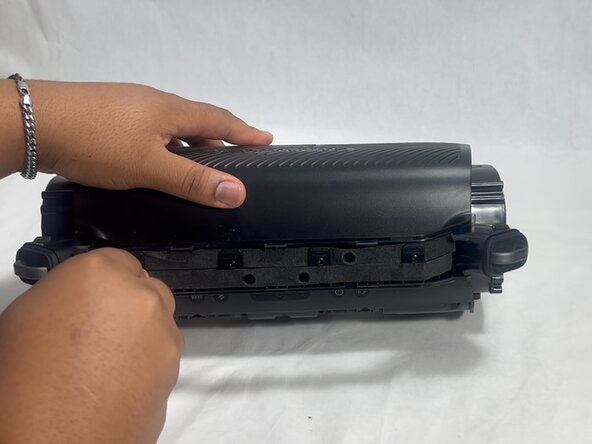
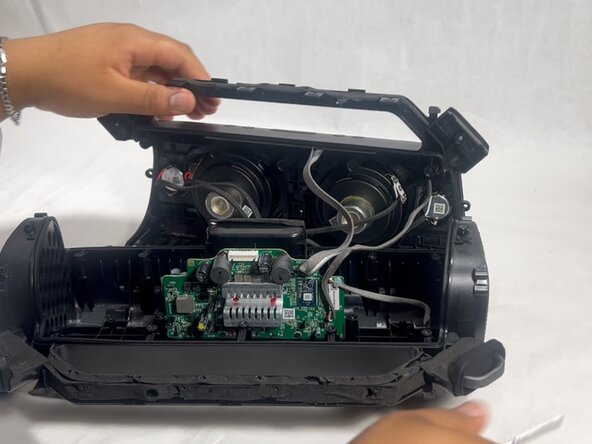
Insira uma espátula na fenda na parte superior do dispositivo.
-
Com cuidado, faça uma alavanca para abrir a carcaça.
-
-
-
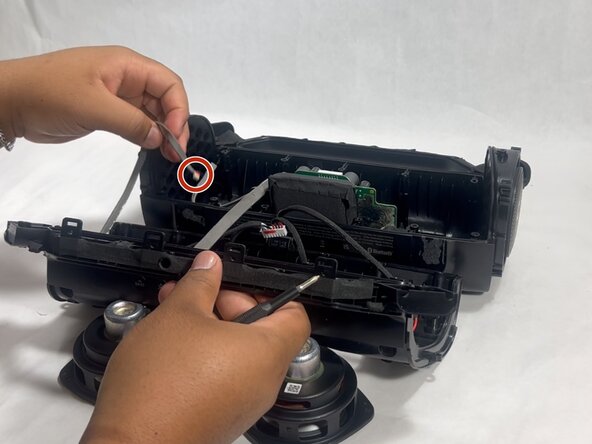
Desconecte cada um dos três cabos puxando suavemente os conectores para fora de seus soquetes.
-
-
-
-
-
Remova os quatro parafusos Phillips de 11 mm que prendem o subwoofer.
-
Puxe o subwoofer gentilmente para fora do dispositivo.
-
-
-
Remova os três parafusos Phillips de 12 mm ao redor da placa-mãe usando uma chave Phillips.
-
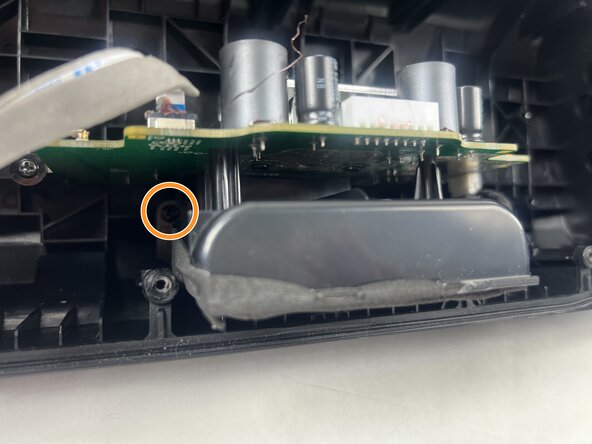
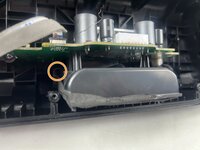
Remova os dois parafusos Phillips de 10 mm ao redor da bateria.
-
-
-
Vire o alto-falante e empurre a porta de carregamento para dentro.
-
-
-
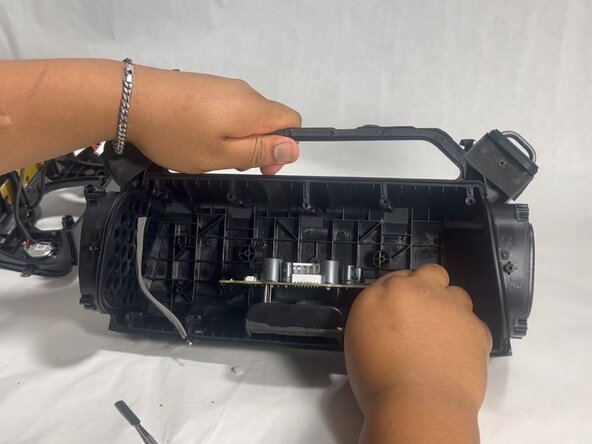
Deslize a placa-mãe e a bateria para fora, empurrando pela porta de carregamento.
-
-
-
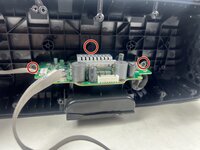
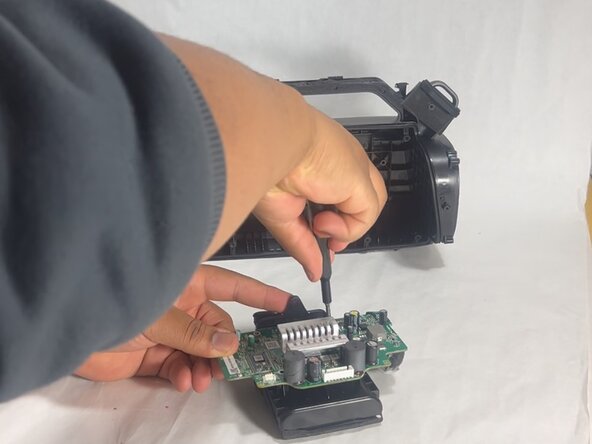
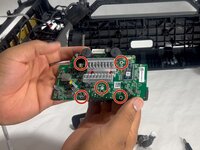
Remova os cinco parafusos Phillips de 10 mm que prendem a placa-mãe e a bateria.
-
Levante suavemente a placa-mãe da bateria após remover todos os parafusos.
-
-
-
Posicione e reconecte a nova bateria onde a bateria antiga estava localizada.
-
-









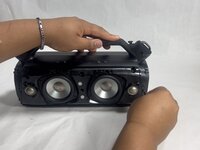




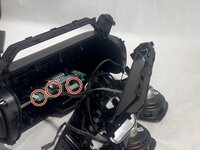
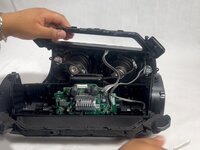
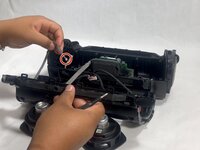

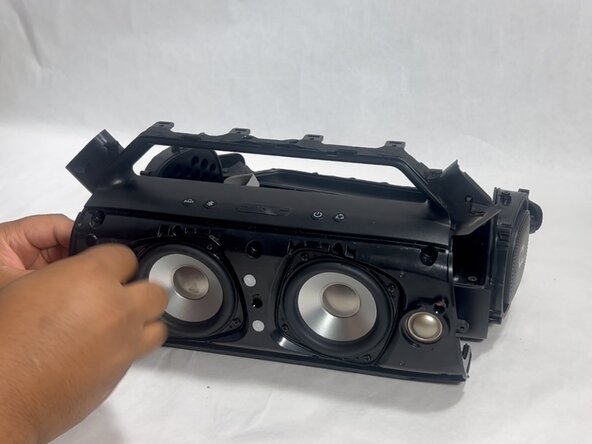

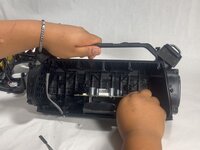

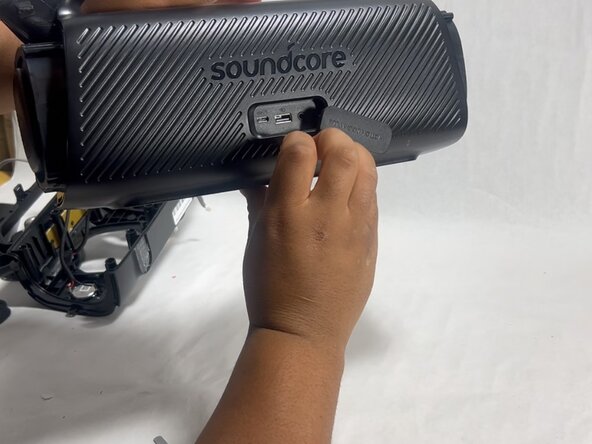
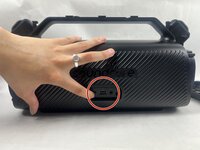
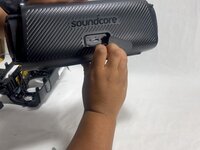




Para a remontagem do dispositivo, siga os passos acima na ordem inversa.
Para um desempenho ideal, após concluir este guia, faça a calibração da sua bateria recém-instalada.
Leve seu e-waste (lixo eletrônico) a um centro de reciclagem certificado R2 ou e-Stewards.
O reparo não deu certo? Tente alguns passos básicos para solução de problemas ou peça ajuda a nossa comunidade do Respostas para obter ajuda.

Equipe

UMass Dartmouth, Team 3-7, Botvin Spring 2025 Membro de UMass Dartmouth, Team 3-7, Botvin Spring 2025
UMASSD-BOTVIN-S25S3G7
2 Membros
Autoria de 34 guias
