Ir para o conteúdo principal
Participe da comunidade de reparos - Criar conta

dreamGEAR Quad Dock Pro LEDs Replacement

O que você precisa

  1. dreamGEAR Quad Dock Pro LEDs Replacement, Prerequisite Guide to Accessing Interior: passo 1, imagem 1 %32 dreamGEAR Quad Dock Pro LEDs Replacement, Prerequisite Guide to Accessing Interior: passo 1, imagem 2 %32
    • Remove the rubber foot pads on the bottom of the device using a plastic opening tool.

    Pergunte ao FixBot
  2. dreamGEAR Quad Dock Pro LEDs Replacement: passo 2, imagem 1 %32 dreamGEAR Quad Dock Pro LEDs Replacement: passo 2, imagem 2 %32
    • Remove the six 2 mm PH0 screws on the bottom of the device.

    • Four of those screws are located under the foot pads.

    Pergunte ao FixBot
  3. dreamGEAR Quad Dock Pro LEDs Replacement: passo 3, imagem 1 %32
    • Gently remove the bottom of the device.

    Pergunte ao FixBot
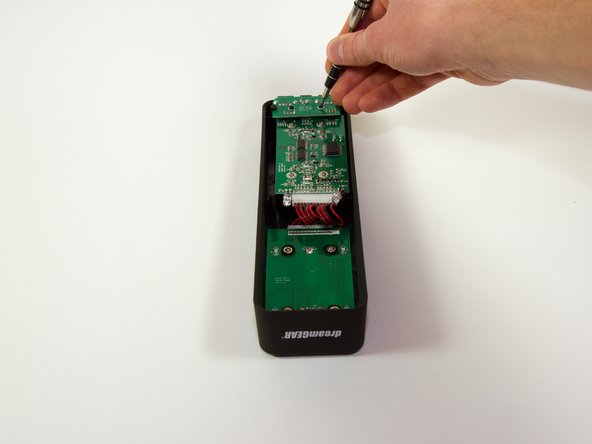
  4. dreamGEAR Quad Dock Pro LEDs Replacement, Mother Board: passo 4, imagem 1 %32 dreamGEAR Quad Dock Pro LEDs Replacement, Mother Board: passo 4, imagem 2 %32
    • Remove the four 1.8 mm J1 screws.

    • Remove the two 2mm PH0 screws.

    Pergunte ao FixBot
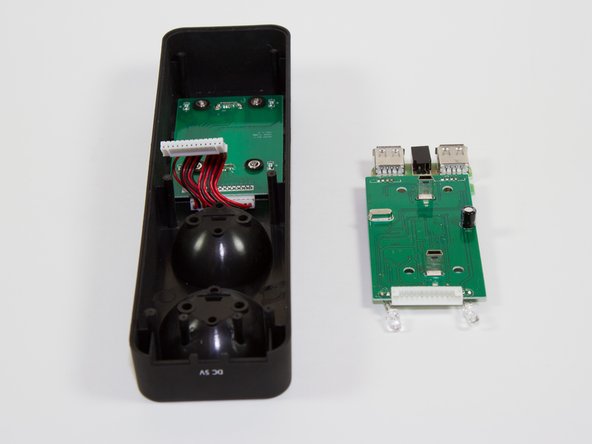
  5. dreamGEAR Quad Dock Pro LEDs Replacement: passo 5, imagem 1 %32
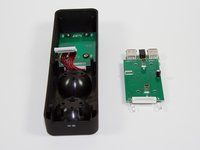
    • Gently pick up the mother board

    • Pick the mother board straight up or you may risk damaging the mini-USB charging ports.

    Pergunte ao FixBot
  6. dreamGEAR Quad Dock Pro LEDs Replacement: passo 6, imagem 1 %32 dreamGEAR Quad Dock Pro LEDs Replacement: passo 6, imagem 2 %32
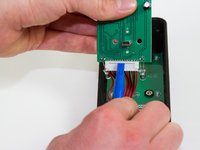
    • Use a plastic opening tool or similar tool to gently pry the power ribbon cord out of its port.

    Pergunte ao FixBot
  7. dreamGEAR Quad Dock Pro LEDs Replacement, LEDs: passo 7, imagem 1 %32 dreamGEAR Quad Dock Pro LEDs Replacement, LEDs: passo 7, imagem 2 %32
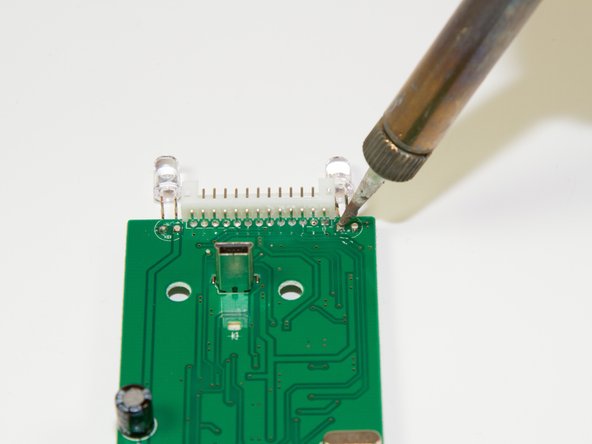
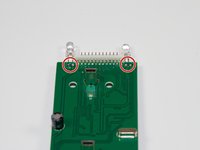
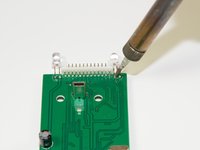
    • Desolder the two points following the instructions included in your soldering kit as you remove the light.

    • FIRE HAZARD! BURN DANGER! Follow all the safety precautions included with your soldering kit.

    • You can follow iFixit's guide to soldering here.

    Pergunte ao FixBot
Conclusão

To reassemble your device, follow these instructions in reverse order.

Uma outra pessoa concluiu este guia.

Jacob

Membro desde: 03/11/15

757 Reputação

Autoria de 6 guias

Equipe

0Comentários do guia

Comentar

Visualizações:

Últimas 24 horas: 0

Últimos 7 dias: 8

Últimos 30 dias: 45

Ao todo: 427