Introdução
This guide will exhibit how to replace the microphone board. Soldering is required to detach and replace the board, so refer to the soldering replacement guide for more information.
O que você precisa
-
-
Gently remove the foam pad from the microphone by pulling it apart.
 Pergunte ao FixBot
-
-
-
-
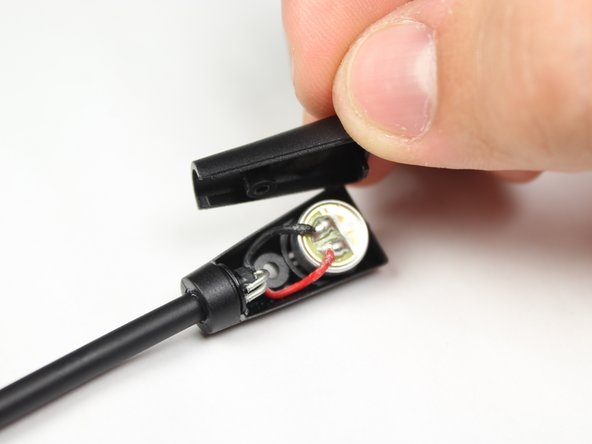
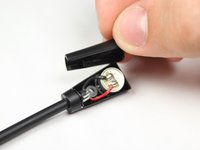
Remove the back casing from the microphone.
-
Desolder the two wires from the back of the microphone. For instructions on soldering, please see iFixit's soldering guide.
-


To reassemble your device, follow these instructions in reverse order.
Cancelar: não concluí este guia.
7 outras pessoas executaram este guia.

Equipe

Baylor, Team 10-14, Williams Fall 2015 Membro de Baylor, Team 10-14, Williams Fall 2015
BU-WILLIAMS-F15S10G14
3 Membros
Autoria de 8 guias
1Comentário do guia
I have a turtle beach recon 200 and there is no category here for it. I have gotten water into my microphone and I do not know how to fix it. My mic is attached to the headset. I have tried blowing into it and wiping it. None of that works. Please help.
