Introdução
For the official iFixit guide to repair your Galaxy S5 display, click here. The guide you are currently viewing is duplicate content, archived here for historical purposes only.
O que você precisa
-
-
Remove the rear case by using moderate force to pry the divot on the left of the rear facing camera with a plastic opening tool or your fingernail.
-
Continue to lift the case, working your way around the perimeter until the entire rear cover is removed.
 Pergunte ao FixBot
-
-
-
Lift the battery upward with your finger or plastic opening tool by pushing on the notch located on the bottom of the battery.
-
Remove the battery from the phone.
-
-
-
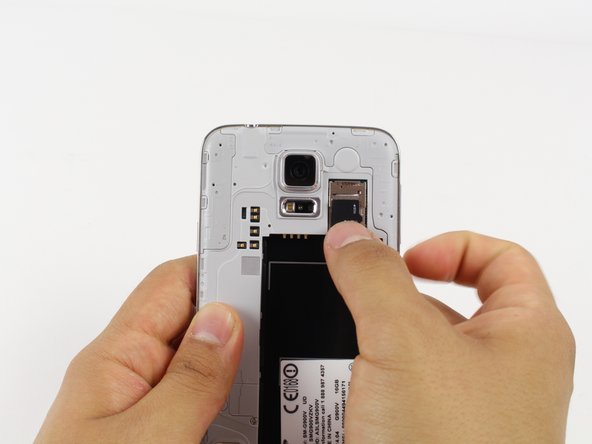
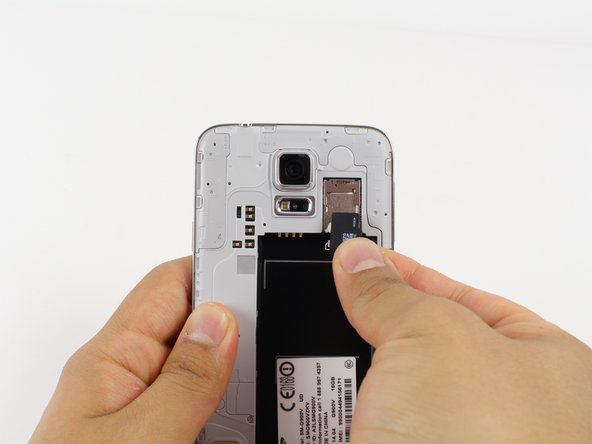
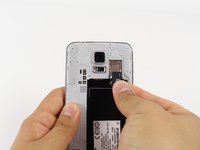
Gently slide out the SD card using your fingernail or a plastic opening tool.
-
-
-
-
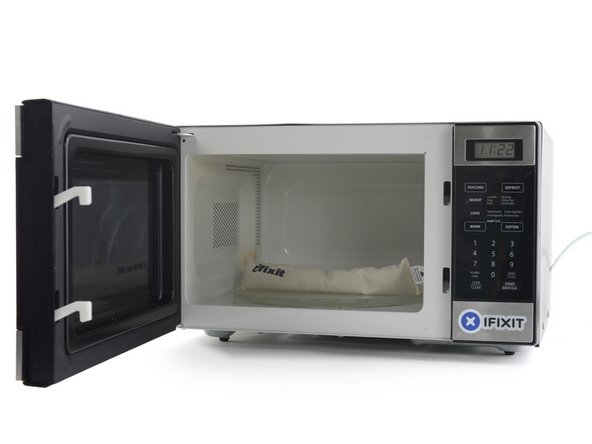
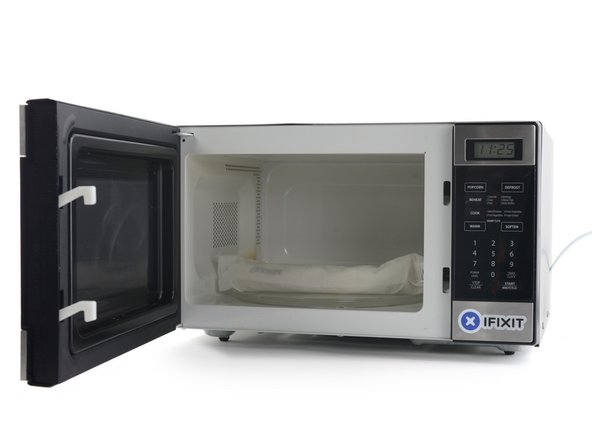
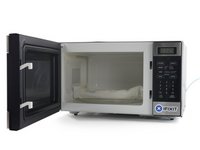
Remove the iOpener from the microwave, holding it by the printed tag.
-
-
-
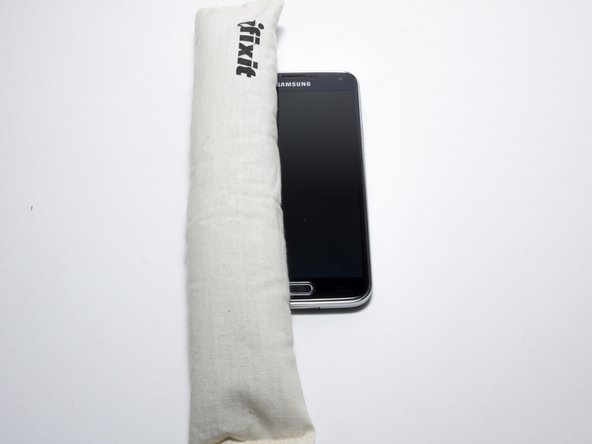
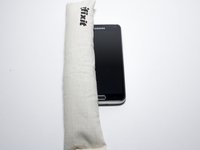
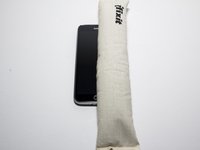
Lay the iOpener flat on the bottom of the device, directly over the home button. Smooth the iOpener along the surface to ensure good contact with the device. Leave the bag on the device for around 90 seconds.
-
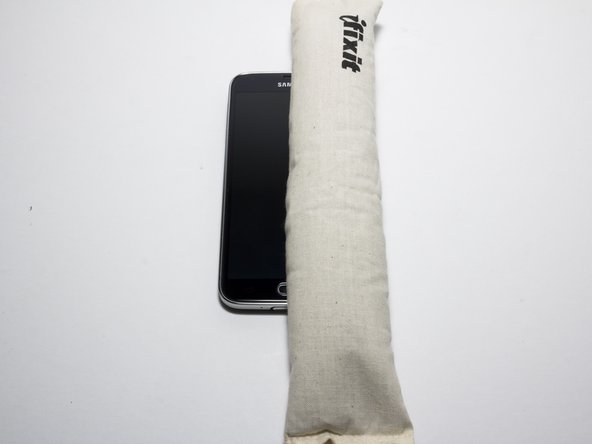
Repeat the process laying the bag on the left and right edge of the screen.
-
-
-
Use a light amount of force when removing the screen.
-
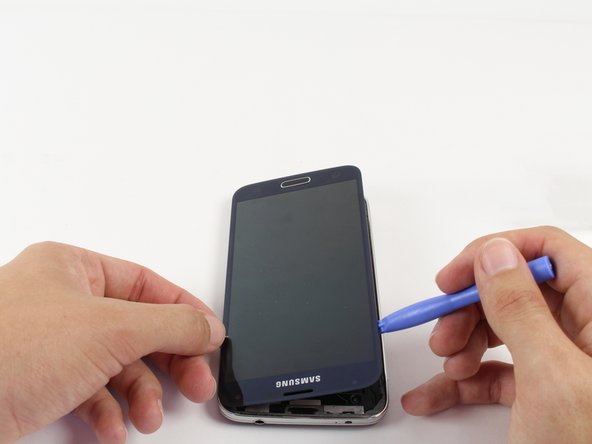
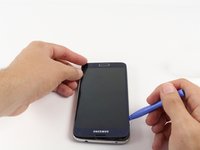
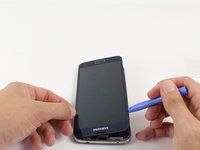
Starting at the top of the device, work the plastic opening tool under the screen. The top of the device has the Samsung logo and headphone port.
-
Start separating the screen from the glue. Work your way around the screen until the glue is no longer holding the screen in place.
-
-
-
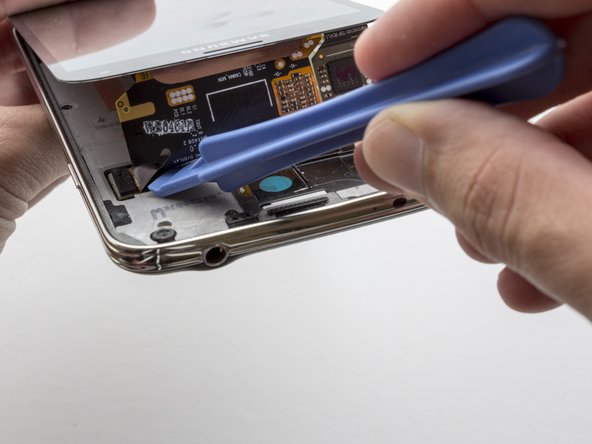
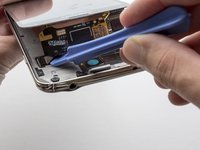
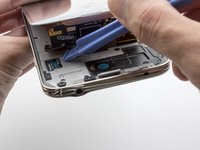
Start lifting the screen from the top. You will see a black ribbon cable attaching the display to the motherboard. Use the plastic opening tool to lightly detach the connector.
-
-
-
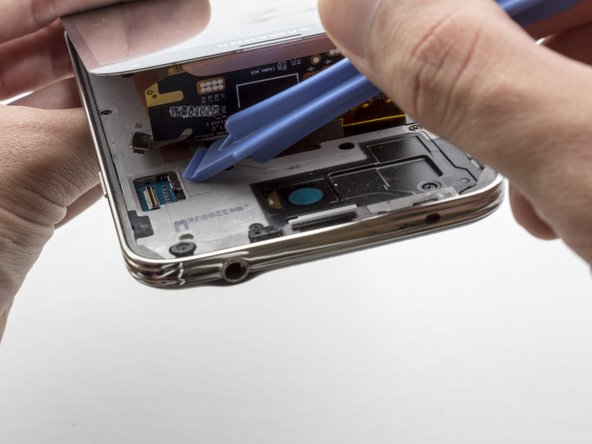
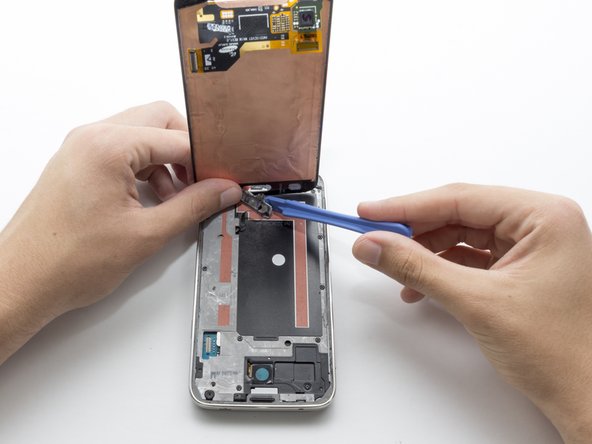
Continue to lift the display. You will notice a black cable connecting the home button to the motherboard.
-
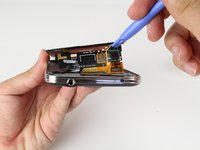
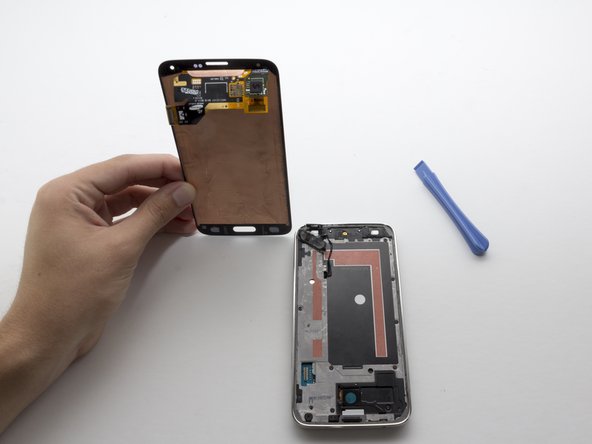
Use the plastic opening tool to pry the home button off. Moderate force is required.
-









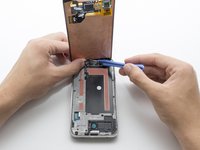
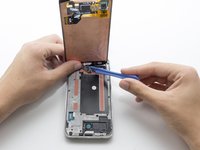
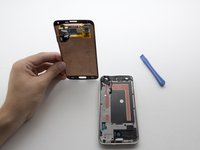
To reassemble your device, follow these instructions in reverse order.
Cancelar: não concluí este guia.
68 outras pessoas executaram este guia.

Equipe

Cal Poly, Team 10-57, Amido Spring 2014 Membro de Cal Poly, Team 10-57, Amido Spring 2014
CPSU-AMIDO-S14S10G57
4 Membros
Autoria de 20 guias
11Comentários do guia
Is there a way to take off the front glass ONLY? With the S4 the front glass was ONLY attached to a cable for the buttons on the bottom. Any help would be greatly appreciated.
Or the galaxy S5 as well?
How do I get a new light to light up my screen as I'm hoping I can use it n just change the light
I would also know if the iopener will allow me to take off only the glass and NOT the digitizer with it. If anyone knows, please share.
My S5 fell down and and after some hours there appears ink on the screen. Please what is wrong? Do I need to change the whole screen or is there a unit that brings out ink and have to change only that unit only?
