Ir para o conteúdo principal
Participe da comunidade de reparos - Criar conta

RCA RCT6272W23 Rear Camera Replacement

O que você precisa

    1. RCA RCT6272W23 Rear Camera Replacement, Case: passo 1, imagem 1 %32 RCA RCT6272W23 Rear Camera Replacement, Case: passo 1, imagem 2 %32
      • Use a Phillips #00 screwdriver to remove both 4.1 mm screws at the top of the device which hold it together.

      Pergunte ao FixBot

      Comentar

    2. RCA RCT6272W23 Rear Camera Replacement: passo 2, imagem 1 %32 RCA RCT6272W23 Rear Camera Replacement: passo 2, imagem 2 %32
      • Press the plastic opening tool into the space between the front and back portions of the case.

      • Run it along the perimeter of the device to unhook the plastic tabs.

      • Gently pull both sides apart.

      • The speaker is connected to the back cover, so be careful when separating.

      Pergunte ao FixBot

      Comentar

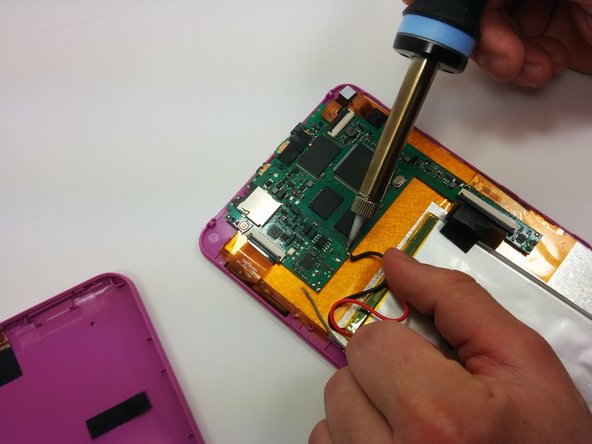
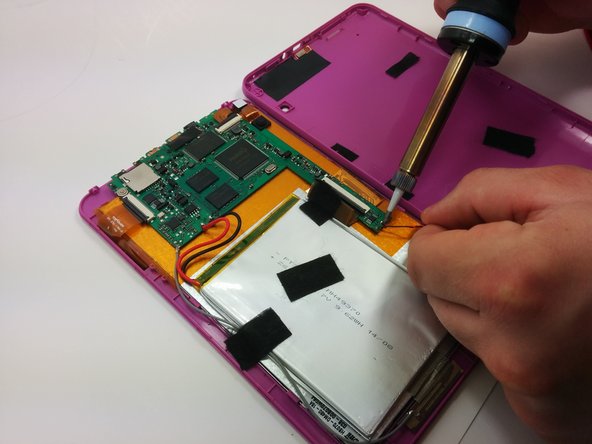
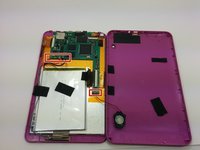
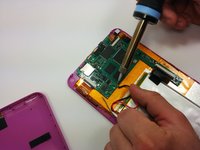
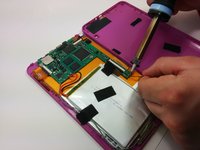
    1. RCA RCT6272W23 Rear Camera Replacement, Motherboard: passo 3, imagem 1 %32 RCA RCT6272W23 Rear Camera Replacement, Motherboard: passo 3, imagem 2 %32 RCA RCT6272W23 Rear Camera Replacement, Motherboard: passo 3, imagem 3 %32
      • Use a soldering iron to remove the soldered connections on the motherboard

      • For your safety and to ensure a correct repair, be sure to exercise caution when using the soldering iron.

      • For more information about soldering, check out this guide.

      Pergunte ao FixBot

      Comentar

    2. RCA RCT6272W23 Rear Camera Replacement: passo 4, imagem 1 %32
      • Use a philips #00 screwdriver to unscrew the three 4.064mm screws which attach the motherboard to the front of the device.

      Pergunte ao FixBot

      Comentar

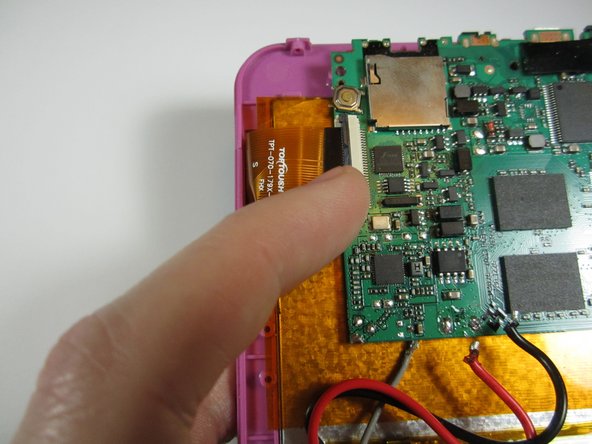
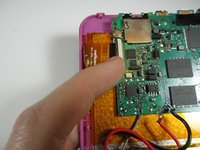
    3. RCA RCT6272W23 Rear Camera Replacement: passo 5, imagem 1 %32 RCA RCT6272W23 Rear Camera Replacement: passo 5, imagem 2 %32
      • Use your fingers to pop the three black tabs up to release the flat plastic data transfer cables.

      Pergunte ao FixBot

      Comentar

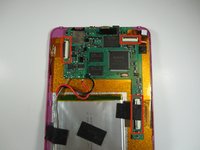
    4. RCA RCT6272W23 Rear Camera Replacement: passo 6, imagem 1 %32
      • Pull up the motherboard from the rest of the body.

      Pergunte ao FixBot

      Comentar

    1. RCA RCT6272W23 Rear Camera Replacement, Rear Camera: passo 7, imagem 1 %32
      • Using a spudger, gently pry off the camera from the back of the display

      Pergunte ao FixBot

      Comentar

Conclusão

To reassemble your device, follow these instructions in reverse order.

Cancelar: não concluí este guia.

Equipe

Michigan Tech, Team 1-5, Lauer Spring 2015 Membro de Michigan Tech, Team 1-5, Lauer Spring 2015

MTU-LAUER-S15S1G5

2 Membros

Autoria de 36 guias

0Comentários do guia

Comentar

Visualizações:

Últimas 24 horas: 0

Últimos 7 dias: 12

Últimos 30 dias: 42

Ao todo: 664