Ir para o conteúdo principal
Participe da comunidade de reparos - Criar conta

Porter-Cable PCE211 Fan Replacement

O que você precisa

    1. Porter-Cable PCE211 Fan Replacement, Gearcase: passo 1, imagem 1 %32 Porter-Cable PCE211 Fan Replacement, Gearcase: passo 1, imagem 2 %32
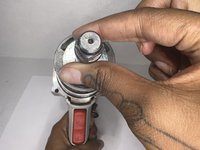
      • Using the Hex Security SAE 7/32", remove the four 10 mm socket screws at the base of the gearcase.

      Pergunte ao FixBot

      Comentar

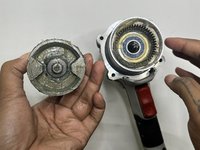
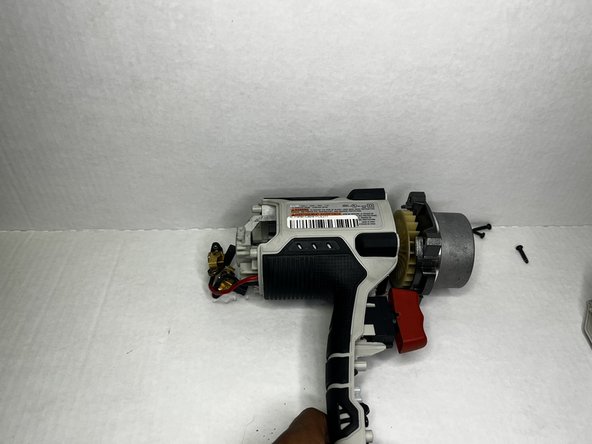
    2. Porter-Cable PCE211 Fan Replacement: passo 2, imagem 1 %32 Porter-Cable PCE211 Fan Replacement: passo 2, imagem 2 %32 Porter-Cable PCE211 Fan Replacement: passo 2, imagem 3 %32
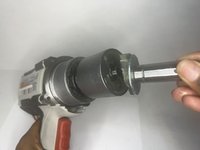
      • Grip the body of the impact wrench with one hand and the gearcase in the other and firmly pull to remove it.

      • Be careful about any loose parts when removing the head.

      Pergunte ao FixBot

      Comentar

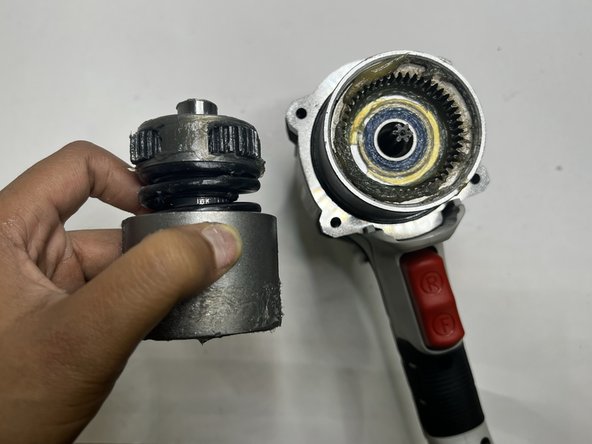
    1. Porter-Cable PCE211 Fan Replacement, Anvil: passo 3, imagem 1 %32 Porter-Cable PCE211 Fan Replacement, Anvil: passo 3, imagem 2 %32 Porter-Cable PCE211 Fan Replacement, Anvil: passo 3, imagem 3 %32
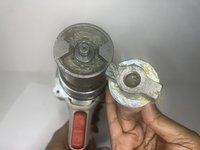
      • Firmly pull the to remove drill bit holder also known as the anvil.

      • Before replacing the anvil, lubricate the base for the best performance.

      Pergunte ao FixBot

      Comentar

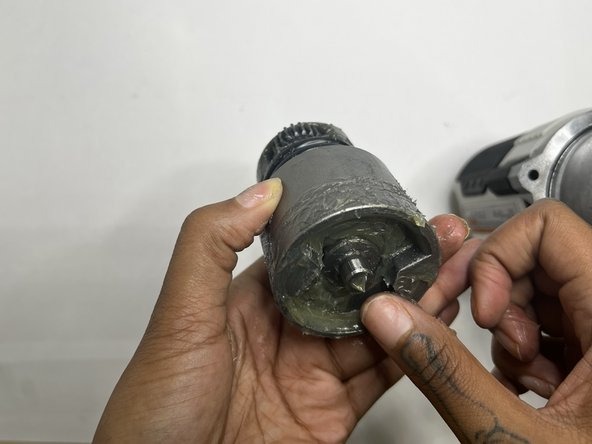
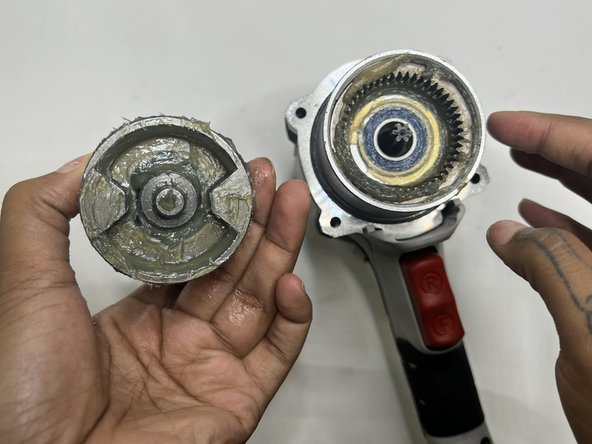
    1. Porter-Cable PCE211 Fan Replacement, Motor: passo 4, imagem 1 %32 Porter-Cable PCE211 Fan Replacement, Motor: passo 4, imagem 2 %32 Porter-Cable PCE211 Fan Replacement, Motor: passo 4, imagem 3 %32
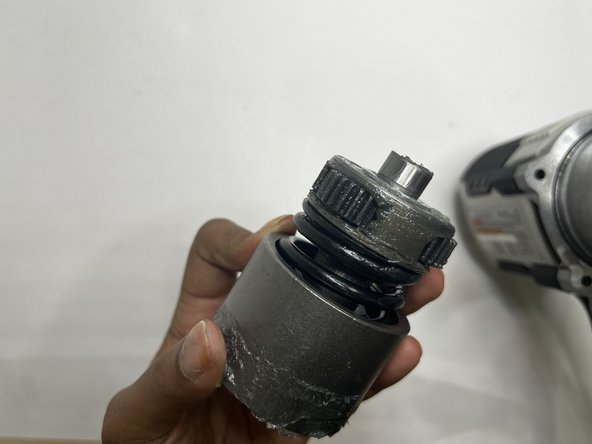
      • This section tends to get messy so it would be best to have a paper towel or microfiber towel handy.

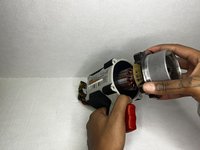
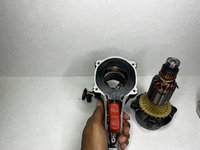
      • Pull the motor out with your hands.

      Pergunte ao FixBot

      Comentar

    2. Porter-Cable PCE211 Fan Replacement: passo 5, imagem 1 %32 Porter-Cable PCE211 Fan Replacement: passo 5, imagem 2 %32 Porter-Cable PCE211 Fan Replacement: passo 5, imagem 3 %32
      • Wipe out the old grease with a towel. Use the appropriate motor grease for electric tools to lubricate the top area, base of the motor, and the space the motor sits.

      Pergunte ao FixBot

      Comentar

    1. Porter-Cable PCE211 Fan Replacement, Rear Housing: passo 6, imagem 1 %32 Porter-Cable PCE211 Fan Replacement, Rear Housing: passo 6, imagem 2 %32
      • Remove the four 6 mm screws using a Phillips #2 screwdriver.

      • The screws are tight so you will need to use a bit of arm strength.

      Pergunte ao FixBot

      Comentar

    2. Porter-Cable PCE211 Fan Replacement: passo 7, imagem 1 %32 Porter-Cable PCE211 Fan Replacement: passo 7, imagem 2 %32
      • Pull the rear housing off the back of the impact wrench.

      • Be careful when removing the rear case that loose parts don't get damaged.

      Pergunte ao FixBot

      Comentar

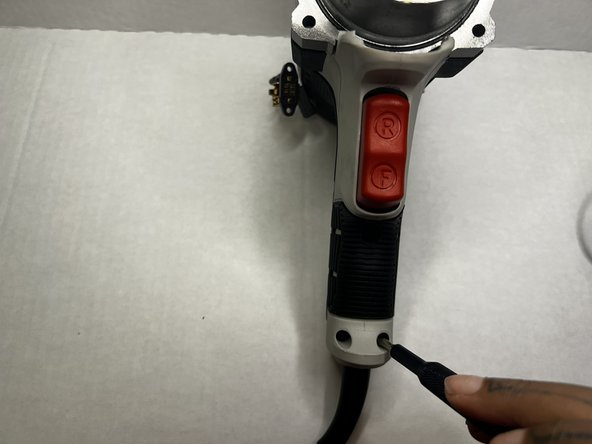
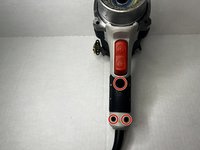
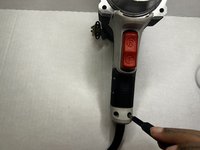
    1. Porter-Cable PCE211 Fan Replacement, Grip: passo 8, imagem 1 %32 Porter-Cable PCE211 Fan Replacement, Grip: passo 8, imagem 2 %32
      • Using the Phillips #2 screwdriver, remove the three 8 mm screws from the grip of the impact wrench.

      Pergunte ao FixBot

      Comentar

    2. Porter-Cable PCE211 Fan Replacement: passo 9, imagem 1 %32 Porter-Cable PCE211 Fan Replacement: passo 9, imagem 2 %32
      • Pull the grip from the body of the impact wrench.

      Pergunte ao FixBot

      Comentar

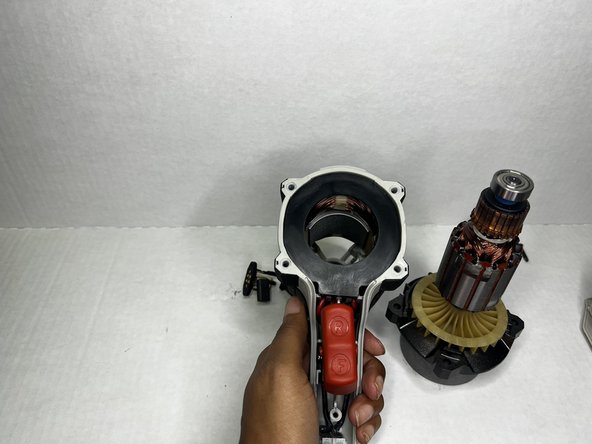
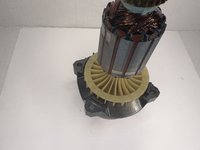
    1. Porter-Cable PCE211 Fan Replacement, Fan: passo 10, imagem 1 %32 Porter-Cable PCE211 Fan Replacement, Fan: passo 10, imagem 2 %32
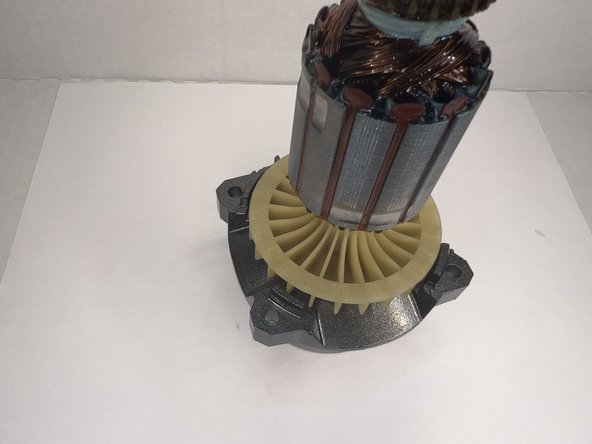
      • Lift the hammer block (which is attached to the fan) out of the case.

      • It is a little heavy so be careful when lifting it out.

      Pergunte ao FixBot

      Comentar

    2. Porter-Cable PCE211 Fan Replacement: passo 11, imagem 1 %32 Porter-Cable PCE211 Fan Replacement: passo 11, imagem 2 %32
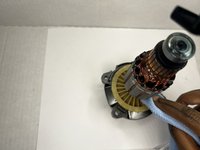
      • If you're doing maintenance and the fan isn't damage, use a microfiber cloth to clean the fan.

      • Wipe well until there's no residue or oil lubricant.

      Pergunte ao FixBot

      Comentar

Conclusão

To reassemble your device, follow these instructions in reverse order.

Cancelar: não concluí este guia.

0Comentários do guia

Comentar

Visualizações:

Últimas 24 horas: 0

Últimos 7 dias: 7

Últimos 30 dias: 31

Ao todo: 437