Introdução
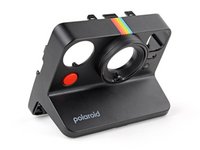
Use this guide to replace, change, or upgrade the front shell (aka front cover) on your Polaroid Now+ (Gen 3) instant camera.
You may want to change the front shell if it's cracked or damaged, or if you want to customize your camera with different colors.
O que você precisa
-
-
If you have any film left, take some photos! Then remove the cartridge. Disassembly will expose any leftover film.
-
Unplug and fully power down your camera.
-
Put on the lens cap to avoid scratching your lens during disassembly.
 Pergunte ao FixBot
-
-
-
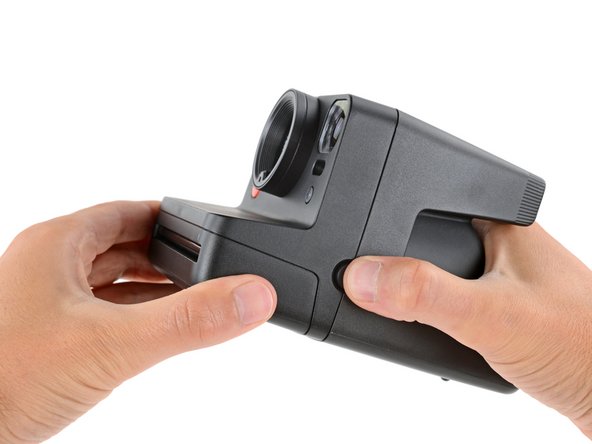
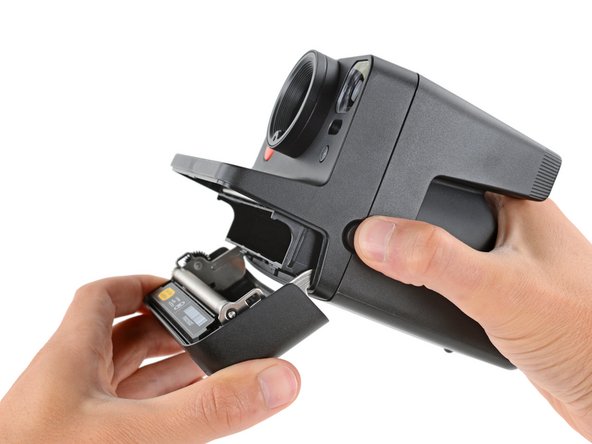
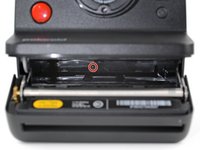
Hold down the latch on the left side of the camera and open the film door.
-
-
Ferramenta utilizada neste passo:Magnetic Project Mat$19.95
-
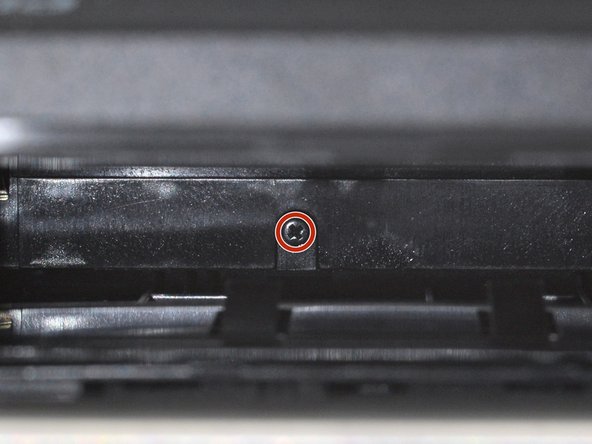
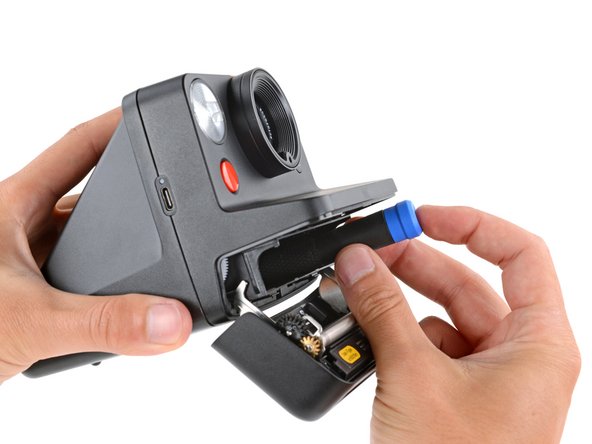
Use a Phillips screwdriver to remove the 5.9 mm‑long screw securing the rear shell.
-
-
-
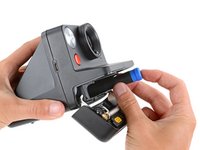
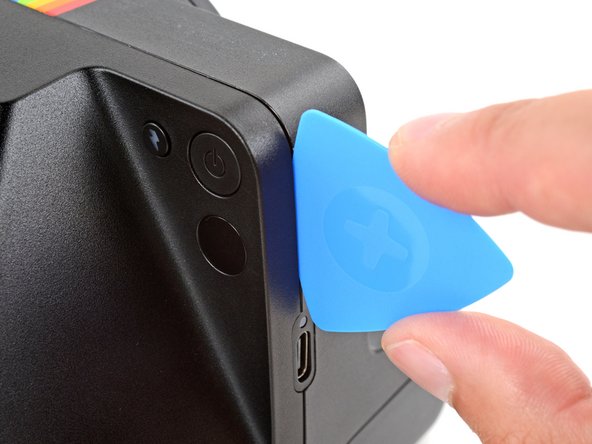
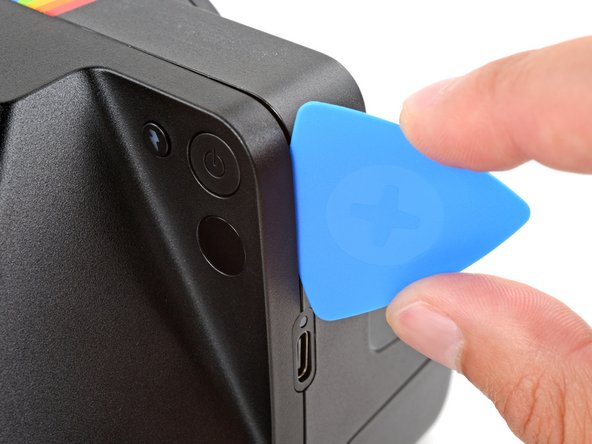
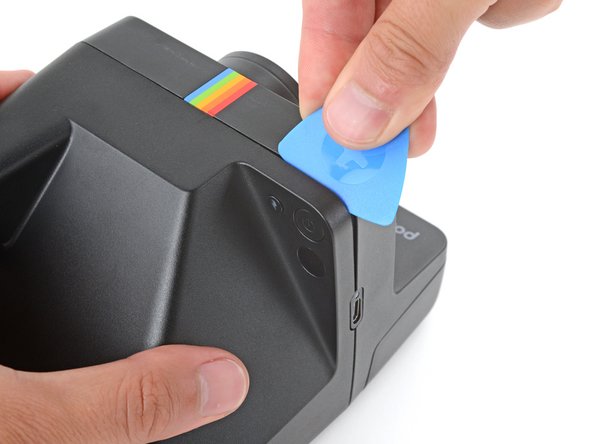
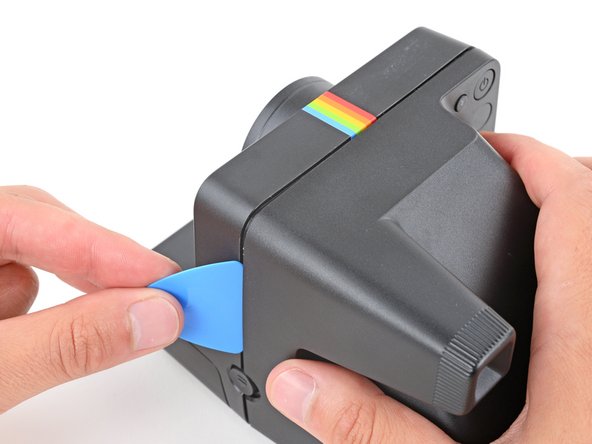
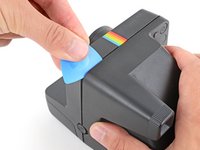
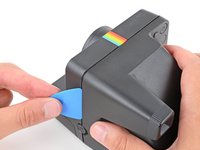
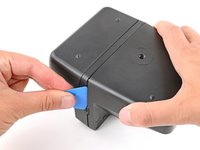
Insert the flat edge of an opening pick in the seam between the front and rear shells, just above the USB‑C port on the right edge.
-
Use your pick to pry the rear shell away from the front shell.
-
-
-
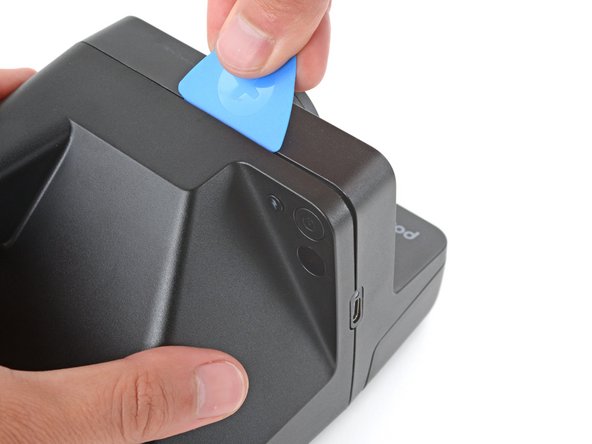
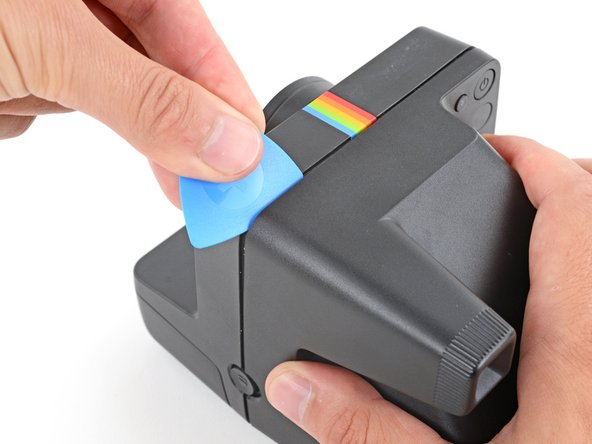
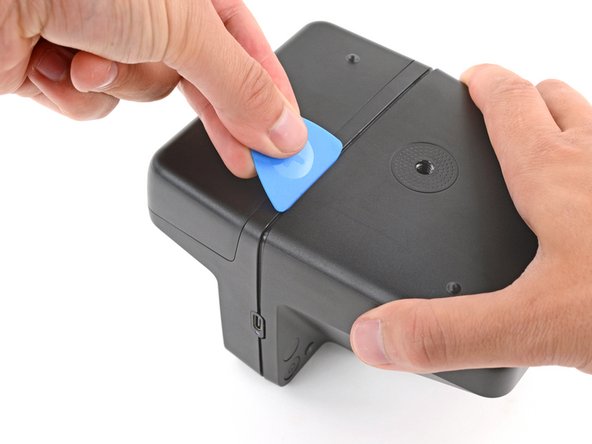
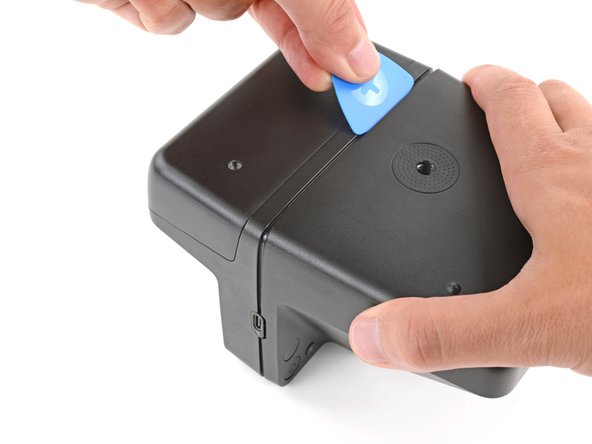
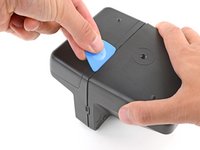
Slide your pick around the top right corner and along the top edge to release the clips.
-
-
-
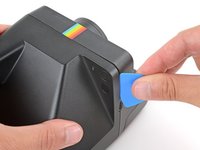
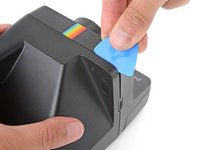
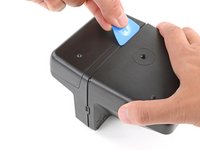
Continue sliding your pick along the top edge, around the top left corner, and down the left edge to release the clips. Stop when you get to the film door latch.
-
-
-
Gently flip the camera over, making sure none of the clips re‑engage.
-
-
-
Insert your opening pick in the seam near the USB‑C port and slide it around the corner and along the bottom edge to release the remaining clips.
-
-
-
-
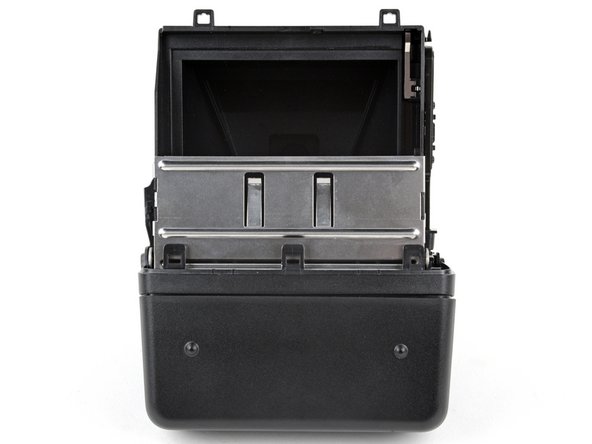
Gently pull the rear shell off the main body of the camera.
-
Press the shell firmly onto the main body so all the clips engage.
-
Check around the shell seam and make sure there are no gaps. If there are, firmly press the shells together to engage the clip near the gap.
-
-
-
To minimize risk, avoid touching the boards, wires, and other exposed components with your fingers or metal tools. Consider wearing rubber gloves if working near the board.
-
-
-
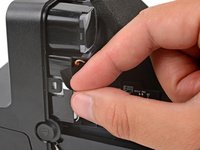
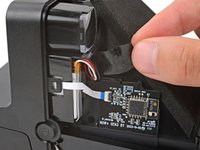
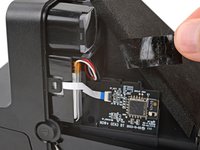
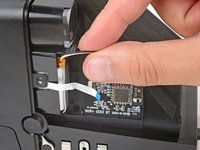
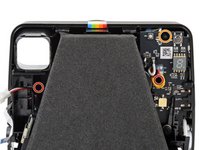
Use your fingers to remove the piece of tape securing the battery and its cables (just below the viewfinder).
-
-
-
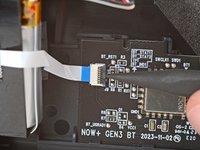
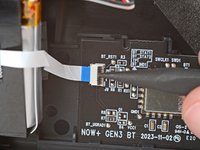
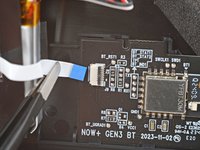
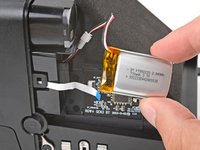
Use a spudger to flip up the hinged locking flap on the sub board ZIF connector.
-
Use a pair of tweezers or your fingers to gently pull the cable straight out of its socket.
-
-
-
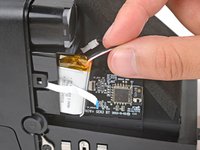
Gently slide the battery out of its plastic housing.
-
-
-
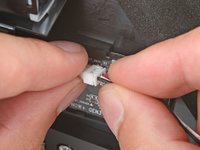
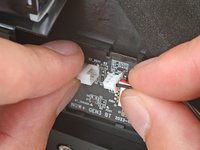
Firmly grip the larger end of the plastic battery connector with one hand and the battery's cable in the other—grip the battery cable as close to the connector as possible.
-
Pull the battery cable straight away from the connector to disconnect it.
-
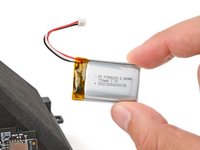
Remove the battery.
-
-
-
Flip your camera over so the bottom is facing up.
-
-
-
Use a Phillips screwdriver to remove the two 3 mm‑long film door hinge screws (one on either side of the camera).
-
-
-
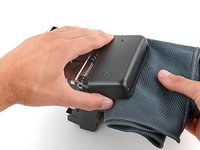
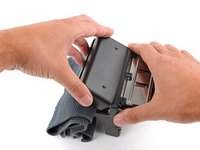
Open the film door and place a clean cloth in the compartment.
-
-
-
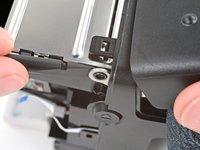
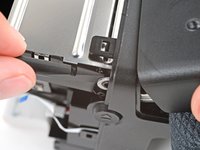
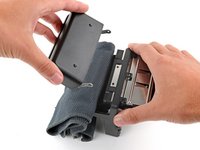
Use the flat end of a spudger to push one of the film door hinges away from the camera and off its post.
-
Repeat the process to detach the other hinge.
-
-
-
Check to see if either of the small, plastic hinge grommets stayed on their posts.
-
If they did, remove them and set them aside.
-
-
-
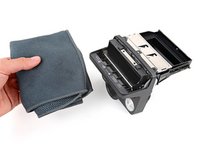
Lift the film door and remove it.
-
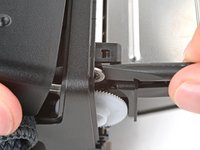
Make sure there are grommets installed in the film door hinges. To install them, press the grommets into the film door hinges, with the wide end facing in.
-
Hook one of the hinges on its post and then push the other one into place until it snaps over its post.
-
-
-
Flip the camera over and position it so the lens is facing away from you.
-
-
Ferramenta utilizada neste passo:Phillips #00 Screwdriver$5.49
-
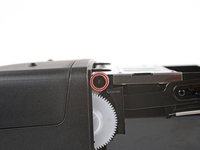
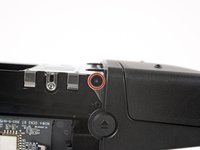
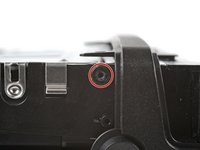
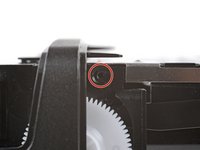
Use a Phillips screwdriver to remove the three screws securing the front shell:
-
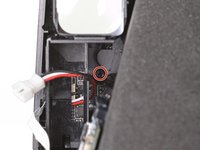
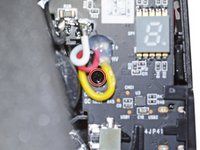
Two 5.9 mm‑long screws hidden in recesses on the left and right sides (one near the battery recess and one with a cutout in the main board)
-
One 5.4 mm‑long screw on the top edge of the main board
-
-
-
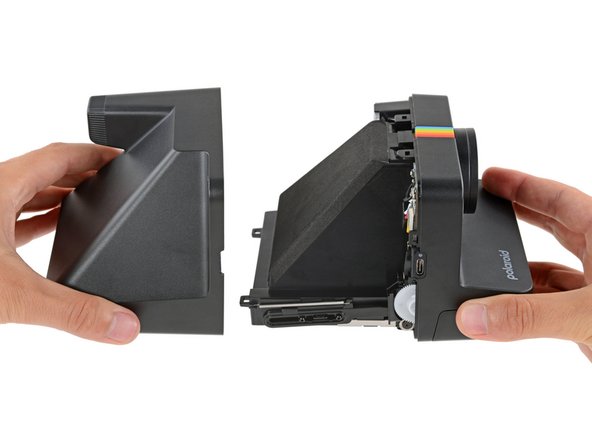
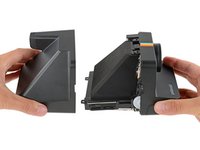
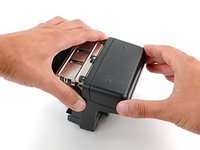
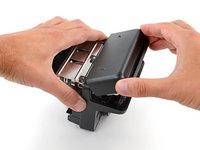
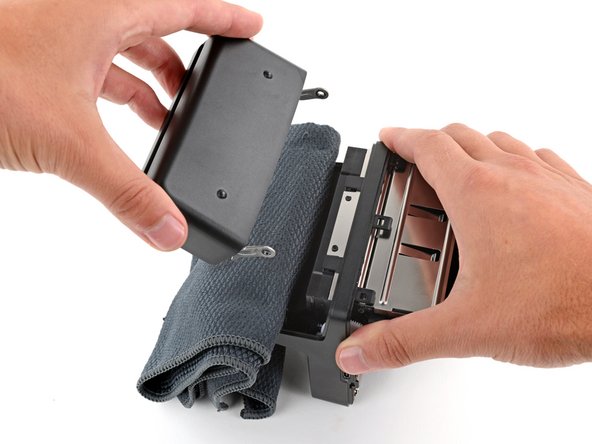
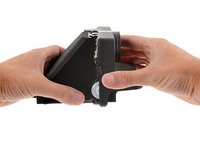
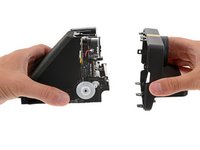
With the right side of the camera facing up, hold the main body of your camera in one hand and the front shell in the other.
-
Gently squeeze the sides of the front shell to release the clips and pull the shell off the main body of the camera.
-
-
-
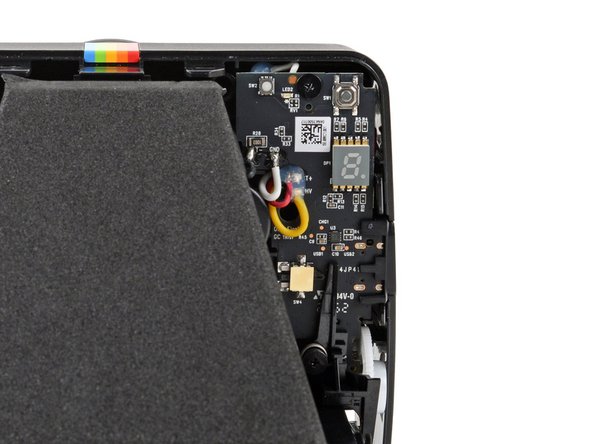
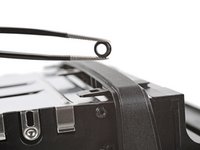
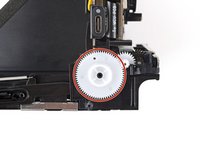
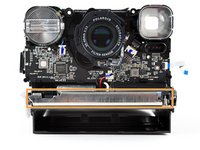
If any parts fell out of your camera, don't worry! Check the following locations and follow this guide to reinstall the parts:
-
The gear on the right edge of the camera, below the USB‑C port
-
The metal film‑door lever on the front of the camera
-





































To reassemble your device, follow these instructions in reverse order.
Repair didn’t go as planned? Try some basic troubleshooting, or ask our Answers community for help.


