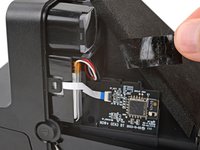
Ir para o conteúdo principal

Polaroid Now+ (Gen 3) Battery Replacement

O que você precisa

  1. Polaroid Now+ (Gen 3) Battery Replacement, Safety precautions: passo 1, imagem 1 %32 Polaroid Now+ (Gen 3) Battery Replacement, Safety precautions: passo 1, imagem 2 %32
    • If you have any film left, take some photos! Then remove the cartridge. Disassembly will expose any leftover film.

    • Before you begin:

    • Unplug and fully power down your camera.

    • Put on the lens cap to avoid scratching your lens during disassembly.

  2. Polaroid Now+ (Gen 3) Battery Replacement, Open the film door: passo 2, imagem 1 %32 Polaroid Now+ (Gen 3) Battery Replacement, Open the film door: passo 2, imagem 2 %32 Polaroid Now+ (Gen 3) Battery Replacement, Open the film door: passo 2, imagem 3 %32
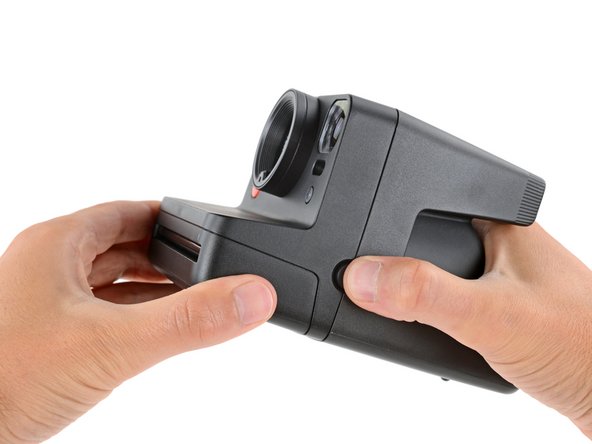
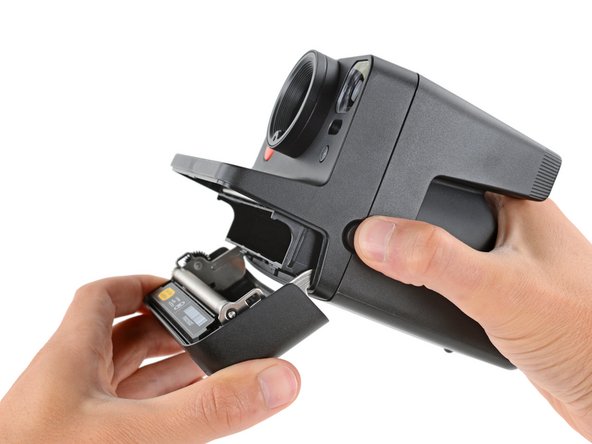
    • Throughout this guide, directional words (front, back, left, right) are from the perspective of using the camera—or when the lens faces away from you.

    • Hold down the latch on the left side of the camera and open the film door.

  3. Polaroid Now+ (Gen 3) Battery Replacement, Remove the rear shell screw: passo 3, imagem 1 %32 Polaroid Now+ (Gen 3) Battery Replacement, Remove the rear shell screw: passo 3, imagem 2 %32 Polaroid Now+ (Gen 3) Battery Replacement, Remove the rear shell screw: passo 3, imagem 3 %32
    Ferramenta utilizada neste passo:
    Magnetic Project Mat
    $16.96
    • Throughout this repair, keep track of each screw and make sure it goes back exactly where it came from.

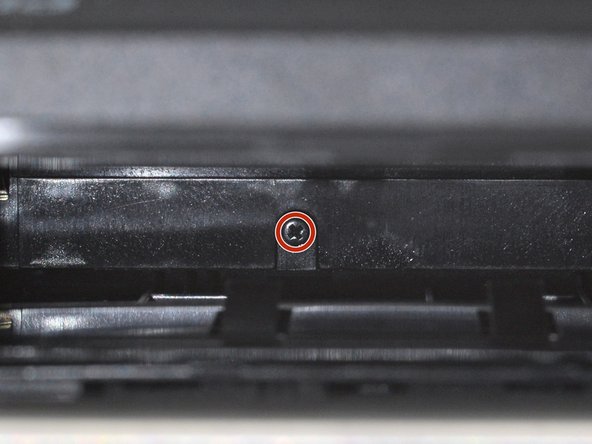
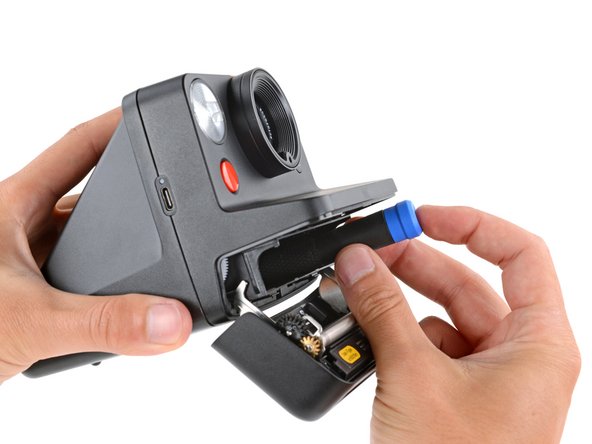
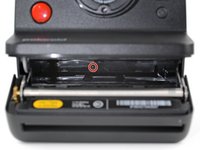
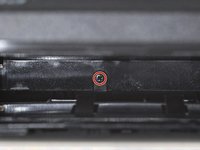
    • Use a Phillips screwdriver to remove the 5.9 mm‑long screw securing the rear shell.

    • The screw is hidden inside the camera on the back edge—you may need to use a flashlight to see it, as well as a skinny, long‑shank screwdriver to reach it.

    • Be careful when removing your screwdriver, as the screw can easily fall inside the camera. If it does, hold the camera above your work surface and gently shake it so the screw falls out.

  4. Polaroid Now+ (Gen 3) Battery Replacement, Release the rear shell clips: passo 4, imagem 1 %32 Polaroid Now+ (Gen 3) Battery Replacement, Release the rear shell clips: passo 4, imagem 2 %32 Polaroid Now+ (Gen 3) Battery Replacement, Release the rear shell clips: passo 4, imagem 3 %32
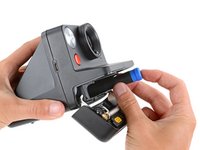
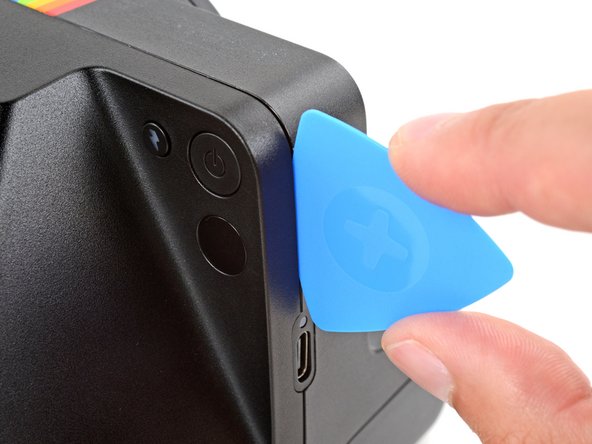
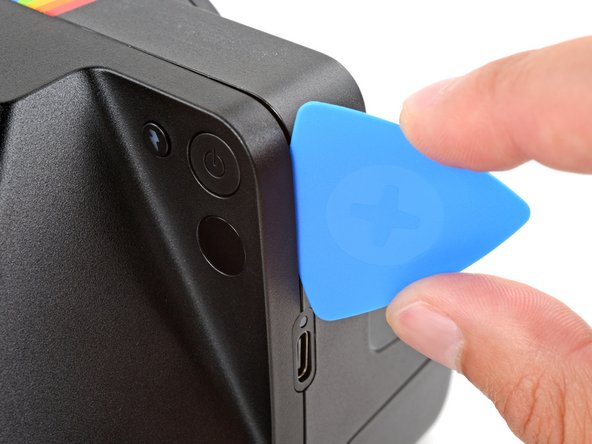
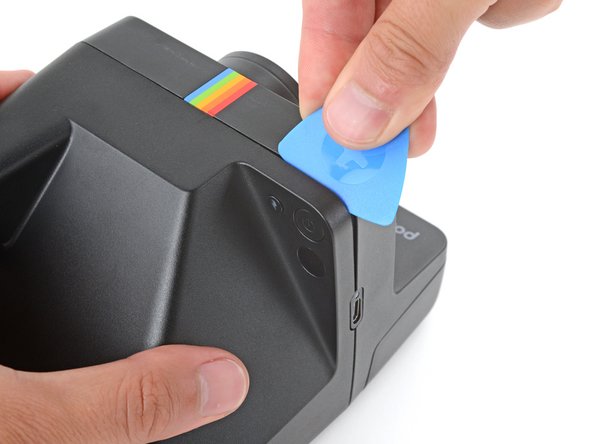
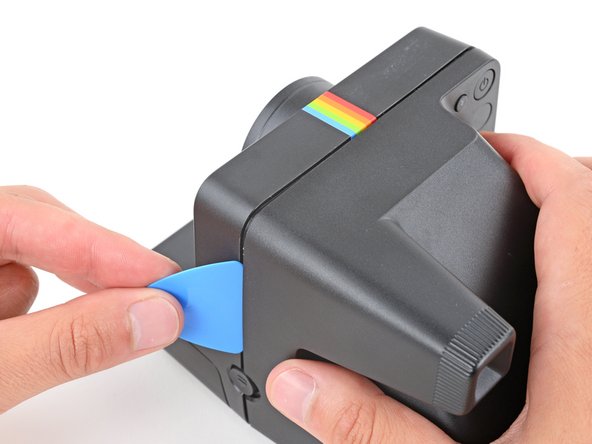
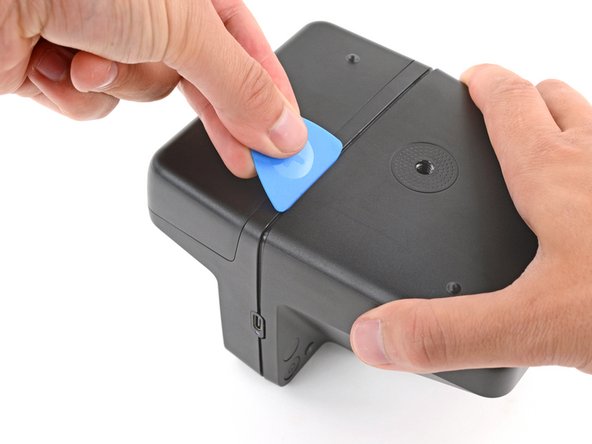
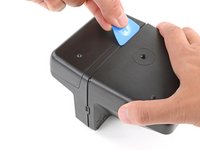
    • Insert the flat edge of an opening pick in the seam between the front and rear shells, just above the USB‑C port on the right edge.

    • Use your pick to pry the rear shell away from the front shell.

    • Keep the inserted edge of the pick pointed toward the rear shell when separating it. This helps release the tight plastic clips holding them together.

  5. Polaroid Now+ (Gen 3) Battery Replacement: passo 5, imagem 1 %32 Polaroid Now+ (Gen 3) Battery Replacement: passo 5, imagem 2 %32 Polaroid Now+ (Gen 3) Battery Replacement: passo 5, imagem 3 %32
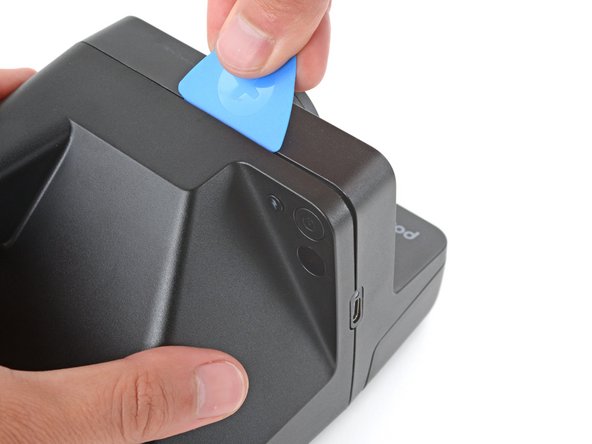
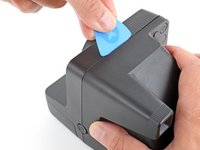
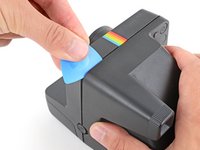
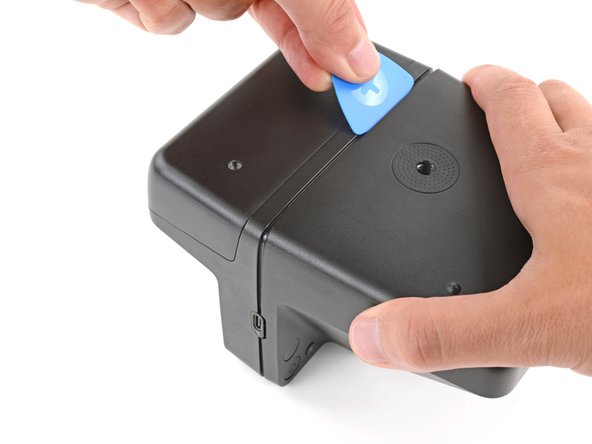
    • You should feel and hear distinct "clicks" as the clips release. If you don't, try again—it may take multiple attempts.

    • Slide your pick around the top right corner and along the top edge to release the clips.

  6. Polaroid Now+ (Gen 3) Battery Replacement: passo 6, imagem 1 %32 Polaroid Now+ (Gen 3) Battery Replacement: passo 6, imagem 2 %32 Polaroid Now+ (Gen 3) Battery Replacement: passo 6, imagem 3 %32
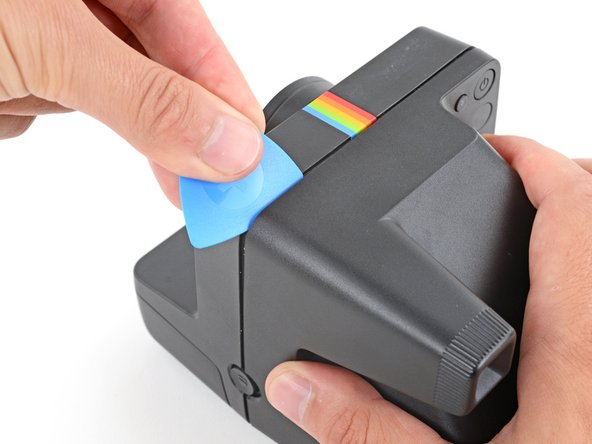
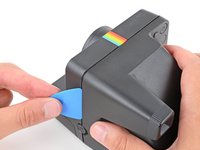
    • Continue sliding your pick along the top edge, around the top left corner, and down the left edge to release the clips. Stop when you get to the film door latch.

  7. Polaroid Now+ (Gen 3) Battery Replacement: passo 7, imagem 1 %32
    • Gently flip the camera over, making sure none of the clips re‑engage.

  8. Polaroid Now+ (Gen 3) Battery Replacement: passo 8, imagem 1 %32 Polaroid Now+ (Gen 3) Battery Replacement: passo 8, imagem 2 %32 Polaroid Now+ (Gen 3) Battery Replacement: passo 8, imagem 3 %32
    • Remember to keep the inserted edge of the pick pointed towards the rear shell.

    • Insert your opening pick in the seam near the USB‑C port and slide it around the corner and along the bottom edge to release the remaining clips.

  9. Polaroid Now+ (Gen 3) Battery Replacement, Camera mirror warning: passo 9, imagem 1 %32 Polaroid Now+ (Gen 3) Battery Replacement, Camera mirror warning: passo 9, imagem 2 %32
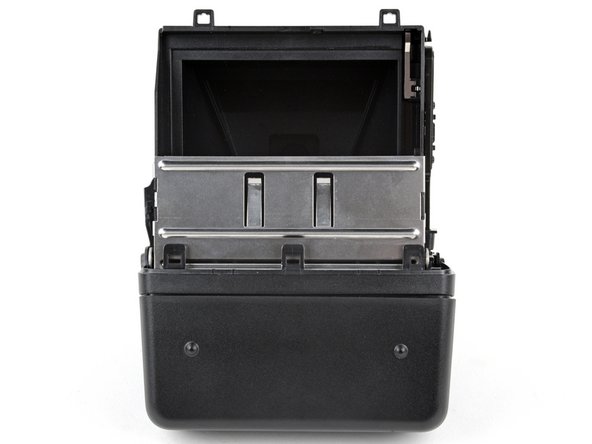
    • Removing the rear shell in the next step exposes the camera mirror. Be careful not to smudge it or get any debris on it. If you accidentally do, use a lint‑free cloth to gently wipe the mirror clean.

  10. Polaroid Now+ (Gen 3) Battery Replacement, Remove the rear shell: passo 10, imagem 1 %32 Polaroid Now+ (Gen 3) Battery Replacement, Remove the rear shell: passo 10, imagem 2 %32
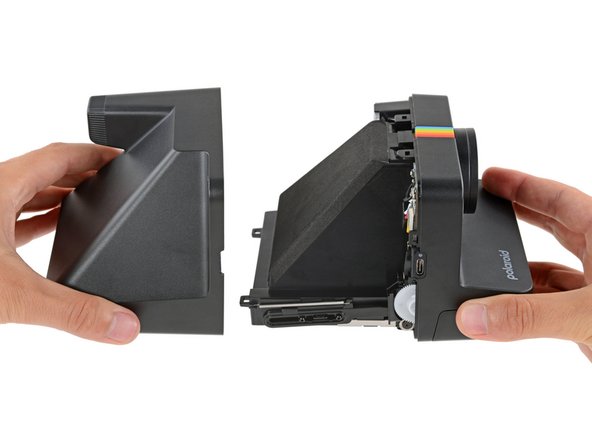
    • Gently pull the rear shell off the main body of the camera.

    • The shell should slide off easily. If it doesn't, check to see if any clips re‑engaged and use your opening pick to release them.

    • During reassembly:

    • Press the shell firmly onto the main body so all the clips engage.

    • You should feel and hear distinct "clicks" as the clips engage.

    • Check around the shell seam and make sure there are no gaps. If there are, firmly press the shells together to engage the clip near the gap.

  11. Polaroid Now+ (Gen 3) Battery Replacement, Capacitor warning: passo 11, imagem 1 %32 Polaroid Now+ (Gen 3) Battery Replacement, Capacitor warning: passo 11, imagem 2 %32
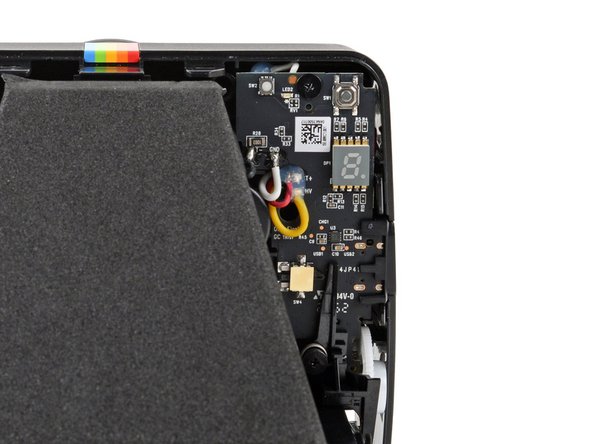
    • The capacitor in your camera holds an electrical charge and can deliver a potentially dangerous electric shock if you touch the boards incorrectly.

    • To minimize risk, avoid touching the boards, wires, and other exposed components with your fingers or metal tools. Consider wearing rubber gloves if working near the board.

  12. Polaroid Now+ (Gen 3) Battery Replacement, Reposition the battery tape: passo 12, imagem 1 %32 Polaroid Now+ (Gen 3) Battery Replacement, Reposition the battery tape: passo 12, imagem 2 %32 Polaroid Now+ (Gen 3) Battery Replacement, Reposition the battery tape: passo 12, imagem 3 %32
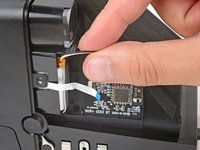
    • Use your fingers to remove the piece of tape securing the battery and its cables (just below the viewfinder).

    • Put the piece of tape aside—you'll use it during reassembly.

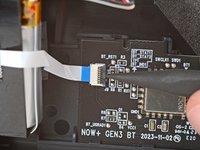
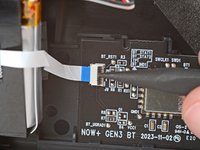
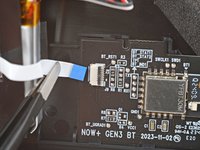
  13. Polaroid Now+ (Gen 3) Battery Replacement, Disconnect the sub‑board cable: passo 13, imagem 1 %32 Polaroid Now+ (Gen 3) Battery Replacement, Disconnect the sub‑board cable: passo 13, imagem 2 %32 Polaroid Now+ (Gen 3) Battery Replacement, Disconnect the sub‑board cable: passo 13, imagem 3 %32
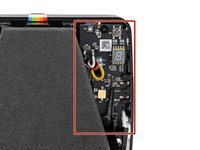
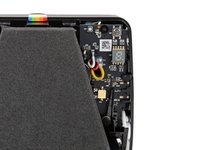
    • Disconnecting the sub‑board cable makes battery removal easier and prevents accidentally damaging the cable or its delicate connector.

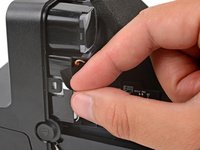
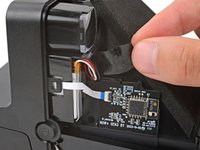
    • Use a spudger to flip up the hinged locking flap on the sub board ZIF connector.

    • Use a pair of tweezers or your fingers to gently pull the cable straight out of its socket.

  14. Polaroid Now+ (Gen 3) Battery Replacement, Reposition the battery: passo 14, imagem 1 %32 Polaroid Now+ (Gen 3) Battery Replacement, Reposition the battery: passo 14, imagem 2 %32 Polaroid Now+ (Gen 3) Battery Replacement, Reposition the battery: passo 14, imagem 3 %32
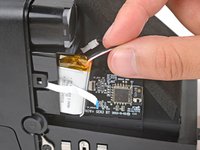
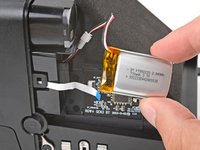
    • Gently slide the battery out of its plastic housing.

    • Don't try to fully remove the battery yet, as it's still connected by a delicate cable.

  15. Polaroid Now+ (Gen 3) Battery Replacement, Remove the battery: passo 15, imagem 1 %32 Polaroid Now+ (Gen 3) Battery Replacement, Remove the battery: passo 15, imagem 2 %32 Polaroid Now+ (Gen 3) Battery Replacement, Remove the battery: passo 15, imagem 3 %32
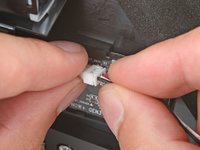
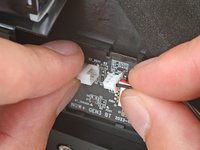
    • Firmly grip the larger end of the plastic battery connector with one hand and the battery's cable in the other—grip the battery cable as close to the connector as possible.

    • Pull the battery cable straight away from the connector to disconnect it.

    • Be very careful not to strain the cables.

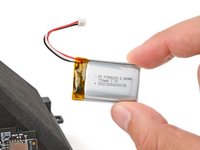
    • Remove the battery.

Conclusão

To reassemble your device, follow these instructions in reverse order.

For optimal performance, calibrate your newly installed battery after completing this guide.

Take your e-waste to an R2 or e-Stewards certified recycler.

Repair didn’t go as planned? Try some basic troubleshooting, or ask our Answers community for help.

Spencer Day

Membro desde: 09/14/22

149.052 Reputação

Autoria de 995 guias

Equipe

iFixit Membro de iFixit

Staff

123 Membros

Autoria de 23.603 guias

0Comentários do guia

Comentar

Visualizações:

Últimas 24 horas: 0

Últimos 7 dias: 8

Últimos 30 dias: 26

Ao todo: 296