Ir para o conteúdo principal
Participe da comunidade de reparos - Criar conta

Plantronics CS50 Headset Speaker Replacement

O que você precisa

  1. Plantronics CS50 Headset Speaker Replacement, Battery: passo 1, imagem 1 %32 Plantronics CS50 Headset Speaker Replacement, Battery: passo 1, imagem 2 %32 Plantronics CS50 Headset Speaker Replacement, Battery: passo 1, imagem 3 %32
    • Flip the headset face down.

    • Squeeze both sides of the battery cover.

    • While squeezing, pull the cover up slowly to remove it.

    Pergunte ao FixBot

    Comentar

  2. Plantronics CS50 Headset Speaker Replacement: passo 2, imagem 1 %32 Plantronics CS50 Headset Speaker Replacement: passo 2, imagem 2 %32 Plantronics CS50 Headset Speaker Replacement: passo 2, imagem 3 %32
    • Locate and detatch the white connector that connects the wires of the battery to the wires of the headset.

    Pergunte ao FixBot

    Comentar

  3. Plantronics CS50 Headset Speaker Replacement, Microphone: passo 3, imagem 1 %32 Plantronics CS50 Headset Speaker Replacement, Microphone: passo 3, imagem 2 %32
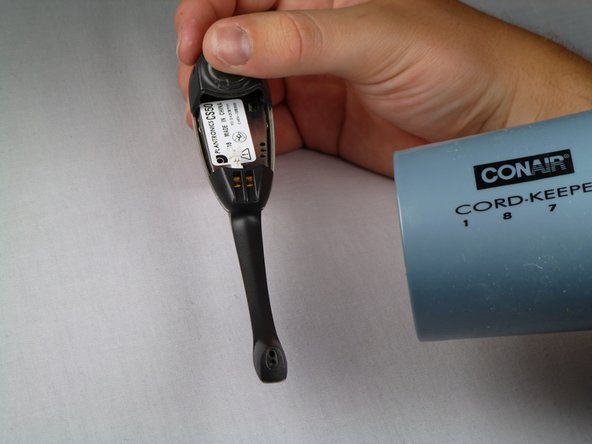
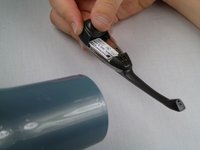
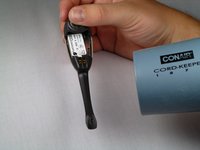
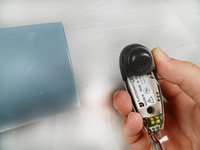
    • Use a hairdryer or heat gun to melt the adhesive along the crevice that joins the black and silver components.

    • Apply additional heat at the tip of the microphone.

    Pergunte ao FixBot

    Comentar

  4. Plantronics CS50 Headset Speaker Replacement: passo 4, imagem 1 %32 Plantronics CS50 Headset Speaker Replacement: passo 4, imagem 2 %32
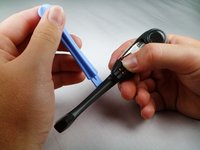
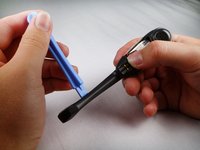
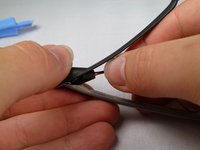
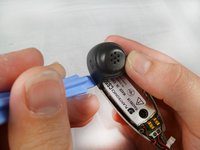
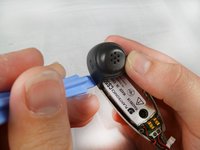
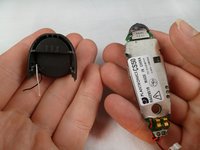
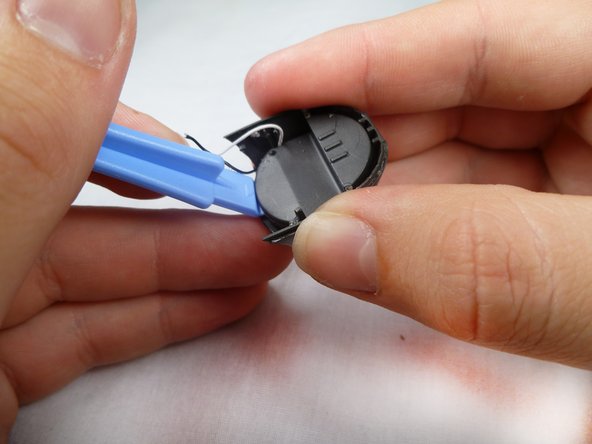
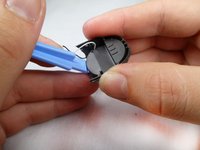
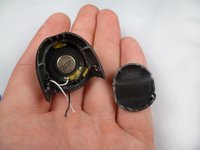
    • After heating the headset, use the plastic opening tool to carefully pry the black cover from the headset.

    • Be aware of the two plastic connectors inside the headset. If the black cover does not come off smoothly, apply additional heat on the connectors.

    Pergunte ao FixBot

    Comentar

  5. Plantronics CS50 Headset Speaker Replacement: passo 5, imagem 1 %32 Plantronics CS50 Headset Speaker Replacement: passo 5, imagem 2 %32
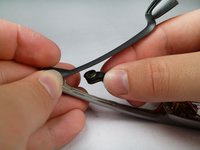
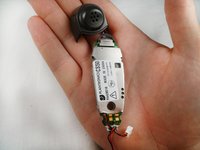
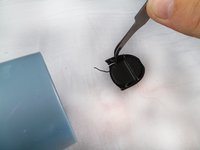
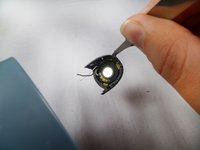
    • Remove the microphone from the tip of the plastic.

    • You will have to lift the microphone straight up because it is held in place by a small piece of plastic.

    Pergunte ao FixBot

    Comentar

  6. Plantronics CS50 Headset Speaker Replacement: passo 6, imagem 1 %32 Plantronics CS50 Headset Speaker Replacement: passo 6, imagem 2 %32
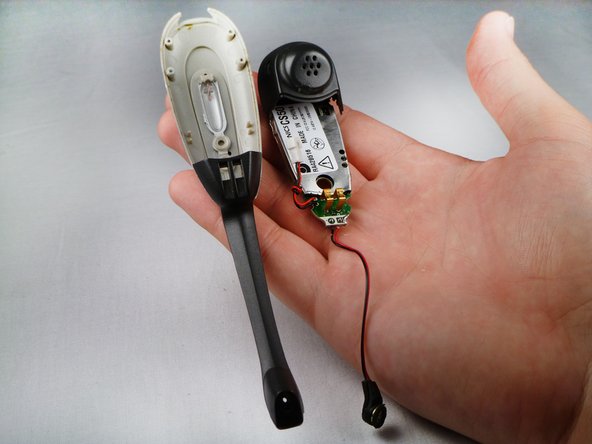
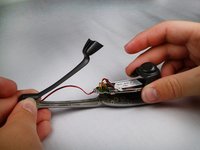
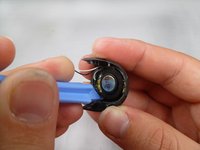
    • Use the heat gun to melt the adhesive connecting the headset face to the speaker casing.

    • Use the plastic opening tool to separate the speaker casing from the headset face.

    • Add extra heat to the sides to melt the adhesive between the plastic connectors.

    Pergunte ao FixBot

    Comentar

  7. Plantronics CS50 Headset Speaker Replacement: passo 7, imagem 1 %32 Plantronics CS50 Headset Speaker Replacement: passo 7, imagem 2 %32
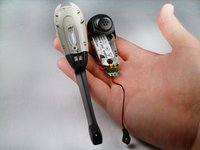
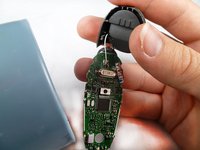
    • Slowly separate the motherboard from the rest of the headset.

    Pergunte ao FixBot

    Comentar

  8. Plantronics CS50 Headset Speaker Replacement: passo 8, imagem 1 %32
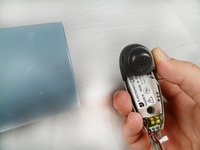
    • Locate the microphone wires on the bottom of the motherboard.

    • Use a hairdryer or heat gun to melt the glue off of the motherboard.

    Pergunte ao FixBot

    Comentar

  9. Plantronics CS50 Headset Speaker Replacement: passo 9, imagem 1 %32
    • Flip the device over.

    • Use a soldering iron to remove the solder that holds the wires to the motherboard.

    • For help soldering, click here.

    • The microphone piece should be completely detached from the motherboard.

    Pergunte ao FixBot

    Comentar

  10. Plantronics CS50 Headset Speaker Replacement, Motherboard: passo 10, imagem 1 %32 Plantronics CS50 Headset Speaker Replacement, Motherboard: passo 10, imagem 2 %32 Plantronics CS50 Headset Speaker Replacement, Motherboard: passo 10, imagem 3 %32
    • Using a blow dryer or a heat gun, heat the crevice to melt the adhesive between the plastic covers.

    • Using a plastic opening tool, prop open the edges.

    • Gently pull the black speaker casing up to remove it.

    Pergunte ao FixBot

    Comentar

  11. Plantronics CS50 Headset Speaker Replacement: passo 11, imagem 1 %32 Plantronics CS50 Headset Speaker Replacement: passo 11, imagem 2 %32
    • Use the heat gun or blow dryer to melt the glue that connects the wires to the headset's motherboard.

    • The wires should come off as they are not soldered to the motherboard.

    Pergunte ao FixBot

    Comentar

  12. Plantronics CS50 Headset Speaker Replacement, Speaker: passo 12, imagem 1 %32 Plantronics CS50 Headset Speaker Replacement, Speaker: passo 12, imagem 2 %32 Plantronics CS50 Headset Speaker Replacement, Speaker: passo 12, imagem 3 %32
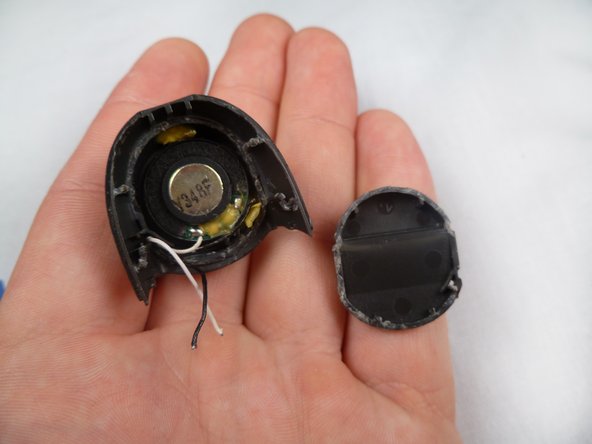
    • Use the heat gun to melt the adhesive that holds the bottom of the casing.

    • Use the plastic opening tool to remove the bottom of the casing.

    Pergunte ao FixBot

    Comentar

  13. Plantronics CS50 Headset Speaker Replacement: passo 13, imagem 1 %32 Plantronics CS50 Headset Speaker Replacement: passo 13, imagem 2 %32 Plantronics CS50 Headset Speaker Replacement: passo 13, imagem 3 %32
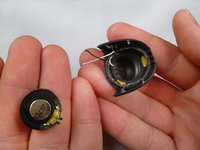
    • Use the blow dryer or heat gun to melt the glue that holds the speaker.

    • Use the plastic opening tool to carefully remove the speaker from its casing.

    Pergunte ao FixBot

    Comentar

Conclusão

To reassemble your device, follow these instructions in reverse order. Replace the glue and solder where they are needed.

Cancelar: não concluí este guia.

Equipe

Cal Poly, Team 17-29, Amido Spring 2012 Membro de Cal Poly, Team 17-29, Amido Spring 2012

CPSU-AMIDO-S12S17G29

4 Membros

Autoria de 14 guias

0Comentários do guia

Comentar

Visualizações:

Últimas 24 horas: 0

Últimos 7 dias: 8

Últimos 30 dias: 41

Ao todo: 2,329