Introdução
Use this guide to replace the LCD viewing screen on the back of the Pentax Optio WG-2.
O que você precisa
-
-
Passo 1 Back Case
Cuidado: os passos de 1 a 6 são provenientes de um guia marcado como em andamento.
-
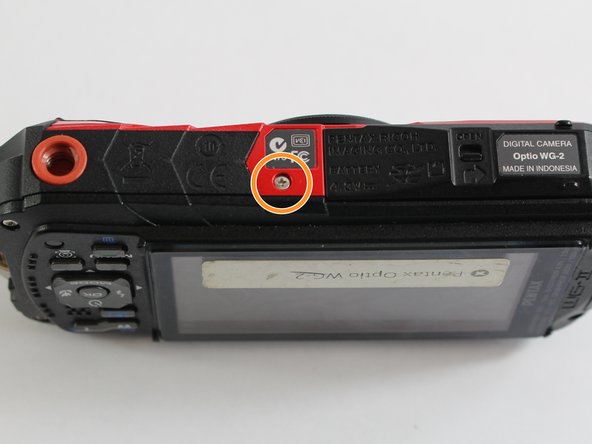
Remove all four 1 mm JIS #00 screws from the back of the camera.
 Pergunte ao FixBot
-
-
-
Use your finger to peel the grip off the top of the camera.
-
For best results, start from the right side of the camera, opposite the buttons.
-
-
Ferramenta utilizada neste passo:Tweezers$4.99
-
Use the tweezers to remove the two buttons from the top of the camera.
-
-
-
-
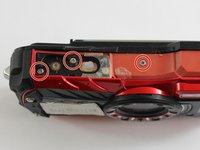
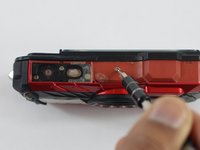
Remove the three 1 mm JIS #000 screws from the top.
-
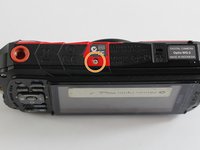
Remove the 1 mm JIS #000 screw from the bottom.
-
-
-
Use the tip of a spudger to flip up the small retaining flaps on the ribbon cable ZIF connectors.
-
Carefully pull the ribbon cables out of their sockets.
-
-
-
-
Ferramenta utilizada neste passo:Tweezers$4.99
-
Carefully remove the clear tape covering the screws and the ribbon cable.
-
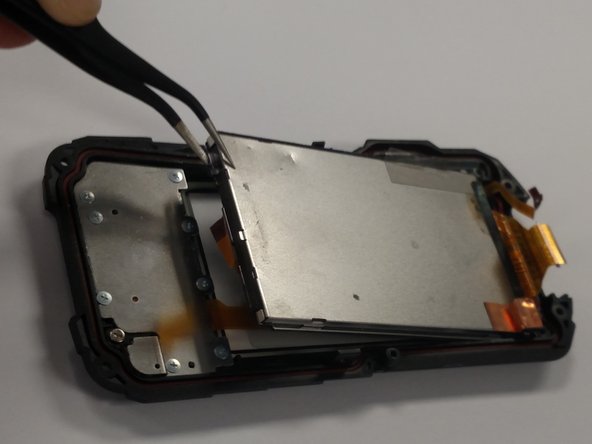
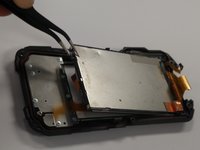
We want to remove the larger silver panel (right). The best way to do this is to slightly bend the cover backwards and use the tweezers to grab a corner and slowly lift the screen up and out.
-
-
-
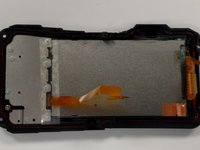
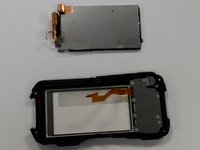
Once the screen is removed you should have two pieces as seen in the picture.
-
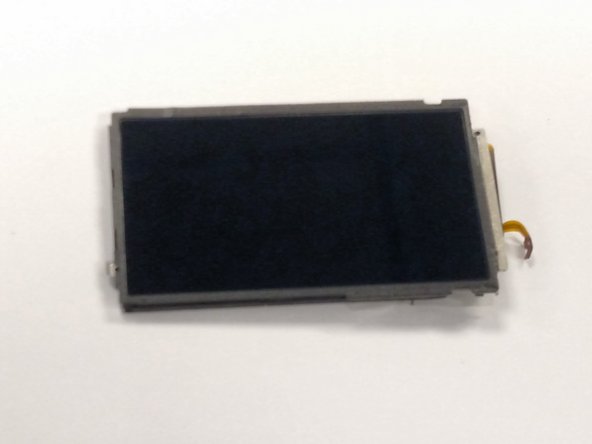
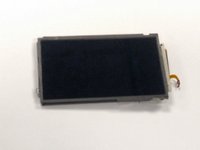
The screen is the silver rectangle in the top of the picture or the component seen in picture two.
-
-





To reassemble your device, follow these instructions in reverse order.
Cancelar: não concluí este guia.
2 outras pessoas executaram este guia.

Equipe

UMass Dartmouth, Team 6-7, Bhusal Spring 2016 Membro de UMass Dartmouth, Team 6-7, Bhusal Spring 2016
UMASSD-BHUSAL-S16S6G7
3 Membros
Autoria de 6 guias
2Comentários do guia
Dónde puedo comprar el Display?
Where I can buy the dispaly?
opération réussie ça marche nickel la plus grosse difficultée est de remettre correctement les 3 connecteurs
impératif: utiliser les bons outils comme indiqué attention aux vis il y a un petit joint et les longueurs différentes ne pas mélanger !!!
merci pour ce super tuto ….
