Ir para o conteúdo principal
Participe da comunidade de reparos - Criar conta

Miadore Classic N64 Controller Buttons Replacement

O que você precisa

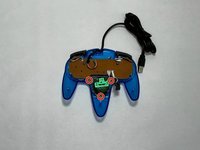
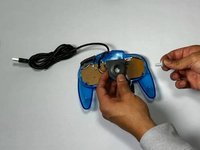
  1. Miadore Classic N64 Controller Buttons Replacement, Joystick: passo 1, imagem 1 %32 Miadore Classic N64 Controller Buttons Replacement, Joystick: passo 1, imagem 2 %32 Miadore Classic N64 Controller Buttons Replacement, Joystick: passo 1, imagem 3 %32
    • Use a Phillips #000 screwdriver to remove all nine 3.2 mm screws from the back of the controller.

    • Place the end of a spudger in the seam between the top and bottom of the controller to release the clips holding them together.

    • Separate the top and bottom cover of the controller.

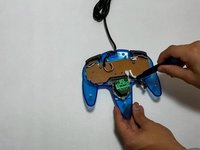
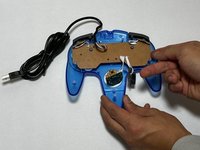
  2. Miadore Classic N64 Controller Buttons Replacement: passo 2, imagem 1 %32 Miadore Classic N64 Controller Buttons Replacement: passo 2, imagem 2 %32
    • Remove the three 3.2 mm Phillips #000 screws holding the motherboard in place.

    • The motherboard will still be in place after the screws are removed.

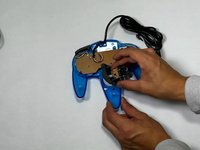
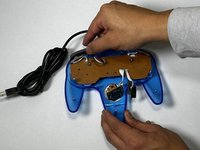
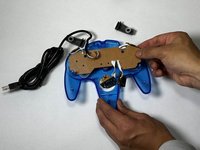
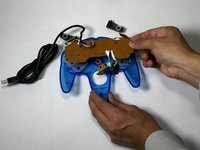
  3. Miadore Classic N64 Controller Buttons Replacement: passo 3, imagem 1 %32 Miadore Classic N64 Controller Buttons Replacement: passo 3, imagem 2 %32 Miadore Classic N64 Controller Buttons Replacement: passo 3, imagem 3 %32
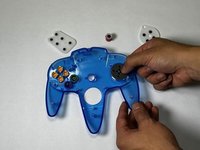
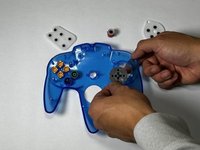
    • Remove the three 3.2 mm Phillips #000 screws holding the joystick module in place.

    • Remove the joystick module.

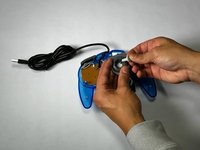
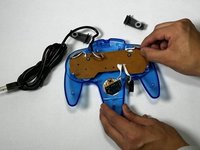
  4. Miadore Classic N64 Controller Buttons Replacement: passo 4, imagem 1 %32 Miadore Classic N64 Controller Buttons Replacement: passo 4, imagem 2 %32
    • Remove the joystick by pulling it away from the plastic needle-like object holding it in place.

    • Replace it with a new or custom joystick.

  5. Miadore Classic N64 Controller Buttons Replacement, Buttons: passo 5, imagem 1 %32 Miadore Classic N64 Controller Buttons Replacement, Buttons: passo 5, imagem 2 %32 Miadore Classic N64 Controller Buttons Replacement, Buttons: passo 5, imagem 3 %32
    • Remove the right and left bumper.

    • If the bumper buttons are the buttons that need to be replaced, you can stop here.

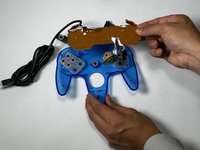
  6. Miadore Classic N64 Controller Buttons Replacement: passo 6, imagem 1 %32 Miadore Classic N64 Controller Buttons Replacement: passo 6, imagem 2 %32 Miadore Classic N64 Controller Buttons Replacement: passo 6, imagem 3 %32
    • Pull the motherboard up with even pressure on all sides.

    • Set the motherboard to the side.

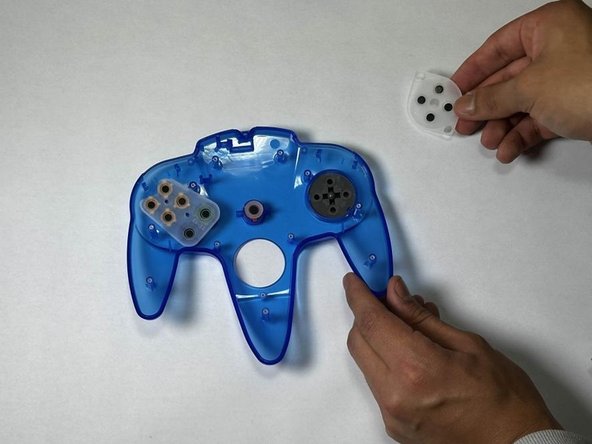
  7. Miadore Classic N64 Controller Buttons Replacement: passo 7, imagem 1 %32 Miadore Classic N64 Controller Buttons Replacement: passo 7, imagem 2 %32 Miadore Classic N64 Controller Buttons Replacement: passo 7, imagem 3 %32
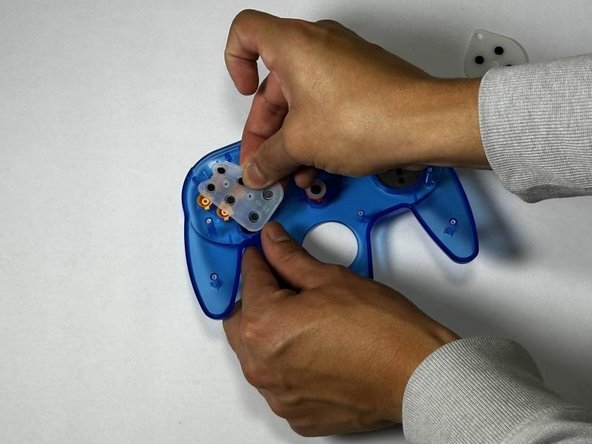
    • Remove the rubber gaskets.

    • This will reveal the buttons underneath.

  8. Miadore Classic N64 Controller Buttons Replacement: passo 8, imagem 1 %32 Miadore Classic N64 Controller Buttons Replacement: passo 8, imagem 2 %32
    • Push up from the bottom of the controller to pop the buttons out.

Conclusão

To reassemble your device, follow these instructions in reverse order.

2 outras pessoas executaram este guia.

Equipe

CSU Los Angeles, Team 5-3, Kershman Fall 2024 Membro de CSU Los Angeles, Team 5-3, Kershman Fall 2024

CSULA-KERSHMAN-F24S5G3

5 Membros

Autoria de 2 guias

0Comentários do guia

Comentar

Visualizações:

Últimas 24 horas: 1

Últimos 7 dias: 4

Últimos 30 dias: 16

Ao todo: 264