Introdução
Is your Logitech K345 keyboard not working, or is the connection to your computer spotty? Try replacing your batteries, and follow this repair guide to do just that. The batteries can be the cause of your spotty connection since they power the whole keyboard. In order to be certain about the cause of your spotty connection try referencing the Troubleshooting Page to find the exact source of the issue.
-
-
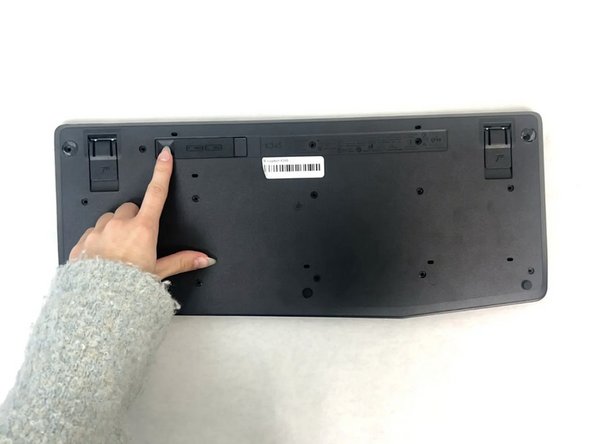
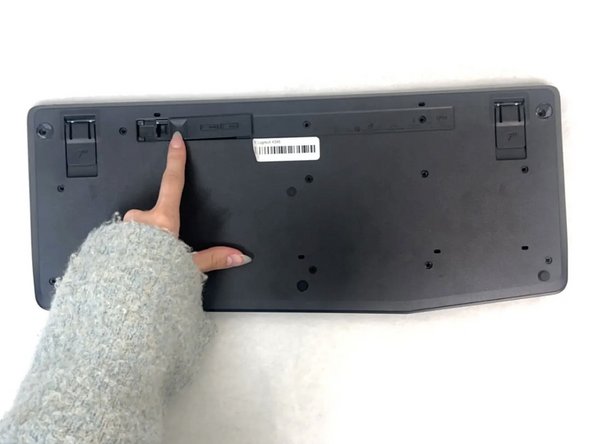
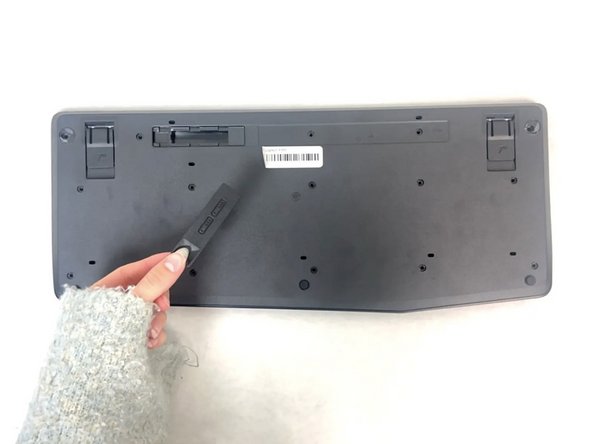
Gently flip over your keyboard so that the keys are facing down.
 Pergunte ao FixBot
-
-




To reassemble your device, follow these instructions in reverse order.
Cancelar: não concluí este guia.
Uma outra pessoa concluiu este guia.

Equipe

University of North Texas, Team 4-1, Harold Fall 2024 Membro de University of North Texas, Team 4-1, Harold Fall 2024
UNT-HAROLD-F24S4G1
3 Membros
Autoria de 5 guias
