Introdução
This guide requires both soldering skills and the removal of the battery.
O que você precisa
-
-
-
With the device screen face down, use the metal spudger to remove the small rubber circles on all four corners of the device. The screws should now be revealed.
-
Using the metal spudger, pry open the small, long rubber rectangle on the back of the device to reveal more screws.
 Pergunte ao FixBot
-
-
-
Using a Phillips #00 screwdriver, remove the four 6.8mm screws from the four corners of the device.
-
Using the same screwdriver, remove the three screws that were behind the rubber rectangle. These screws do not come out of the device.
-
Use the plastic opening tool to gently pry open the back panel of the tablet.
-
-
-
-
Use the nylon spudger to gently pry under the battery to remove it.
-
-
-
Use a soldering iron to remove the battery from the motherboard safely.
-
-
-
-
-
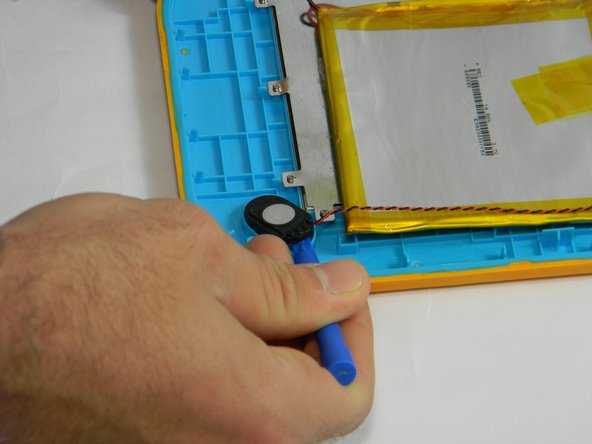
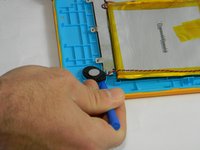
Using the plastic opening tool, gently pry the speaker out of its plastic housing.
-
-
-
Solder the speaker off the motherboard.
-
For how to solder, check out iFixit's Soldering Guide.
-
-



To reassemble your device, follow these instructions in reverse order.

Equipe

USF Tampa, Team 17-3, Blackwell Fall 2016 Membro de USF Tampa, Team 17-3, Blackwell Fall 2016
USFT-BLACKWELL-F16S17G3
4 Membros
Autoria de 18 guias
