Introdução
This guide demonstrates how to clean or replace the shutter button.
O que você precisa
-
-
-
Turn off camera by firmly pressing the power button that is located on the top of the camera near the selector dial.
 Pergunte ao FixBot
-
-
-
Press thumb firmly on battery door and slide it in the direction of the arrow.
-
Lift thumb allowing the door to swing open.
-
-
-
-
Ferramenta utilizada neste passo:Anti-Static Wrist Strap$7.95
-
Before removing back cover, it is advisable to use an anti-static wrist strap to prevent damage to electronics.
-
-
-
Turn the camera off by firmly pressing the power button located on top of the camera.
-
-
-
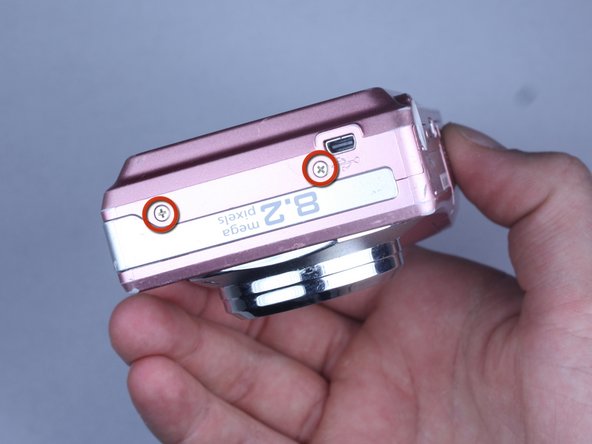
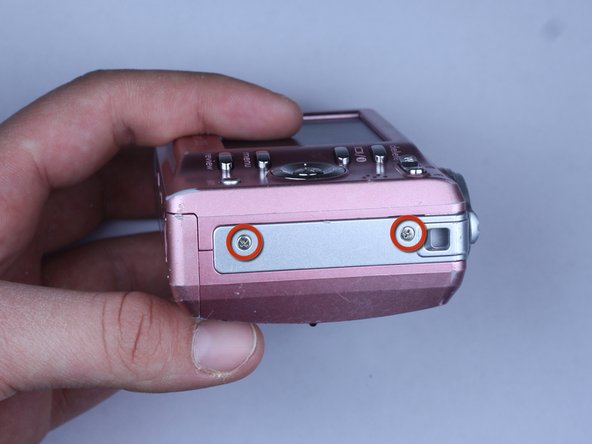
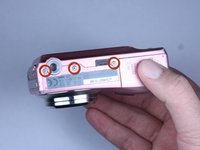
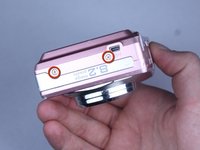
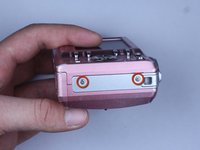
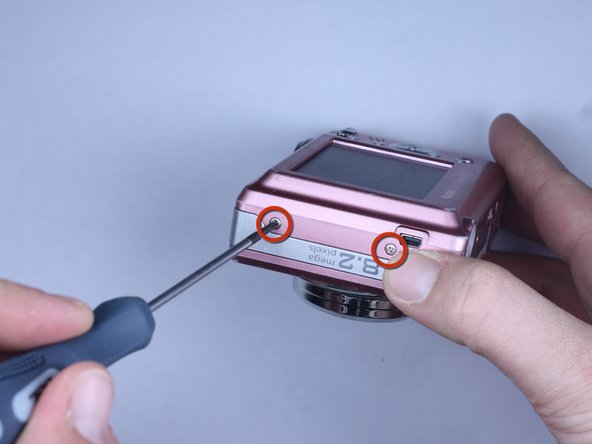
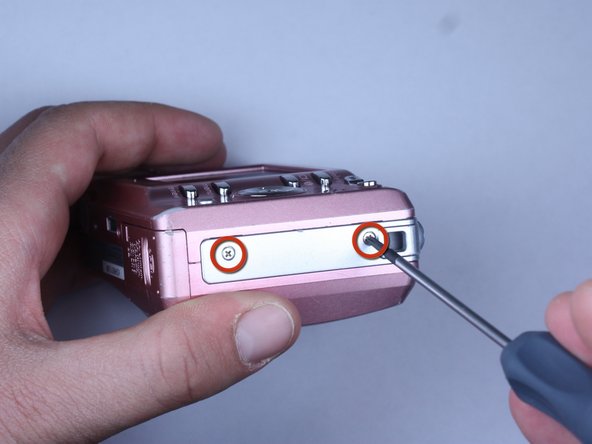
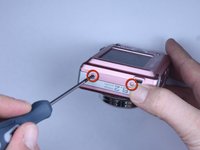
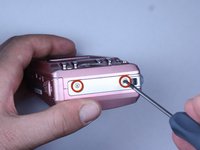
Locate the 7 screws holding the back cover on.
-
Three screws are located on the bottom of the camera.
-
Two screws are located on the side shown in the photograph.
-
Two final screws are located on the opposite side shown in the photograph.
-
-
-
-
Remove all 7 screws:
-
Hold the camera firmly with one hand so that you can still see a screw.
-
Place the Philips 00(Found here)screwdriver into the screw.
-
Turn the screwdriver to the left until it is free.
-
Repeat for the remaining screws.
-
-
-
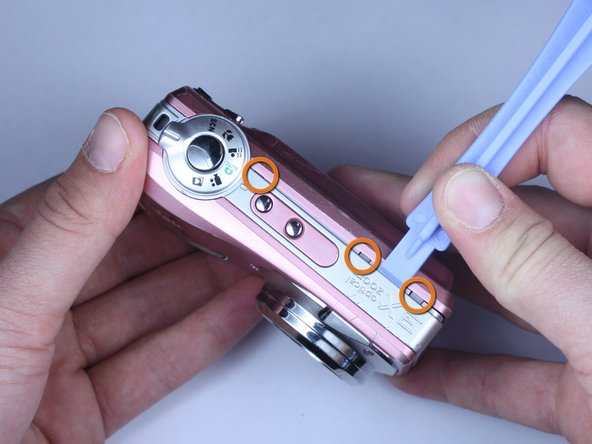
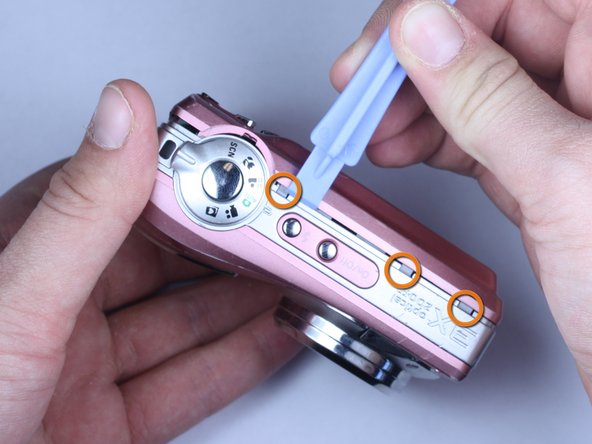
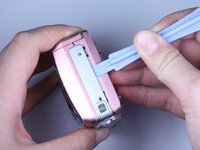
Use plastic opening tools to slightly open the side of the case.
-
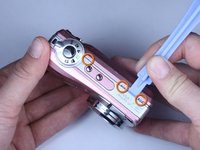
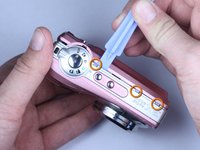
Insert a plastic opening tool and apply pressure to the internal three tabs at the top.
-
The first two are near the words "3X Optical Zoom".
-
The third is near the shutter button.
-
-
-
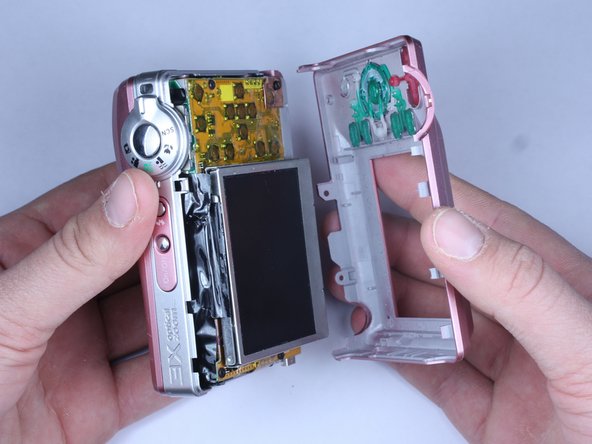
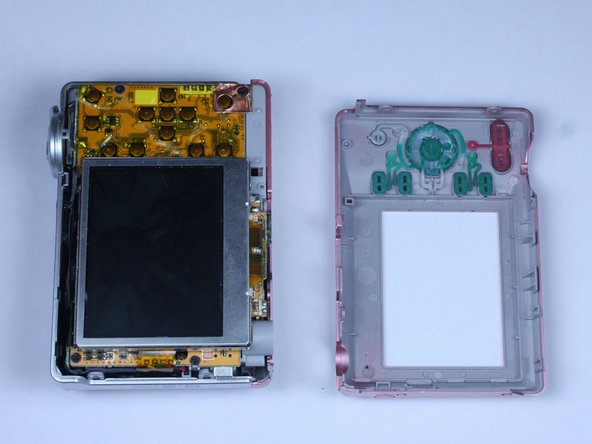
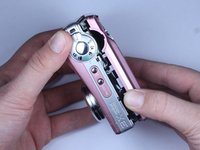
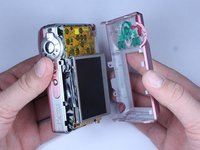
Gently pull apart the back cover from the rest of the camera.
-
Make sure there are no more screws or tabs keeping the cover on.
-
Use the plastic opening tool to separate any sides still closely connected.
-
-
-
-
-
Open the battery door.
-
Press thumb firmly on battery door and slide it in the direction of the arrow.
-
Lift thumb allowing the door to swing open.
-
-
-
Use the plastic opening tool to lift the casing around the shutter button.
-
Gently remove the front cover from the device.
-
-
-
-
-
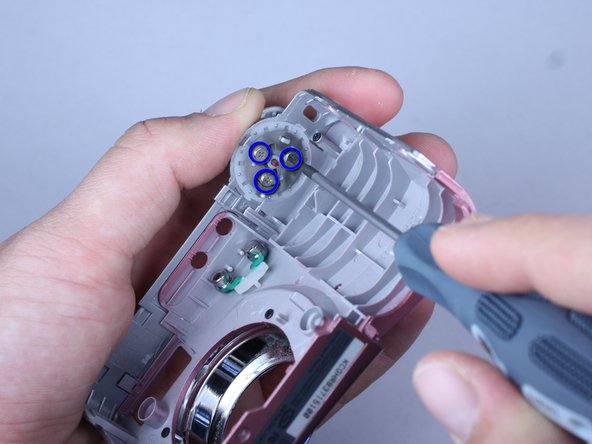
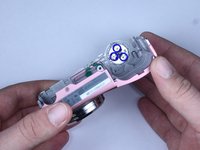
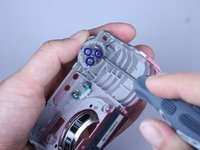
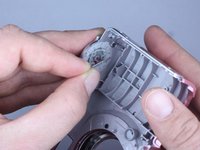
The shutter button is held on to the front cover by three screws
-
Hold the shutter button in place
-
Use a Philips 00 screwdriver to remove the screws.
-
-
-
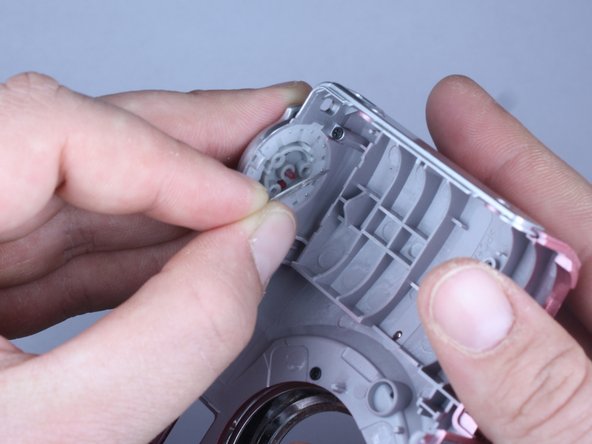
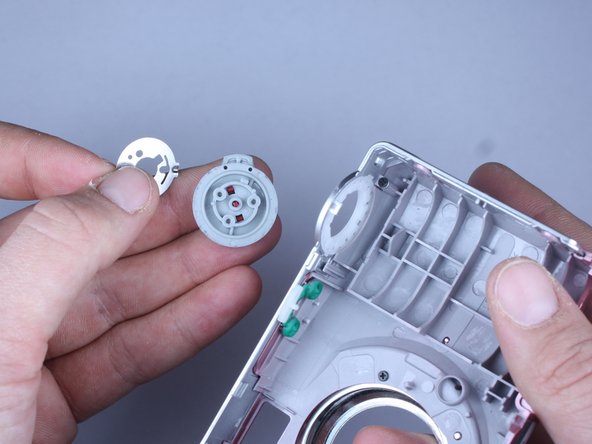
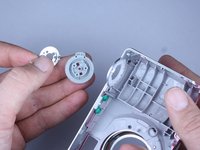
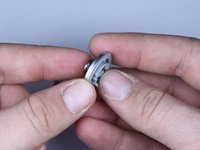
Keep the shutter button in place while removing the circular metal plate
-
Remove the shutter button by allowing it to fall into your hand
-
-
-
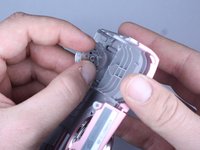
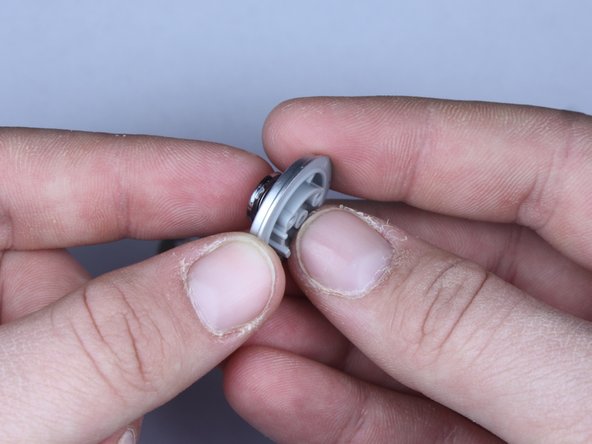
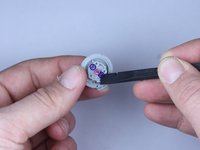
Hold down the shutter button portion of the selector dial
-
Press down the red tabs and slowly relieve pressure on the shutter button
-
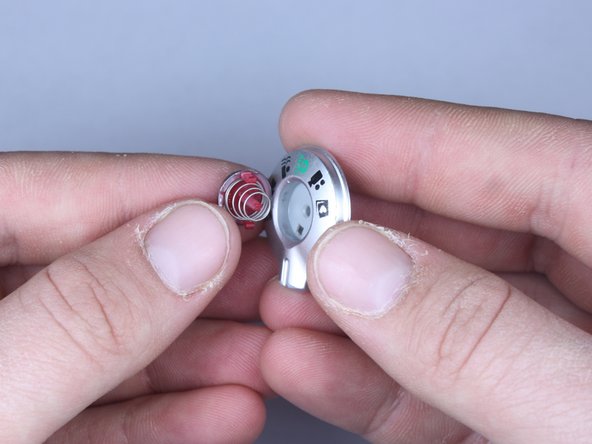
Press down on the center red stick
-
Tool shown is Found here
-
-
-
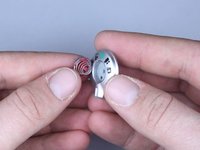
If cleaning, remove dirt from button
-
When putting back together, the button should be be oriented so that the green automatic mode points towards the power button.
-
-







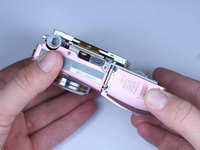
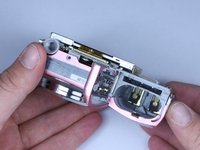

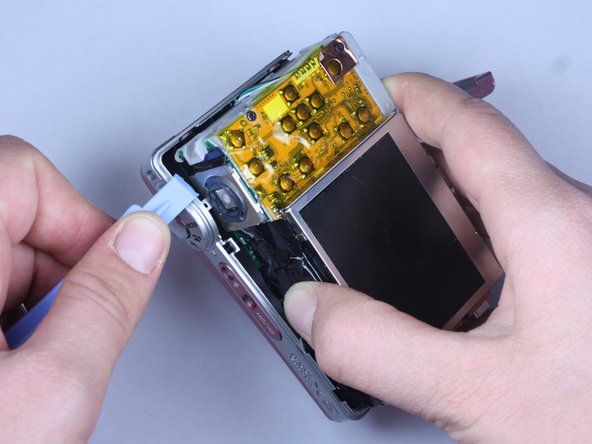

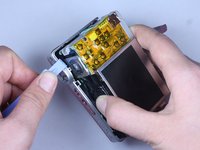
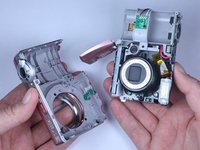





To reassemble your device, follow these instructions in reverse order.
Cancelar: não concluí este guia.
Uma outra pessoa concluiu este guia.

Equipe

Cal Poly, Team 24-22, Regan Spring 2010 Membro de Cal Poly, Team 24-22, Regan Spring 2010
CPSU-REGAN-S10S24G22
4 Membros
Autoria de 22 guias
1Comentário do guia
does anybody know how the pins works on the surface mounted shutter switch button on the PCB? this would be very helpful thanks!
