Introdução
This guide shows you how to replace the broken display in your Huawei P8 Lite.
O que você precisa
-
-
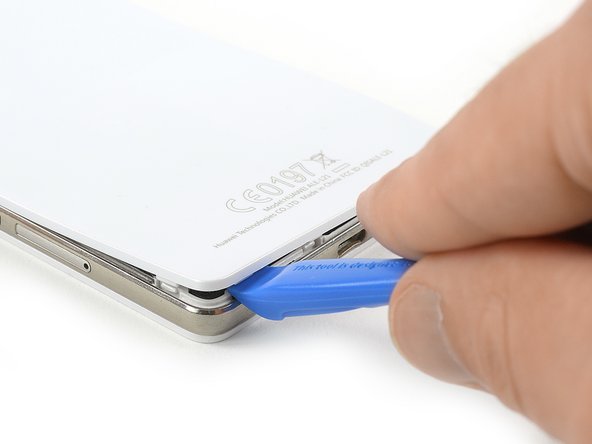
Use an Opening Tool and start to lever up the back cover of your Huawei P8 Lite at the bottom of your phone.
-
-
-
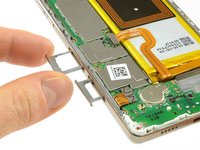
Use a tweezer to remove the warranty sticker which sits on a screw in the bottom right of your phone.
-
-
-
-
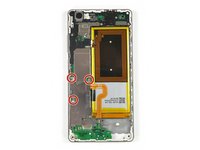
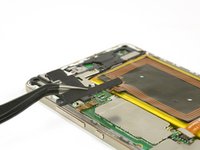
Remove the three Phillips #00 screws that hold the metal plate in place.
-
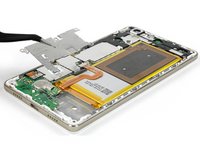
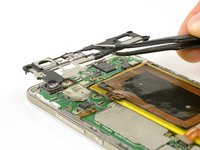
Remove the metal plate with a tweezer.
-
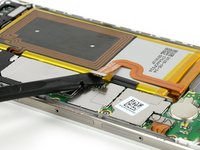
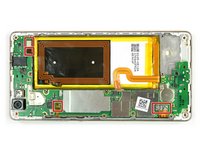
Unplug the battery flex connector with a spudger.
-
-
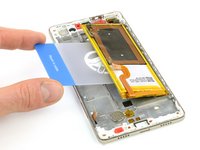
Ferramenta utilizada neste passo:Plastic Cards$2.99
-
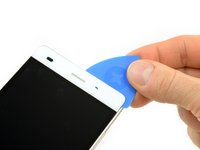
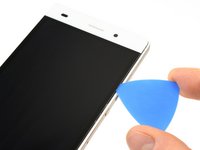
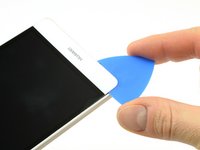
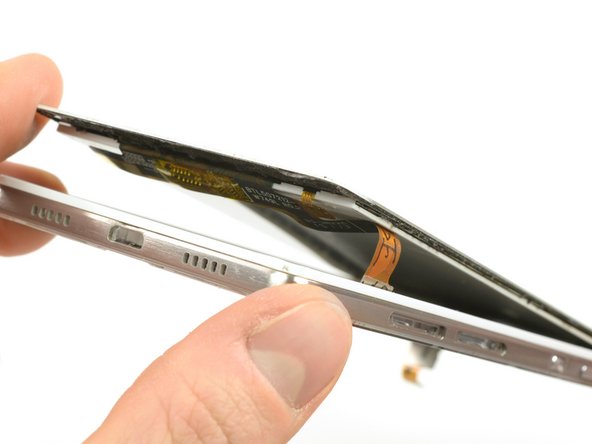
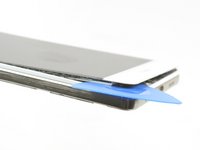
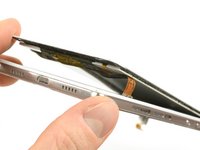
Heat up the top, bottom and both sides of the display with an iOpener to soften the adhesive.
-






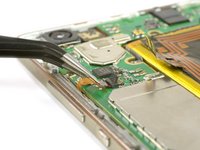


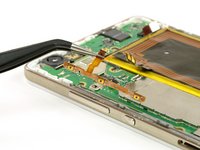
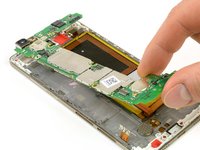
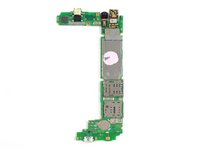








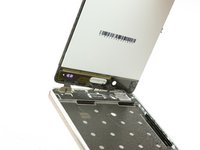
To reassemble your device, follow these instructions in reverse order. Make sure to test the new display and remove any old residue from the adhesive.
Cancelar: não concluí este guia.
31 outras pessoas executaram este guia.


Equipe

Tobias Isakeit - Repairability Engineer Membro de Tobias Isakeit - Repairability Engineer
Business
1 Membro
Autoria de 1.145 guias
