Introdução
Use this guide if your RC car is not responding to your remote. A receiver uses input information from your remote that it decodes to move the car accordingly.
Before using this guide, try charging the battery for the RC car and changing the AA batteries in the remote.
O que você precisa
-
-
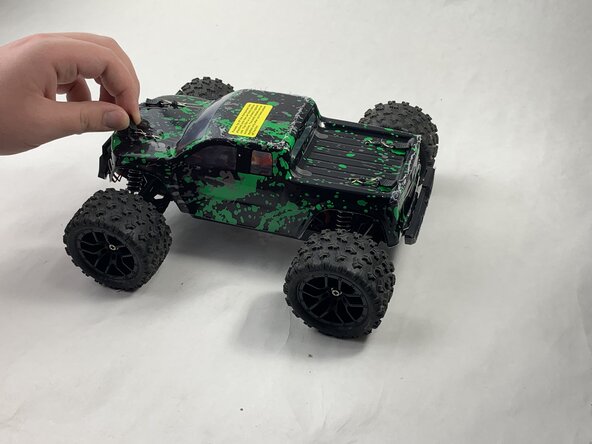
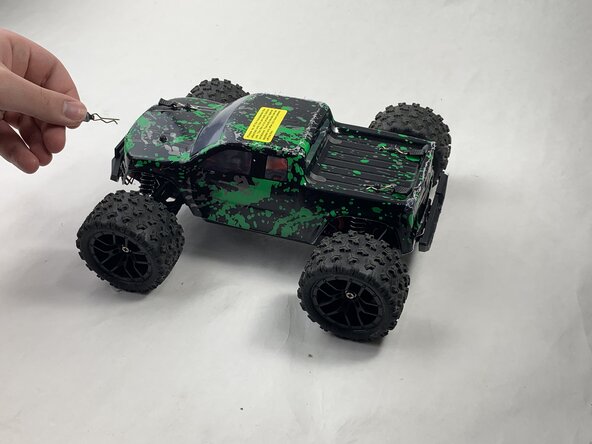
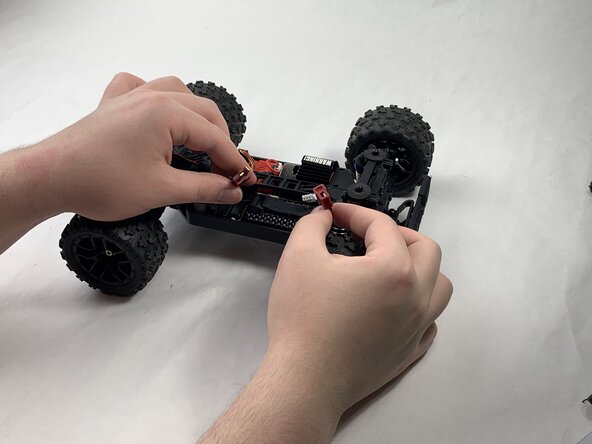
Remove the 4 clips holding down the hard plastic shell of the RC car. Do this by pinching them with your thumb and index finger and pulling away.
 Pergunte ao FixBot
-
-
-
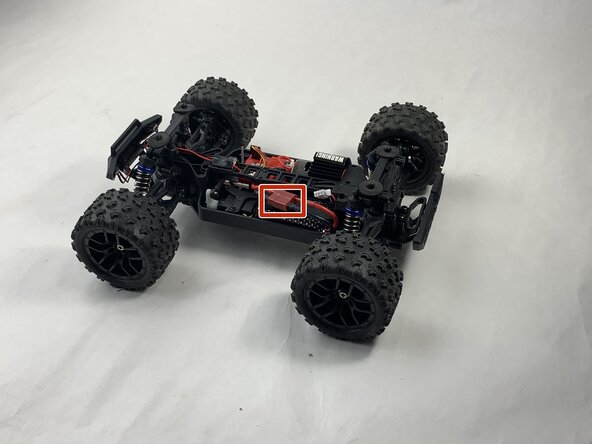
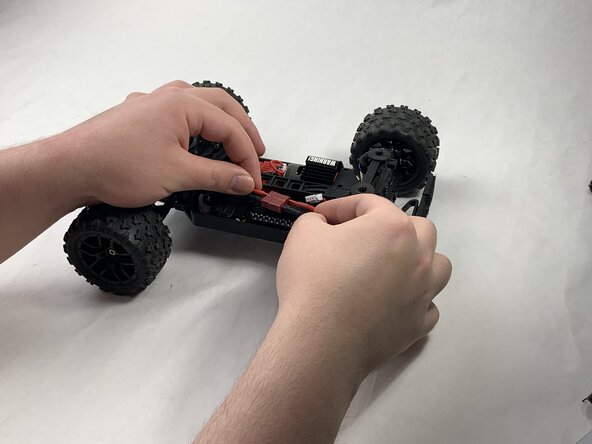
Disconnect the Lego-style battery connector by gripping either side and pulling them away from each other, slowly and consistently.
-
-
-
-
Disonnect all connectors attached to the red, plastic receiver.
-
-
-
Remove the 8 mm Phillips #0 screw holding the front corner of the receiver down.
-
Remove the front corner piece.
-




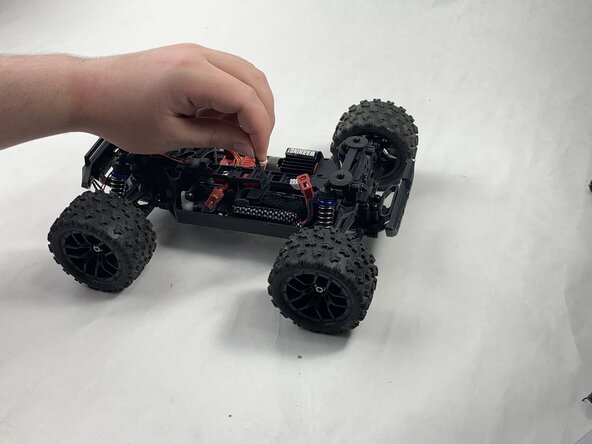
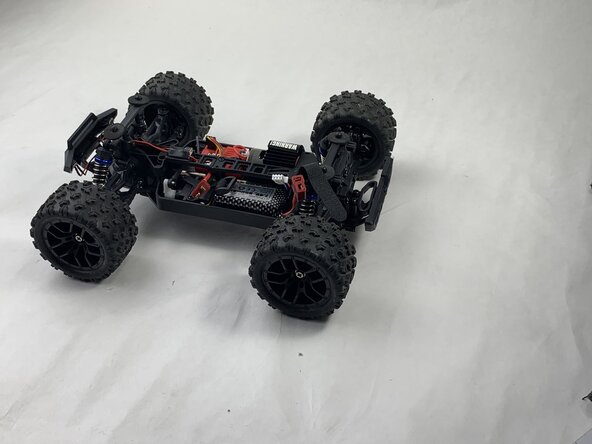

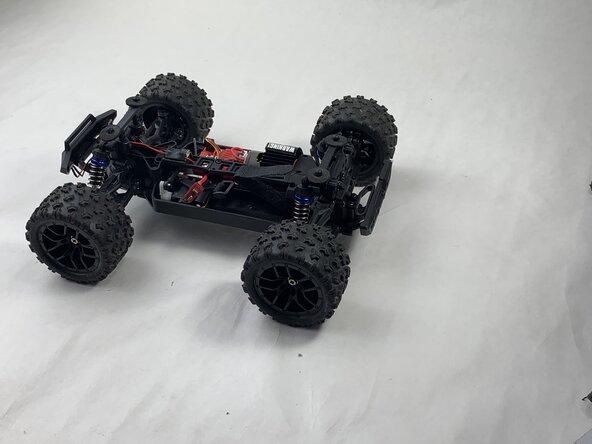

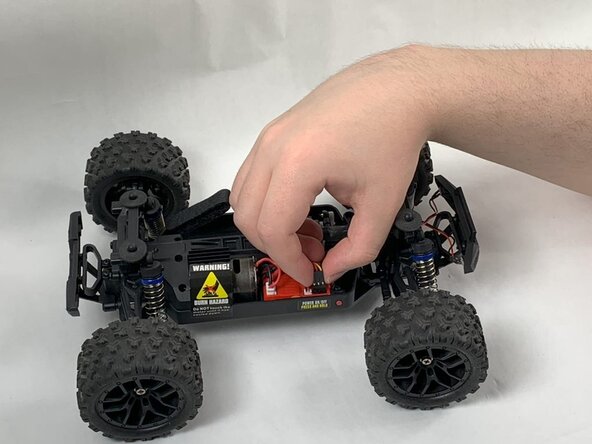
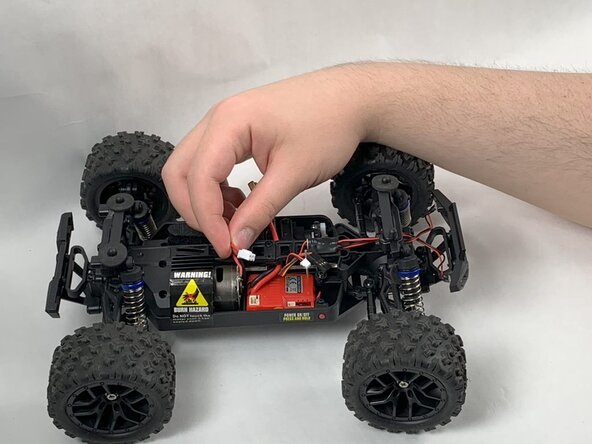
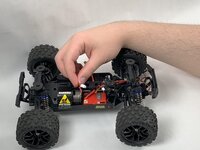


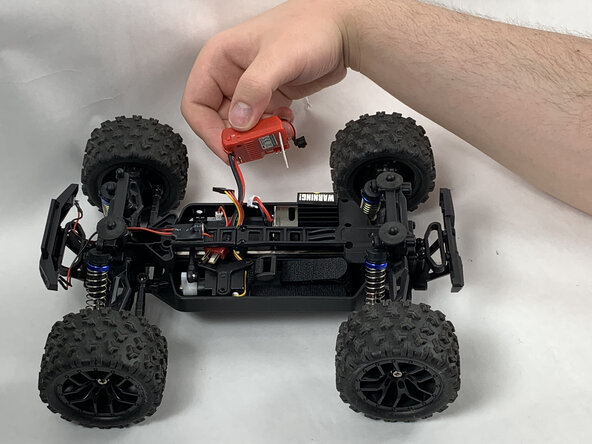
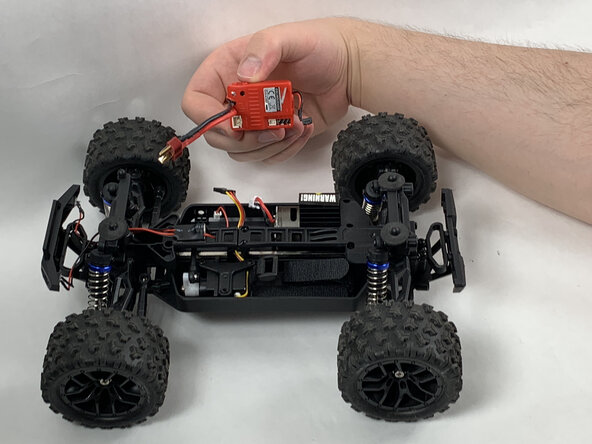
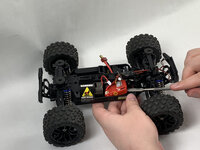
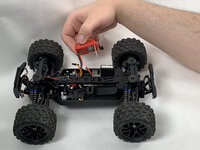
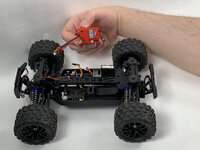
To reassemble your device, follow the above steps in reverse order.
Take your e-waste to an R2 or e-Stewards certified recycler.
Repair didn’t go as planned? Try some basic troubleshooting or ask our Answers community for help.

Equipe

UMass Dartmouth, Team 6-3, Botvin Spring 2025 Membro de UMass Dartmouth, Team 6-3, Botvin Spring 2025
UMASSD-BOTVIN-S25S6G3
3 Membros
Autoria de 5 guias
