Ir para o conteúdo principal
Participe da comunidade de reparos - Criar conta

Haiboxing 18859 Motor Replacement

O que você precisa

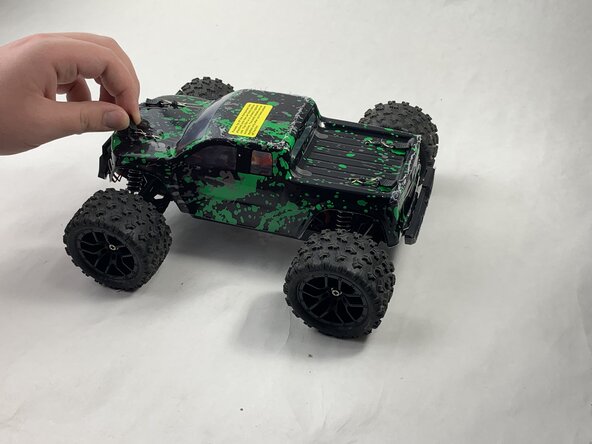
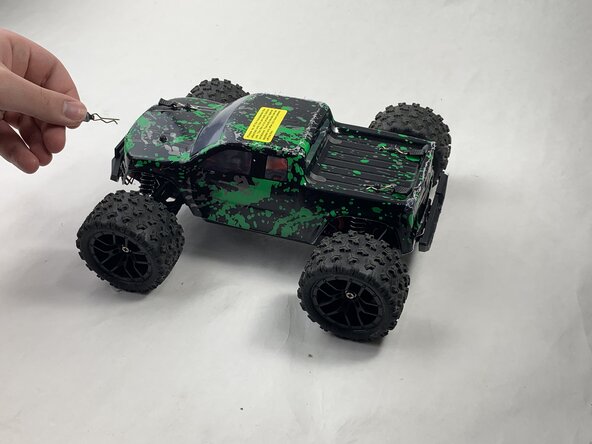
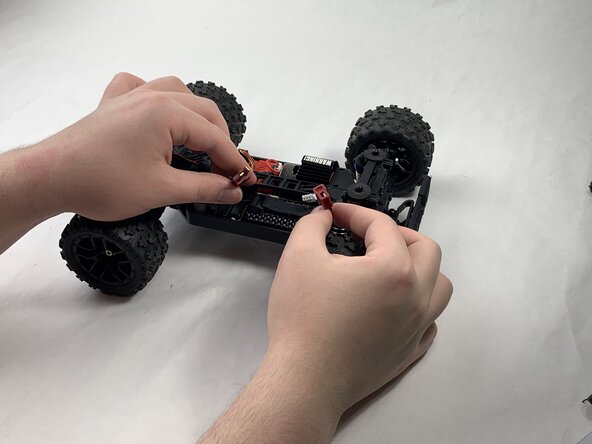
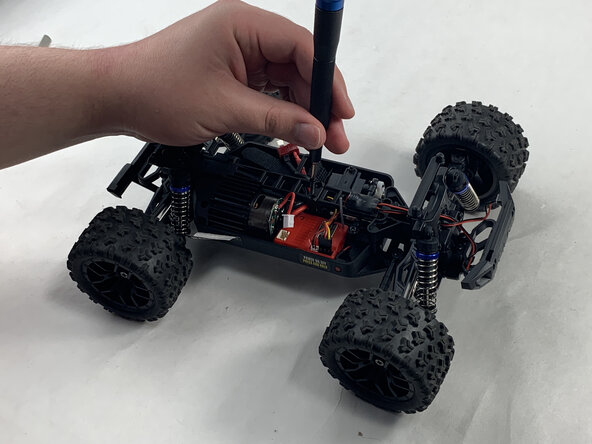
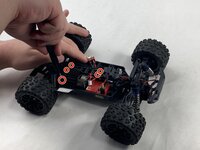
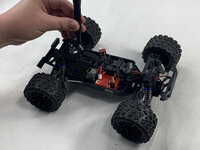
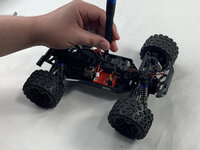
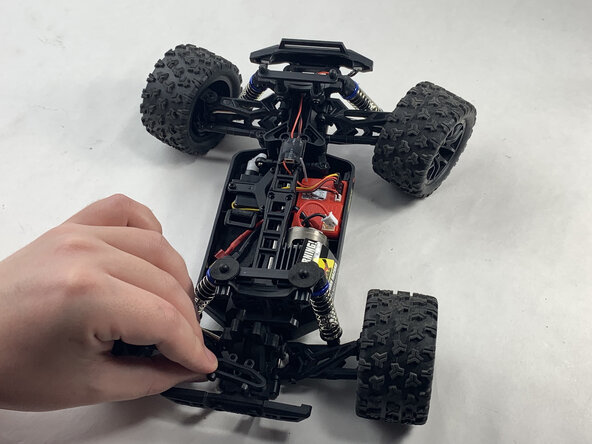
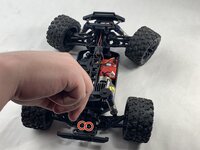
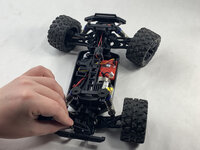
  1. Haiboxing 18859 Motor Replacement, Battery: passo 1, imagem 1 %32 Haiboxing 18859 Motor Replacement, Battery: passo 1, imagem 2 %32 Haiboxing 18859 Motor Replacement, Battery: passo 1, imagem 3 %32
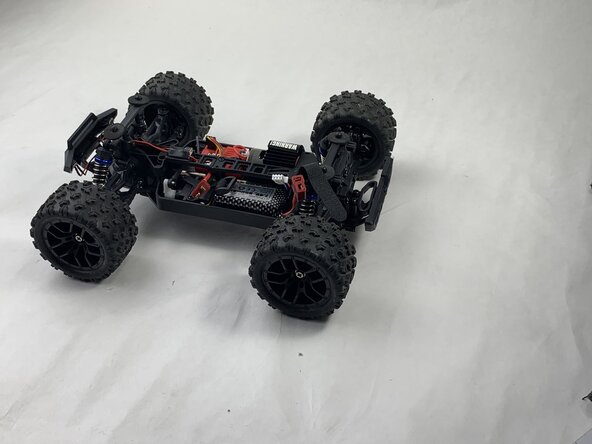
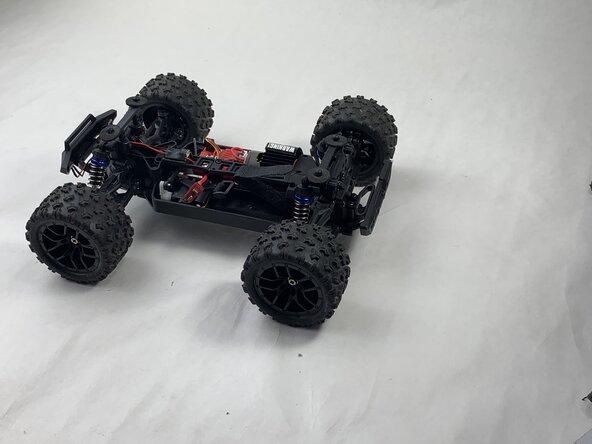
    • Remove the 4 clips holding down the hard plastic shell of the RC car. Do this by pinching them with your thumb and index finger and pulling away.

    Pergunte ao FixBot
  2. Haiboxing 18859 Motor Replacement: passo 2, imagem 1 %32
    • Lift the hard plastic shell off of the RC car.

    Pergunte ao FixBot
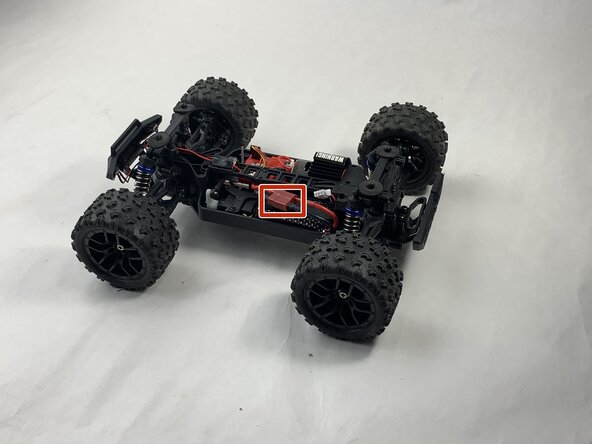
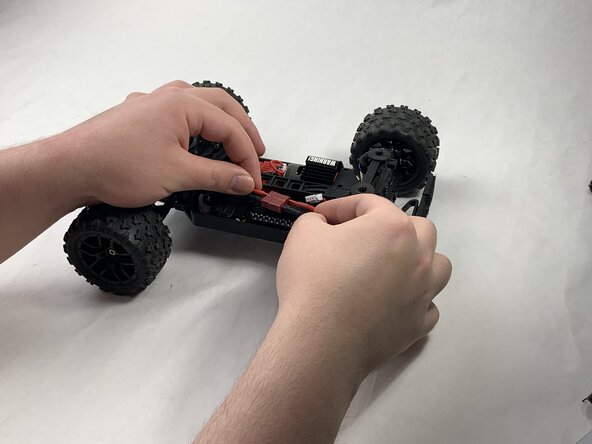
  3. Haiboxing 18859 Motor Replacement: passo 3, imagem 1 %32 Haiboxing 18859 Motor Replacement: passo 3, imagem 2 %32 Haiboxing 18859 Motor Replacement: passo 3, imagem 3 %32
    • Disconnect the Lego-style battery connector by gripping either side and pulling them away from each other, slowly and consistently.

    Pergunte ao FixBot
  4. Haiboxing 18859 Motor Replacement: passo 4, imagem 1 %32 Haiboxing 18859 Motor Replacement: passo 4, imagem 2 %32 Haiboxing 18859 Motor Replacement: passo 4, imagem 3 %32
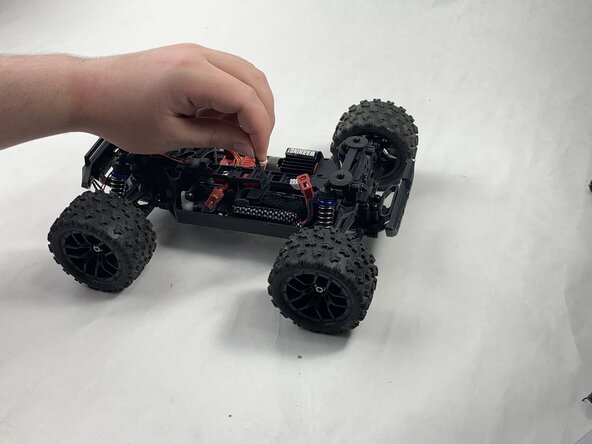
    • Unfasten the Velcro strap that secures the battery.

    Pergunte ao FixBot
  5. Haiboxing 18859 Motor Replacement: passo 5, imagem 1 %32 Haiboxing 18859 Motor Replacement: passo 5, imagem 2 %32
    • Remove the battery.

    Pergunte ao FixBot
  6. Haiboxing 18859 Motor Replacement, Motor: passo 6, imagem 1 %32
    • Unplug the motor from the receiver.

    Pergunte ao FixBot
  7. Haiboxing 18859 Motor Replacement: passo 7, imagem 1 %32
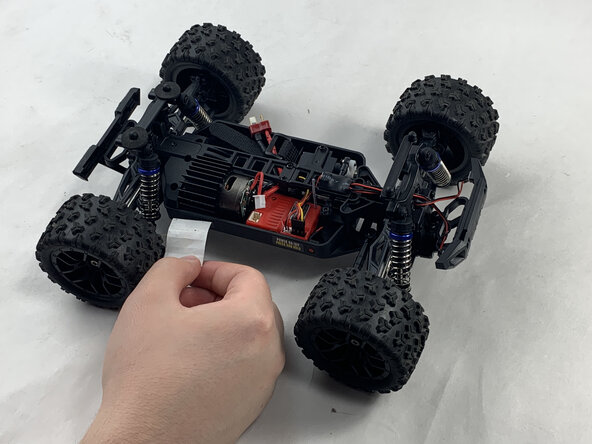
    • Peel back the warning tape covering the motor.

    Pergunte ao FixBot
  8. Haiboxing 18859 Motor Replacement: passo 8, imagem 1 %32 Haiboxing 18859 Motor Replacement: passo 8, imagem 2 %32 Haiboxing 18859 Motor Replacement: passo 8, imagem 3 %32
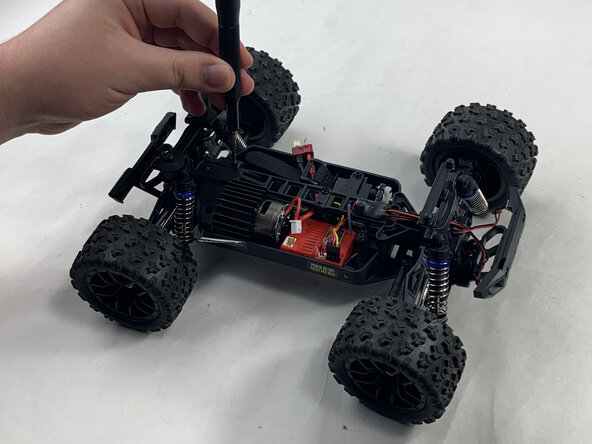
    • Unscrew the 10 mm Phillips #0 screws holding down the motor. This includes the shaft attached down the middle.

    • Place the mounting screws where you won't lose them, such as in a plastic bag or container.

    Pergunte ao FixBot
  9. Haiboxing 18859 Motor Replacement: passo 9, imagem 1 %32 Haiboxing 18859 Motor Replacement: passo 9, imagem 2 %32 Haiboxing 18859 Motor Replacement: passo 9, imagem 3 %32
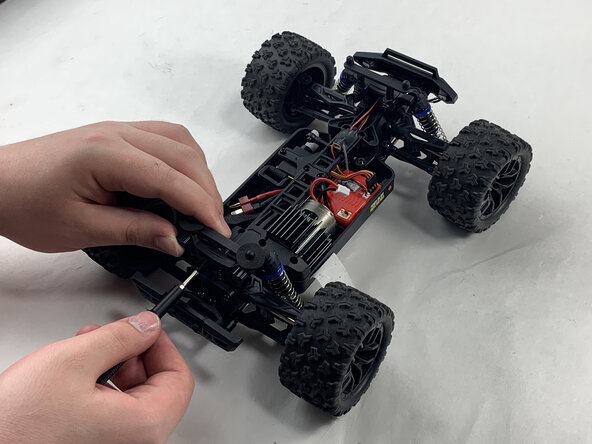
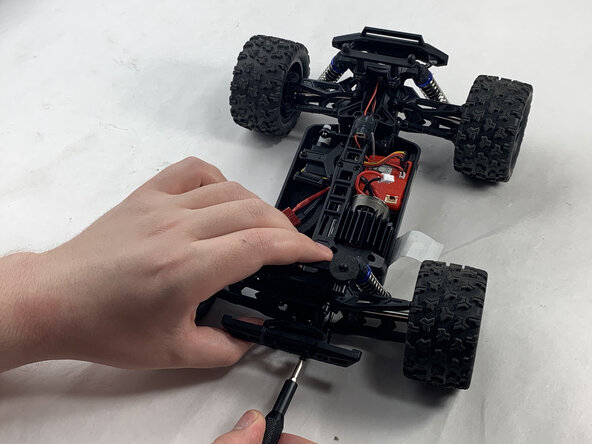
    • Unscrew the 16 mm Phillips #1 screws at the rear of the Haiboxing.

    Pergunte ao FixBot
  10. Haiboxing 18859 Motor Replacement: passo 10, imagem 1 %32 Haiboxing 18859 Motor Replacement: passo 10, imagem 2 %32
    • Remove the upwards facing rear-most 8 mm Phillips #1 screws.

    • Remove the trapezoid-shaped part.

    Pergunte ao FixBot
  11. Haiboxing 18859 Motor Replacement: passo 11, imagem 1 %32
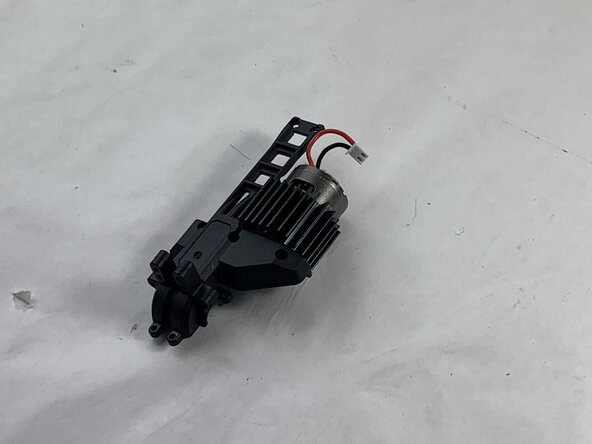
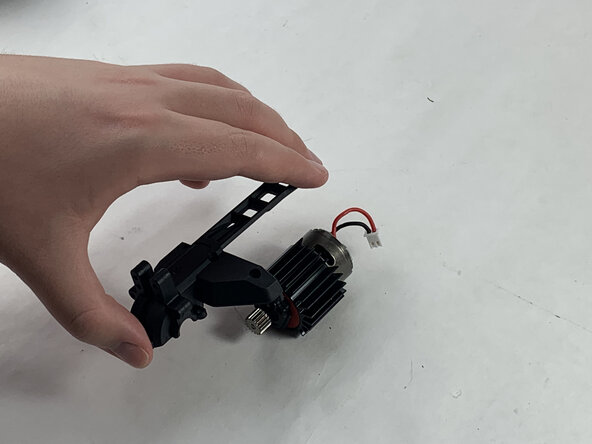
    • Lift out the motor and the shaft it is attached to.

    Pergunte ao FixBot
  12. Haiboxing 18859 Motor Replacement: passo 12, imagem 1 %32
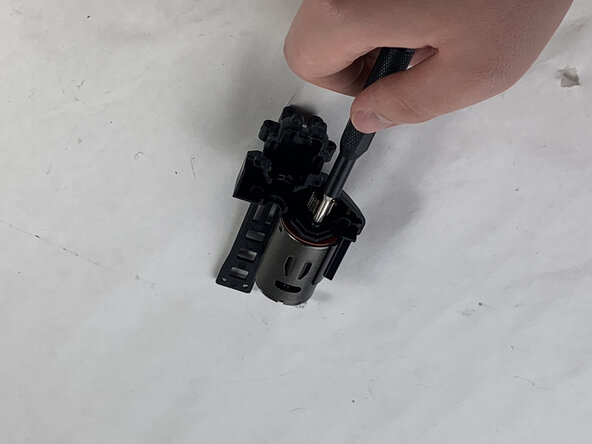
    • Remove the 6 mm Phillips #0 screw holding the motor to the black, plastic shaft.

    Pergunte ao FixBot
  13. Haiboxing 18859 Motor Replacement: passo 13, imagem 1 %32 Haiboxing 18859 Motor Replacement: passo 13, imagem 2 %32
    • Flip over.

    • Detach the shaft from motor.

    Pergunte ao FixBot
  14. Haiboxing 18859 Motor Replacement: passo 14, imagem 1 %32 Haiboxing 18859 Motor Replacement: passo 14, imagem 2 %32 Haiboxing 18859 Motor Replacement: passo 14, imagem 3 %32
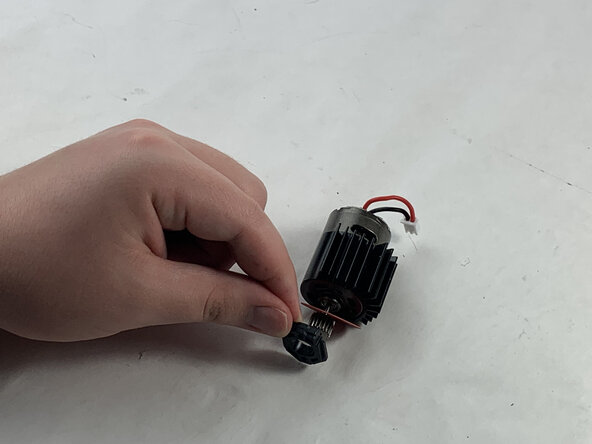
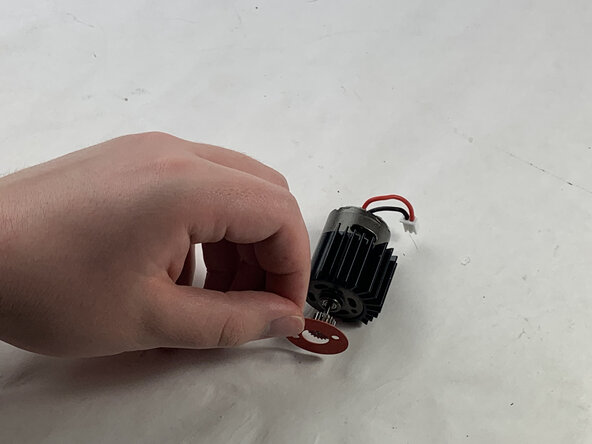
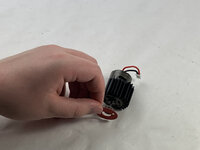
    • Remove the remaining 6 mm Phillips #0 screw holding black, plastic washer in place.

    • Remove the black, plastic washer.

    • Remove the red, paper washer.

    Pergunte ao FixBot
Conclusão

To reassemble your device, follow the above steps in reverse order.
Take your e-waste to an R2 or e-Stewards certified recycler.
Repair didn’t go as planned? Try some basic troubleshooting or ask our Answers community for help.

Ty.

Membro desde: 03/21/25

219 Reputação

Autoria de 1 guia

Equipe

0Comentários do guia

Comentar

Visualizações:

Últimas 24 horas: 1

Últimos 7 dias: 39

Últimos 30 dias: 104

Ao todo: 542