Ir para o conteúdo principal
Participe da comunidade de reparos - Criar conta

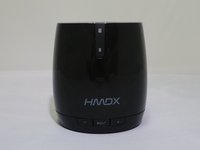
HMDX Chill Charging Port Replacement

O que você precisa

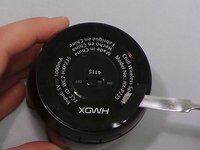
  1. HMDX Chill Charging Port Replacement, Remove Rubber Base: passo 1, imagem 1 %32 HMDX Chill Charging Port Replacement, Remove Rubber Base: passo 1, imagem 2 %32 HMDX Chill Charging Port Replacement, Remove Rubber Base: passo 1, imagem 3 %32
    • Insert a metal spudger under the rubber base.

    • Pry the rubber base off.

    Pergunte ao FixBot
  2. HMDX Chill Charging Port Replacement: passo 2, imagem 1 %32
    • Use a Phillips #1 screwdriver to remove four 9 mm screws from the base of the device.

    Pergunte ao FixBot
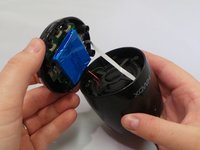
  3. HMDX Chill Charging Port Replacement: passo 3, imagem 1 %32 HMDX Chill Charging Port Replacement: passo 3, imagem 2 %32
    • Grip the base of the HMDX Chill.

    • Pull the base upwards.

    Pergunte ao FixBot
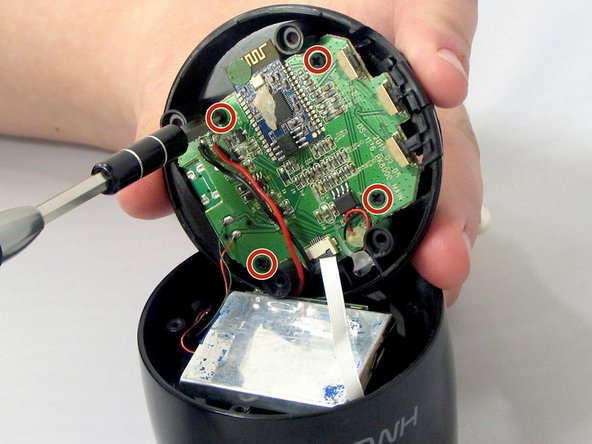
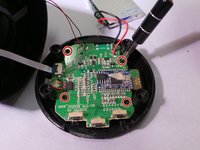
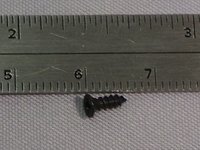
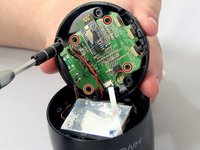
  4. HMDX Chill Charging Port Replacement, Motherboard: passo 4, imagem 1 %32 HMDX Chill Charging Port Replacement, Motherboard: passo 4, imagem 2 %32 HMDX Chill Charging Port Replacement, Motherboard: passo 4, imagem 3 %32
    • Use a Phillips #1 screwdriver to remove the four 6 mm screws that secure the motherboard to the base of the device.

    Pergunte ao FixBot
  5. HMDX Chill Charging Port Replacement: passo 5, imagem 1 %32
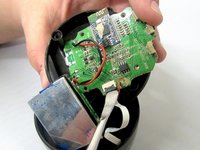
    • Pull the motherboard away from the base gently.

    • Do not pull too hard on the motherboard. It is still attached to the base by wires.

    Pergunte ao FixBot
  6. HMDX Chill Charging Port Replacement: passo 6, imagem 1 %32 HMDX Chill Charging Port Replacement: passo 6, imagem 2 %32 HMDX Chill Charging Port Replacement: passo 6, imagem 3 %32
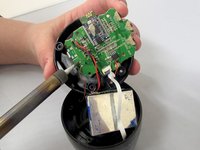
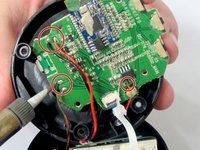
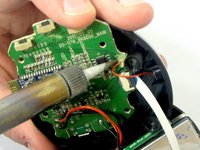
    • Use a soldering iron to desolder the wires connecting the motherboard to the case.

    Pergunte ao FixBot
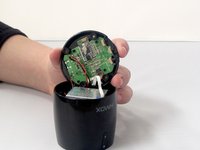
  7. HMDX Chill Charging Port Replacement: passo 7, imagem 1 %32 HMDX Chill Charging Port Replacement: passo 7, imagem 2 %32
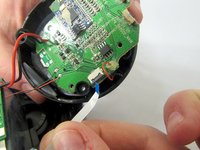
    • Insert the spudger between the case and the wire and move the spudger upwards.

    • This will cause the case to prop open.

    • The wire behind the motherboard will now be visible. Pull this out from behind.

    Pergunte ao FixBot
  8. HMDX Chill Charging Port Replacement: passo 8, imagem 1 %32
    • Use the soldering iron to desolder the wires connecting the motherboard to the base of the HMDX Chill.

    Pergunte ao FixBot
  9. HMDX Chill Charging Port Replacement, Desolder the Charging Port: passo 9, imagem 1 %32 HMDX Chill Charging Port Replacement, Desolder the Charging Port: passo 9, imagem 2 %32
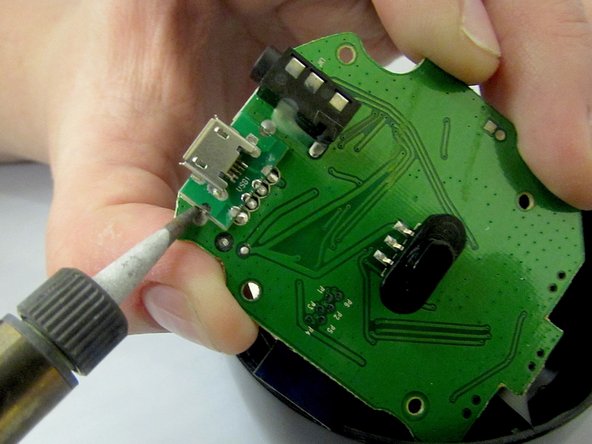
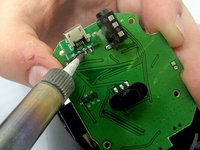
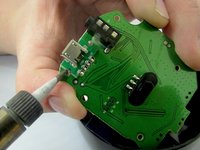
    • Using a soldering tool, desolder the charging port from the motherboard.

    Pergunte ao FixBot
Conclusão

To reassemble your device, follow these instructions in reverse order.

Equipe

EWU-Giguere-S16S1G1 Membro de EWU-Giguere-S16S1G1

Community

4 Membros

Autoria de 7 guias

1Comentário do guia

I have the charging port removed. Where do I find a replacement??

Aaron Hughes - Responder Compartilhar

Comentar

Visualizações:

Últimas 24 horas: 1

Últimos 7 dias: 2

Últimos 30 dias: 24

Ao todo: 711