Introdução
Follow this guide to replace, upgrade, or customize the buttons in your Nintendo Game Boy Advance model AGB-001.
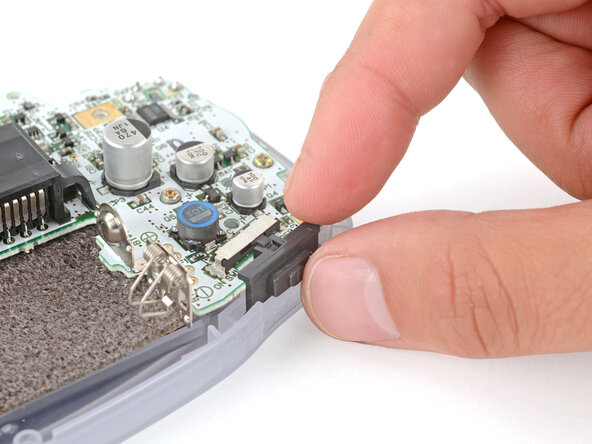
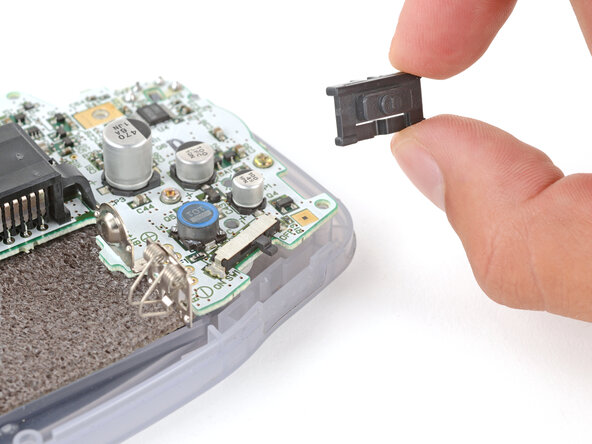
This guide covers how to replace the action (A + B) buttons, shoulder (L + R) buttons, D‑pad, and ON/OFF power switch cover, as well as the side bumpers.
If you're completely re‑shelling your Game Boy, follow this guide.
The Game Boy Advance uses JIS screws. If you use a non-iFixit Phillips driver in JIS screws, you'll risk stripping them. iFixit's Phillips bits are designed to be compatible with JIS screws.
O que você precisa
-
-
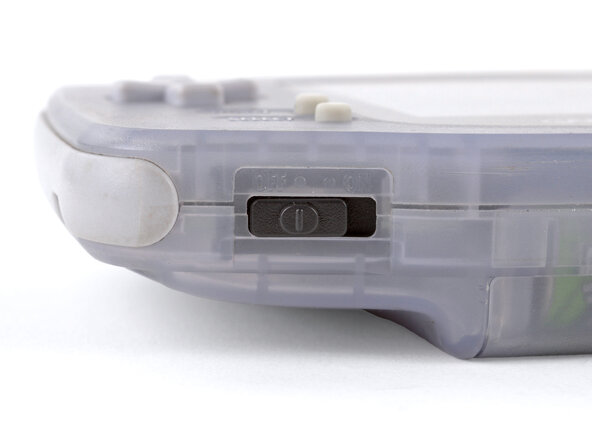
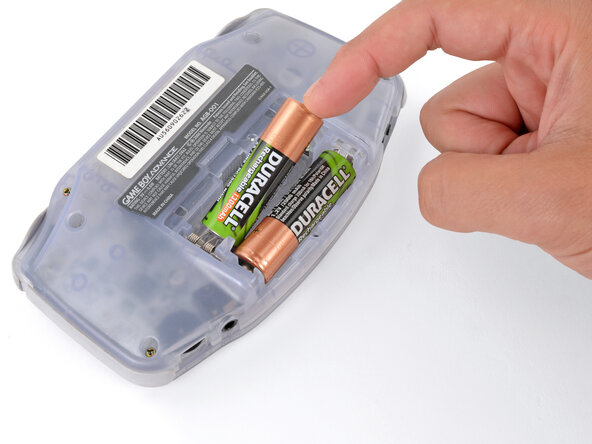
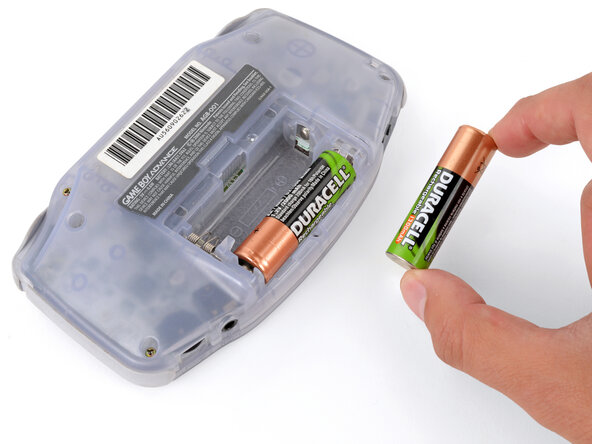
Before working on your Game Boy, turn the power switch to the OFF position and unplug any cables.
-
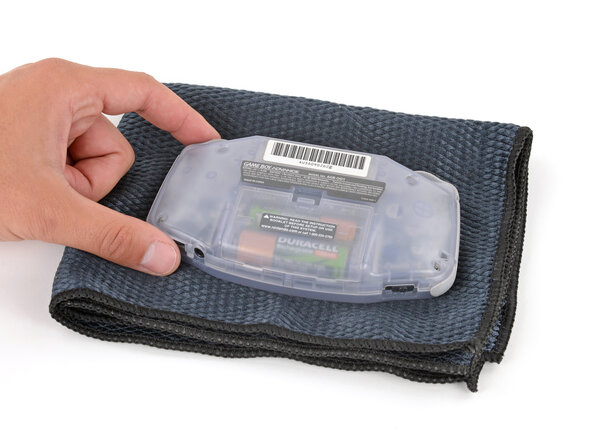
If you have a game cartridge installed, remove it.
 Pergunte ao FixBot
-
-
-
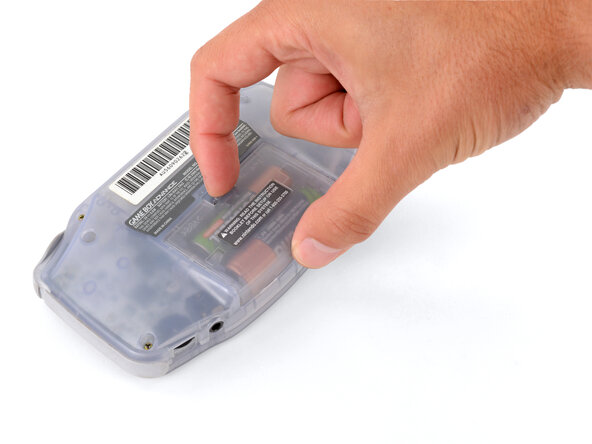
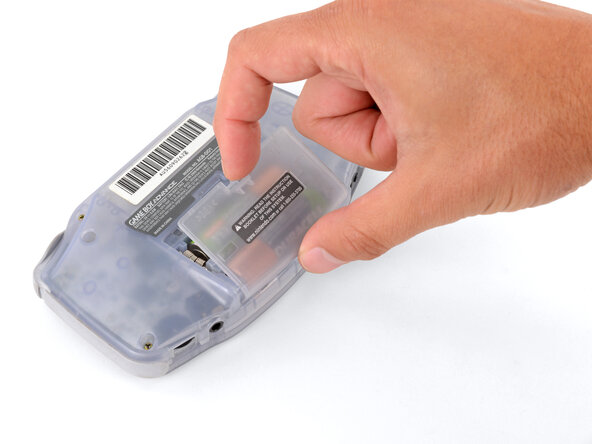
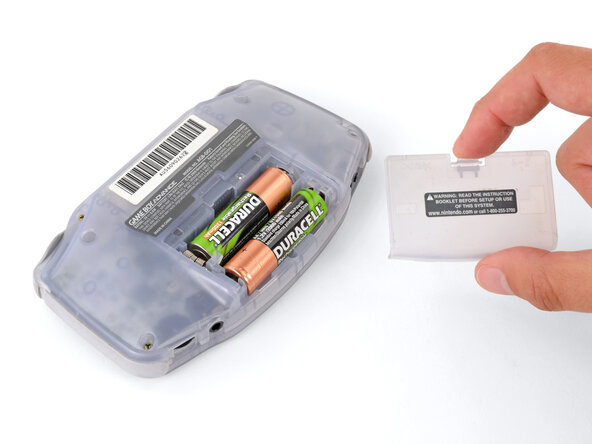
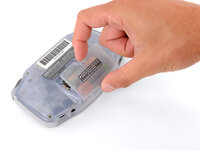
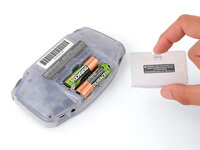
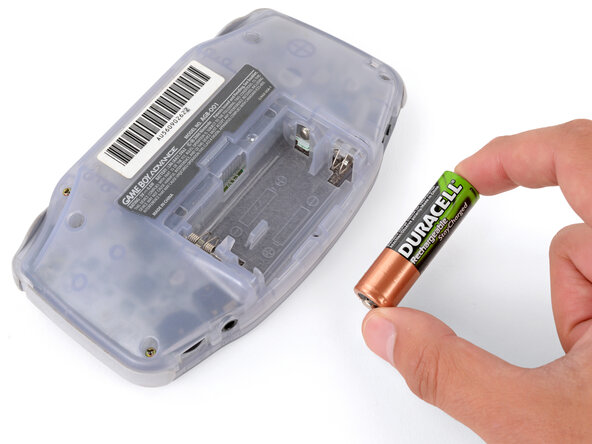
Release the battery cover tab with your finger and swing the cover away from your Game Boy to remove it.
-
-
-
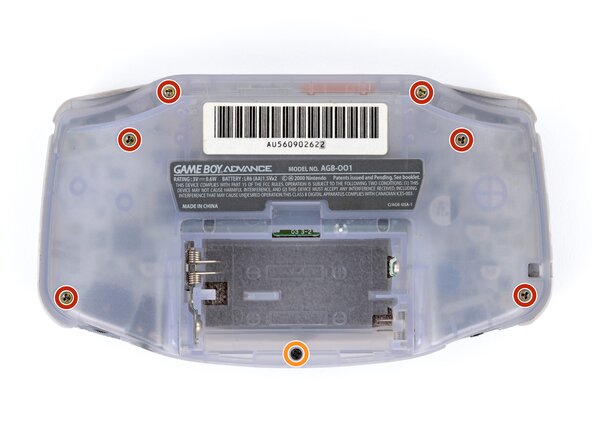
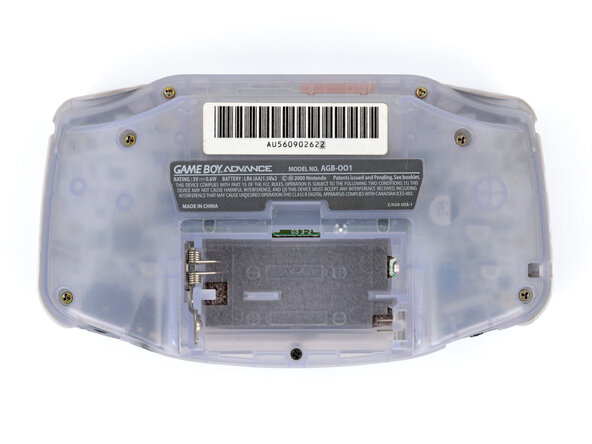
Remove the seven screws securing the back shell:
-
Six 9.4 mm‑long tri‑point Y0 screws
-
One 8.5 mm‑long JIS 1 screw
-
-
-
-
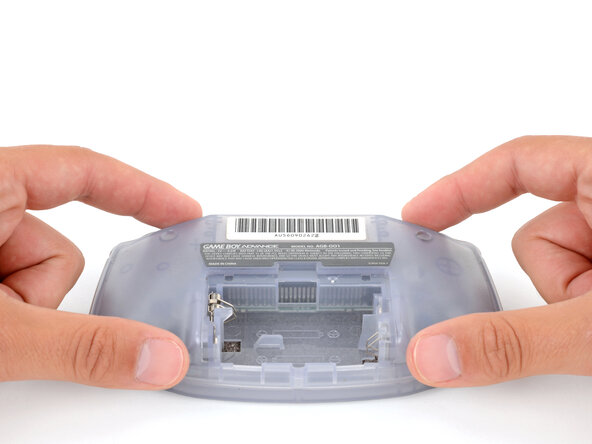
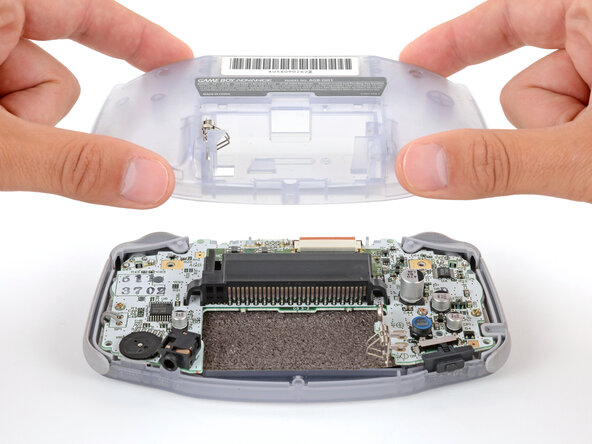
Lift the back shell straight up and remove it.
-
-
-
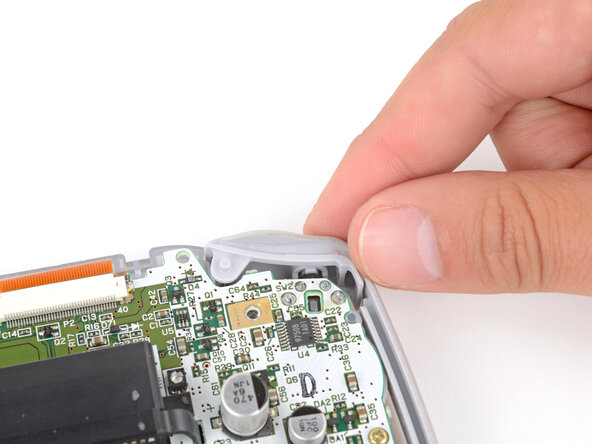
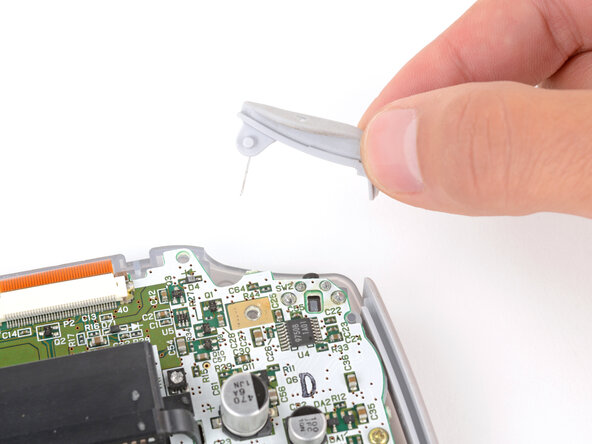
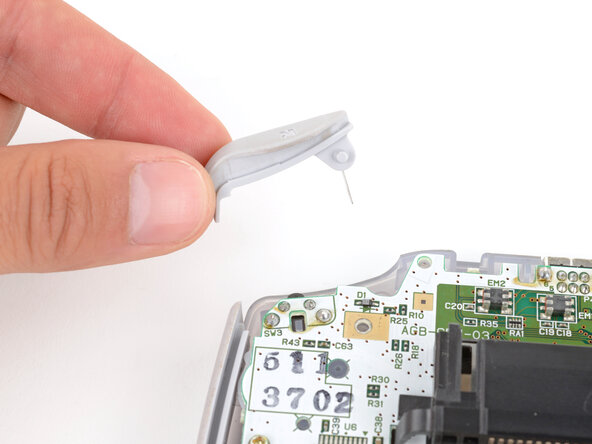
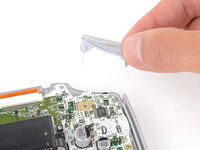
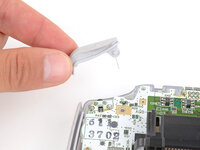
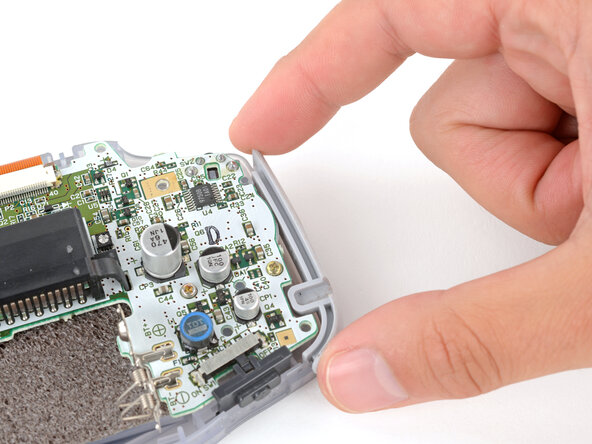
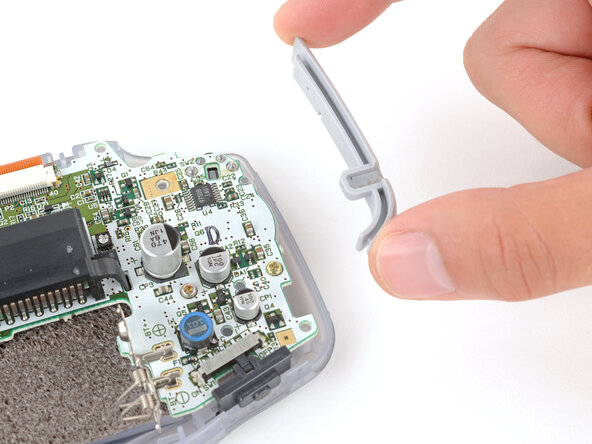
Lift the shoulder buttons (aka L and R buttons) straight up to remove them.
-
Slide the buttons into place, making sure the peg on the button goes into its circular cutout and the button itself is over the actual button mechanism.
-
Gently test the buttons to make sure they feel correct. If they don't, reposition them and make sure the metal arms aren't stuck in a weird position under the board.
-
-
-
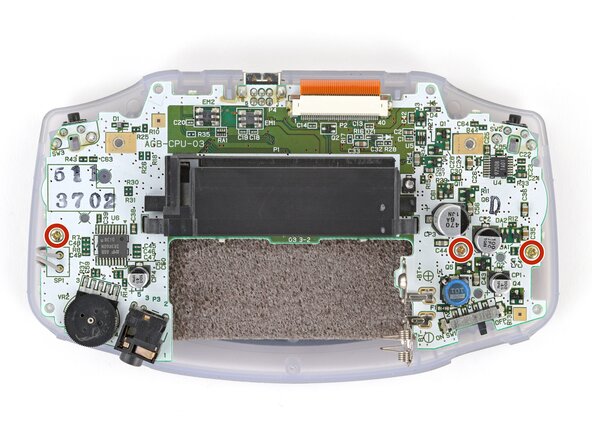
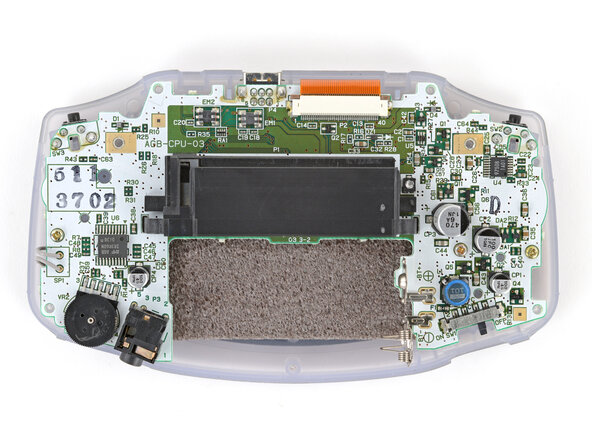
Use a JIS 1 screwdriver to remove the three 7 mm‑long screws securing the motherboard.
-
-
-
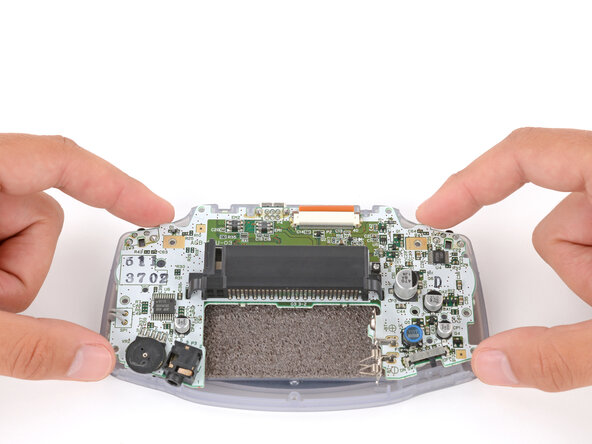
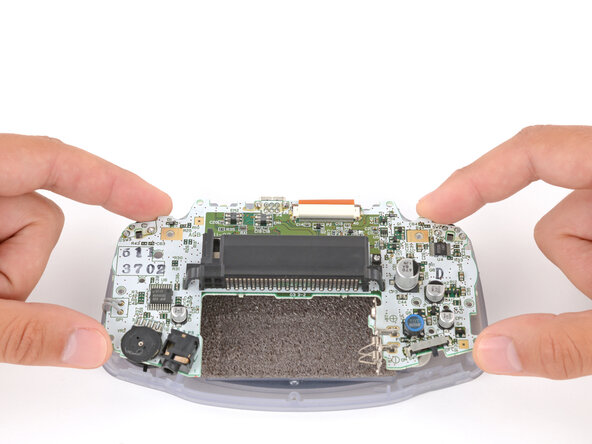
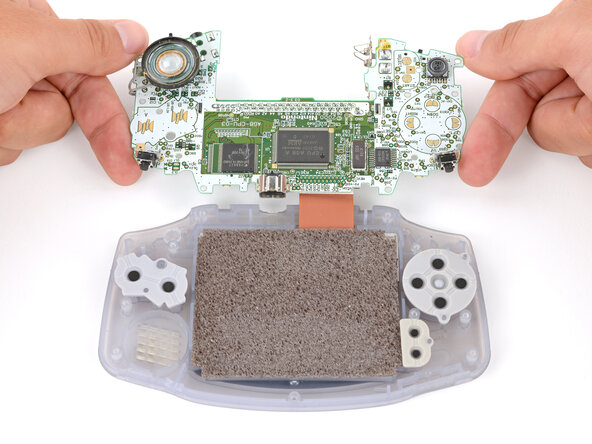
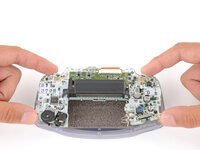
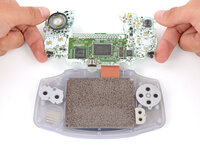
Carefully flip the motherboard over the top edge of your Game Boy and rest it on your work surface.
-
-
-
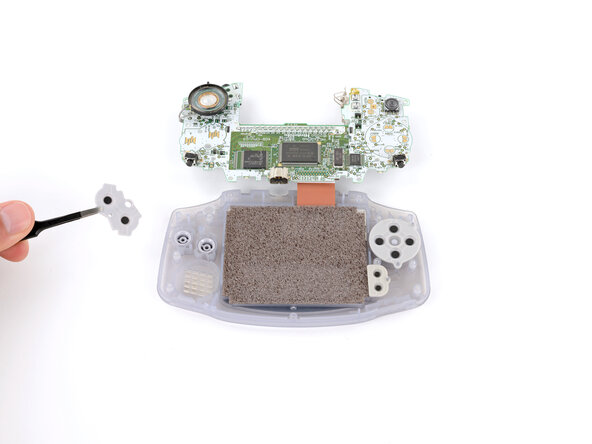
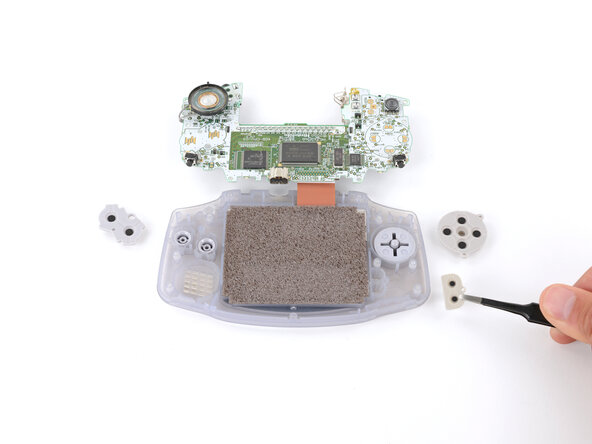
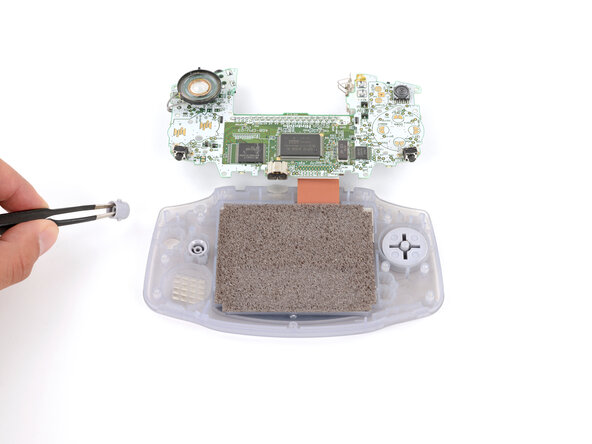
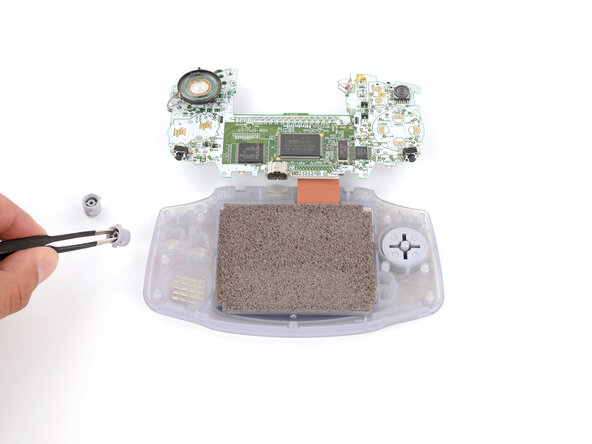
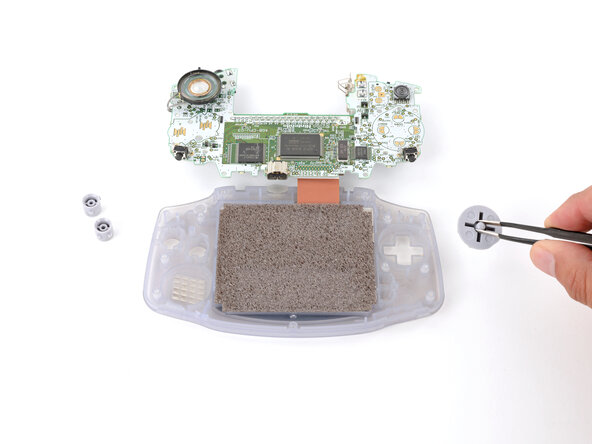
Use tweezers or your fingers to remove the three silicone pads covering the buttons (A and B, the D‑pad, and Start/Select ).
-
-
-
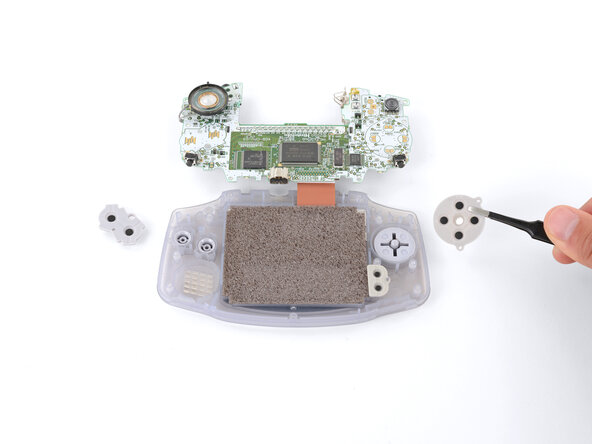
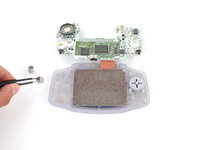
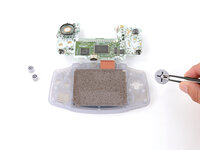
Use tweezers or your fingers to remove the buttons (A and B as well as the D‑pad).
-
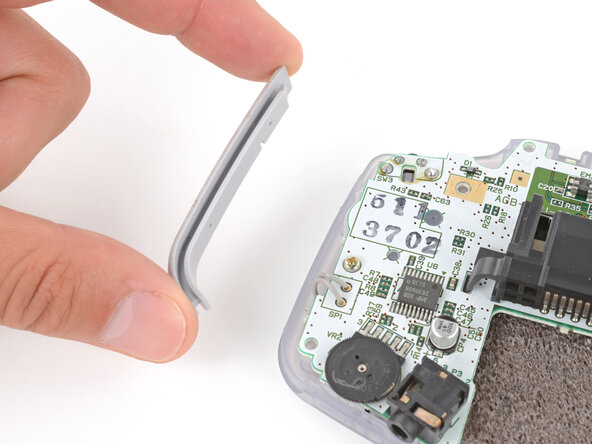
To reassemble your device, follow these instructions in reverse order.
Repair didn’t go as planned? Try some basic troubleshooting, or ask our Answers Community for troubleshooting help.
Cancelar: não concluí este guia.
15 outras pessoas executaram este guia.

1Comentário do guia
If you have buttons that don’t respond, you can also just clean the contacts (the round black ones and the gold ones on the board) with alcohol and a Q-tip. After that, I coated the contacts with some contact spray, also with Q-tip. All buttons are working again.
