Ir para o conteúdo principal
Participe da comunidade de reparos - Criar conta

Game Boy Advance Batteries Replacement

O que você precisa

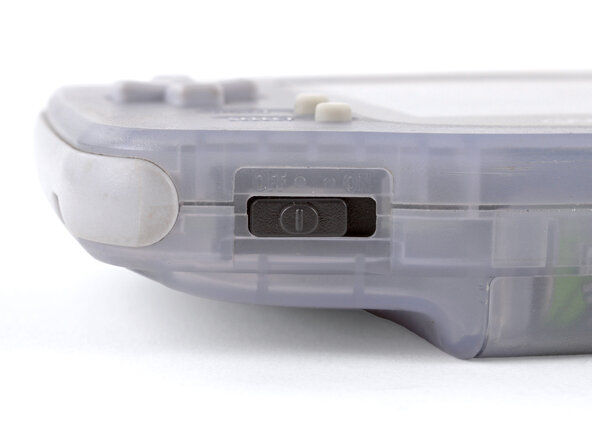
  1. Game Boy Advance Batteries Replacement, Power down your Game Boy: passo 1, imagem 1 %32
    • Turn your Game Boy OFF.

    Pergunte ao FixBot
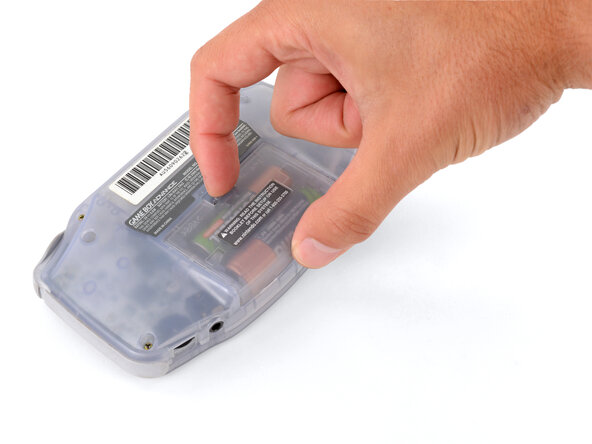
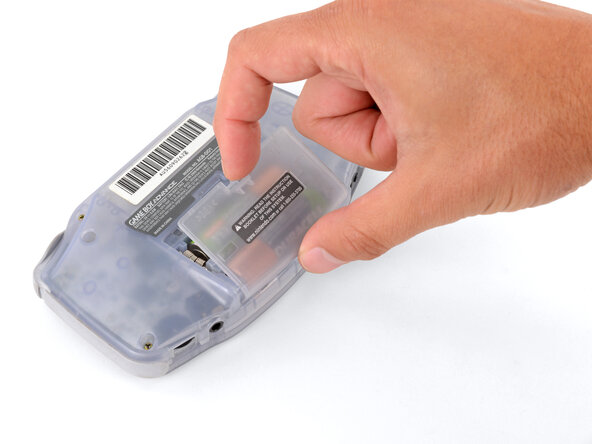
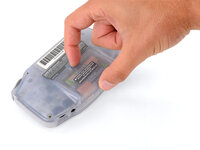
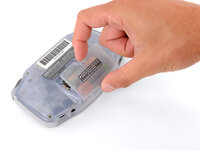
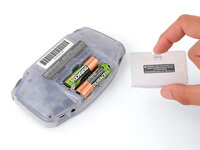
  2. Game Boy Advance Batteries Replacement, Remove the battery cover: passo 2, imagem 1 %32 Game Boy Advance Batteries Replacement, Remove the battery cover: passo 2, imagem 2 %32 Game Boy Advance Batteries Replacement, Remove the battery cover: passo 2, imagem 3 %32
    • Release the battery cover tab with your finger and swing the cover away from your Game Boy to remove it.

    • During reassembly, insert the tabs on the bottom edge of the cover into their cutouts and press the cover into place.

    Pergunte ao FixBot
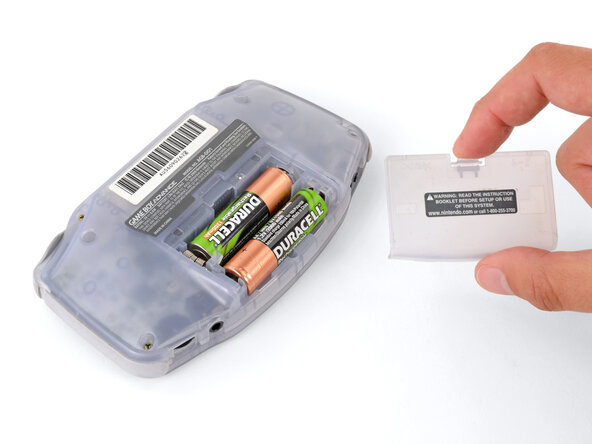
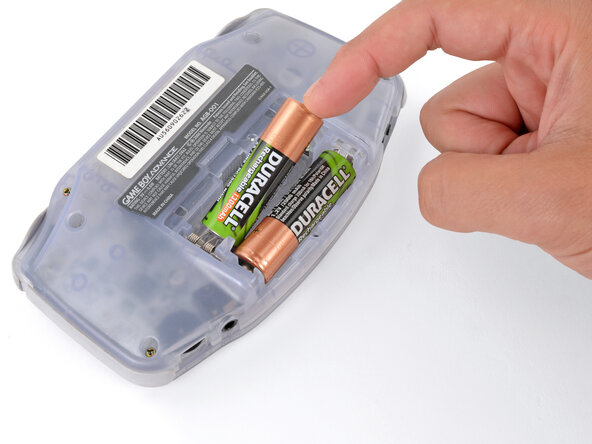
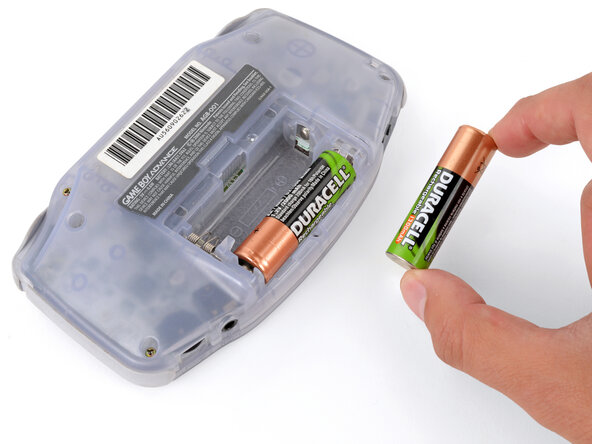
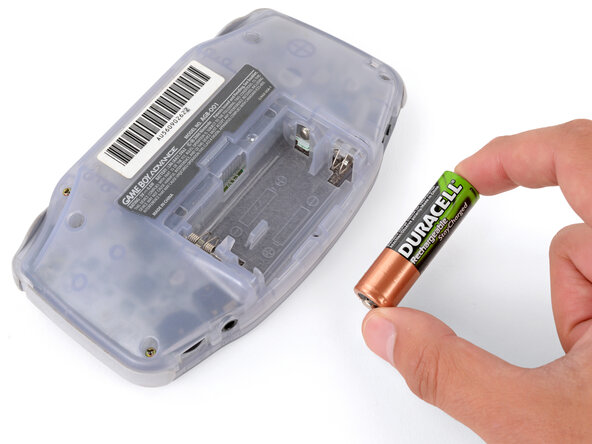
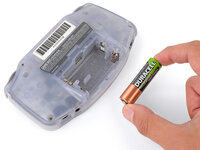
  3. Game Boy Advance Batteries Replacement, Remove the batteries: passo 3, imagem 1 %32 Game Boy Advance Batteries Replacement, Remove the batteries: passo 3, imagem 2 %32 Game Boy Advance Batteries Replacement, Remove the batteries: passo 3, imagem 3 %32
    • Remove the two AA batteries.

    • If the metal terminals are corroded, follow this guide to clean them.

    • When installing batteries, use the diagram in the battery well to properly orient them.

    Pergunte ao FixBot
Conclusão

To reassemble your device, follow these instructions in reverse order.

Take your e-waste to an R2 or e-Stewards certified recycler.

Repair didn’t go as planned? Try some basic troubleshooting, or ask our Answers Community for troubleshooting help.

12 outras pessoas executaram este guia.

Spencer Day

Membro desde: 09/14/22

188.882 Reputação

Autoria de 1.187 guias

2Comentários do guia

how could you take rust off the battery hinges?

Sinai Garcia - Responder Compartilhar

If the battery terminals are corroded ''''(which may appear like rust), follow this guide to remove it.

Spencer Day - Responder Compartilhar

Comentar

Visualizações:

Últimas 24 horas: 5

Últimos 7 dias: 37

Últimos 30 dias: 234

Ao todo: 20,909