Essa tradução foi gerada por um programa e ainda não foi revisada por uma pessoa. Falas essa língua? Dá uma olhada.
Introdução
Siga este guia para substituir, fazer um upgrade ou personalizar a carcaça traseira (também conhecida como tampa traseira ou capa traseira) do seu Nintendo Game Boy Advance modelo AGB-001.
Se você estiver trocando toda a carcaça do seu Game Boy, siga este guia.
O Game Boy Advance usa parafusos JIS. Se você usar uma chave Phillips que não seja da iFixit nesses parafusos JIS, correrá o risco de espaná-los. As pontas Phillips da iFixit são projetadas para serem compatíveis com parafusos JIS.
O que você precisa
-
-
-
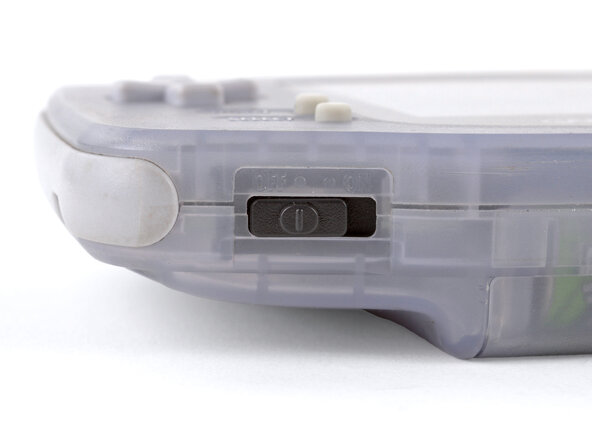
Antes de mexer no seu Game Boy, coloque o interruptor de energia na posição DESLIGADO (OFF) e desconecte todos os cabos.
-
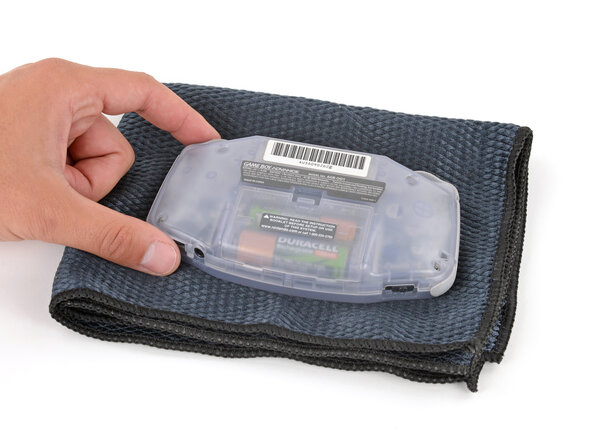
Se houver um cartucho de jogo inserido, remova-o.
 Pergunte ao FixBot
-
-
-
-
-
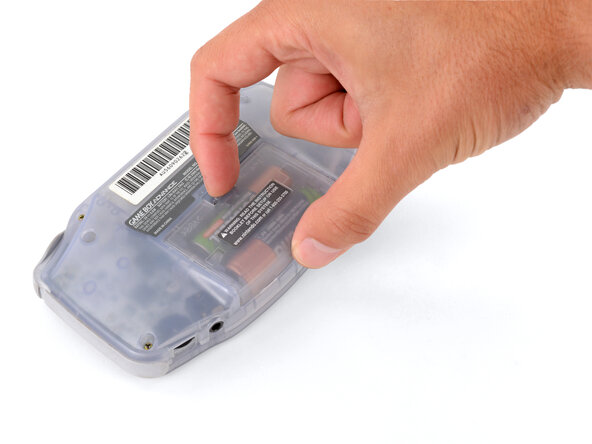
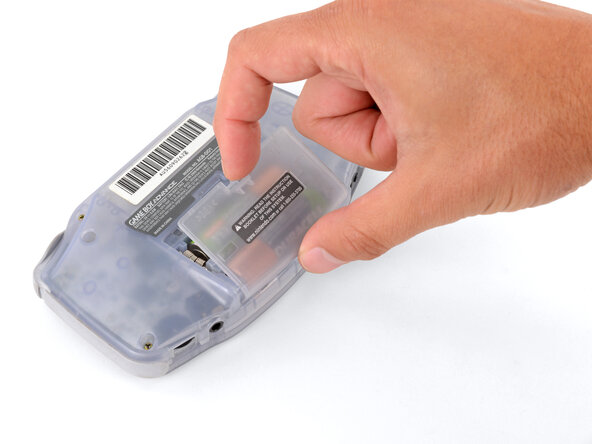
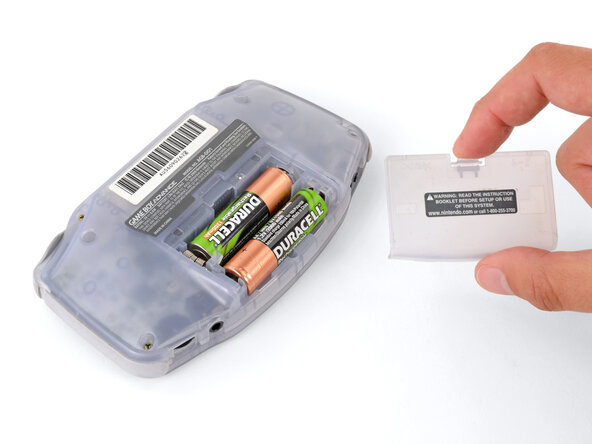
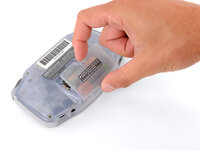
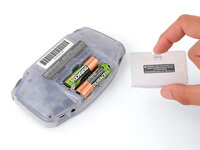
Solte a aba da tampa da bateria com o dedo e gire a tampa para longe do seu Game Boy para removê-la.
-
-
-
-
-
-
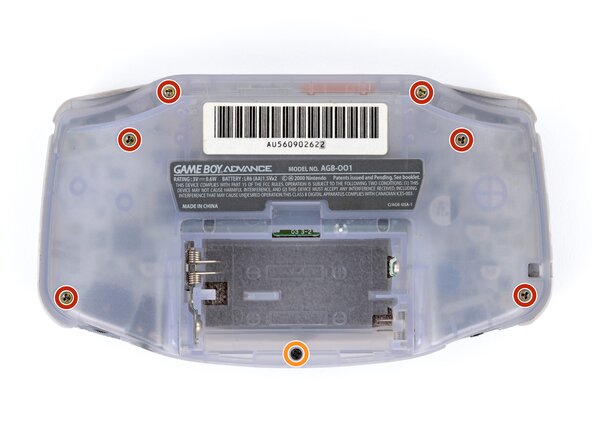
Remova os sete parafusos que prendem a carcaça traseira:
-
Seis parafusos tri-point Y0 de 9,4 mm de comprimento
-
Um parafuso JIS 1 de 8,5 mm de comprimento
-
-
-
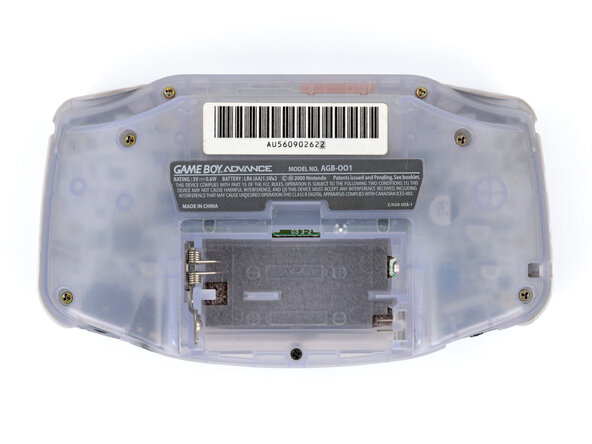
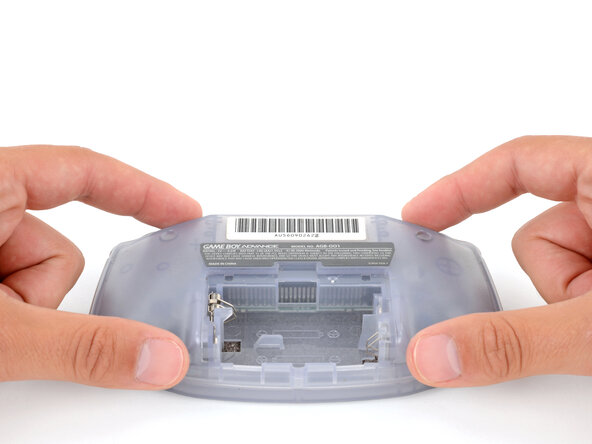
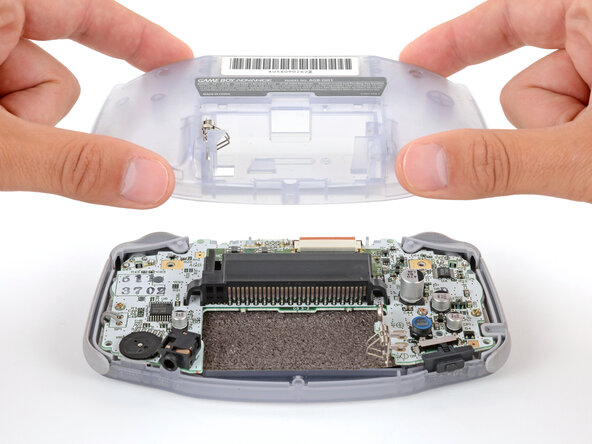
Levante a carcaça traseira diretamente para cima e remova-a.
-
-
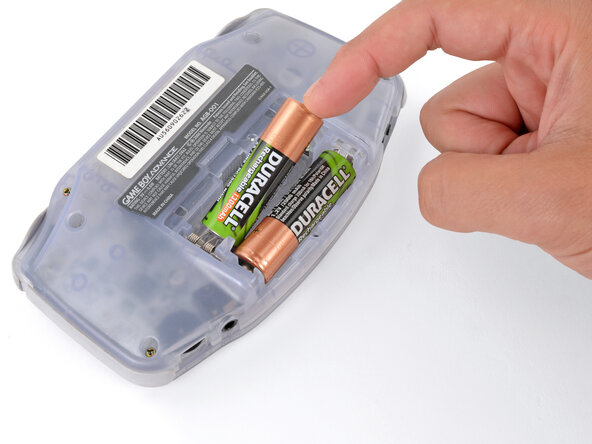
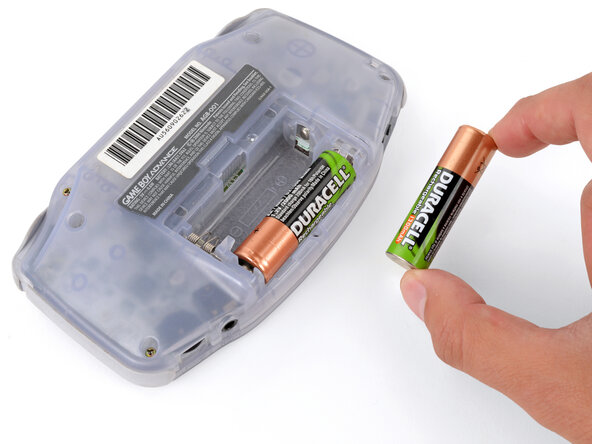
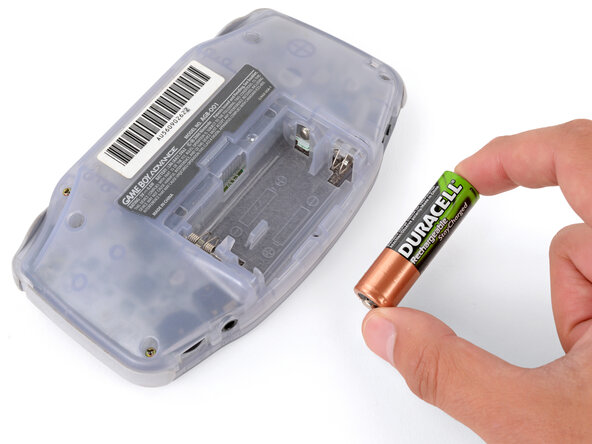
Para a remontagem de seu dispositivo, siga estas instruções na ordem inversa.
O reparo não deu certo? Tente alguns passos básicos para solução de problemas ou peça ajuda a nossa comunidade do Respostas.
Cancelar: não concluí este guia.
5 outras pessoas executaram este guia.

2Comentários do guia
Seeing the GBA-SP guide, could information here be added so we know which mm triwing screws the regular GBA backpanel uses?
We've updated the guide, and it now includes the screw measurements.
