Introdução
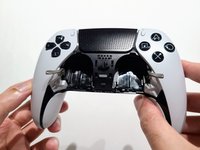
This guide details how to replace the battery in a DualSense Edge PlayStation 5 controller. If your controller won't power on or is draining quickly, follow this guide for battery replacement.
A functional battery provides power to your controller. Unfortunately, all batteries will drain after going through a repeated amount of charge cycles. If you notice that your charged battery is draining more quickly than usual or, even worse, has ceased to hold a charge at all, you should replace your battery.
If your battery is swollen, take extra care and handle it with caution.
Make sure the controller is turned off before you begin.
O que você precisa
-
-
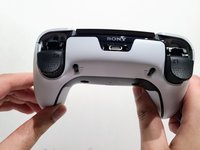
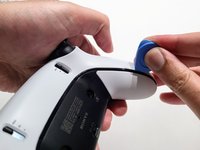
Use the opening pick to push the release latch on the back of the controller.
 Pergunte ao FixBot
-
-
-
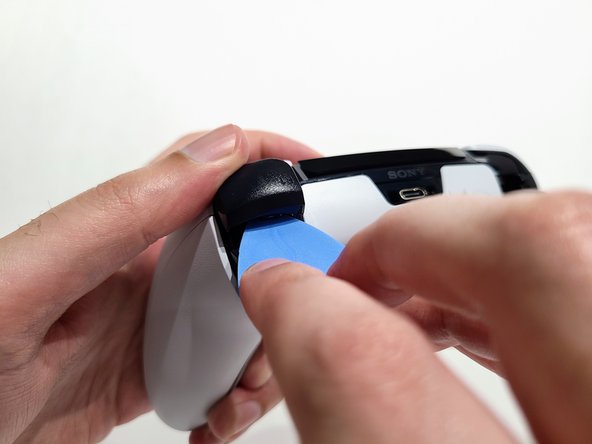
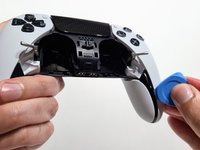
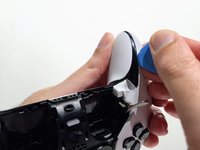
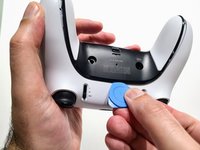
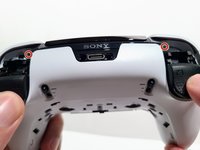
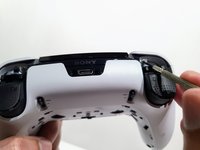
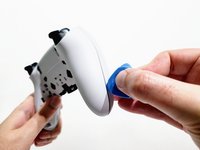
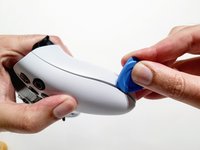
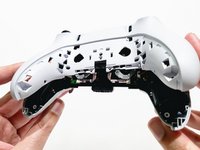
Slide the opening pick along the left and right sides of the rear trim to release the clips that secure the trim.
-
-
-
-
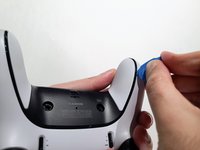
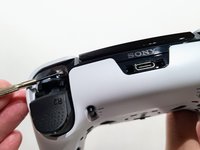
Turn the controller around and continue sliding the opening pick along the trim to release the remaining clips.
-
-
-
Remove the two 6.4 mm‑long screws from the L1 and R1 button enclosures (one screw on each side).
-
-
-
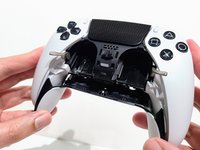
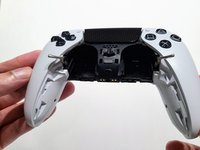
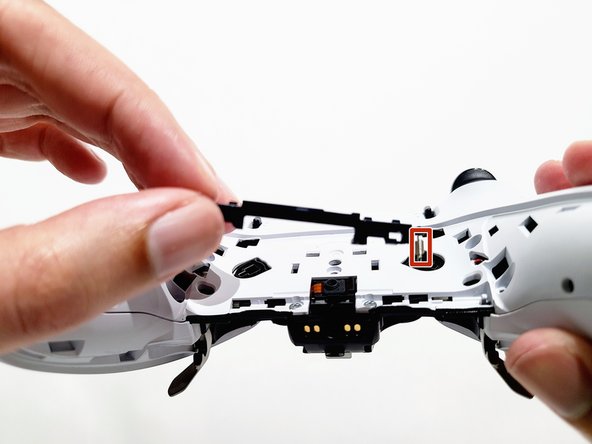
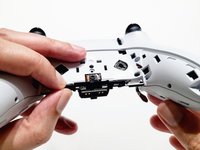
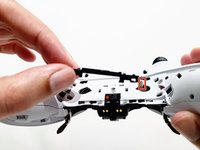
Pull the lever to the left and lift up to detach it from the controller.
-
Be careful with the tiny spring attached to the lever, as it is easy to lose once detached.
-
-
-
Remove the nine screws securing the rear case:
-
Seven 6.4 mm‑long screws
-
Two 10.5 mm‑long screws
-
-
-
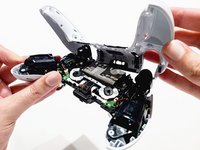
Insert an opening pick between the front and rear casing and gently pry them apart.
-
-
-
Use your hands to pull the rear case off of the controller carefully.
-
-
-
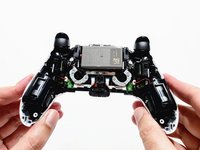
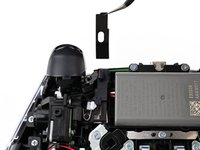
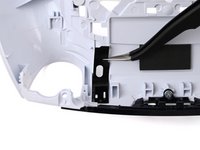
Use a pair of tweezers or your fingers to lift the cover from the controller.
-
Slide the flat end of the cover under the plastic tab in the rear case.
-
-
-
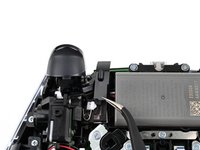
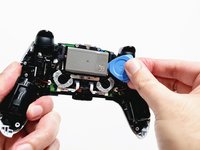
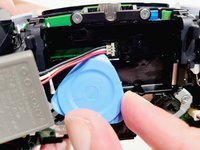
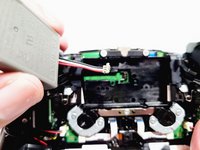
Use your opening pick to lift the battery from its enclosure and expose the wire connection.
-
-
-
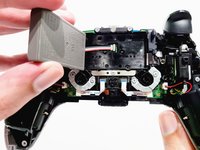
Place your opening pick under the low profile connector and pull it upward toward you to disconnect the battery.
-


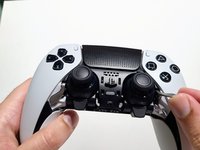
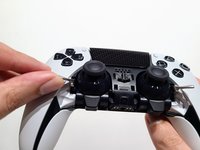


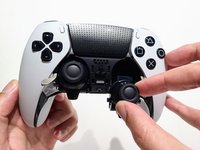
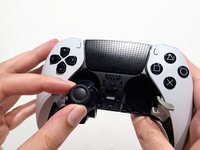





















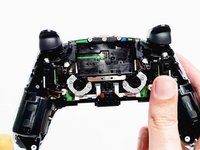
To reassemble your device, follow these instructions in reverse order.
Cancelar: não concluí este guia.
11 outras pessoas executaram este guia.

Equipe

CSU Los Angeles, Team 1-1, Briggs Spring 2023 Membro de CSU Los Angeles, Team 1-1, Briggs Spring 2023
CSULA-BRIGGS-S23S1G1
2 Membros
Autoria de 6 guias
4Comentários do guia
where can i buy battery replacement
取替の説明が有っても、バッテリー自体が手に入らないから日本では上げても余り意味が無い。
Yeah that’s great and all but without a battery all I can really do is kick rocks so what’s a guy gotta do to get a new one of those? Preferably with increased capacity but I’ll take an original new one too.
インナートリムの再組立の際の注意点
インナートリム上側の爪は押さえながらスライドさせる様にはめないと潰れて入らなくなってしまう可能性がある
「逆手順で」の説明だけでは破損させてしまうことがあるので注意喚起してほしい
(私は爪を潰してしまって入らなくなり戻すのに苦労した)
