Introdução
This requires soldering, so for a quick lesson or just a refresher, check out How to Solder and Desolder Connections.
O que você precisa
-
-
-
Remove the seven 14mm screws from the side of the drill using the PH#0 screwdriver.
 Pergunte ao FixBot
-
-
-
Remove the 8mm screw from underside of barrel using the PH#0 screwdriver.
-
-
-
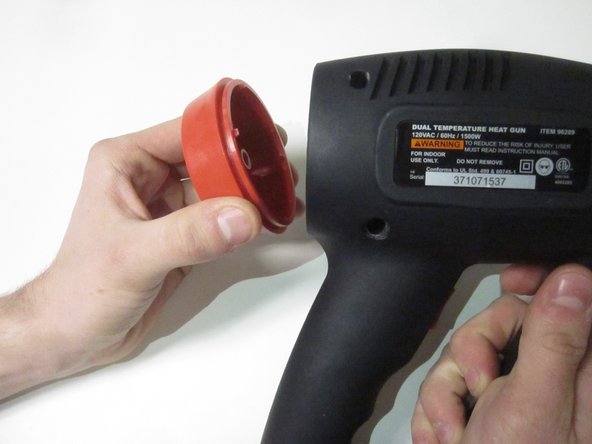
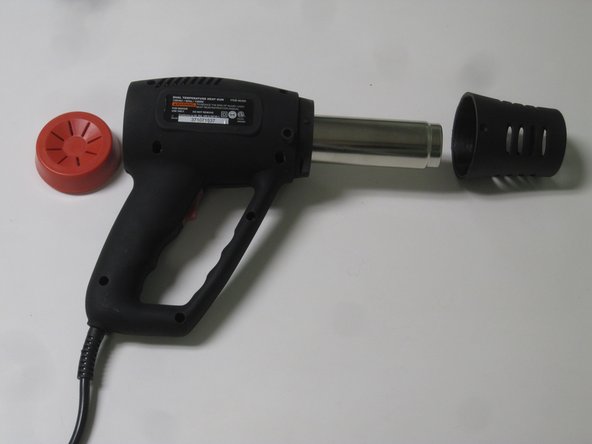
Remove the barrel casing on either end by twisting and pulling each side off.
-
-
-
-
Remove the top casing to reveal inside of drill. You might have to tug a little harder for this one.
-
-
-
Loosen four screws on the wire connector using the flathead 2.5 screwdriver.
-
-
-
Squeeze the tabs on either side of the power switch to remove from the casing.
-
-
-
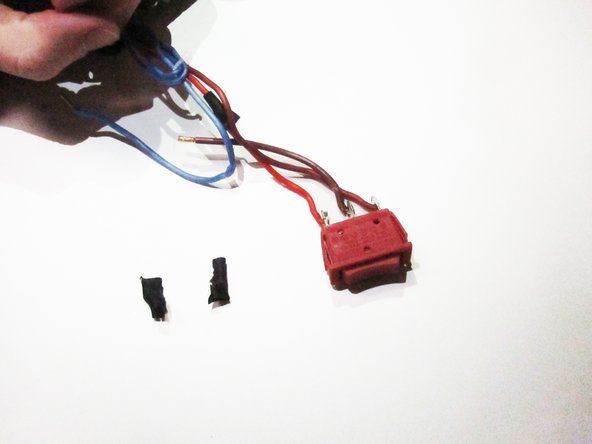
Remove the black, plastic wire protectors from the end of the power switch.
-
-
-
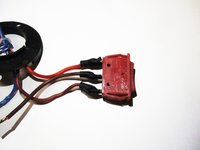
Use soldering iron to remove the electrical wiring from the power switch. To replace the power switch, solder the new switch onto the wires.
-
-


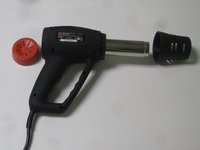



To reassemble your device, follow these instructions in reverse order.
Cancelar: não concluí este guia.
Uma outra pessoa concluiu este guia.

Equipe

University of North Texas, Team 1-2, Campbell Spring 2017 Membro de University of North Texas, Team 1-2, Campbell Spring 2017
UNT-CAMPBELL-S17S1G2
3 Membros
Autoria de 16 guias
