Introdução
This guide will be helpful if you need to replace any part of the camera that does not have a specific repair guide. To complete this guide, you will need to desolder wires from the motherboard and circuit boards. Learn more about soldering here.
O que você precisa
-
-
-
Turn the camera upside down.
-
Place your thumb on the switch, and slide it towards the center of the camera.
 Pergunte ao FixBot
-
-
-
Once you have the battery compartment open, slide the orange tab away from the battery until it ejects.
-
-
-
-
-
Begin by removing the outside screws using a Phillips #000 Screwdriver:
-
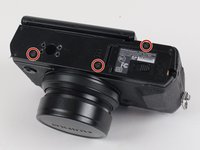
Remove the three 3.6 mm silver screws located on the bottom of the camera.
-
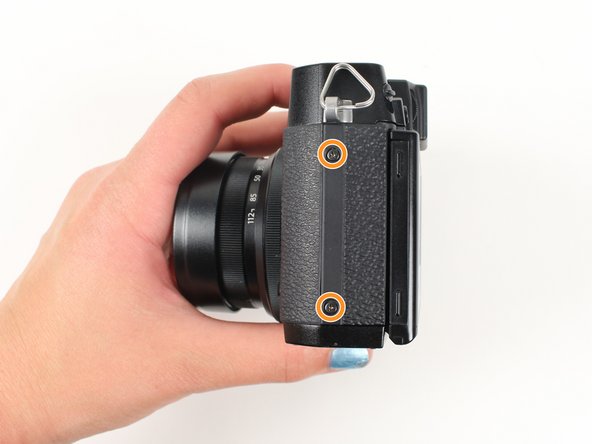
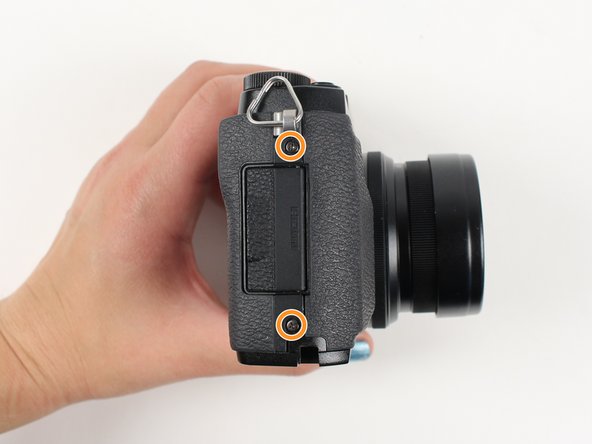
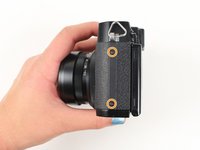
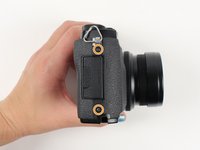
Remove all four of the 4.7 mm screws from the sides of the camera.
-
-
-
Remove all screws below using a Phillips #000 Screwdriver:
-
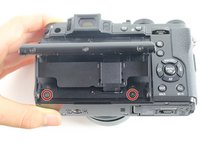
Lift up the screen and remove the two 4.5 mm screws located in the bottom corners.
-
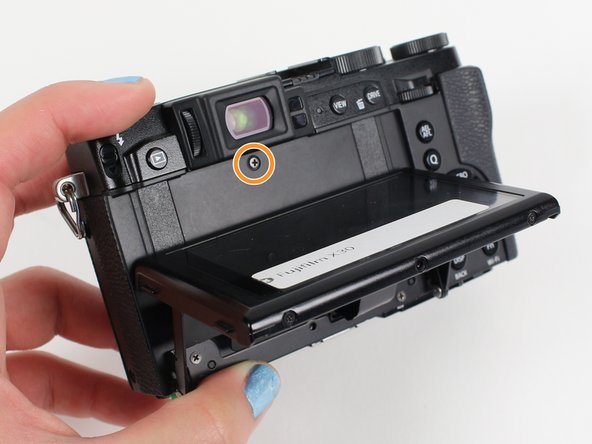
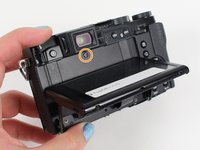
Remove the 4.0 mm screw that is located behind the screen and directly under the eye piece.
-
-
-
Gently pull off the back of the camera from the left side so that it is partially open.
-
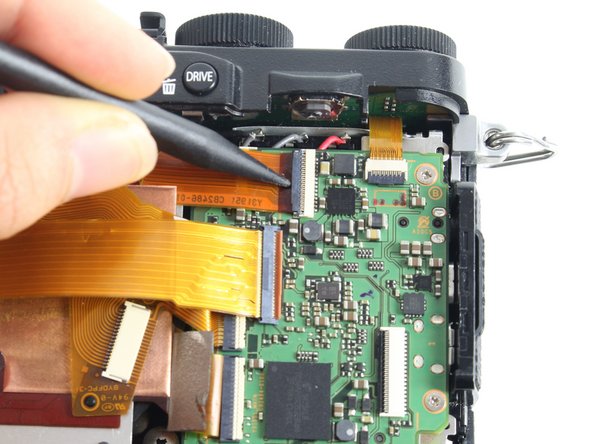
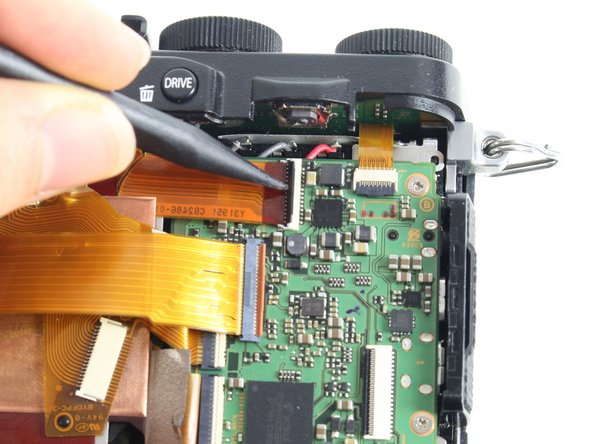
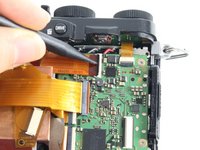
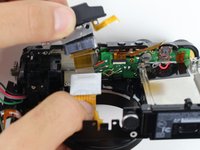
Use a spudger to lift up the tab holding the orange strip and slide the strip out to disconnect it
-
-
-
-
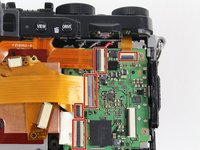
For all five indicated orange strips:
-
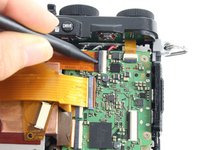
Use a spudger to lift up the tab holding the orange strip and slide the strip out to disconnect it.
-
-
-
For the last orange strip located behind the top strip:
-
Use a spudger to lift up the tab holding the orange strip and slide the strip out to disconnect it.
-
-
-
For the two orange strips attached to the capacitor circuitboard:
-
Use a spudger to lift up the tab holding the orange strip and slide the strip out to disconnect it.
-
-
-
Remove all screws listed below using a Phillips #000 screwdriver:
-
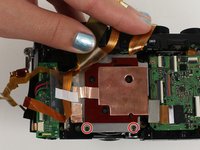
Remove the two 3.4 mm screws at the bottom of the silver plate.
-
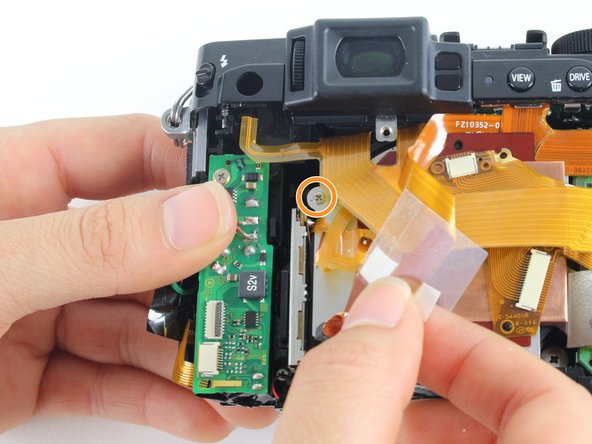
Hold back the clear strip to reveal a 2.8 mm screw on the left of the silver plate and remove it.
-
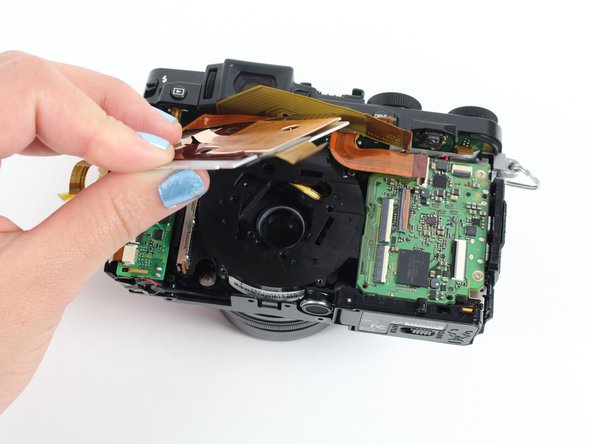
Peel back the copper plate.
-
-
-
Remove the three 2.6 mm screws located in the top two corners and the bottom right corner of the motherboard using a Phillips #000 screwdriver.
-
-
-
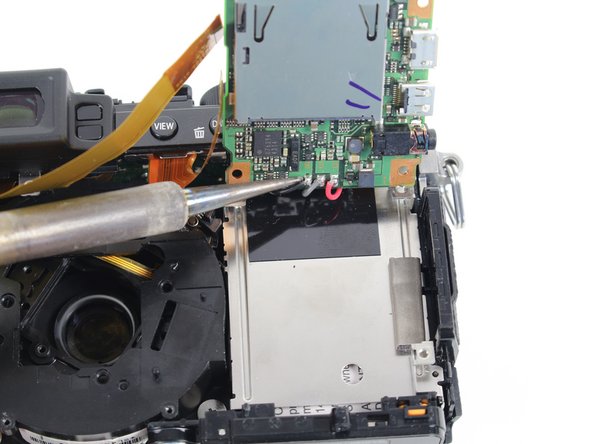
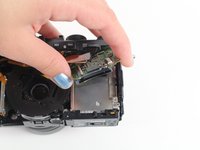
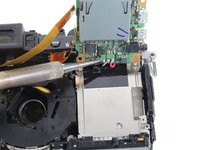
Tilt up the motherboard to locate the black, grey, and red wires.
-
Desolder these wires in order to completely remove the motherboard.
-
-
-
-
-
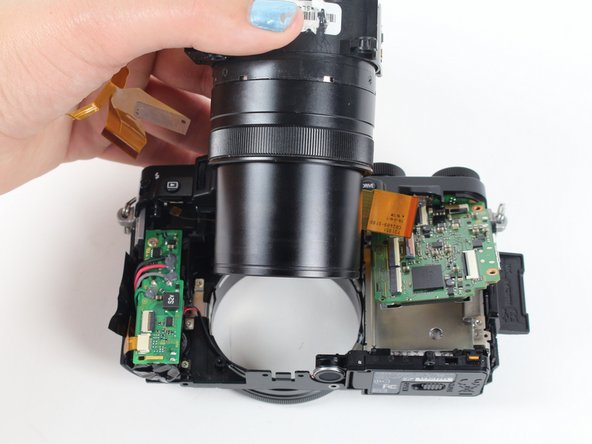
Remove the four 4.4 mm silver screws at the corners of the lens using a Phillips #000 screwdriver.
-
-
-
Pull the lens toward the bottom of the camera so it can clear the silver tab.
-
Then push the lens with your index fingers from the front of the camera until it is removed.
-
-
-
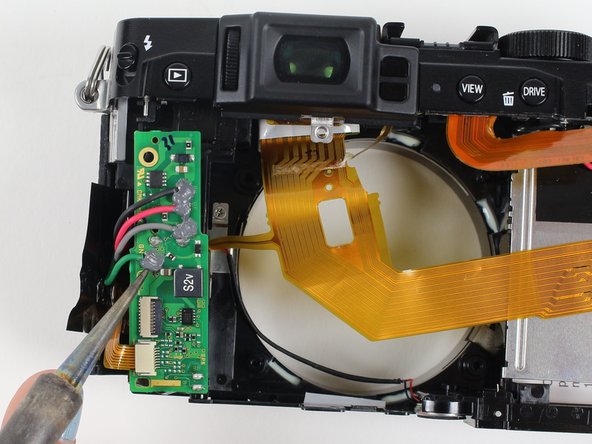
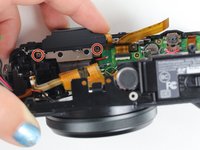
Remove the silver 3.4 mm screw from the top left corner of the capacitor circuitboard using a Phillips #000 screwdriver.
-
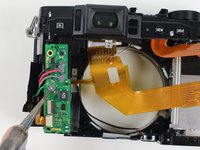
Desolder the red, black, grey, and green wires attached to the capacitor circuitboard so the circuitboard is disconnected and can be set aside.
-
-
-
Rotate the camera so you are looking at the bottom.
-
Remove the two silver 3.4 mm screws on the silver plate that are holding the eyepiece using a Phillips #000 screwdriver.
-
Lift the eyepiece out of the camera.
-
-
-
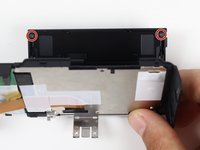
Remove the two black 3.7 mm screws in the back corners of the screen plate using a Phillips #000 screwdriver.
-
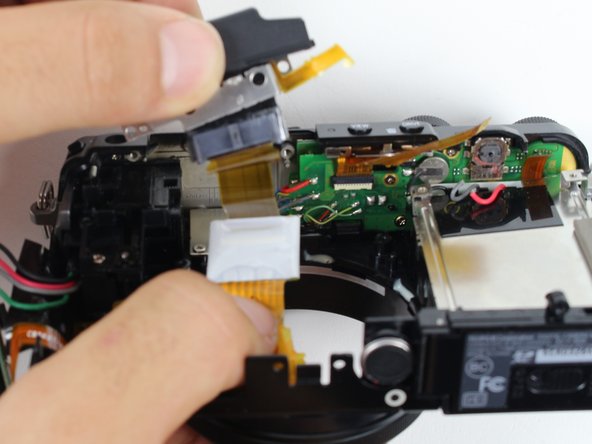
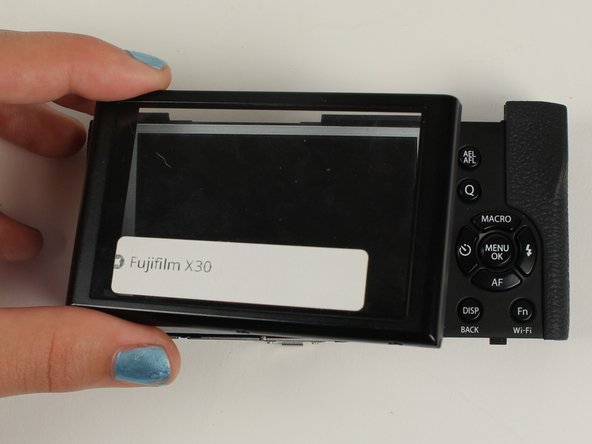
Lay the back panel flat to lift off the clear casing that is over the LCD screen.
-
-







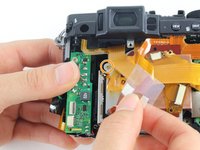
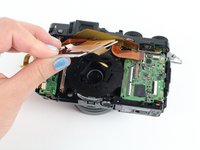







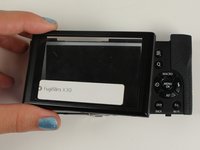

To reassemble your device, follow these instructions in reverse order.
Cancelar: não concluí este guia.
10 outras pessoas executaram este guia.

Equipe

Cal Poly, Team 70-3, Forte Winter 2016 Membro de Cal Poly, Team 70-3, Forte Winter 2016
CPSU-FORTE-W16S70G3
5 Membros
Autoria de 4 guias
2Comentários do guia
the big question is how to repair the common stuck open flash?
and the broken battery latch (orange tab)? Thanks.
