Ir para o conteúdo principal
Participe da comunidade de reparos - Criar conta

D-Link DIR-890L Reset Button Replacement

O que você precisa

    1. D-Link DIR-890L Reset Button Replacement, Motherboard: passo 1, imagem 1 %32
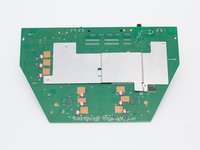
      • Orient the router so the narrow end of the router faces you and the ports face away from you.

      • The six, hot-glued antenna connections are in the middle and at the top right of the motherboard.

      Pergunte ao FixBot

      Comentar

    2. D-Link DIR-890L Reset Button Replacement: passo 2, imagem 1 %32 D-Link DIR-890L Reset Button Replacement: passo 2, imagem 2 %32 D-Link DIR-890L Reset Button Replacement: passo 2, imagem 3 %32
      Ferramenta utilizada neste passo:
      Heavy-Duty Spudger
      $4.99
      Pergunte ao FixBot

      Comentar

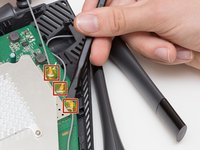
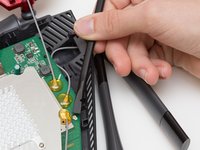
    3. D-Link DIR-890L Reset Button Replacement: passo 3, imagem 1 %32 D-Link DIR-890L Reset Button Replacement: passo 3, imagem 2 %32
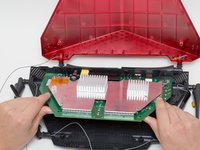
      • Continue to pry off the last three antenna connections on the upper right portion of the motherboard.

      Pergunte ao FixBot

      Comentar

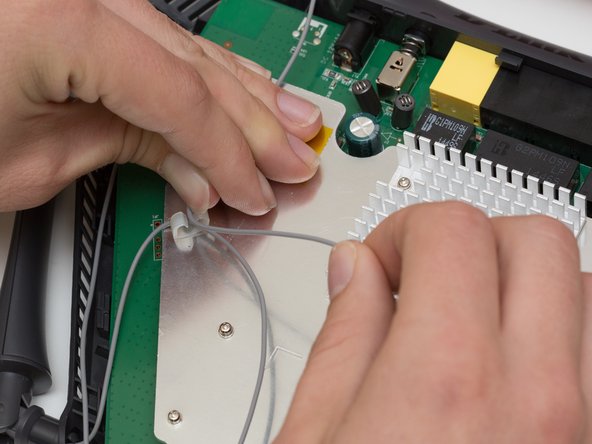
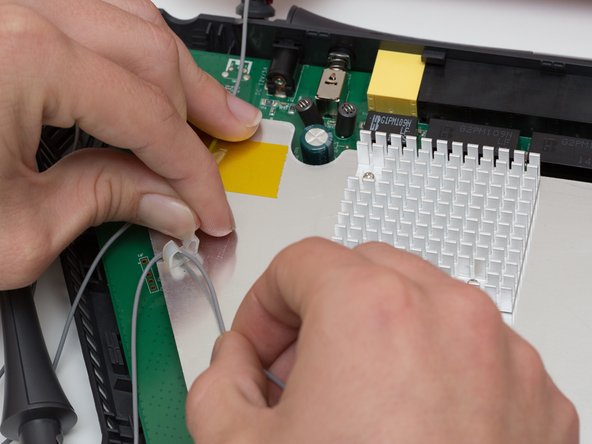
    4. D-Link DIR-890L Reset Button Replacement: passo 4, imagem 1 %32 D-Link DIR-890L Reset Button Replacement: passo 4, imagem 2 %32 D-Link DIR-890L Reset Button Replacement: passo 4, imagem 3 %32
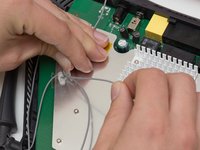
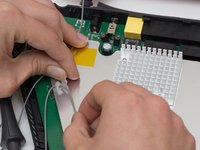
      • Open the plastic bracket enclosing the three antenna wires and pull the wires out with your hands.

      Pergunte ao FixBot

      Comentar

    5. D-Link DIR-890L Reset Button Replacement: passo 5, imagem 1 %32 D-Link DIR-890L Reset Button Replacement: passo 5, imagem 2 %32 D-Link DIR-890L Reset Button Replacement: passo 5, imagem 3 %32
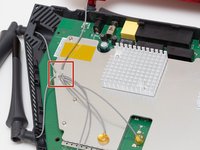
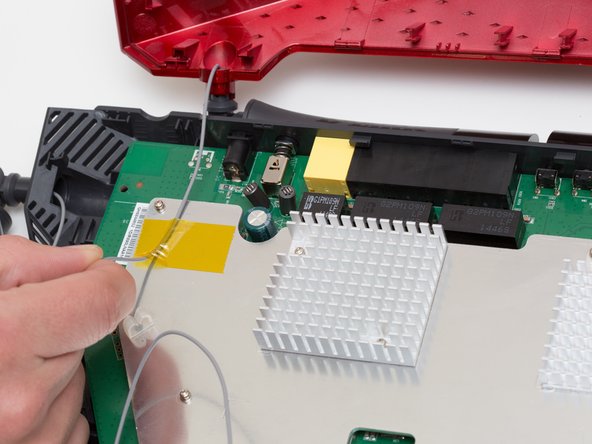
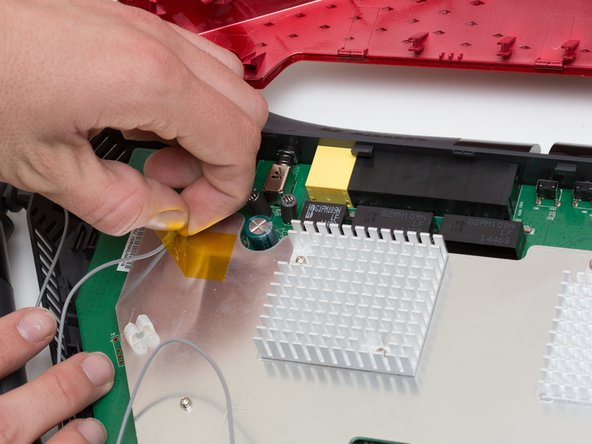
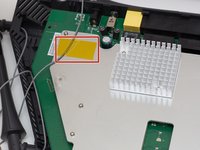
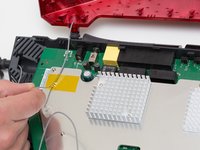
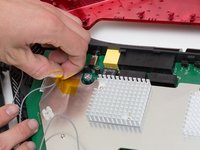
      • Pull the yellow tape off of the motherboard to release the final antenna wire.

      Pergunte ao FixBot

      Comentar

    6. D-Link DIR-890L Reset Button Replacement: passo 6, imagem 1 %32 D-Link DIR-890L Reset Button Replacement: passo 6, imagem 2 %32
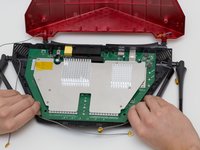
      • Pull the the motherboard away from the case to remove it. Start on the side closest to you, and pull up and out.

      Pergunte ao FixBot

      Comentar

    1. D-Link DIR-890L Reset Button Replacement, Reset Button: passo 7, imagem 1 %32 D-Link DIR-890L Reset Button Replacement, Reset Button: passo 7, imagem 2 %32 D-Link DIR-890L Reset Button Replacement, Reset Button: passo 7, imagem 3 %32
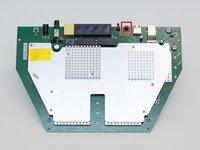
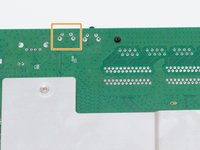
      • Locate the reset switch at the top of the motherboard.

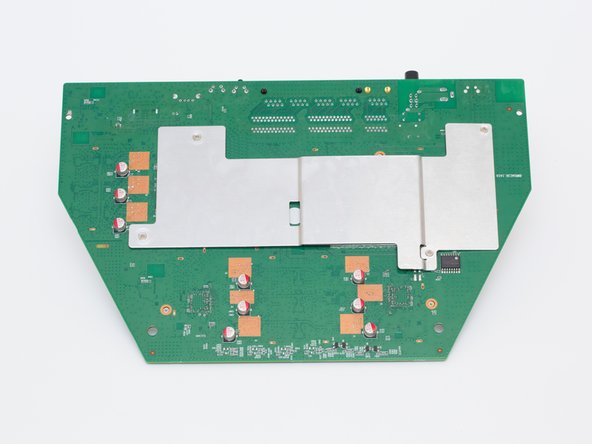
      • Flip the motherboard over.

      • Locate the reset switch's 4 solder joints on the underside of the motherboard.

      Pergunte ao FixBot

      Comentar

    2. D-Link DIR-890L Reset Button Replacement: passo 8, imagem 1 %32
      Ferramenta utilizada neste passo:
      Desoldering Pump
      $3.99
      • Using a soldering iron and desoldering pump, desolder the reset switch from the board.

      • For more information, see this guide on desoldering.

      Pergunte ao FixBot

      Comentar

Conclusão

To reassemble your device, follow these instructions in reverse order.

Cancelar: não concluí este guia.

Rachel Shaw

Membro desde: 10/06/16

553 Reputação

Autoria de 5 guias

Equipe

Cal Poly, Team 10-7, Livingston Fall 2016 Membro de Cal Poly, Team 10-7, Livingston Fall 2016

CPSU-LIVINGSTON-F16S10G7

4 Membros

Autoria de 24 guias

0Comentários do guia

Comentar

Visualizações:

Últimas 24 horas: 0

Últimos 7 dias: 5

Últimos 30 dias: 23

Ao todo: 1,340