Ir para o conteúdo principal
Participe da comunidade de reparos - Criar conta

Core Assembly Removal

O que você precisa

  1. Core Assembly Removal, Power down your watch: passo 1, imagem 1 %32
    • Before starting repairs, take your watch off the charger and power it down.

    • Remove the watch band.

    Pergunte ao FixBot

    Comentar

  2. Core Assembly Removal, Unscrew the back cover: passo 2, imagem 1 %32
    • Use a Tri-point Y00 screwdriver to remove the four 4.0 mm-long screws securing the back cover.

    Pergunte ao FixBot

    Comentar

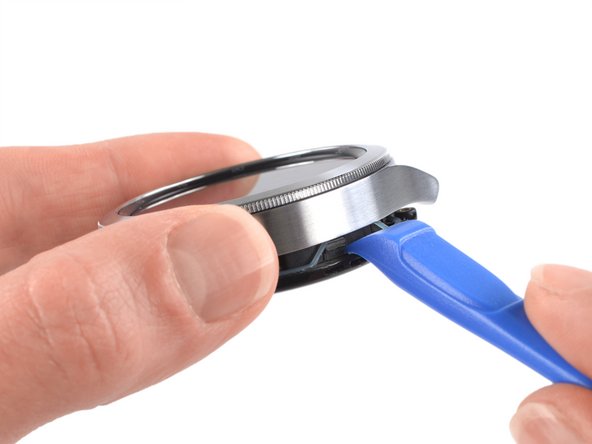
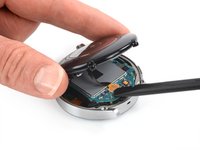
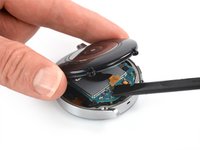
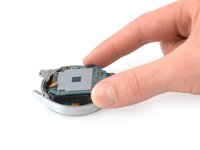
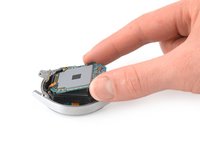
  3. Core Assembly Removal, Pry open the back cover: passo 3, imagem 1 %32 Core Assembly Removal, Pry open the back cover: passo 3, imagem 2 %32
    • Insert an opening tool into the seam between the back cover and the metal housing.

    • Twist the opening tool to create a gap.

    • Don't try to remove the back cover all the way yet. The sensor flex cable is still connected to the motherboard.

    Pergunte ao FixBot

    Comentar

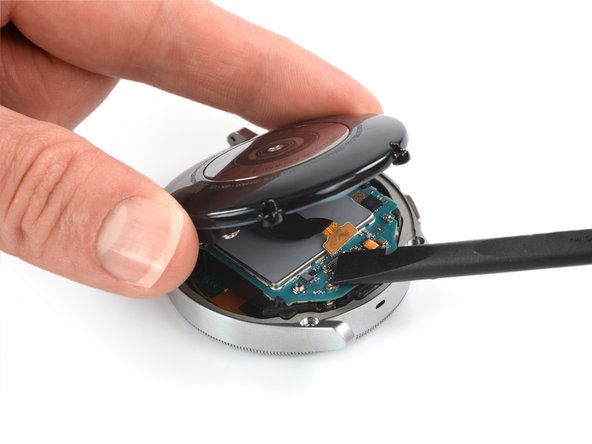
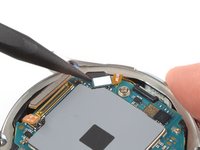
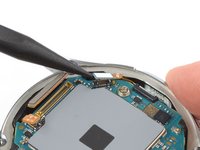
  4. Core Assembly Removal, Disconnect the sensor flex cable: passo 4, imagem 1 %32 Core Assembly Removal, Disconnect the sensor flex cable: passo 4, imagem 2 %32
    • Lay the watch face down.

    • Carefully swing open the back cover by folding it to the opposite site of the created gap.

    • Use the flat end of a spudger to pry up and disconnect the sensor flex cable from the motherboard.

    Pergunte ao FixBot

    Comentar

  5. Core Assembly Removal, Remove the back cover: passo 5, imagem 1 %32
    • Remove the back cover.

    • Make sure the rubber gasket is undamaged. If damaged, replace it with a new one during reassembly to maintain proper water resistance.

    Pergunte ao FixBot

    Comentar

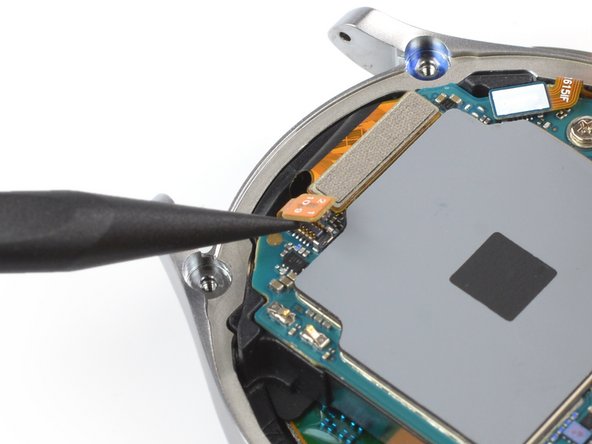
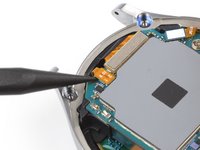
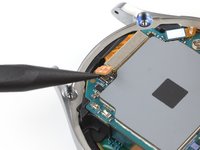
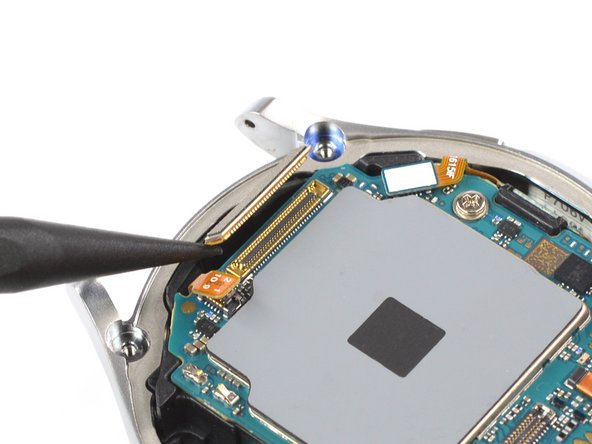
  6. Core Assembly Removal, Disconnect the hall sensor flex cable: passo 6, imagem 1 %32 Core Assembly Removal, Disconnect the hall sensor flex cable: passo 6, imagem 2 %32
    • Use the pointed end of a spudger to disconnect the hall sensor flex cable.

    Pergunte ao FixBot

    Comentar

  7. Core Assembly Removal, Disconnect the display flex cable: passo 7, imagem 1 %32 Core Assembly Removal, Disconnect the display flex cable: passo 7, imagem 2 %32
    • Use a spudger to disconnect the display flex cable.

    Pergunte ao FixBot

    Comentar

  8. Core Assembly Removal, Disconnect the side buttons: passo 8, imagem 1 %32 Core Assembly Removal, Disconnect the side buttons: passo 8, imagem 2 %32
    • Use a spudger to disconnect the crown button flex cable.

    Pergunte ao FixBot

    Comentar

  9. Core Assembly Removal, Unscrew the motherboard: passo 9, imagem 1 %32
    • Use a Phillips screwdriver to remove the 4.4 mm-long screw securing the motherboard.

    Pergunte ao FixBot

    Comentar

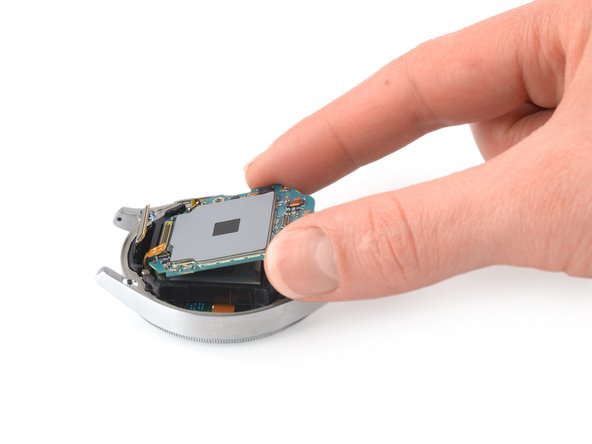
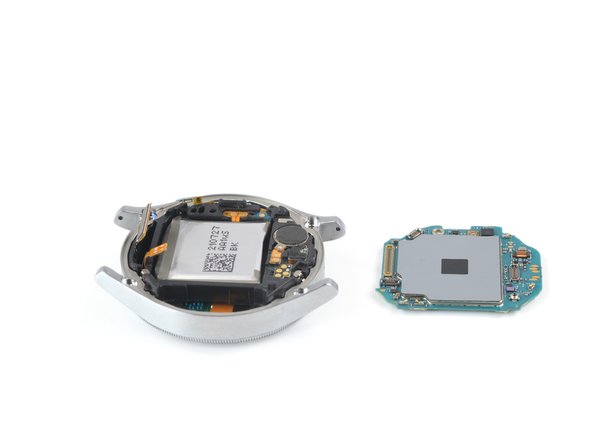
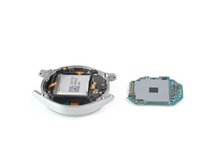
  10. Core Assembly Removal, Remove the motherboard: passo 10, imagem 1 %32 Core Assembly Removal, Remove the motherboard: passo 10, imagem 2 %32 Core Assembly Removal, Remove the motherboard: passo 10, imagem 3 %32
    • Use your fingers to lift the motherboard out from the watch assembly towards the bottom of the watch.

    • During reassembly, make sure none of the flex cables become trapped underneath the motherbaord.

    Pergunte ao FixBot

    Comentar

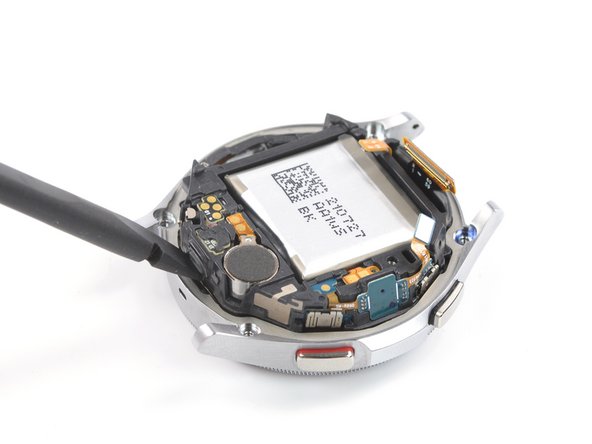
  11. Core Assembly Removal, Lift the core assembly: passo 11, imagem 1 %32 Core Assembly Removal, Lift the core assembly: passo 11, imagem 2 %32 Core Assembly Removal, Lift the core assembly: passo 11, imagem 3 %32
    • Place the corner of the flat end of a spudger in the small opening of the barometric sensor, on the opposite side of the display connector.

    • Twist and tilt the spudger to lever the core assembly out of the metal housing.

    Pergunte ao FixBot

    Comentar

  12. Core Assembly Removal, Release the core assembly: passo 12, imagem 1 %32 Core Assembly Removal, Release the core assembly: passo 12, imagem 2 %32
    • Thread the display flex cable through the opening in the core assembly.

    Pergunte ao FixBot

    Comentar

  13. Core Assembly Removal, Remove the core assembly: passo 13, imagem 1 %32
    • Remove the core assembly.

    Pergunte ao FixBot

    Comentar

Conclusão

If possible, turn on your device and test your repair before installing new adhesive and resealing.

To reassemble your device, follow these instructions in reverse order.

Take your e-waste to an R2 or e-Stewards certified recycler.

Repair didn’t go as planned? Try some basic troubleshooting, or ask our Answers community for help.

Cancelar: não concluí este guia.

2 outras pessoas executaram este guia.

Adriana Zwink

Membro desde: 12/18/19

67.206 Reputação

Autoria de 167 guias

Equipe

iFixit Membro de iFixit

Staff

122 Membros

Autoria de 25.996 guias

0Comentários do guia

Comentar

Visualizações:

Últimas 24 horas: 1

Últimos 7 dias: 14

Últimos 30 dias: 44

Ao todo: 1,507