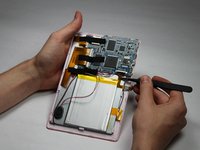
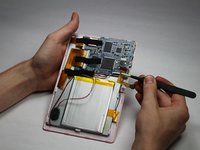
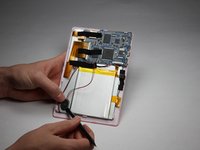
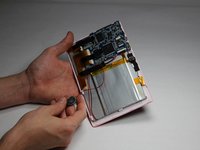
Ir para o conteúdo principal
Participe da comunidade de reparos - Criar conta

Chromo Noria Touch Screen Replacement

O que você precisa

  1. Chromo Noria Touch Screen Replacement, Back Panel: passo 1, imagem 1 %32 Chromo Noria Touch Screen Replacement, Back Panel: passo 1, imagem 2 %32 Chromo Noria Touch Screen Replacement, Back Panel: passo 1, imagem 3 %32
    • Insert your Plastic Opening Tool into the crease between the front panel and back panel.

    • Slide the Opening Tool around the entire device. As you progress, you should see the device open.

    Pergunte ao FixBot

    Comentar

  2. Chromo Noria Touch Screen Replacement: passo 2, imagem 1 %32
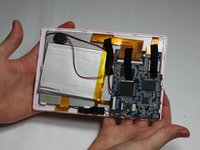
    • Carefully turn the device over.

    • Lay the back panel aside so you can see the device's parts.

    Pergunte ao FixBot

    Comentar

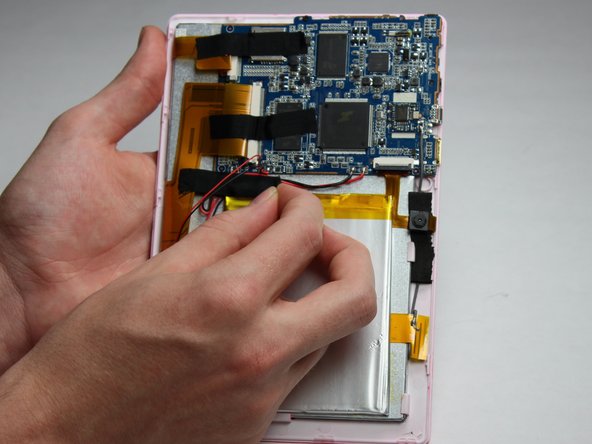
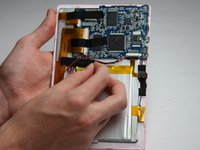
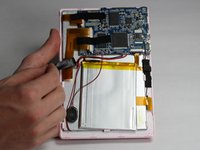
  3. Chromo Noria Touch Screen Replacement, Battery: passo 3, imagem 1 %32 Chromo Noria Touch Screen Replacement, Battery: passo 3, imagem 2 %32 Chromo Noria Touch Screen Replacement, Battery: passo 3, imagem 3 %32
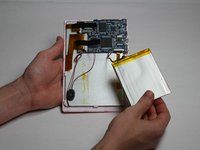
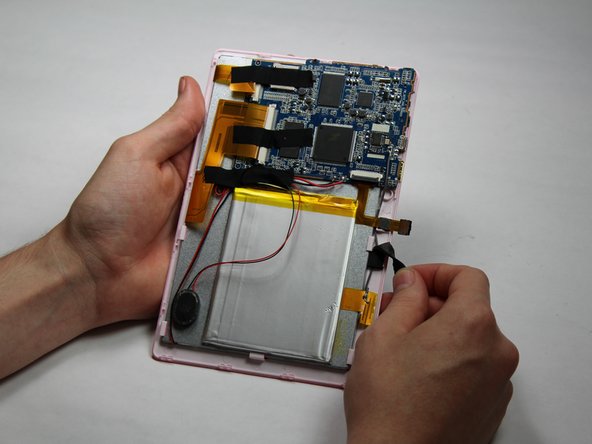
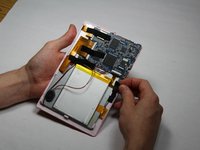
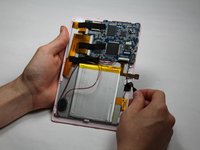
    • Place your finger at the end of the tape closest to the battery.

    • Peel the tape towards the flex cables to free the battery wires.

    Pergunte ao FixBot

    Comentar

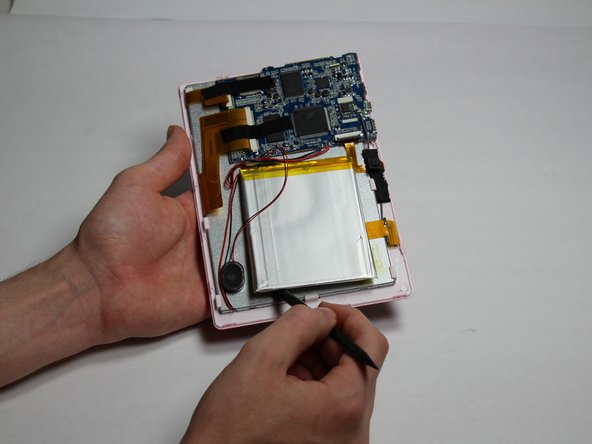
  4. Chromo Noria Touch Screen Replacement: passo 4, imagem 1 %32 Chromo Noria Touch Screen Replacement: passo 4, imagem 2 %32 Chromo Noria Touch Screen Replacement: passo 4, imagem 3 %32
    • Using the spudger tool, place the tool along an edge of the battery.

    • Be careful not to bend or break the battery! Batteries contain hazards materials.

    • Move the spudger around the edges of the battery to detach it from the tablet.

    Pergunte ao FixBot

    Comentar

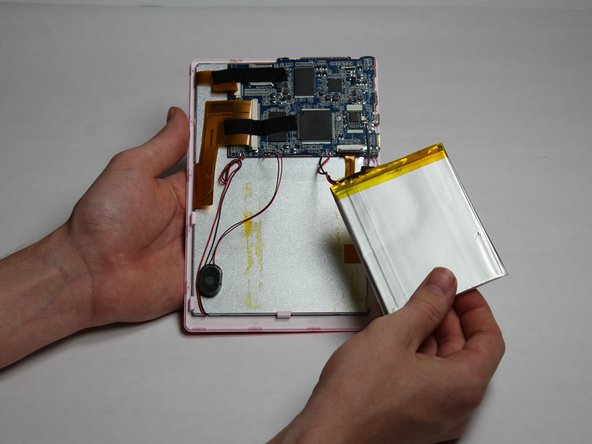
  5. Chromo Noria Touch Screen Replacement: passo 5, imagem 1 %32
    • Soldering irons get very hot! Be careful when handling one. If you'd like a tutorial on how to use one, click here.

    • Using a soldering iron, desolder both of the battery wires. The battery's wires are located to the left of the camera's flex cable.

    • Remove the battery.

    Pergunte ao FixBot

    Comentar

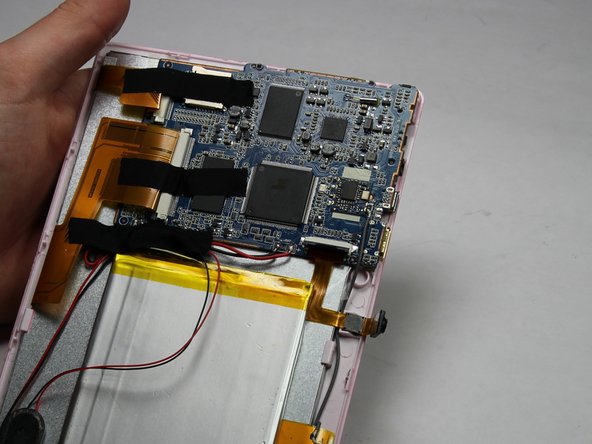
  6. Chromo Noria Touch Screen Replacement, Camera: passo 6, imagem 1 %32 Chromo Noria Touch Screen Replacement, Camera: passo 6, imagem 2 %32
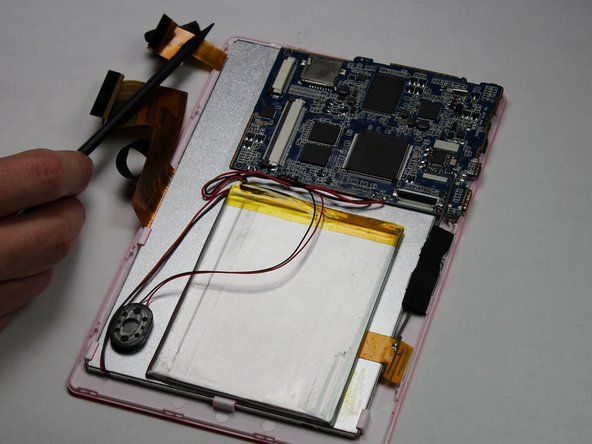
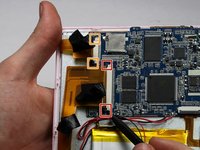
    • Carefully detach one side of the black tape from the board.

    Pergunte ao FixBot

    Comentar

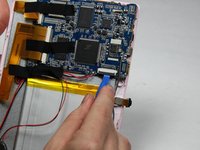
  7. Chromo Noria Touch Screen Replacement: passo 7, imagem 1 %32 Chromo Noria Touch Screen Replacement: passo 7, imagem 2 %32
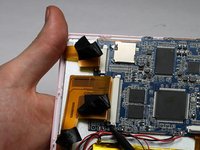
    • Using a small plastic opening tool, flip the black connector up until it makes "tick" sound.

    • Now, the flexing cable is ready to be removed.

    Pergunte ao FixBot

    Comentar

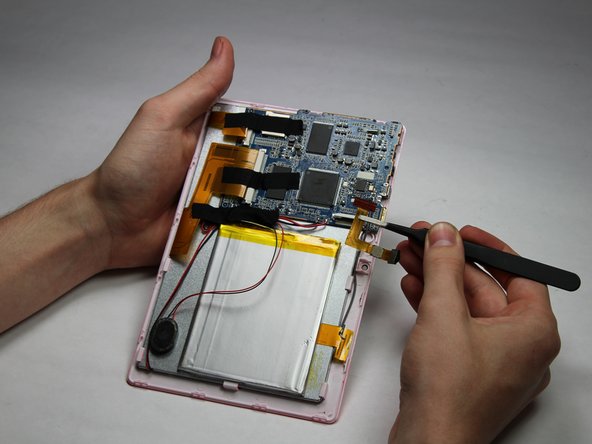
  8. Chromo Noria Touch Screen Replacement: passo 8, imagem 1 %32 Chromo Noria Touch Screen Replacement: passo 8, imagem 2 %32
    Ferramenta utilizada neste passo:
    Tweezers
    $4.99
    • Using a pair of tweezers, hold the flexing cable right below the black connector.

    • Gently pull the flexing cable out of the connector while balancing the other side of the device with another hand.

    Pergunte ao FixBot

    Comentar

  9. Chromo Noria Touch Screen Replacement, Speaker: passo 9, imagem 1 %32
    • Using your spudger tool, remove speaker from the backboard.

    Pergunte ao FixBot

    Comentar

  10. Chromo Noria Touch Screen Replacement: passo 10, imagem 1 %32 Chromo Noria Touch Screen Replacement: passo 10, imagem 2 %32
    • Using the spudger tool, detach the speaker from the back of the screen.

    Pergunte ao FixBot

    Comentar

  11. Chromo Noria Touch Screen Replacement: passo 11, imagem 1 %32
    • Soldering irons get very hot! Be careful when handling one. If you'd like a tutorial on how to use one, click here.

    • Using a Soldering Iron, desolder both wires from the motherboard.

    Pergunte ao FixBot

    Comentar

  12. Chromo Noria Touch Screen Replacement, Motherboard: passo 12, imagem 1 %32 Chromo Noria Touch Screen Replacement, Motherboard: passo 12, imagem 2 %32
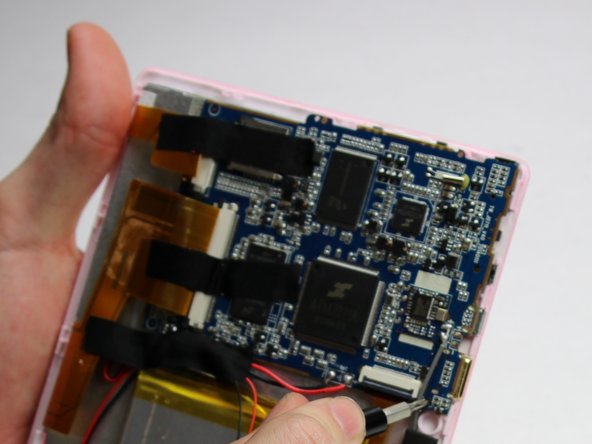
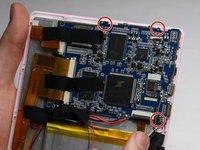
    • Using a Phillips #00 Precision Screwdriver, remove the three 3mm screws by turning the screwdriver counter-clockwise.

    Pergunte ao FixBot

    Comentar

  13. Chromo Noria Touch Screen Replacement: passo 13, imagem 1 %32
    • Remove the three pieces of tap keeping the wires in place.

    Pergunte ao FixBot

    Comentar

  14. Chromo Noria Touch Screen Replacement: passo 14, imagem 1 %32 Chromo Noria Touch Screen Replacement: passo 14, imagem 2 %32 Chromo Noria Touch Screen Replacement: passo 14, imagem 3 %32
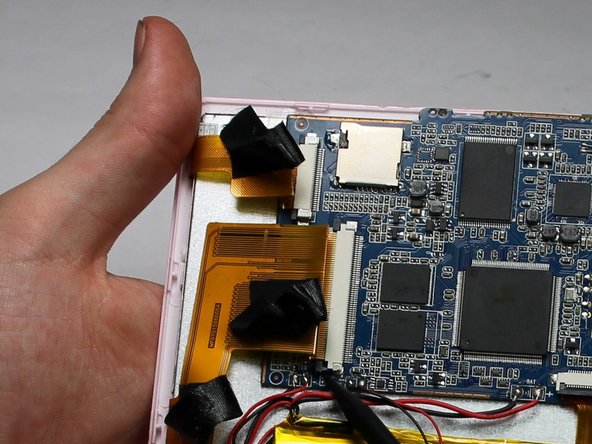
    • Place a spudger on the small black pins on either side of the flex cables.

    • Gently push the spudger towards the back of flex cables to unlock the flex cable.

    • Remove the flex cables from their insert.

    Pergunte ao FixBot

    Comentar

  15. Chromo Noria Touch Screen Replacement: passo 15, imagem 1 %32
    • Soldering irons get very hot! Be careful when handling one. If you'd like a tutorial on how to use one, click here.

    • Desolder the eight connections.

    Pergunte ao FixBot

    Comentar

  16. Chromo Noria Touch Screen Replacement: passo 16, imagem 1 %32
    • Lift the motherboard to remove.

    Pergunte ao FixBot

    Comentar

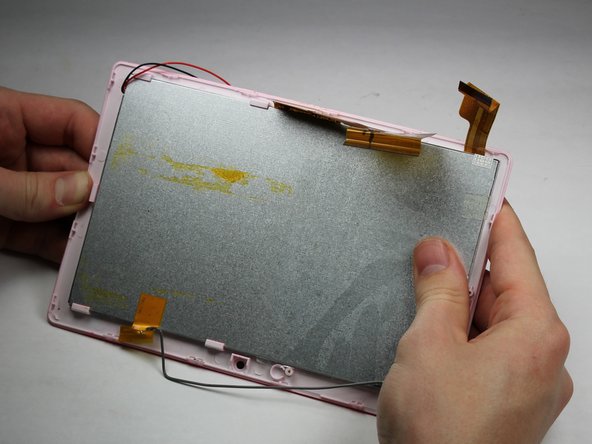
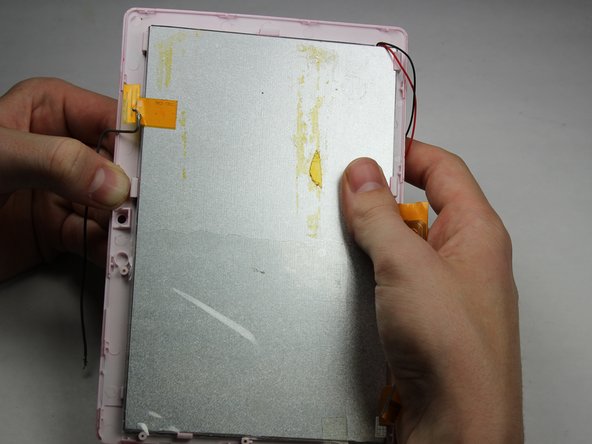
  17. Chromo Noria Touch Screen Replacement, Touch Screen: passo 17, imagem 1 %32 Chromo Noria Touch Screen Replacement, Touch Screen: passo 17, imagem 2 %32 Chromo Noria Touch Screen Replacement, Touch Screen: passo 17, imagem 3 %32
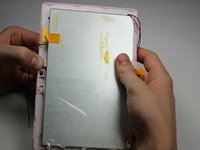
    • Apply downward pressure to each of the clips that hold the touchscreen to the plastic surround.

    • Careful to not apply so much pressure as to break the device! These hinges should move easily.

    • Work your way around the device in a clockwise motion as you progress.

    Pergunte ao FixBot

    Comentar

Conclusão

To reassemble your device, follow these instructions in reverse order.

Cancelar: não concluí este guia.

Uma outra pessoa concluiu este guia.

Nick Rohn

Membro desde: 10/30/16

475 Reputação

Autoria de 3 guias

Equipe

Baylor, Team 5-6, Williams Fall 2016 Membro de Baylor, Team 5-6, Williams Fall 2016

BU-WILLIAMS-F16S5G6

3 Membros

Autoria de 12 guias

0Comentários do guia

Comentar

Visualizações:

Últimas 24 horas: 0

Últimos 7 dias: 6

Últimos 30 dias: 23

Ao todo: 574