Introdução
If the spotlight on your Arlo Ultra 2 is no longer functioning then you most likely need to replace the spotlight component. A spotlight that is properly working will shine when triggered. If you are noticing that there is no light, then you should replace the spotlight. Additionally you will want to check the troubleshooting page for the Arlo Ultra 2.
O que você precisa
-
-
-
Press the button on the bottom of the camera to release the housing.
-
Pull the white housing off the camera.
 Pergunte ao FixBot
-
-
-
Pull the white cube shaped battery from the back to remove it from camera.
-
-
-
-
-
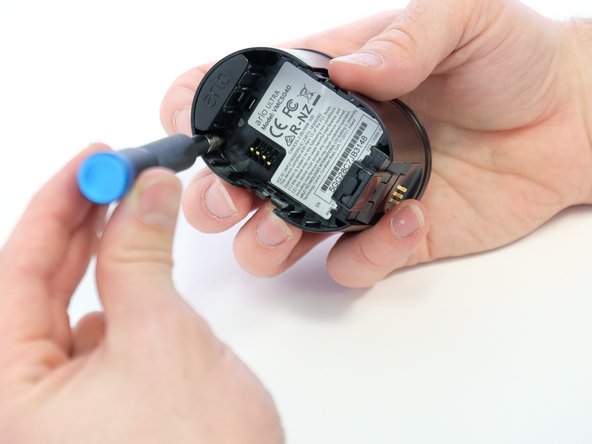
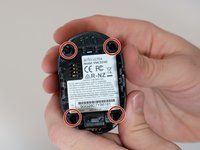
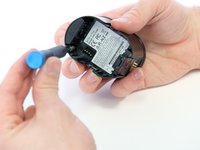
Use a Phillips #0 screwdriver to remove the four 20.0 mm screws from the battery cavity.
-
-
-
-
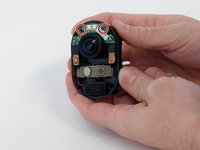
Use a Phillips #00 screwdriver to remove the two 4.00 mm black screws located across from each other above the camera lens.
-
-
-
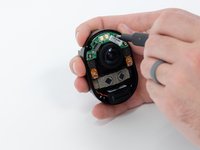
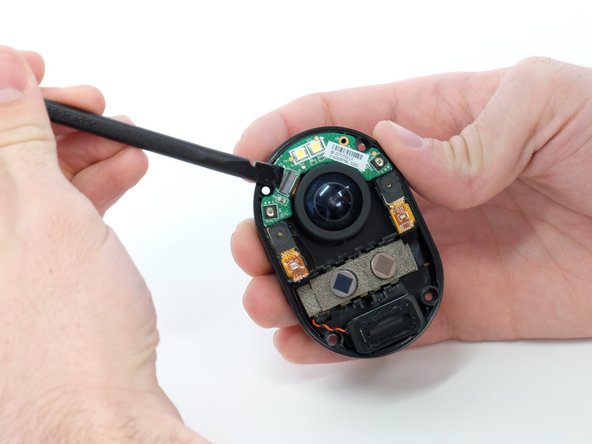
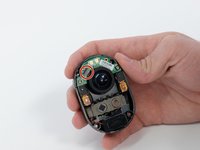
Use a spudger or your fingernail to flip up the small locking flap on the ZIF connector. Then, you can safely pull the cable out.
-
-
-
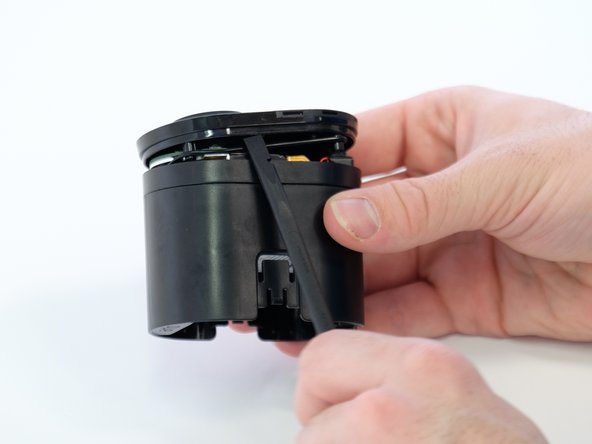
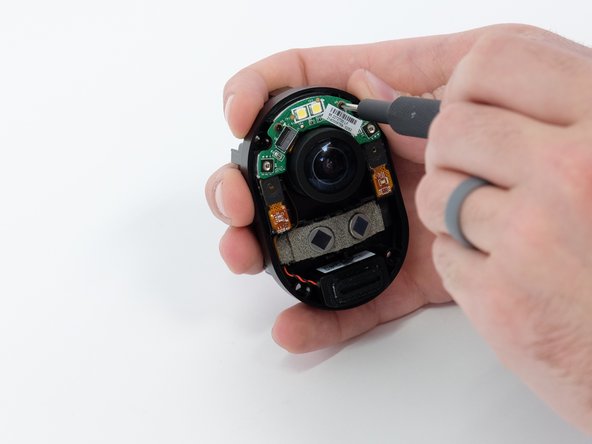
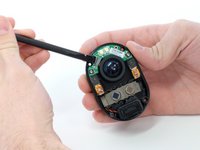
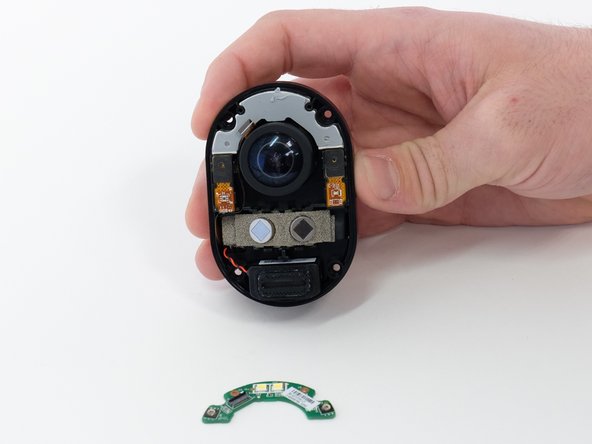
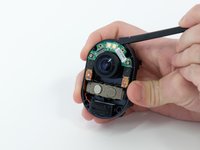
Use a spudger to gently pry the green circuit board away from the case.
-
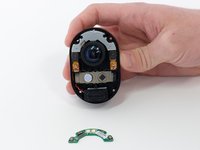
Remove the green circuit board. This is your spotlight.
-
-



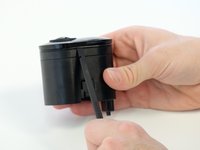
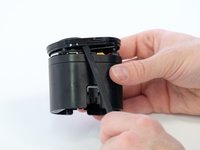



To reassemble your device, follow these instructions in reverse order.
Cancelar: não concluí este guia.
2 outras pessoas executaram este guia.

Equipe

Linn Benton Community College, Team 1-4, Karnes Winter 2023 Membro de Linn Benton Community College, Team 1-4, Karnes Winter 2023
LBCC-KARNES-W23S1G4
4 Membros
Autoria de 4 guias
3Comentários do guia
Great tutorial, very helpful. A suggestion however would be to also offer for sale or add links to where the replacement components can be purchased. In this instance I could not find a replacement spotlight and had to buy a donor camera. Thanks
Where can I buy a new spotlight for this camera?
Thanks a lot. Took the LED from an old dead Ultra camera and it worked flawlessly.
