Introdução
If the camera lens on your Arlo Ultra 2 is not functioning properly. For issues such as a blurry image you will want to refer to the troubleshooting guide before replacing the Camera lens. In this guide you will replace the camera lens on your Arlo Ultra 2 camera. The camera lens is what records on the Arlo Ultra 2, and if it is not working properly it's important that it be replaced if the troubleshooting steps did not resolve your problem.
O que você precisa
-
-
-
Press the button on the bottom of the camera to release the housing.
-
Pull the white housing off the camera.
 Pergunte ao FixBot
-
-
-
Pull the white cube shaped battery from the back to remove it from camera.
-
-
-
-
-
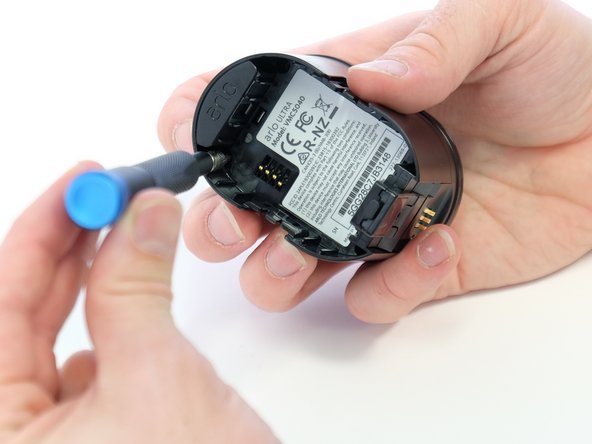
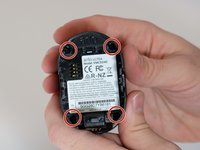
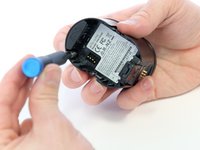
Use a Phillips #0 screwdriver to remove the four 20.0 mm screws from the battery cavity. They are found in each corner.
-
-
-
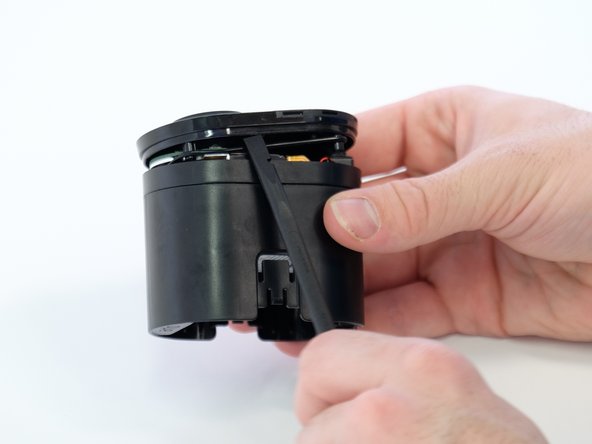
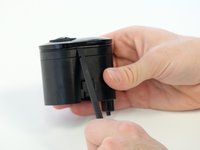
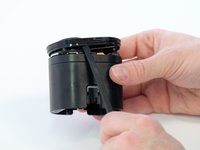
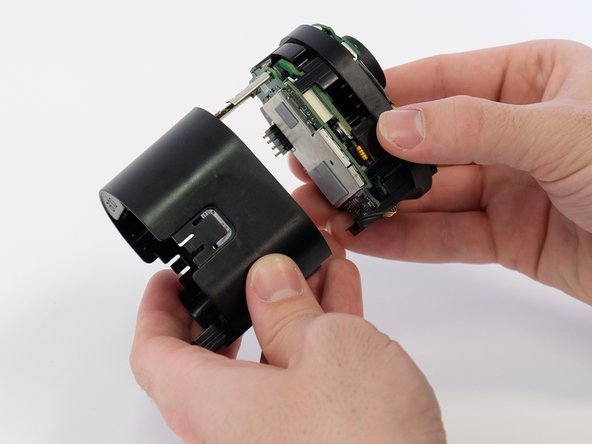
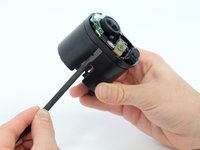
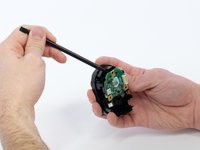
Using the spudger, loosen and remove the back casing to expose the camera hardware.
-
-
-
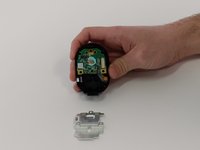
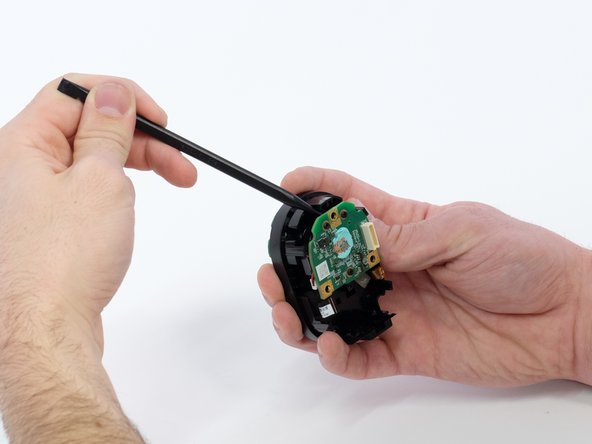
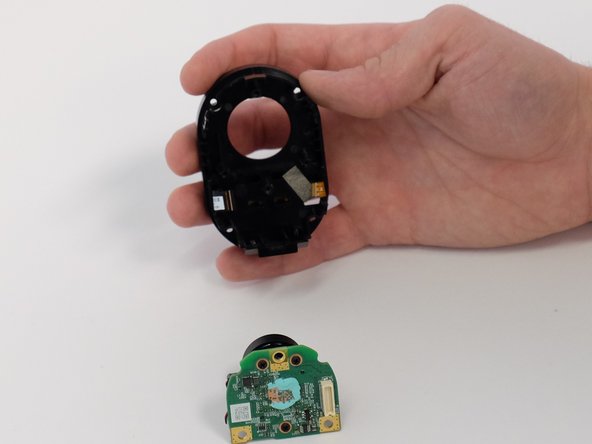
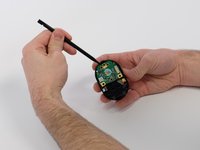
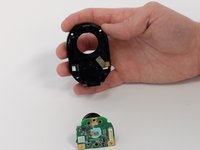
Very gently, pry the circuit boards apart from the white connector, removing the upper circuit board.
-
-
-
-
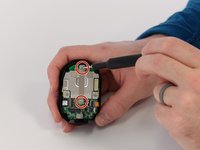
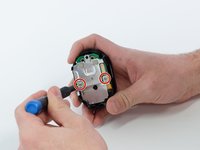
Use a Phillips #00 screwdriver to remove two 5.0 mm screws from the metal bracket.
-
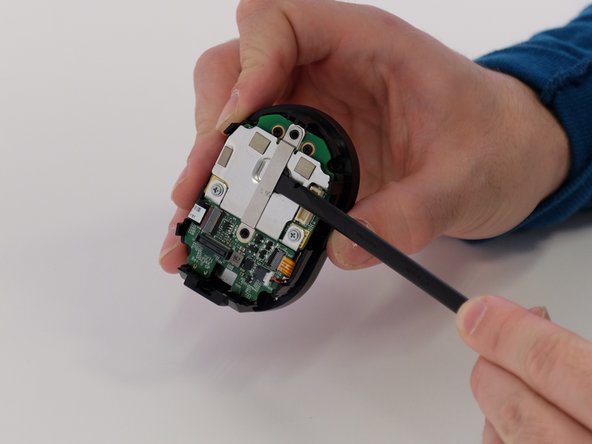
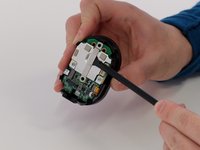
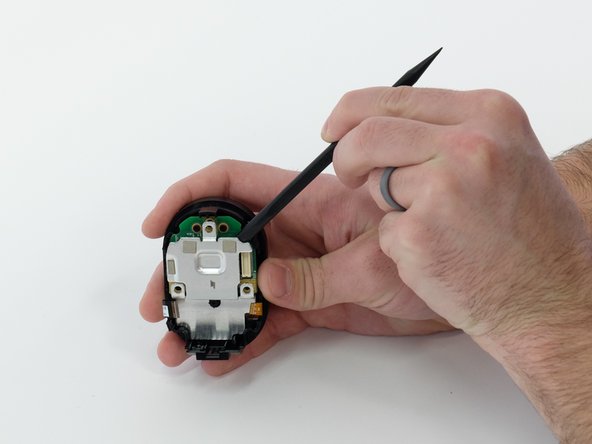
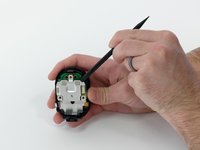
Use a spudger to separate the long metal bracket.
-
-
-
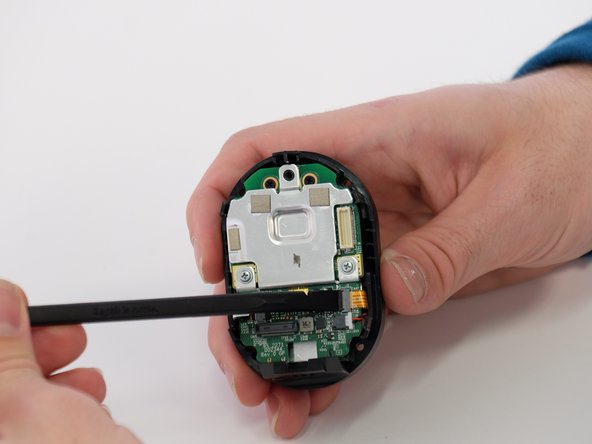
Use the tip of a spudger or your fingernail to flip up the small locking flap on each ZIF connector. Then, you can safely pull the cables out.
-
-
-
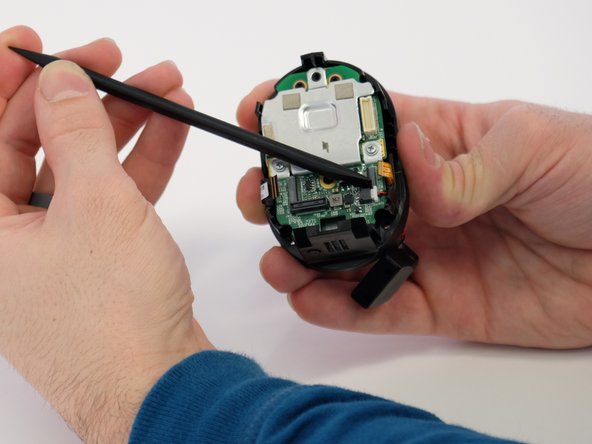
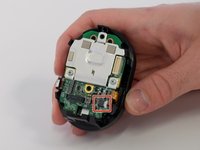
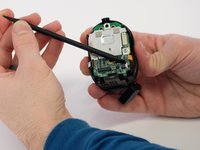
Use a spudger to carefully push on each side of the speaker cable connector until it's out of its socket.
-
-
-
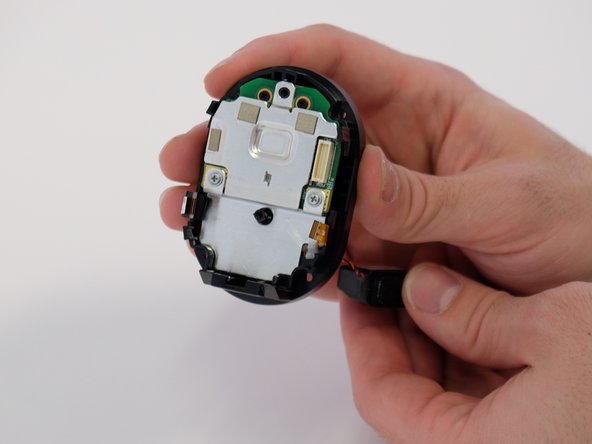
Feed the speaker cable through the opening to remove the speaker.
-
-
-
-
-
Use a Phillips #00 screwdriver to remove the two 5.0 mm screws from both sides of the metal plate.
-
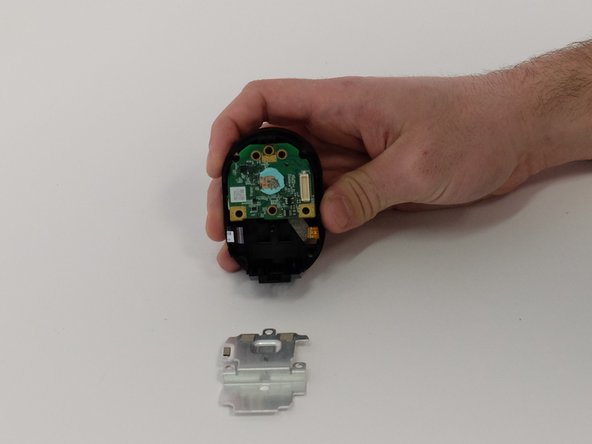
Pry the metal plate away from circuit board underneath.
-
-
-
Use a spudger to remove the entire green circuit board with lens attached.
-
-
-
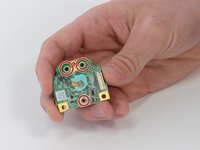
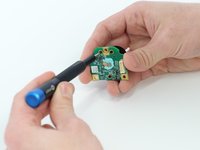
Use a Phillips #00 screwdriver to remove three black 5.0 mm screws from back of the circuit board.
-
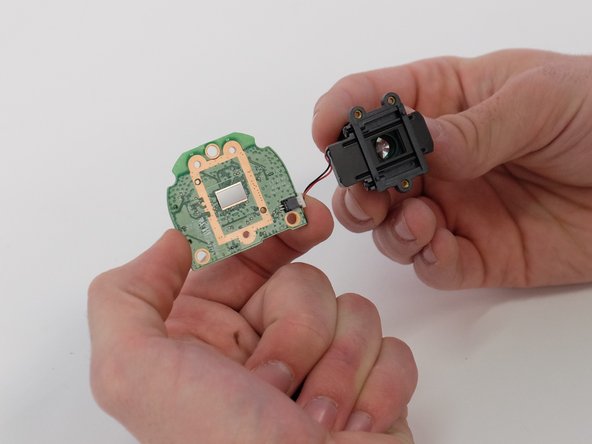
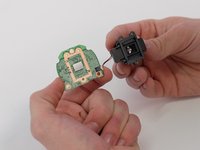
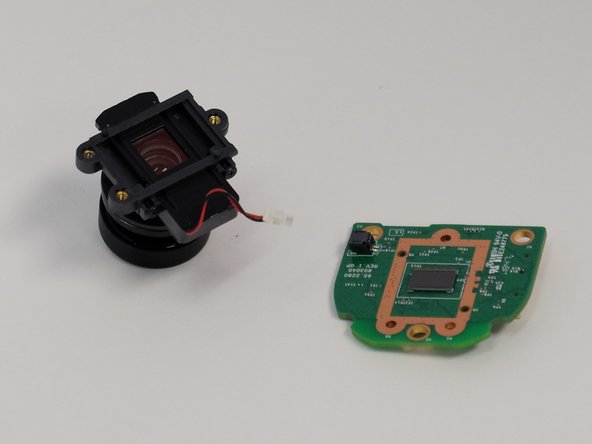
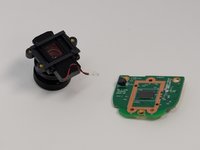
Separate the lens from the circuit board.
-
-
-
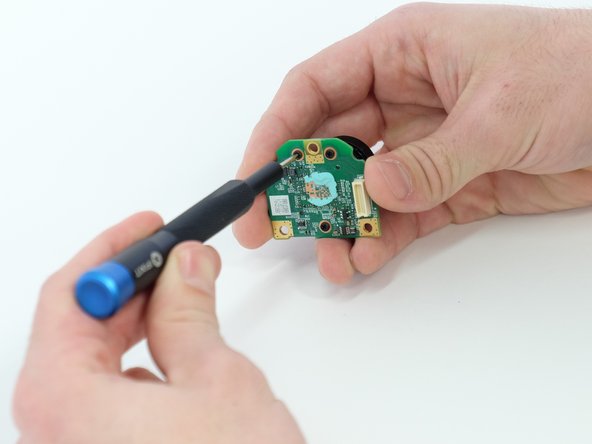
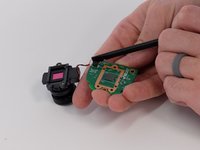
Use a spudger to carefully push on each side of the white cable connector to remove it from the socket and separate the camera lens from the board.
-
-
-
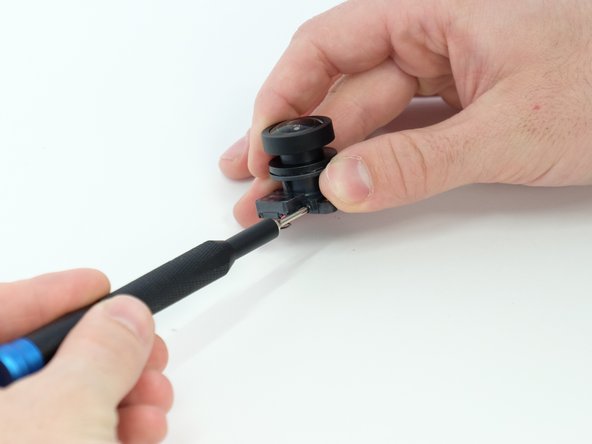
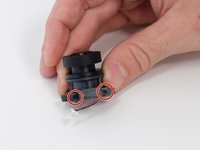
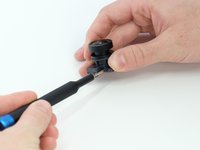
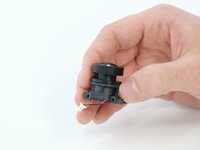
Use a Phillips #00 screwdriver to remove the two 4.0 mm screws from the side of the lens body.
-
-
Ferramenta utilizada neste passo:Tweezers$4.99
-
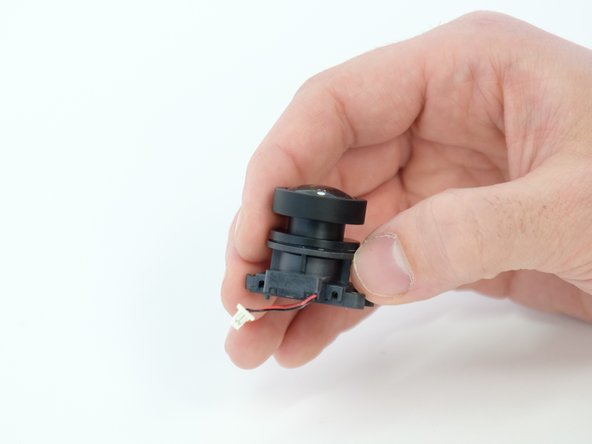
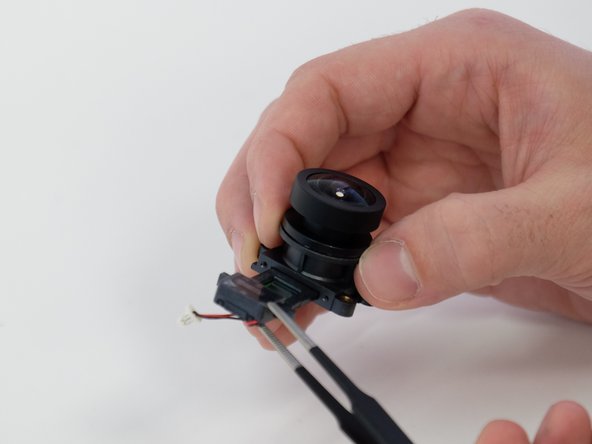
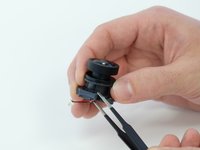
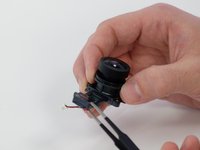
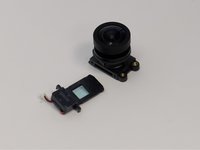
Use the blunt tweezers to remove the focus motor control insert from the main lens body.
-
-




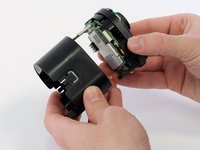

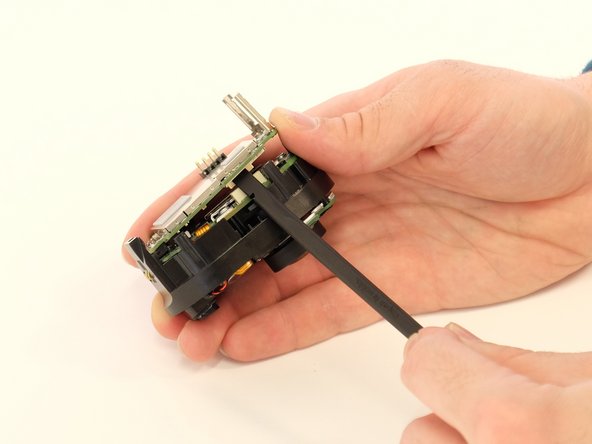
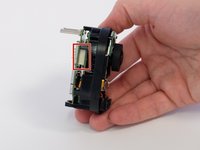
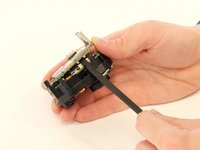


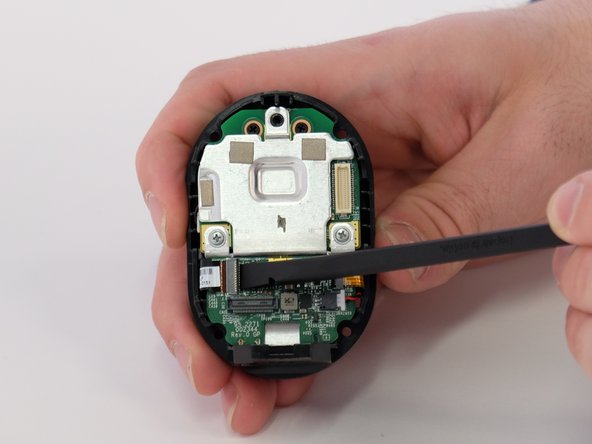
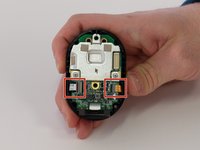
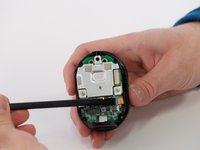
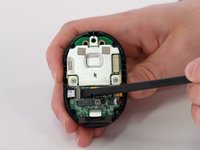



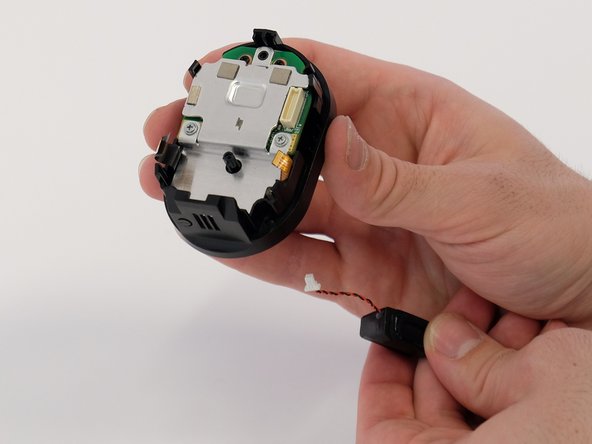






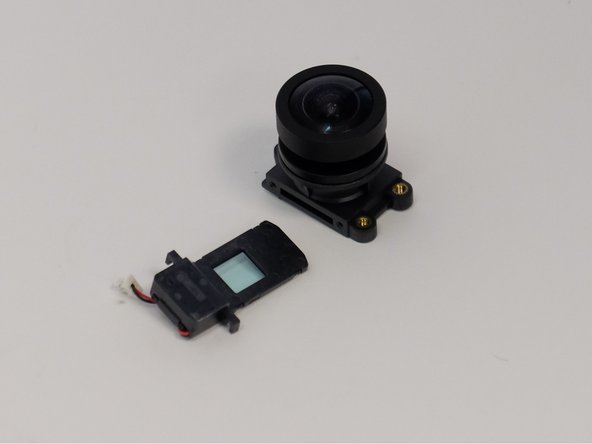

To reassemble your device, follow these instructions in reverse order.

Equipe

Linn Benton Community College, Team 1-4, Karnes Winter 2023 Membro de Linn Benton Community College, Team 1-4, Karnes Winter 2023
LBCC-KARNES-W23S1G4
4 Membros
Autoria de 4 guias
8Comentários do guia
Any ideas on where to get the lens ordered?
I called Arlo and they said they don’t sell a replacement. I couldn’t find it anywhere online either. Does anybody know where to get a replacement?
My was badly scratched and I would like to replace the lens but I can't find any arlo lenses for sale. Plenty other ones but not arlo one.
Has anyon found where to buy a replacement lens? Mine is cracked and unusable without a new lens.
My Arlo ultra lens fell out and smashed whilst swapping out the battery, the inertia from the tap dislodged the poorly fix lens, now I cant find a replacement
