Introdução
The Amazon Echo Look's primary function as a fashion assistant can be affected if the Wi-Fi module is damaged. The device uses Wi-Fi in order to use its main features such as looking for wardrobes; a damaged Wi-Fi module can hinder that.
O que você precisa
-
-
-
Ensure the device is completely powered off and disconnected from any power source by removing the charger adapter point from the back of the device.
 Pergunte ao FixBot
-
-
-
If the device stand is attached, remove it by twisting the device's base toward yourself until detached.
-
-
-
Heat the front panel with an iOpener.
-
Heat the device for 5-10 minutes to loosen the glue.
-
-
-
-
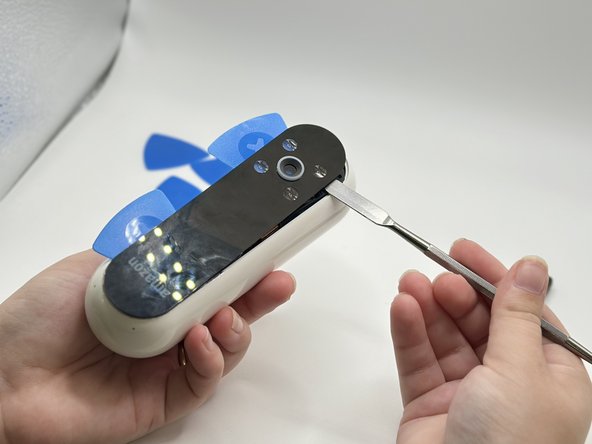
Lever the Jimmy between the screen and the device until an opening is formed.
-
Insert opening picks to hold the opening as needed.
-
Use a spudger to circle the border of the front panel and disconnect any lingering glue.
-
-
-
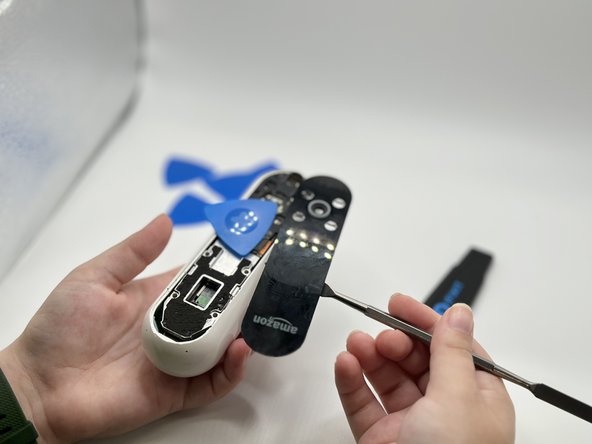
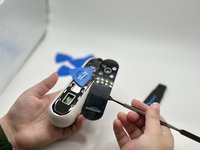
Remove the front panel by levering the spudger at the top of the device.
-
-
-
-
-
Remove the screws from the midframe with a Torx T5 screwdriver.
-
Lift up the midframe
-
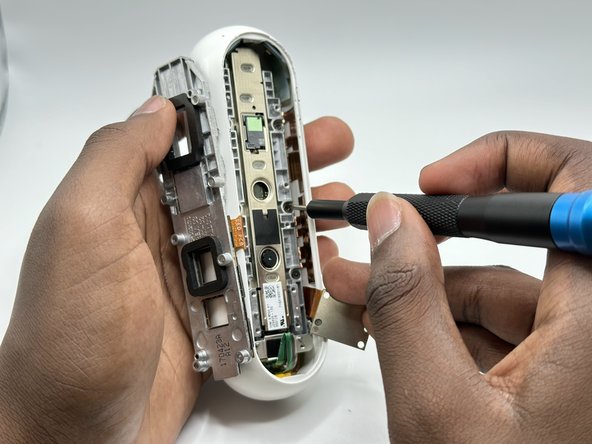
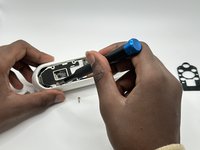
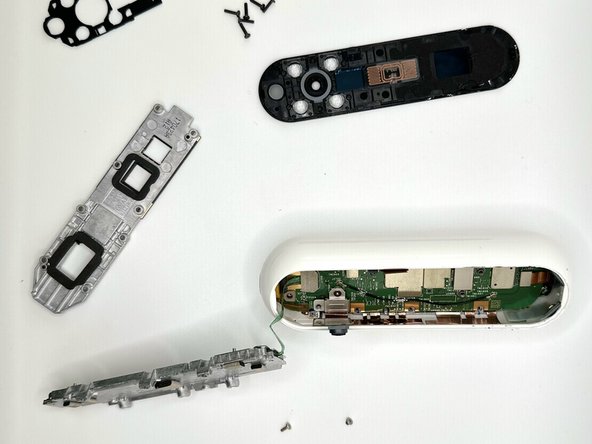
Remove the eight screws attached to the gray metal piece using a Torx T5 screwdriver.
-
-
-
-
-
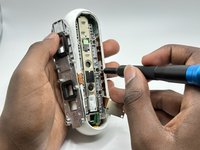
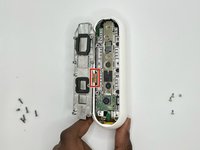
Use a spudger to pry the Wi-Fi module away from the motherboard.
-
-



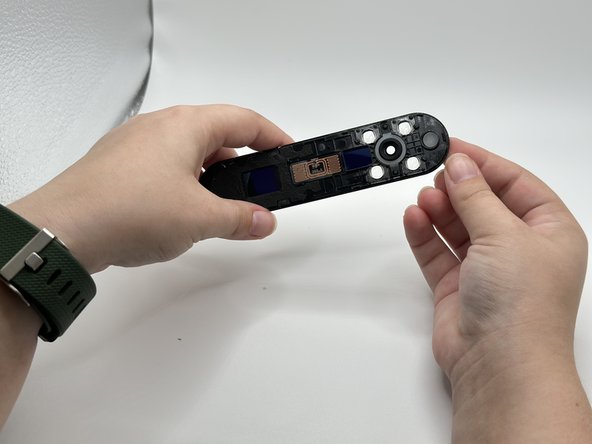
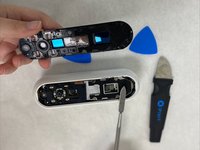


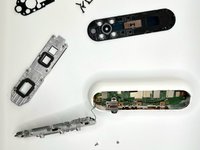

To reassemble your device, follow these instructions in reverse order.
Cancelar: não concluí este guia.
Uma outra pessoa concluiu este guia.

Equipe

University of North Texas, Team 2-5, Harold Fall 2023 Membro de University of North Texas, Team 2-5, Harold Fall 2023
UNT-HAROLD-F23S2G5
4 Membros
Autoria de 16 guias
