Ir para o conteúdo principal
Participe da comunidade de reparos - Criar conta

Accessing Logicboard

Visualizações: 2,2 mil

Visualizar Estatísticas:

Últimas 24 horas:
4
Últimos 7 dias:
29
Últimos 30 dias:
116
Ao todo:
2.178
Comentários: 0

Ninguém deixou comentários sobre este guia. Você será o primeiro?

Go to guide comments
Concluído: 0

Ninguém marcou este guia como "concluído". Será você o primeiro?

Favorites: 0

Ninguém favoritou (e se inscreveu) neste guia como favorito. Você será o primeiro?

Tempo necessário: 7 minutos
Dificuldade: Moderado
Accessing Logicboard

Introdução

Ir para o passo 1 ↓

In this guide you will learn how to remove the SD card circuit board to access the logic board. To access the logic board, you will need to unsolder two leads. For soldering instructions, please refer to steps 1 through 6 of this soldering guide.

O que você precisa

Ferramentas

    1. Accessing Logicboard, Front and Back Cover: passo 1, imagem 1 %32 Accessing Logicboard, Front and Back Cover: passo 1, imagem 2 %32
      • Remove the following screws:

      • Two silver 3.15mm Phillips #00 screws on the right side of the camera

      • Two silver 2.08mm Phillips #00 screws on the left side of the camera

      Pergunte ao FixBot

      Comentar

    2. Accessing Logicboard: passo 2, imagem 1 %32
      • Remove the two indicated screws on the bottom of the camera:

      • The screw circled in red is a longer silver 3.15mm Phillips #00 screw

      • The screw circled in blue is a shorter silver 2.25mm Phillips #00 screw

      Pergunte ao FixBot

      Comentar

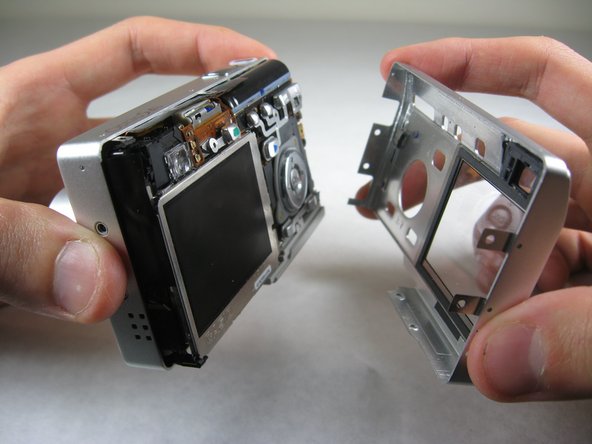
    3. Accessing Logicboard: passo 3, imagem 1 %32 Accessing Logicboard: passo 3, imagem 2 %32
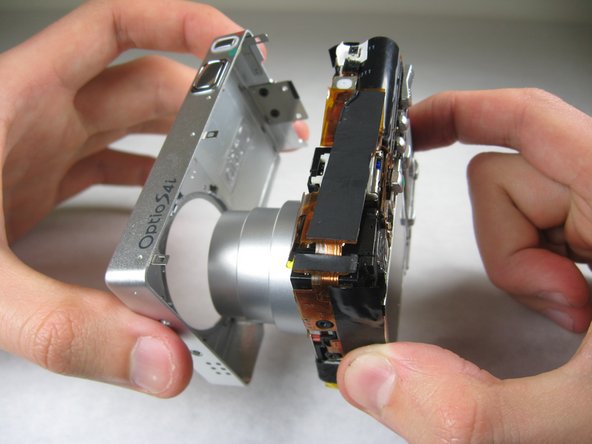
      • Carefully pull the back of casing away from the front.

      Pergunte ao FixBot

      Comentar

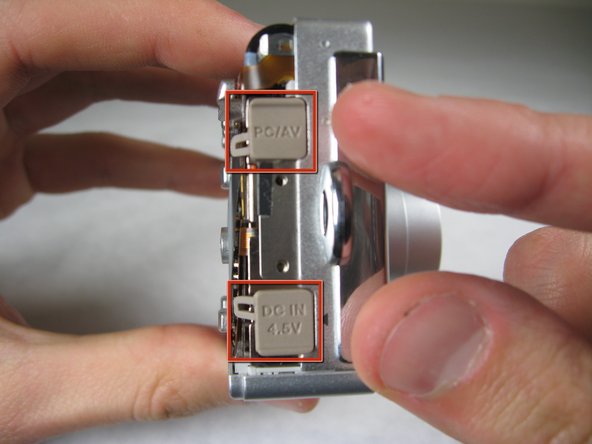
    4. Accessing Logicboard: passo 4, imagem 1 %32 Accessing Logicboard: passo 4, imagem 2 %32 Accessing Logicboard: passo 4, imagem 3 %32
      • After removing the back cover, several things must be removed.

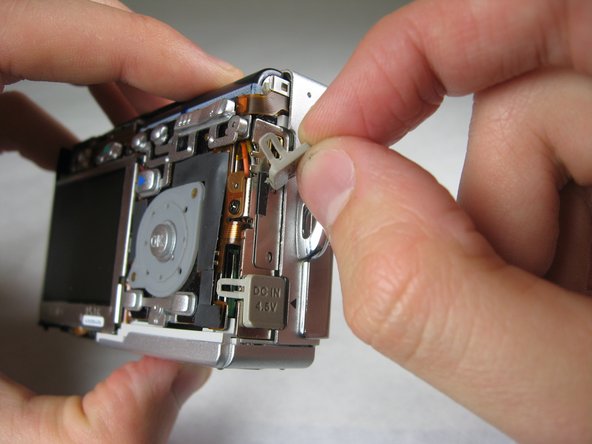
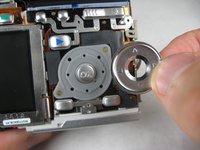
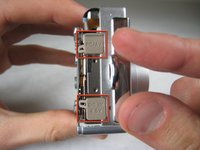
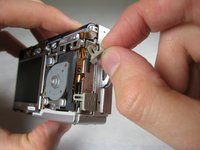
      • Silver donut-shaped button will fall off. Place separately. Remove the plug covers on the right side of camera, labeled “PC/AV” and “DC IN 4.5V”.

      Pergunte ao FixBot

      Comentar

    5. Accessing Logicboard: passo 5, imagem 1 %32 Accessing Logicboard: passo 5, imagem 2 %32
      • To remove the front cover, gently hold the inside structure of the camera and slowly pull the front cover off.

      Pergunte ao FixBot

      Comentar

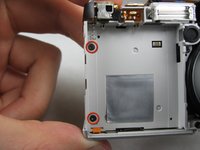
    1. Accessing Logicboard, Logicboard: passo 6, imagem 1 %32 Accessing Logicboard, Logicboard: passo 6, imagem 2 %32
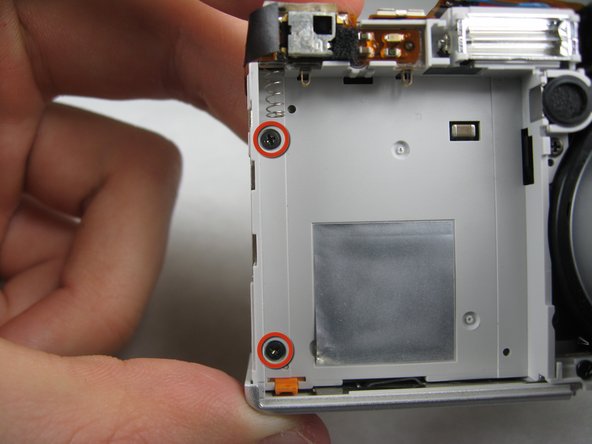
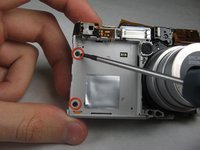
      • On the front of the camera, in battery case, remove screws indicated:

      • Two black 2.05mm Phillips #00 screws

      Pergunte ao FixBot

      Comentar

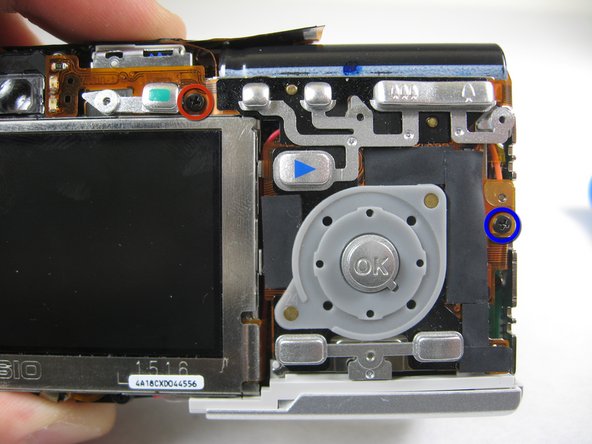
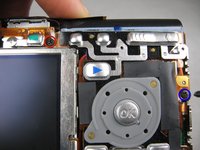
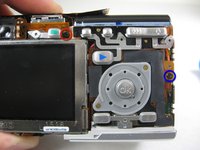
    2. Accessing Logicboard: passo 7, imagem 1 %32 Accessing Logicboard: passo 7, imagem 2 %32
      • Flip the camera over to the backside and remove screws indicated:

      • The screw circled in red is a longer black 3.00mm Phillips #00 screw

      • The screw circled in blue is a shorter black 2.00mm Phillips #00 screw

      Pergunte ao FixBot

      Comentar

    3. Accessing Logicboard: passo 8, imagem 1 %32
      • Pull the cover plate off for the two power cord jacks.

      Pergunte ao FixBot

      Comentar

    4. Accessing Logicboard: passo 9, imagem 1 %32 Accessing Logicboard: passo 9, imagem 2 %32 Accessing Logicboard: passo 9, imagem 3 %32
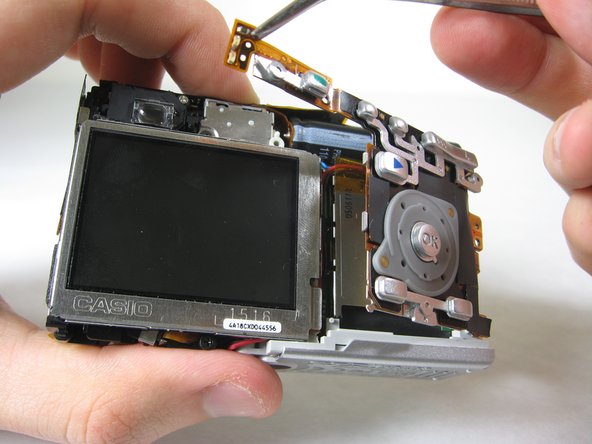
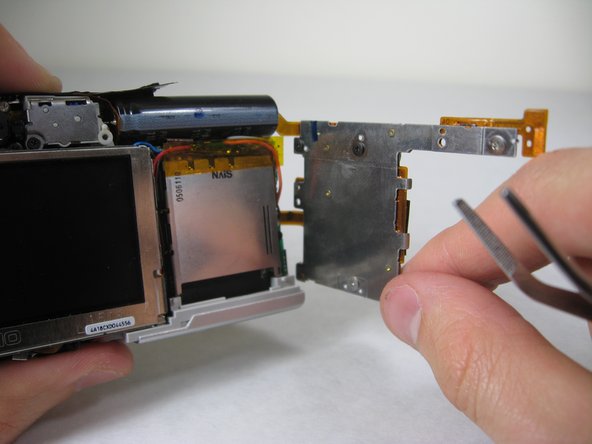
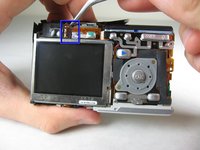
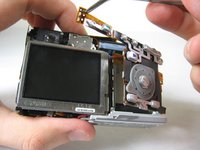
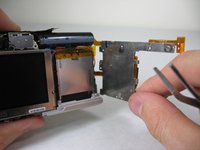
      • Cautiously and gently pull up the control board at the upper left corner, next to the viewfinder.

      Pergunte ao FixBot

      Comentar

    5. Accessing Logicboard: passo 10, imagem 1 %32
      • Remove the orange tape on top of the SD cardholder.

      Pergunte ao FixBot

      Comentar

    6. Accessing Logicboard: passo 11, imagem 1 %32
      • Open the battery cover.

      Pergunte ao FixBot

      Comentar

    7. Accessing Logicboard: passo 12, imagem 1 %32 Accessing Logicboard: passo 12, imagem 2 %32
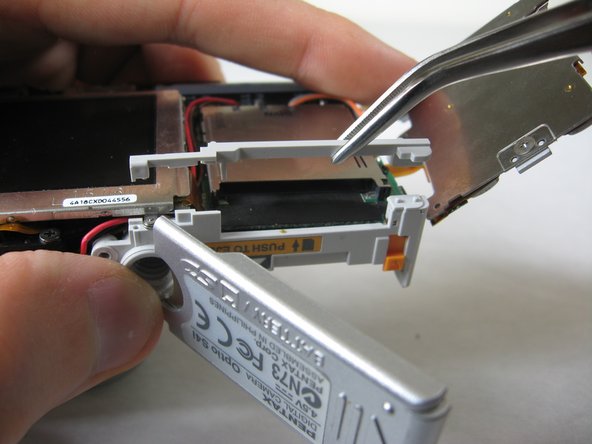
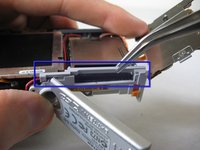
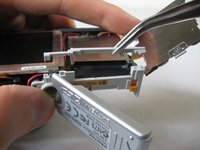
      • Lift the indicated plastic piece off.

      Pergunte ao FixBot

      Comentar

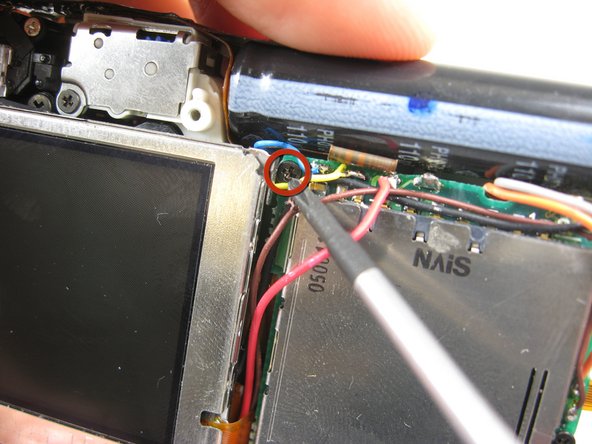
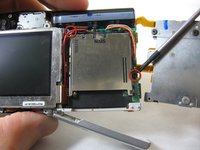
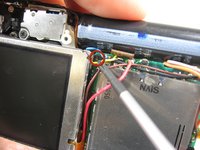
    8. Accessing Logicboard: passo 13, imagem 1 %32 Accessing Logicboard: passo 13, imagem 2 %32
      • Remove screws indicated:

      • Two black 4.80mm Phillips #00 screws

      Pergunte ao FixBot

      Comentar

    9. Accessing Logicboard: passo 14, imagem 1 %32
      • Unsolder points indicated.

      • Please refer to steps 1 through 6 of the Ifixit soldering guide to unsolder these leads.

      Pergunte ao FixBot

      Comentar

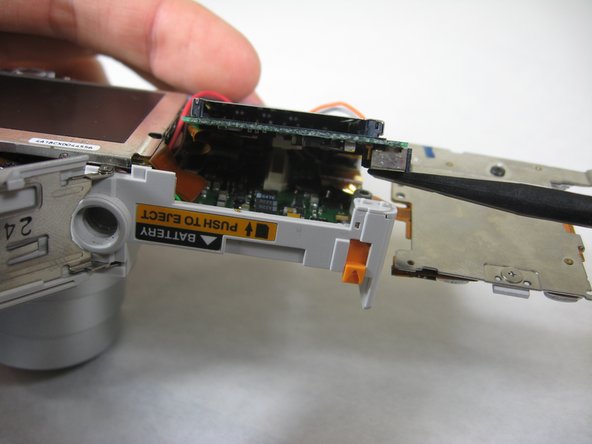
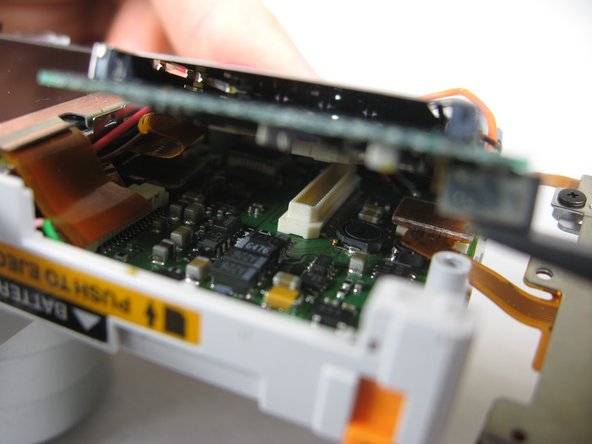
    10. Accessing Logicboard: passo 15, imagem 1 %32 Accessing Logicboard: passo 15, imagem 2 %32 Accessing Logicboard: passo 15, imagem 3 %32
      • Carefully lift up SD cardholder to reveal logicboard.

      Pergunte ao FixBot

      Comentar

Conclusão

To reassemble your device, follow these instructions in reverse order.

Cancelar: não concluí este guia.

Nicole Wong

Membro desde: 01/30/11

371 Reputação

Autoria de 3 guias

Equipe

Cal Poly, Team 4-29, Regan Winter 2011 Membro de Cal Poly, Team 4-29, Regan Winter 2011

CPSU-REGAN-W11S4G29

3 Membros

Autoria de 60 guias

0Comentários do guia

Comentar

Visualizações:

Últimas 24 horas: 4

Últimos 7 dias: 29

Últimos 30 dias: 116

Ao todo: 2,178