Ir para o conteúdo principal
Participe da comunidade de reparos - Criar conta

ASUS Transformer Book Flip TP500LA Fan Replacement

O que você precisa

    1. ASUS Transformer Book Flip TP500LA Fan Replacement, Back Case: passo 1, imagem 1 %32 ASUS Transformer Book Flip TP500LA Fan Replacement, Back Case: passo 1, imagem 2 %32 ASUS Transformer Book Flip TP500LA Fan Replacement, Back Case: passo 1, imagem 3 %32
      • Remove the ten 10 mm Phillips #0 screws found on the computer's back case.

      Pergunte ao FixBot

      Comentar

    2. ASUS Transformer Book Flip TP500LA Fan Replacement: passo 2, imagem 1 %32 ASUS Transformer Book Flip TP500LA Fan Replacement: passo 2, imagem 2 %32
      Ferramenta utilizada neste passo:
      Heavy-Duty Spudger
      $4.99
      • Slide a heavy-duty spudger between the back case and the computer.

      • Slowly work around the edges to undo the clips to fully separate the back case from the computer.

      • Gently lift off the back case.

      Pergunte ao FixBot

      Comentar

    1. ASUS Transformer Book Flip TP500LA Fan Replacement, Battery: passo 3, imagem 1 %32 ASUS Transformer Book Flip TP500LA Fan Replacement, Battery: passo 3, imagem 2 %32
      Ferramenta utilizada neste passo:
      Heavy-Duty Spudger
      $4.99
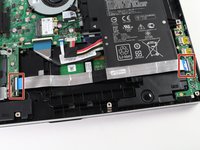
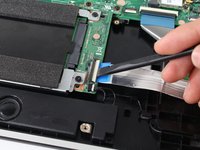
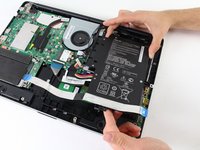
      • Slide a heavy-duty spudger into the ZIF connector and gently flip up the retaining flap to open the connector.

      • Pull the blue tab to remove the ribbon.

      Pergunte ao FixBot

      Comentar

    2. ASUS Transformer Book Flip TP500LA Fan Replacement: passo 4, imagem 1 %32 ASUS Transformer Book Flip TP500LA Fan Replacement: passo 4, imagem 2 %32
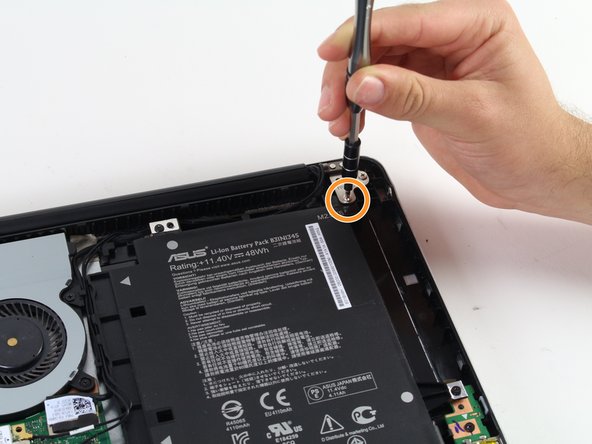
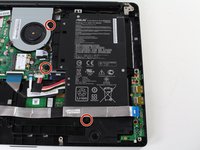
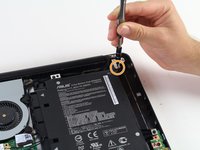
      • Remove the three 5 mm Phillips #0 screws.

      • Remove the single 6 mm Phillips #0 screw.

      Pergunte ao FixBot

      Comentar

    3. ASUS Transformer Book Flip TP500LA Fan Replacement: passo 5, imagem 1 %32 ASUS Transformer Book Flip TP500LA Fan Replacement: passo 5, imagem 2 %32
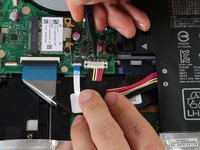
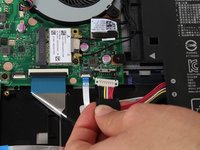
      • Use the heavy-duty spudger to pry the white 8-pin connector away from the motherboard.

      • Gently pull the connector away from the motherboard.

      • The black 8-pin connector on the motherboard is very fragile, so be careful when removing the white 8-pin connector.

      Pergunte ao FixBot

      Comentar

    4. ASUS Transformer Book Flip TP500LA Fan Replacement: passo 6, imagem 1 %32 ASUS Transformer Book Flip TP500LA Fan Replacement: passo 6, imagem 2 %32
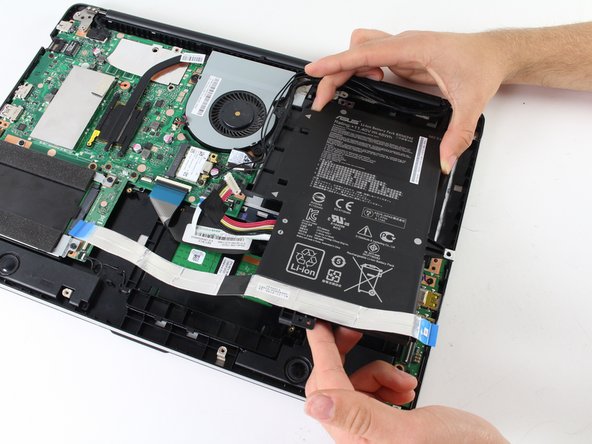
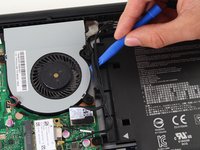
      • Use the blue plastic opening tool to loosen and remove the three black wires from the battery.

      • Slide the battery out from the computer to remove.

      Pergunte ao FixBot

      Comentar

    1. ASUS Transformer Book Flip TP500LA Fan Replacement, Fan: passo 7, imagem 1 %32 ASUS Transformer Book Flip TP500LA Fan Replacement, Fan: passo 7, imagem 2 %32
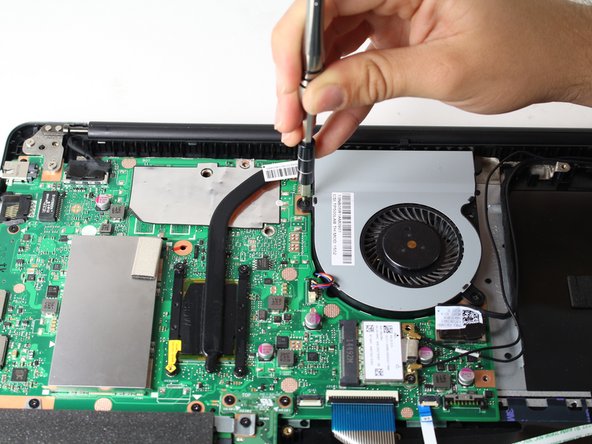
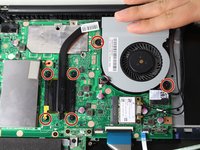
      • Unscrew the six 5 mm Phillips #0 screws.

      Pergunte ao FixBot

      Comentar

    2. ASUS Transformer Book Flip TP500LA Fan Replacement: passo 8, imagem 1 %32 ASUS Transformer Book Flip TP500LA Fan Replacement: passo 8, imagem 2 %32 ASUS Transformer Book Flip TP500LA Fan Replacement: passo 8, imagem 3 %32
      Ferramenta utilizada neste passo:
      Tweezers
      $4.99
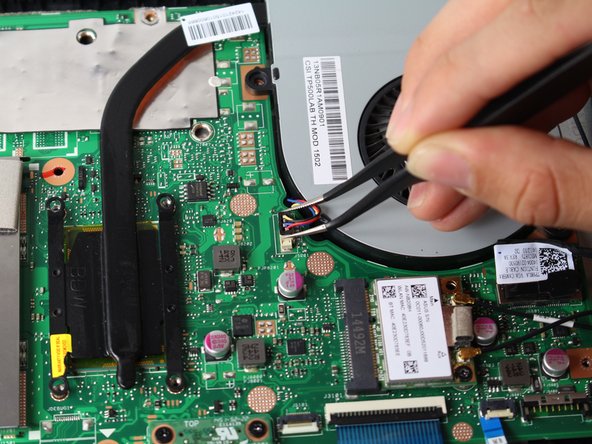
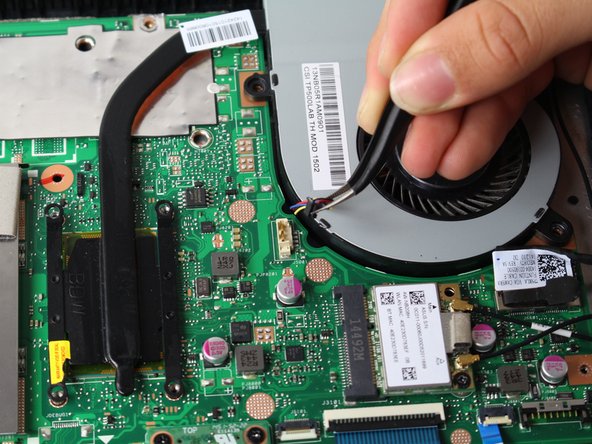
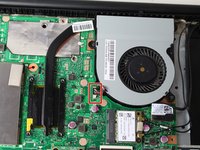
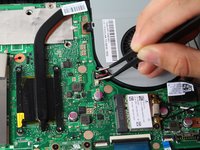
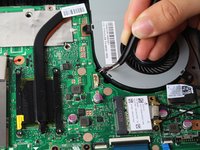
      • Grasp the top of the 3-pin connector with tweezers.

      • Wiggle the connector until it loosens itself from the motherboard.

      • Gently lift the connector from the motherboard attachment.

      Pergunte ao FixBot

      Comentar

    3. ASUS Transformer Book Flip TP500LA Fan Replacement: passo 9, imagem 1 %32
      • Carefully lift the fan off the motherboard.

      • Attached to the fan is thermal pasting that needs to be reapplied when attaching the fan back to the motherboard. Follow this guide to reapply thermal pasting correctly.

      Pergunte ao FixBot

      Comentar

Conclusão

To reassemble your device, follow these instructions in reverse order.

Cancelar: não concluí este guia.

4 outras pessoas executaram este guia.

Equipe

Cal Poly, Team S13-G5, Forte Spring 2017 Membro de Cal Poly, Team S13-G5, Forte Spring 2017

CPSU-FORTE-S17S13G5

3 Membros

Autoria de 16 guias

0Comentários do guia

Comentar

Visualizações:

Últimas 24 horas: 2

Últimos 7 dias: 9

Últimos 30 dias: 28

Ao todo: 2,297