Introdução
If your ASUS G73JH-BST7, or ASUS G73 Gaming Series Laptop can no longer hold a charge, it likely requires a battery replacement. By using your device frequently, the battery life can deplete overtime.
Swollen batteries can be extremely dangerous but can also cause damage to your ASUS. Take caution when removing the battery if you suspect this.
Be sure to turn off your device and begin the replacement.
-
-
-
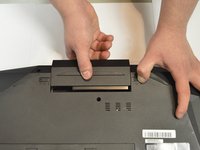
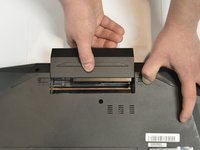
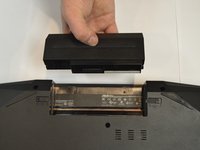
Use one hand to hold the non-locking tab in place, and use your other hand to pull the battery away from the computer.
-


 Pergunte ao FixBot


To reassemble your device, follow these instructions in reverse order.

Equipe

Purdue University Northwest, Team S1-G116, Hingst Fall 2018 Membro de Purdue University Northwest, Team S1-G116, Hingst Fall 2018
PNW-HINGST-F18S1G116
3 Membros
Autoria de 3 guias
