Ir para o conteúdo principal

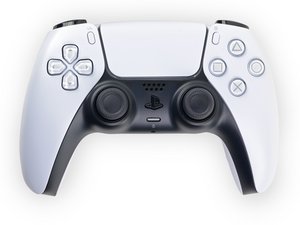
Repair guides, disassembly, and troubleshooting information for the first generation Sony PlayStation 5 DualSense controller, successor to the DualShock series. Identified by model number CFI-ZCT1W and motherboard model BDM-010.

How to remove the L2/R2 holder/bracket?

Block Image

As the title says, how do I remove the internal piece of the L2/R2 button?

I got some new ones to customise my controller but they don't have the internal piece where the metal rod secures the button and I can't figure out how to remove it from my original ones

Respondido! Ver a resposta Também tenho esse problema

Esta é uma boa pergunta?

Pontuação 0
Adicionar um comentário

1 resposta

Solução escolhida

To remove the DualSense V1 L2/R2 internal bracket, first slide out the metal pivot pin. Then gently flex the two side tabs outward while pushing the bracket upward from the bottom. It will pop out without damage. Reinstall the bracket into the new trigger and reinsert the pin.

Esta resposta foi útil?

Pontuação 1

5 comentários:

To add: You can find some more info here: https://www.reddit.com/r/eXtremeRate/com...

Please let me know if you need a video/guide!

por

Thank you so much for the reply, I am going to try it out and try not to break it.

por

@dan0 if you have a video/guide it would help a lot! Thank you

por

I did it! Thank you so much for the help you are life savior!

por

Ah glad that you got it solved! Sorry for the late response... Have a nice day!

por

Adicionar um comentário

Adicionar a sua resposta

Tigloria será eternamente grato(a).
Visualizações:

Últimas 24 horas: 0

Últimos 7 dias: 14

Últimos 30 dias: 28

Ao todo: 28