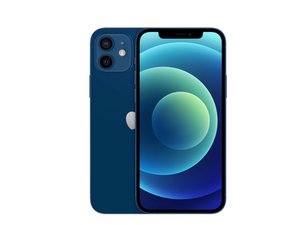

My earpiece speaker not working
My phone's small speaker for calls is not working, it just stopped working. I need to put a call on loudspeaker to hear my calls.
Esta é uma boa pergunta?
Pontuação
2
Rep: 25
 1
1
My phone's small speaker for calls is not working, it just stopped working. I need to put a call on loudspeaker to hear my calls.
Esta é uma boa pergunta?
Rep: 102,5 mil
161
 90
90
 157
157
You will, of course, want to try all the software solutions you can think of, as well as cleaning the speaker grille with a soft brush, maybe some compressed air, and some 90% or higher isopropyl alcohol.
If all that fails, the fault may well be with the speaker itself. On your phone it's part of an assembly called the Earpiece Speaker Assembly. The bad news here is that replacing that assembly will kill your Face ID and the only way to get it back is to pay Apple for a full screen replacement.
However, a guy on YouTube found that the speaker is only secured by two small solder points and replacing it by itself does not affect Face ID. I wrote a guide for that procedure on the iPhone X, but it is very much applicable to your iPhone 12. Start with your Earpiece Speaker and Front Sensor Assembly guide and follow it through Step 28.
iPhone 12 Earpiece Speaker and Front Sensor Assembly Replacement - iFixit Repair Guide
Once you get there, switch over to the iPhone X Earpiece Speaker replacement guide on Step 29. That will guide you through the two small solder points you need to unsolder to disconnect the old speaker and replace it with a new one.
iPhone X Earpiece Speaker Replacement Without Losing Face ID - iFixit Repair Guide
If you decide to do this, take pictures of everything after Step 28 and use my guide as an example of how to create your own guide so people who follow after you have a guide to go by.

Guia
Nível de dificuldade:
Moderado
—
1 - 2 hours

Guia
Nível de dificuldade:
Moderado
Esta resposta foi útil?
Rep: 13
1
Try but a new earpiece and replace it the retest.
Esta resposta foi útil?
Últimas 24 horas: 1
Últimos 7 dias: 16
Últimos 30 dias: 36
Ao todo: 486


