
Ir para o conteúdo principal
Participe da comunidade de reparos - Criar conta

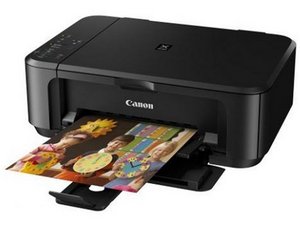
An all-in-one printer and scanner with duplex print and WiFi connection.

My mg7520 has error code b203

My Canon PIXMA MG7520 HAS AN ERROR CODE B203. DO I NEED TO BUY ANOTHER PRINTER

Responder a esta pergunta Também tenho esse problema

Esta é uma boa pergunta?

Pontuação 1
Adicionar um comentário

1 resposta

The error code B203 on your Canon MG7520 printer typically indicates a problem with the print head or an issue with the printer's internal hardware. Here are some steps you can try to troubleshoot the issue:

  1. Restart the Printer: Turn off the printer, unplug it from the power source, wait for about 10 minutes, then plug it back in and turn it on.
  2. Check for Paper Jams: Open the printer and check for any paper jams or obstructions that might be causing the error.
  3. Check Ink Cartridges: Make sure the ink cartridges are properly installed. Remove and reinsert them, ensuring they click into place.
  4. Clean the Print Head: You can try to clean the print head using the printer's maintenance menu. Refer to your user manual for instructions on how to do this.
  5. Reset the Printer: If the issue persists, you can try resetting the printer to its factory settings. Again, refer to your user manual for steps on how to do this.
  6. Contact Support: If none of these steps work, it may be a hardware issue that requires professional assistance. Contact Canon support or a local technician for further help.

Esta resposta foi útil?

Pontuação 0
Adicionar um comentário

Adicionar a sua resposta

donsul01 será eternamente grato(a).
Visualizações:

Últimas 24 horas: 1

Últimos 7 dias: 6

Últimos 30 dias: 31

Ao todo: 538