Essa tradução foi gerada por um programa e ainda não foi revisada por uma pessoa. Falas essa língua? Dá uma olhada.
Introdução
Use este guia para separar e substituir o painel frontal e o digitizer no iPhone 3GS.
O que você precisa
Vídeo de Apresentação
-
-
-
Se o vidro da tela estiver trincado, evite que ele se quebre ainda mais e previna ferimentos durante o reparo cobrindo-o com fita adesiva.
-
Aplique tiras de fita adesiva transparente sobre a tela do iPhone, sobrepondo-as até que toda a superfície esteja coberta.
 Pergunte ao FixBot
-
-
-
-
-
Remova os dois parafusos Phillips #00 da extremidade do conector de dock do iPhone.
-
-
-
Remova a alça metálica da ventosa de sucção (boca única). É mais fácil e seguro segurar a base da ventosa de sucção (boca única) em vez da alça metálica.
-
Use uma ventosa de sucção (boca única) perto do botão home para puxar suavemente a parte inferior do conjunto do display do iPhone.
-
-
-
Gire o conjunto do display para cima até atingir um ângulo de aproximadamente 45 graus.
-
-
-
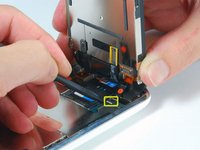
Continue segurando o conjunto do display com uma mão e, com a outra, use uma espátula para desconectar o cabo plano preto identificado com o número "1".
-
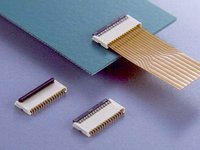
O cabo plano "1" é conectado com um conector do tipo plugue. O bloco na extremidade do cabo é o plugue, que é simplesmente encaixado em um soquete na placa de circuito. Nenhum outro mecanismo de trava é utilizado.
-
-
-
Gire o conjunto do display para cima até que ele fique aproximadamente na vertical. Isso facilitará o acesso para desconectar os cabos restantes.
-
Use uma espátula para desconectar o cabo plano preto identificado como "2."
-
-
-
Deslize o cabo plano para fora do conector e remova o conjunto do display do iPhone.
-
-
-
Remova o único parafuso Phillips #00 do canto do conjunto do display.
-
-
-
Remova os dois parafusos Phillips #00 do lado direito do conjunto do display.
-
-
-
-
Vire o conjunto do display e, se houver uma tira fina de fita preta na borda, remova-a com cuidado.
-
-
-
Remova os três parafusos Phillips #00 do lado esquerdo do conjunto do display.
-
-
-
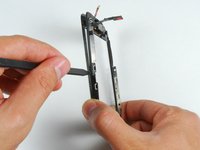
Vire o conjunto do display e insira novamente com cuidado uma espátula de metal entre os dois trilhos metálicos ao longo da borda do conjunto do display. Gire a espátula suavemente para levantar o LCD do vidro.
-
-
-
Separe o LCD do vidro deslizando o painel LCD para longe dos cabos planos no vidro.
-
-
-
-
-
Se o vidro estiver estilhaçado na parte superior ou inferior, seja especialmente paciente e cuidadoso ao remover os fragmentos. Em casos extremos, talvez seja necessário retirar manualmente todos os estilhaços de vidro que permanecerem colados aos plásticos.
-
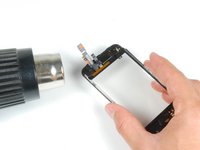
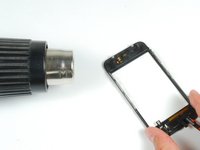
Usando uma pistola de ar quente ou um secador de cabelo, aqueça a área superior esquerda da tela tátil.
-
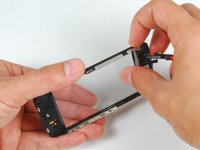
Use as unhas para levantar lentamente o canto esquerdo. Os plásticos da tela tátil estão presos à tela tátil com adesivo. Pode exigir um pouco de esforço para soltar os cantos.
-
Aqueça e repita o procedimento para o lado direito.
-
-
-
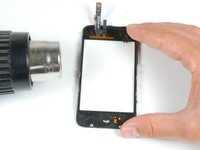
Assim que a parte superior estiver livre, use a pistola de ar quente para aquecer as laterais da tela tátil.
-
Use uma espátula para soltar as laterais dos plásticos da tela tátil.
-
-
-
Aqueça os cantos inferiores com a pistola de ar quente.
-
Novamente, use as unhas para soltar os cantos.
-
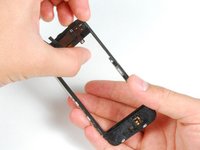
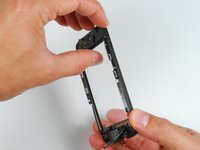
Remova os plásticos da tela tátil da tela tátil.
-
-
-
Para colar o painel novo, remova o máximo possível do adesivo existente na estrutura do painel frontal.
-
-
-
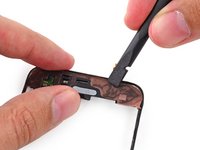
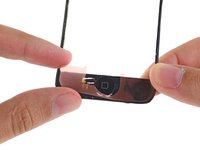
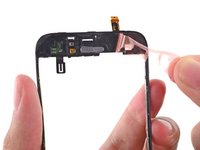
Posicione as faixas adesivas personalizadas ou fita dupla face na área superior do plástico do painel frontal.
-
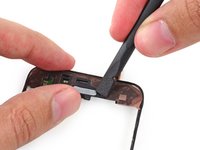
Use a ponta chata de uma espátula para pressionar as faixas adesivas contra a moldura plástica.
-
-
-
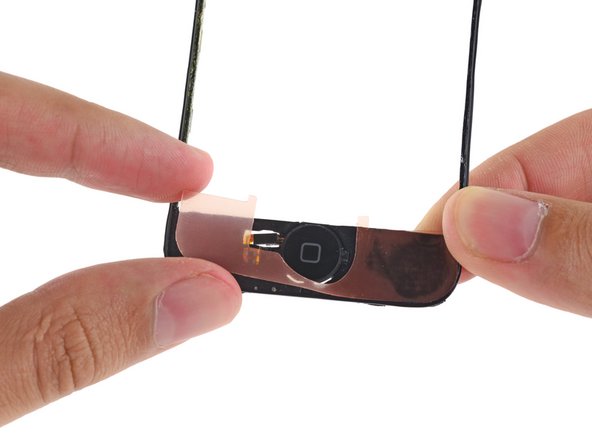
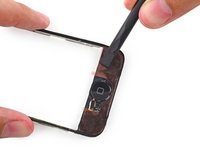
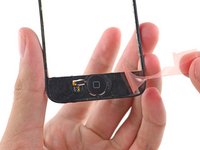
Coloque a segunda tira adesiva ou fita dupla face na extremidade do botão home da estrutura do painel frontal.
-
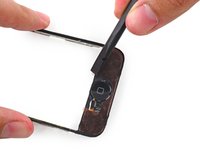
Passe a ponta chata de uma espátula sobre a tira para fixá-la e eliminar bolhas de ar debaixo do adesivo.
-
-
-
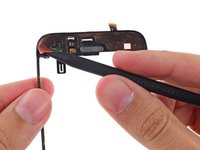
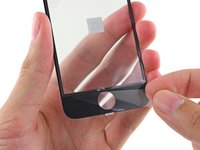
Use a ponta de uma espátula para começar e retire as proteções adesivas das tiras adesivas no plástico do painel frontal.
-
-
-
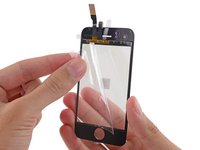
Remova o plástico protetor do lado interno do vidro do painel frontal.
-
-
-
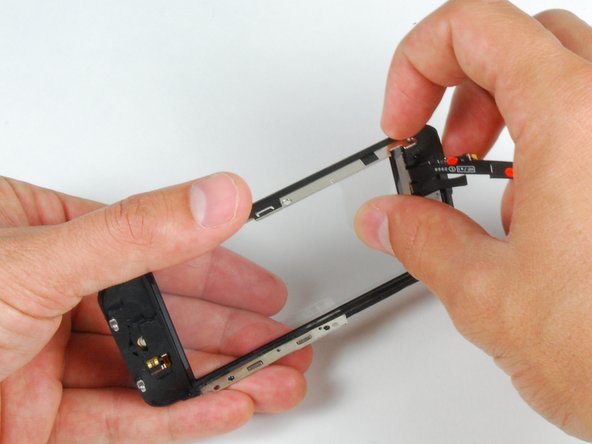
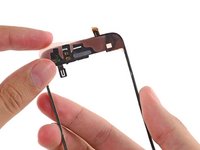
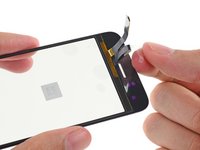
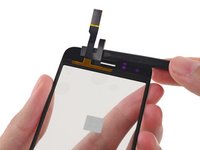
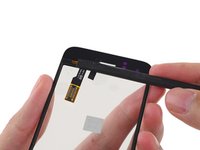
Dobre os cabos do painel frontal em direção ao recesso do botão home para retirá-los do caminho.
-
-
-
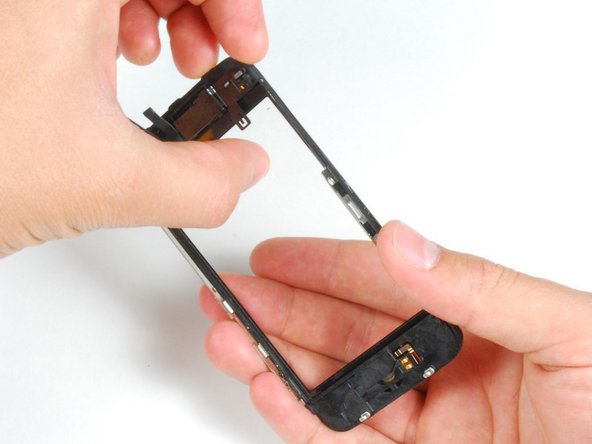
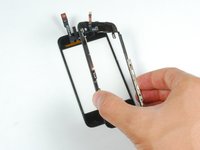
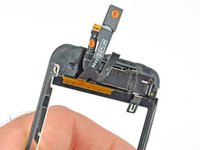
Certificando-se de que os cabos superiores estejam dobrados e fora do caminho, alinhe a parte superior do vidro frontal com a moldura do painel dianteiro.
-
-
-
Pressione o painel frontal e a estrutura do painel frontal um contra o outro, garantindo que as extremidades do botão home estejam alinhadas.
-
-
-
Pressione firmemente ambas as extremidades do celular para garantir a fixação do adesivo.
-




















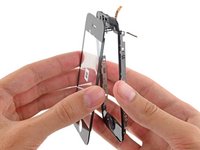
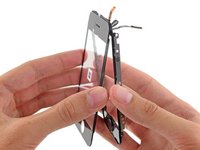


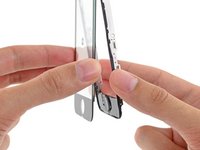
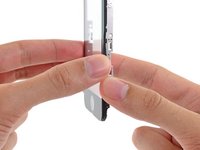

Para a remontagem de seu dispositivo, siga estas instruções na ordem inversa.
Cancelar: não concluí este guia.
541 outras pessoas executaram este guia.

8Comentários do guia
Step 15:
the screen sort of sits in the plastic because of the band of material running around the perimeter of the assembly being more firmly attached to the plastic than the screen. I found this step much easier to complete the second time around because i knew to dig my nail in between the screen and the material running around the perimeter of the assembly in a front to back motion. Then i pivoted my nail up 90 degrees so it was between the plastic and the screen and was able to gently pry them apart while heating.
i second that, it should really be another bulletpoint because its really hard to see if you are not looking for it. Something like:
Push gently on the thin plastic bezel surrounding the frontpanel, do not try to push into the side of the assembly. It can look like there is a seam but there is not!
Its really the only way to get it done without ripping off any parts of the plastic bezel... it does not show when reassembled but its creating a wide portal for dust particles.
NOTE: Just completed the installation and was supremely frustrated when the screen didn't turn back on. My first inclination was that the 3rd connector wasn't seated properly...so I opened up and re-attached 3 times. With girlfriend peering over my 'soon to be a failure of a bf' shoulder, I asked her to google up a 'hard reset'. Eureka. Hold down the black nav button and the top power button at the same time until the silver apple reappears. Crisis averted, great tutorial otherwise!
When removing the broken glass, be sure to remove adhesive from the side rails of the iPhone front panel assembly, otherwise your front panel won't fit as snugly as it should.
When reassembling, take care to properly insert ribbon cable 3, as it is much easier to remove it than it is to install it. Having an extra set of hands was invaluable for this repair.
I wish the instructions warned me to make sure a sim card is in the socket before reassembling, and/or they gave detailed reassembly instructions, and/or had higher quality pictures (I zoomed in on the pictures multiple times while reassembling, and could not see exactly how things were supposed to fit back together). My replacement went well, and all was working perfectly, but a piece of the cable was apparently sticking down into the sim card socket, and when my 21 yr old son forced the sim card it, it destroyed the cable that is attached to the plastic speaker assembly. Now I get to buy the more expensive repair kit that includes that part, and try again. D amn, I'm frustrated. -Bill
