Introdução
Follow the steps in this guide to replace the front panel in a iMac Intel 21.5" EMC 3068.
Some images in this guide use a 2015 iMac, which has minor visual differences. These differences do not affect the repair procedure.
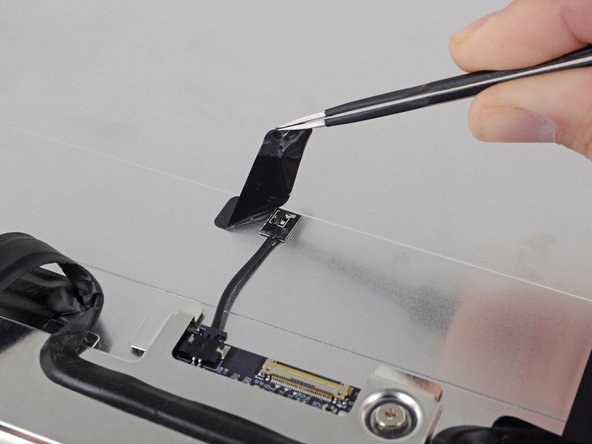
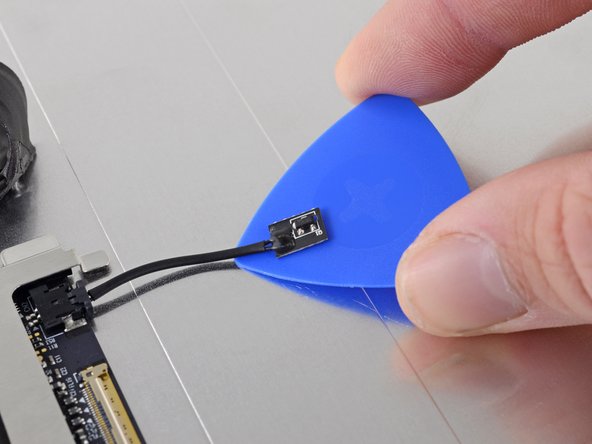
This procedure involves removing the faulty/broken display, as well as transferring the display data cable and thermal sensor to a new display.
O que você precisa
-
Ferramenta utilizada neste passo:iMac Intel 21.5" Cardboard Service Wedge$4.99
-
Before beginning any work on your iMac: Unplug the computer and press and hold the power button for ten seconds to discharge the power supply's capacitors.
-
-
Ferramenta utilizada neste passo:Plastic Cards$2.99
-
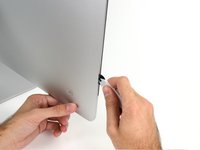
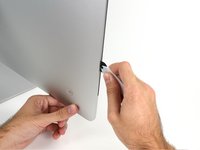
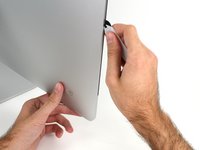
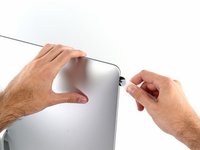
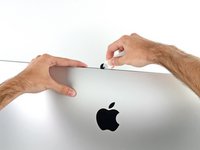
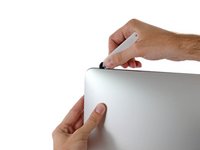
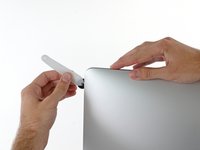
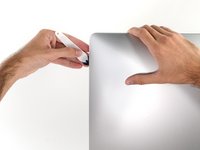
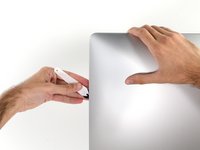
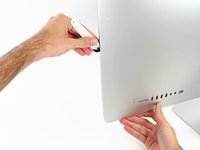
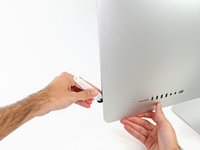
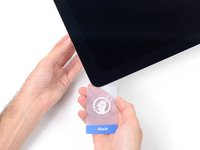
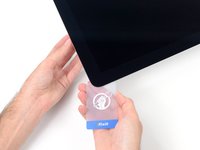
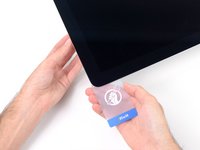
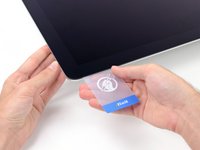
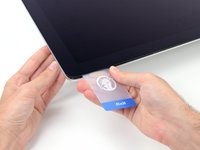
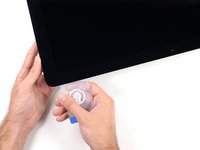
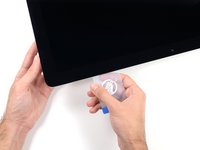
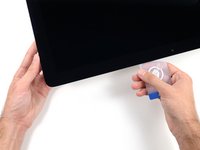
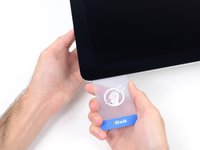
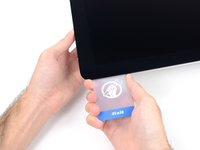
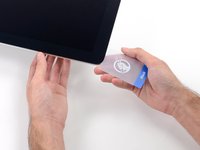
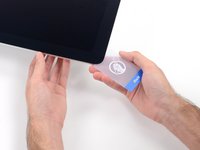
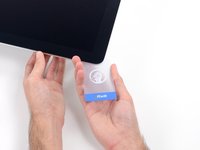
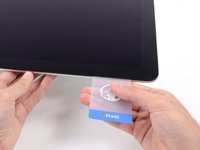
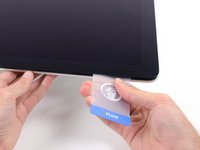
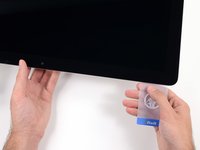
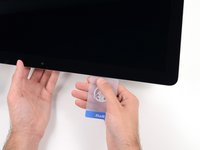
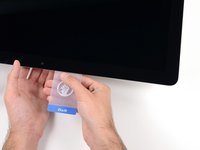
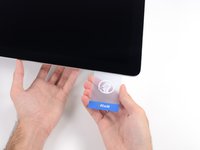
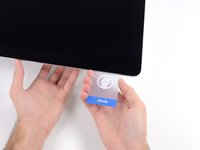
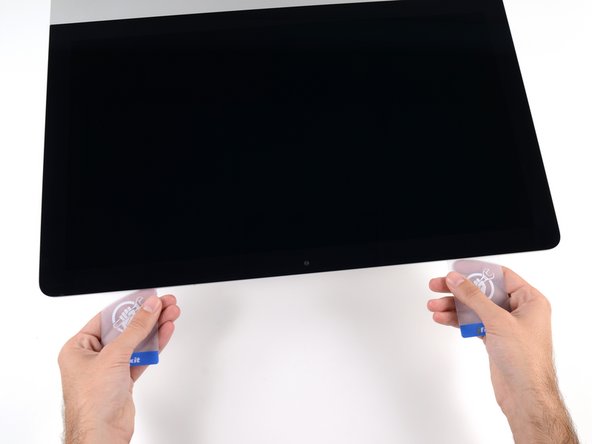
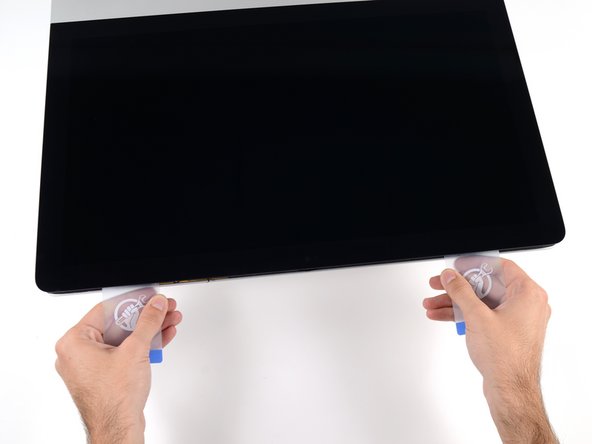
Starting from the top right corner of the iMac, wedge a plastic card between the display and frame.
-
-
-
-
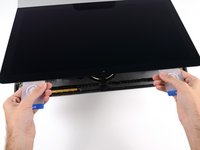
Hold the display with one hand while using your other hand to unplug the display power cable.
-
-
-
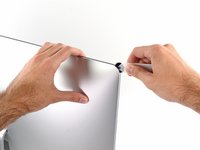
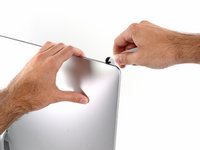
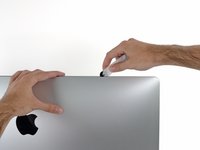
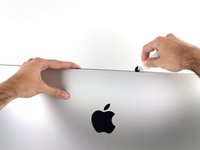
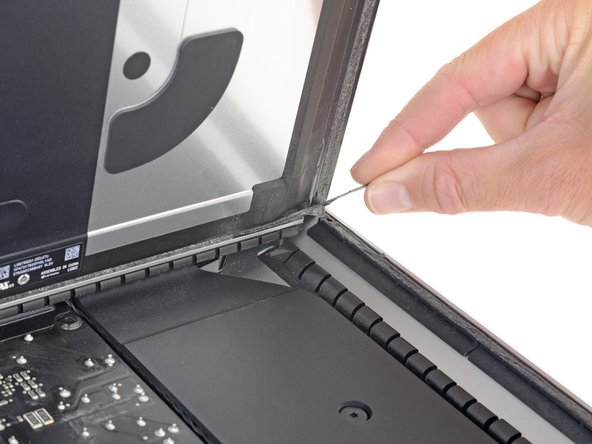
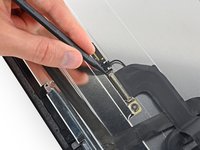
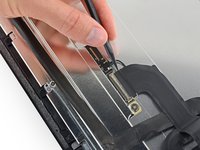
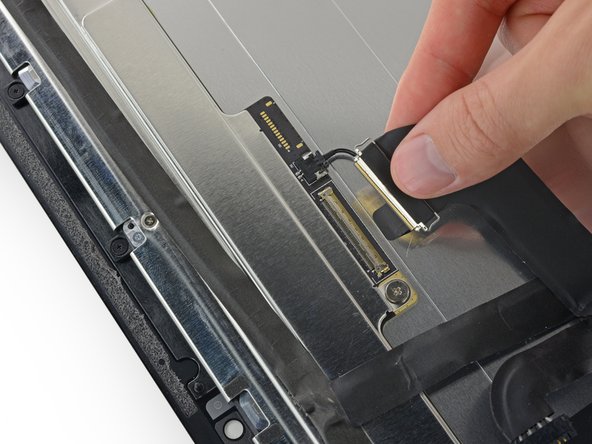
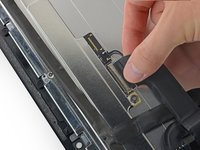
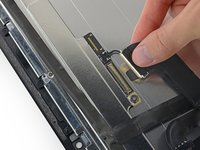
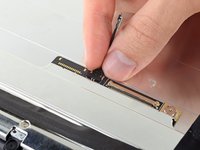
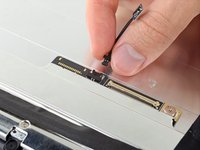
Use your fingernail or the pointed tip of a spudger to flip up the retaining flap on the display data connector.
-













































To reassemble your device, follow these instructions in reverse order.
Cancelar: não concluí este guia.
5 outras pessoas executaram este guia.


2Comentários do guia
An excellent and precise tutorial with very clear illustrations.
Could not be better.
In photo 24, 25, 26, 29 LCD 4K. But according to EMC 3068 it is 2K.
