Introdução
O iMac G3 foi o novíssimo Macintosh tudo-em-um da Apple. Ele estava disponível em cinco cores diferentes de plástico translúcido: Blueberry, Lime, Strawberry, Grape e Tangerine; estas eram conhecidas como os "5 sabores". O "i" do iMac, que significava internet, era muito capaz; ele possuía LAN integrada, infravermelho (que foi removido em modelos posteriores) e uma CPU PowerPC 750 (G3) de 233 MHz, 266 MHz ou 333 MHz, além de uma tela CRT de 15 polegadas integrada. Este computador abriu caminho para os Macs modernos.
O iMac G3 M4984 utiliza memória estilo laptop PC100. Alguns modelos suportam um máximo de 256 MB, enquanto outros suportam um máximo de 512 MB; isso depende inteiramente do firmware da máquina.
O que você precisa
-
-
O iMac G3. Este era um excelente computador para a época e possuía muitos recursos.
 Pergunte ao FixBot
-
-
-
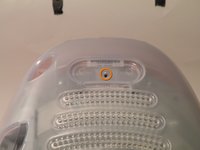
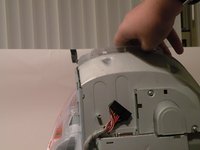
Comece virando o iMac de cabeça para baixo. Pode ajudar colocá-lo sobre uma toalha para não danificar a tela ou riscar a parte frontal.
-
-
-
Remova este parafuso Phillips.
-
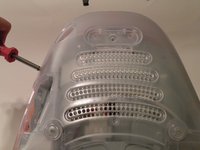
Usando uma chave de fenda, percorra as bordas da tampa inferior até que ela se solte.
-
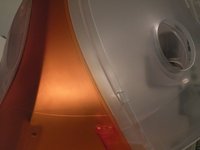
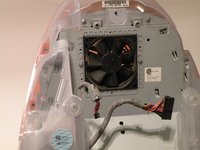
Em seguida, levante a tampa inferior para fora e coloque-a de lado.
-
-
-
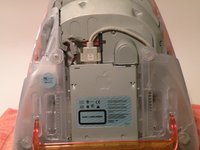
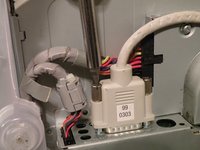
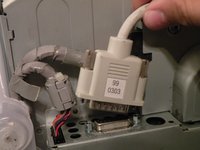
Agora, remova o conector de vídeo DB-15 da placa lógica.
-
Pode ser útil usar uma chave Phillips para remover os parafusos de aperto manual.
-
-
-
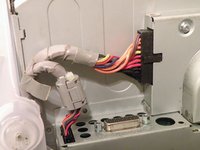
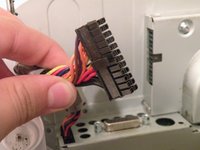
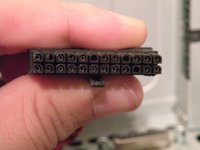
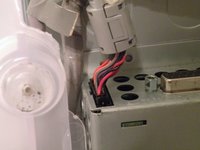
Remova o cabo de alimentação do conjunto da placa lógica.
-
-
-
-
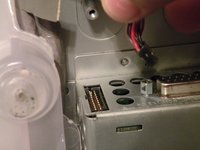
Remova o conector do painel dianteiro. (Talvez você também precise remover um parafuso adicional que prende o conector do painel dianteiro ao conjunto da placa lógica).
-
-
-
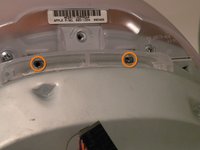
Agora, remova estes parafusos Phillips.
-
Agora, segure o conjunto da placa lógica pela peça de plástico e levante-a para fora.
-
-
-
O conjunto da placa lógica. Este é o coração do computador, ele contém a placa-mãe, CPU, memória RAM, V-RAM, bateria da PRAM, o disco rígido e a unidade de disco óptico.
-
-
-
Remova a blindagem da CPU, isso revelará o "slot superior". Este é o slot de memória RAM acessível pelo usuário, embora exista um segundo slot de RAM sob a placa da CPU.
-
O iMac utiliza memória RAM para laptop PC100 e, segundo a Apple, suporta até 256 MB de RAM (2x 128 MB), mas não oficialmente. Alguns modelos posteriores podem suportar 512 MB (2x 256 MB).
-
Empurre as travas para fora, e a memória RAM deverá saltar; em seguida, puxe a memória para fora.
-
-
-
RAM (slot inferior).
-
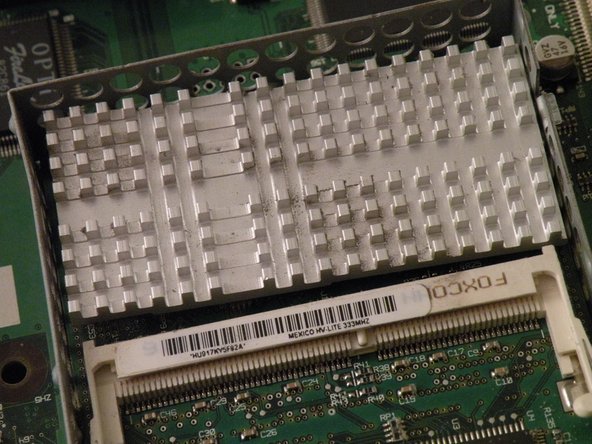
Remova o dissipador de calor da CPU.
-
Use uma chave de fenda. Remova o clipe do dissipador de calor; ele saltará e poderá se perder se você não ficar atento a ele.
-
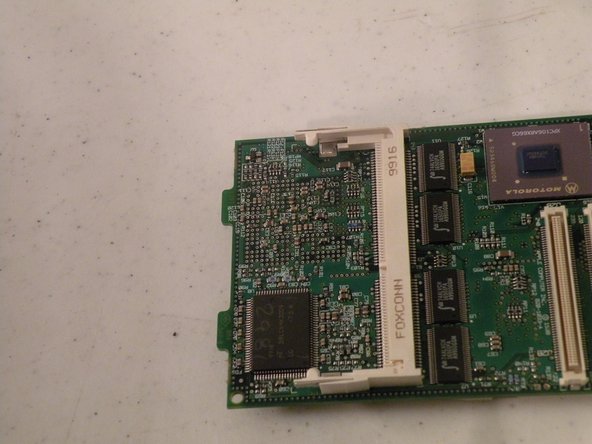
Remova o dissipador de calor expondo a CPU, depois levante a placa da CPU, e ela deverá sair com um leve puxão.
-
-
-
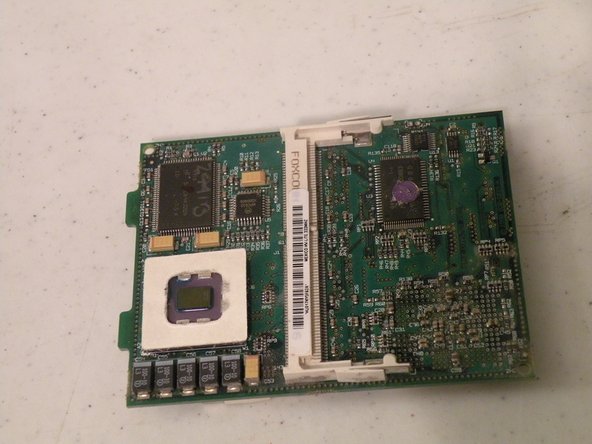
Agora, vire a placa.
-
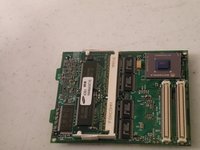
Isso revelará outro pente de memória RAM para laptop PC66.
-
Provavelmente trata-se de um pente de 32 MB, já que o iMac vinha de fábrica com apenas 32 MB de RAM.
-
Agora, remova-o empurrando as travas; ele deve saltar para cima e você poderá colocá-lo de lado.
-
-
-
A memória RAM.
-
O iMac suporta dois pentes de memória RAM para notebook PC66, embora possa usar PC100 e PC133 (no formato de notebook, é claro).
-


















Para a remontagem de seu dispositivo, siga estas instruções na ordem inversa.
Cancelar: não concluí este guia.
23 outras pessoas executaram este guia.
Um agradecimento especial a esses tradutores:
100%

Translation Bot está nos ajudando a consertar o mundo! Quer contribuir?
Comece a traduzir ›

Equipe

