Ir para o conteúdo principal
Participe da comunidade de reparos - Criar conta

Zune Flash 2nd Generation Communications Board Replacement

O que você precisa

  1. Zune Flash 2nd Generation Communications Board Replacement, Back Cover: passo 1, imagem 1 %32 Zune Flash 2nd Generation Communications Board Replacement, Back Cover: passo 1, imagem 2 %32
    • Prior to disassembly, verify the hold switch is engaged to ensure the device will not turn on during the procedure.

    • If the device turns on while it is being disassembled it could cause irreversible damage to the device.

    • PICS MAKE NO SENSE.

    Pergunte ao FixBot
  2. Zune Flash 2nd Generation Communications Board Replacement: passo 2, imagem 1 %32 Zune Flash 2nd Generation Communications Board Replacement: passo 2, imagem 2 %32
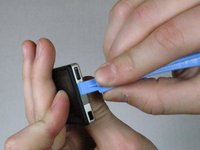
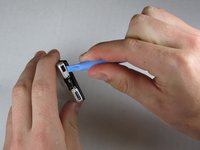
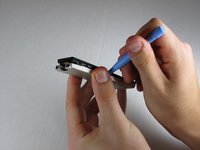
    • Remove the top metal clip by inserting a Zune opening tool in between the faceplate and back cover and pulling gently back as shown in the images.

    • You should hear a 'click' as the clip detaches from the device.

    Pergunte ao FixBot
  3. Zune Flash 2nd Generation Communications Board Replacement: passo 3, imagem 1 %32
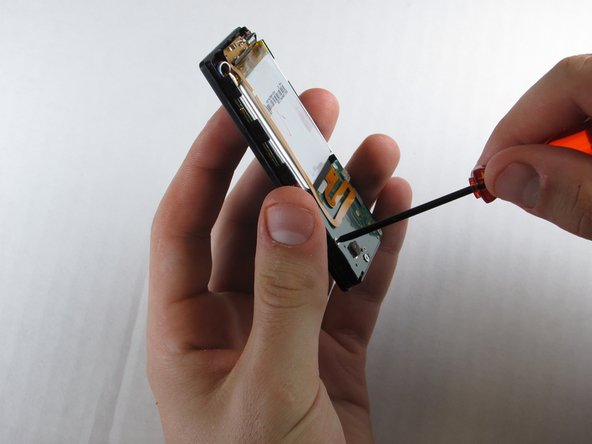
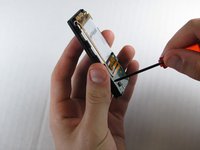
    • Remove the two screws shown using a Y00 Tri-Wing screwdriver.

    Pergunte ao FixBot
  4. Zune Flash 2nd Generation Communications Board Replacement: passo 4, imagem 1 %32 Zune Flash 2nd Generation Communications Board Replacement: passo 4, imagem 2 %32 Zune Flash 2nd Generation Communications Board Replacement: passo 4, imagem 3 %32
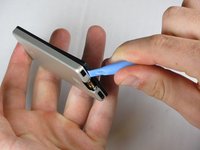
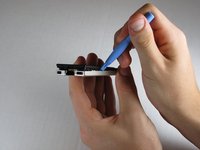
    • Insert the Zune opening tool between the faceplate and the back cover, starting from the top and slowly work your way around the device.

    Pergunte ao FixBot
  5. Zune Flash 2nd Generation Communications Board Replacement: passo 5, imagem 1 %32 Zune Flash 2nd Generation Communications Board Replacement: passo 5, imagem 2 %32 Zune Flash 2nd Generation Communications Board Replacement: passo 5, imagem 3 %32
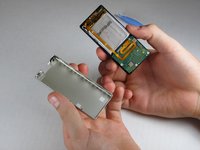
    • Work your way around the Zune until the back cover comes free. Remove the back plate and set it aside.

    Pergunte ao FixBot
  6. Zune Flash 2nd Generation Communications Board Replacement, Communications Board: passo 6, imagem 1 %32 Zune Flash 2nd Generation Communications Board Replacement, Communications Board: passo 6, imagem 2 %32
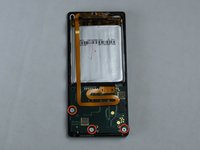
    • Remove the three screws (5.5mm by 3mm) from the backside of the Zune using a small Tri-Wing screwdriver.

    Pergunte ao FixBot
  7. Zune Flash 2nd Generation Communications Board Replacement: passo 7, imagem 1 %32 Zune Flash 2nd Generation Communications Board Replacement: passo 7, imagem 2 %32
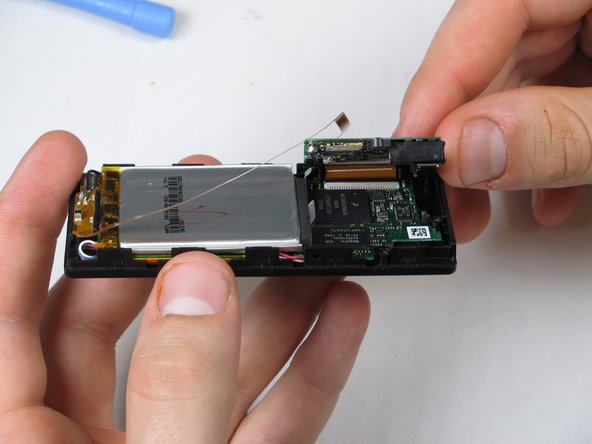
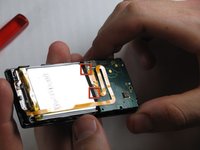
    • Use your finger to pry back the two clear flaps.

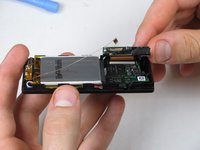
    • Slowly lift the communications board that was held down by the clear flaps.

    • Be careful not to accidentally detach the slim ribbon that connects between the communications board and the device.

    Pergunte ao FixBot
  8. Zune Flash 2nd Generation Communications Board Replacement: passo 8, imagem 1 %32
    • Disconnect the ribbon cable with the Zune opening tool by flipping up the black plastic flap where the ribbon cable connects to the memory board.

    • Pull the ribbon cable out of the memory board.

    Pergunte ao FixBot
  9. Zune Flash 2nd Generation Communications Board Replacement: passo 9, imagem 1 %32
    • Peal the slim ribbon cable off the communications board using your fingers.

    • This slim ribbon is attached using an adhesive, so it cannot be reattached without more adhesive.

    Pergunte ao FixBot
  10. Zune Flash 2nd Generation Communications Board Replacement: passo 10, imagem 1 %32 Zune Flash 2nd Generation Communications Board Replacement: passo 10, imagem 2 %32
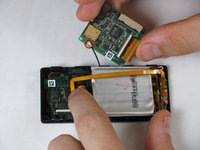
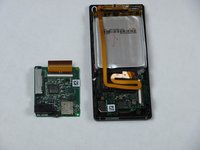
    • Pull the cable connector straight up using your fingers.

    • Communications board remains.

    Pergunte ao FixBot
Conclusão

To reassemble your device, follow these instructions in reverse order.

3 outras pessoas executaram este guia.

ybahman

Membro desde: 11/01/09

139 Reputação

Autoria de 4 guias

Equipe

Cal Poly, Team 9-20, Regan Fall 2009 Membro de Cal Poly, Team 9-20, Regan Fall 2009

CPSU-REGAN-F09S9G20

5 Membros

Autoria de 7 guias

0Comentários do guia

Comentar

Visualizações:

Últimas 24 horas: 1

Últimos 7 dias: 7

Últimos 30 dias: 63

Ao todo: 3,910