Essa tradução foi gerada por um programa e ainda não foi revisada por uma pessoa. Falas essa língua? Dá uma olhada.
Introdução
Disco preso? Está com problemas para instalar aquele jogo novo ou carregar sua cópia em Blu-ray de Con Air? Siga este guia para substituir uma unidade de disco óptico quebrada em seu Xbox One.
O que você precisa
Vídeo de Apresentação
-
-
-
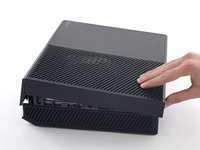
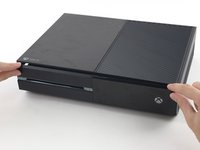
Para abrir o seu Xbox, você precisa cortar ou descascar esta fita inviolável. Mas não se preocupe - a Microsoft não pode anular a sua garantia, enquanto você não danificar nada. Divirta-se!
 Pergunte ao FixBot
-
-
-
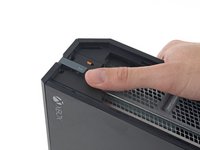
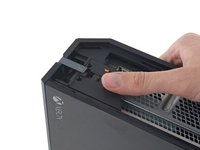
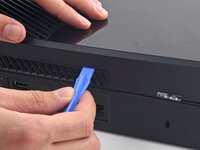
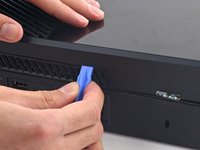
Com uma ferramenta de abertura de plástico, faça alavanca e remova a grelha de plástico que circunda a porta USB lateral.
-
A grelha é muito flexível e está fixada por clipes de plástico fracos - comece fazendo alavanca pela traseira e remova-a.
-
-
-
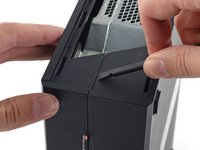
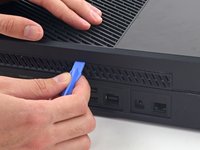
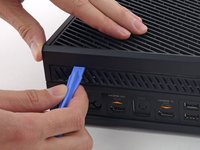
Introduza a ponta plana de uma espátula entre as estruturas superior e inferir, onde elas se encontram na traseira da abertura lateral da grelha.
-
-
-
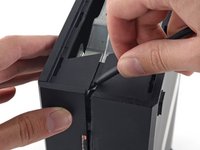
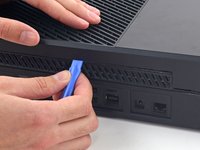
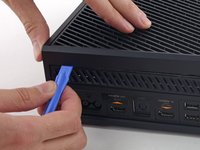
Introduza uma ferramenta de abertura de plástico entre as estruturas superior e inferior para separar o clipe acima da grelha traseira.
-
-
-
Continue passando a ferramenta pela traseira do Xbox e destacando clipes.
-
-
-
Continue destacando clipes. Pode ser útil deslizar com a ferramenta de abertura de plástico pelos clipes.
-
-
-
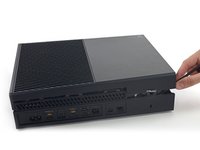
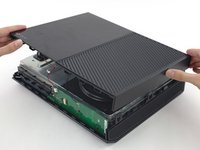
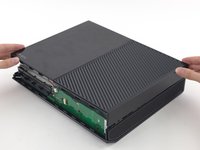
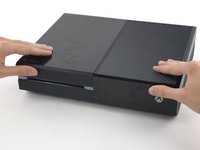
Começando pela espátula que você deixou na fenda, faça alavanca na estrutura superior para liberar os últimos poucos clipes.
-
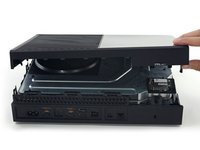
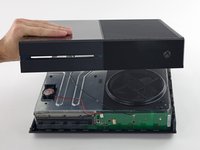
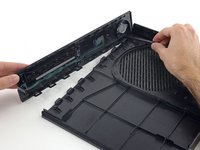
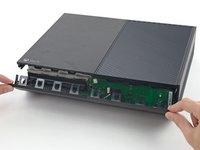
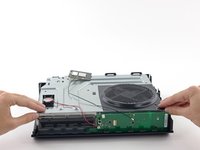
Erga a estrutura superior ligeiramente e mova-a para abrir acesso à placa do painel dianteiro.
-
-
-
Ferramenta utilizada neste passo:Tweezers$4.99
-
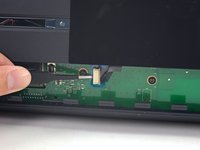
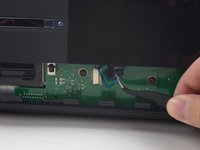
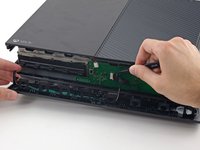
Use pinça para erguer o retentor de plástico azul acima do conector branco na placa.
-
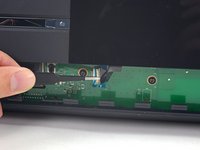
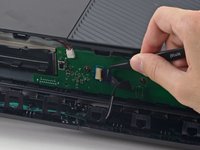
Com a ponta pontiaguda de uma espátula, empurre a trava do conector na direção do cabo para destravá-la.
-
-
-
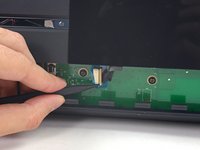
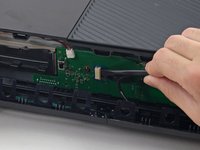
Com uma pinça, puxe o cabo em linha reta, afastando-o do conector na placa.
-
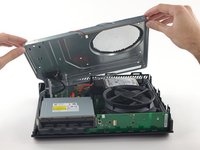
Remova a estrutura superior.
-
-
-
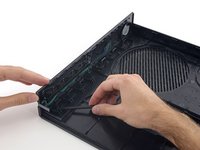
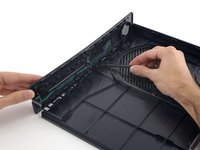
Com a ponta plana de uma espátula, libere os clipes que fixa o painel dianteiro na estrutura superior.
-
Remova o painel dianteiro do resto da estrutura superior.
-
-
-
Substitua a parte superior da estrutura superior.
-
Alinhe os clipes e pressione firmemente para realocá-los ao redor da estrutura.
-
-
-
Apoie o painel dianteiro próximo à dianteira do Xbox.
-
Com uma pinça, substitua o cabo do botão dianteiro em seu soquete ZIF.
-
Com a ponta plana de uma espátula, empurre a trava do ZIF para a esquerda para fixar o cabo.
-
-
-
Com o painel dianteiro formando um ângulo de 45 graus, proceda com o engate dos seus ganchos de plástico com aqueles na estrutura inferior.
-
Empurre a parte superior do painel dianteiro contra o Xbox, como se estivesse fechando uma caixa de correios. Pressione firmemente, de forma que os clipes que fixam o painel dianteiro na estrutura superior engatem com segurança.
-
-
-
-
-
Gentilmente, puxe para cima o conector do cabo do alto-falante para desconectá-lo da placa do painel dianteiro.
-
Com a ponta plana de uma espátula, desconecte o cabo da antena da placa no painel dianteiro.
-
-
-
Remova os dois parafusos Torx T8 de 9,5 mm da placa de Wi-Fi.
-
Erga a placa de Wi-Fi em linha reta de seu soquete na estrutura metálica superior.
-
Deixando no lugar o cabo da antena da placa de Wi-Fi, mova a placa de Wi-Fi para o lado, para expor o parafuso com a marca "C3" que estava abaixo dela.
-
-
-
Remova os oito parafusos Torx T10 de 65 mm da parte superior da estrutura metálica superior.
-
-
-
Desconecte o cabo de interconexão da placa de Wi-Fi da placa-mãe.
-
-
-
-
-
Desconecte os cabos de alimentação e de dados SATA da unidade de disco óptico da placa-mãe.
-
-
-
Remova o conjunto da unidade de disco óptico do Xbox.
-
-
-
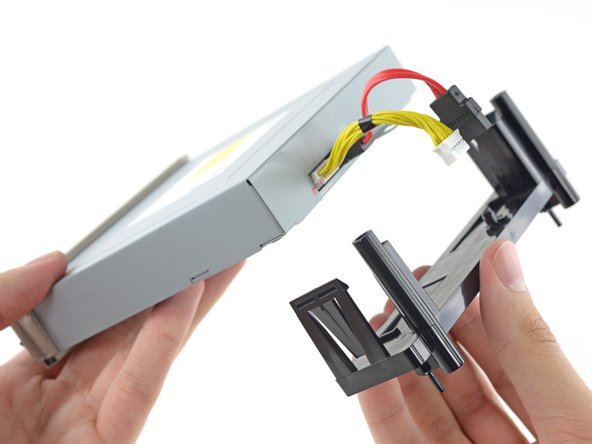
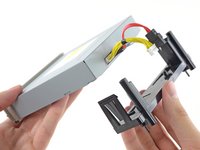
Empurre os clipes para fora e deslize a bandeja para fora da unidade de disco óptico.
-
-
-
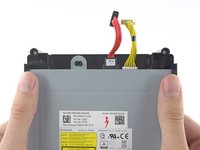
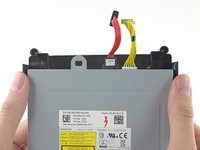
Remova os cabos de energia e os cabos SATA da unidade de disco óptico.
-
-




















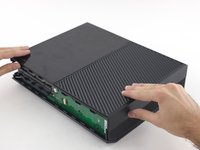








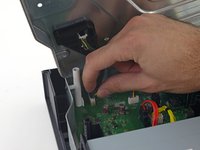
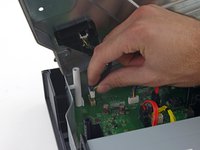


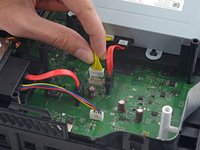
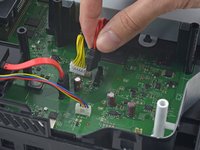



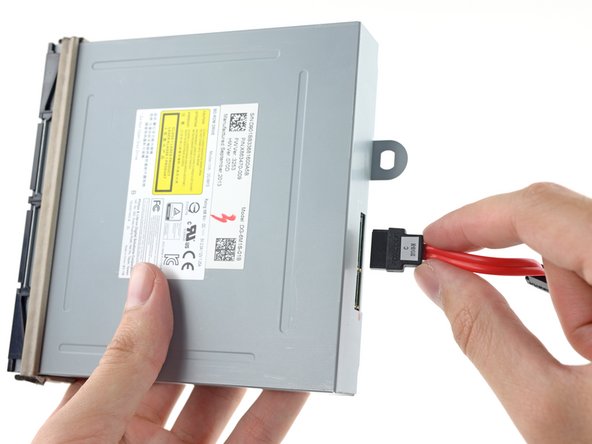
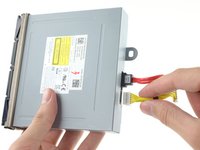
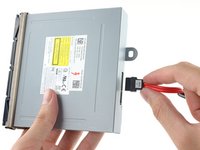
Para a remontagem de seu dispositivo, siga estas instruções na ordem inversa.
Cancelar: não concluí este guia.
93 outras pessoas executaram este guia.


46Comentários do guia
I torn down my one to attempt to see why it stopped reading disc, i discovered that it wasn't a spinning issue but that the disc popped back out just a bit leading to why it will not spin. Any way of fixing that?
there is a black bar that rolls the disc into the tray try cleaning that (you will have to fully open the disc drive)
What kind of optical drive should I use?
Once replacing the optical drive does one need to flashit/swap pcb boards. Has Microsoft stopped hard coding these.
I would like to know the answer to this as well. My xbox has a terrible time loading discs. If I use the hold method to install the disc it will eventually read it.
