Ir para o conteúdo principal
Participe da comunidade de reparos - Criar conta

XQ-673H Water Tubes Replacement

O que você precisa

  1. XQ-673H Water Tubes Replacement, Water Tubes: passo 1, imagem 1 %32
    • Make sure the device is unplugged before continuing.

    • Turn the Kitchen Gourmet upside down.

    Pergunte ao FixBot
  2. XQ-673H Water Tubes Replacement: passo 2, imagem 1 %32 XQ-673H Water Tubes Replacement: passo 2, imagem 2 %32 XQ-673H Water Tubes Replacement: passo 2, imagem 3 %32
    • Using a Phillips #1 screwdriver, remove the six 10mm screws found on the bottom of the device.

    • Remove the bottom cover.

    Pergunte ao FixBot
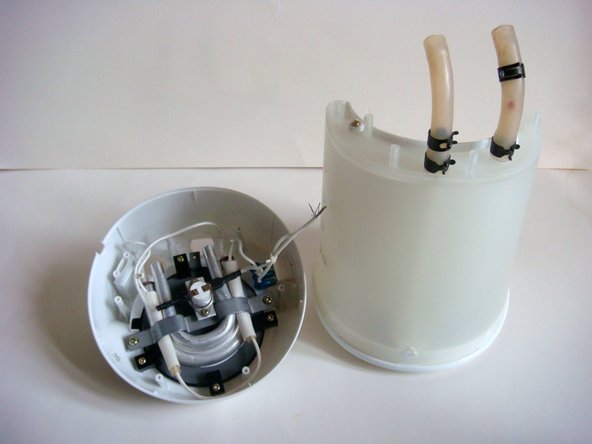
  3. XQ-673H Water Tubes Replacement: passo 3, imagem 1 %32 XQ-673H Water Tubes Replacement: passo 3, imagem 2 %32
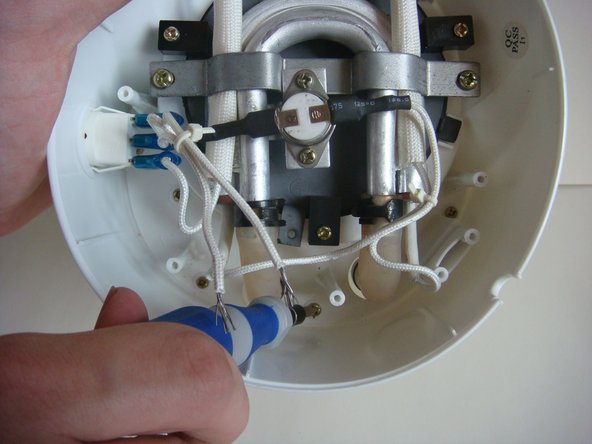
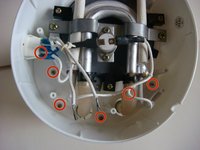
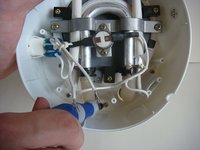
    • Using a Phillips #1 screwdriver, remove the six 12mm screws.

    • Some screws are not visible from this photo, but their location is highlighted by the circles.

    Pergunte ao FixBot
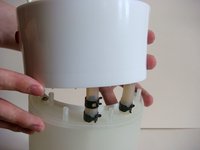
  4. XQ-673H Water Tubes Replacement: passo 4, imagem 1 %32 XQ-673H Water Tubes Replacement: passo 4, imagem 2 %32 XQ-673H Water Tubes Replacement: passo 4, imagem 3 %32
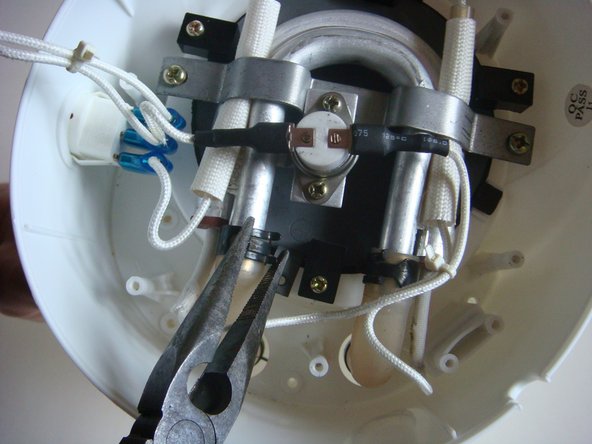
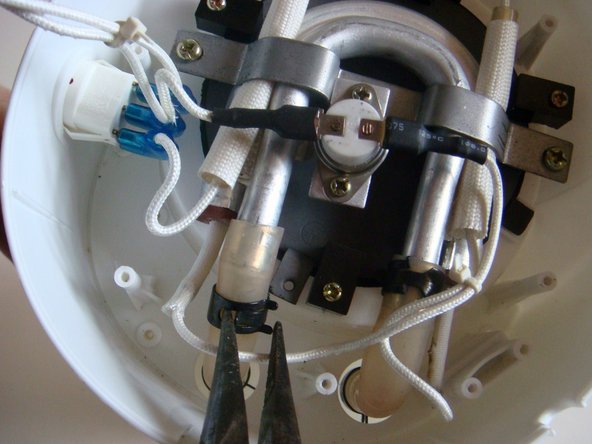
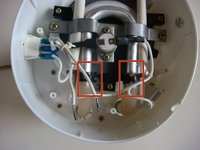
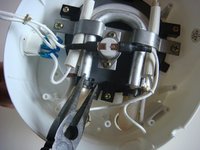
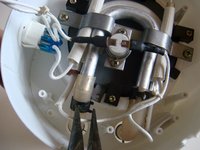
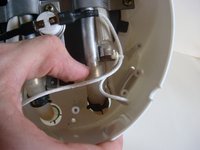
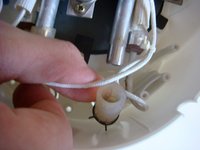
    • Using small needle nose pliers, squeeze the metal that is covering the tube.

    • Carefully slide down the metal covering.

    • Repeat this step for the other tube.

    Pergunte ao FixBot
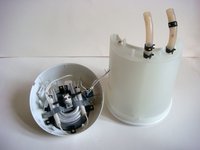
  5. XQ-673H Water Tubes Replacement: passo 5, imagem 1 %32 XQ-673H Water Tubes Replacement: passo 5, imagem 2 %32
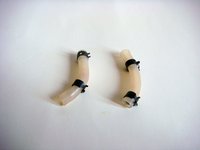
    • Using your fingers, gently slide off the Water Tubes.

    Pergunte ao FixBot
  6. XQ-673H Water Tubes Replacement: passo 6, imagem 1 %32 XQ-673H Water Tubes Replacement: passo 6, imagem 2 %32
    • Carefully lift the bottom section off the device.

    Pergunte ao FixBot
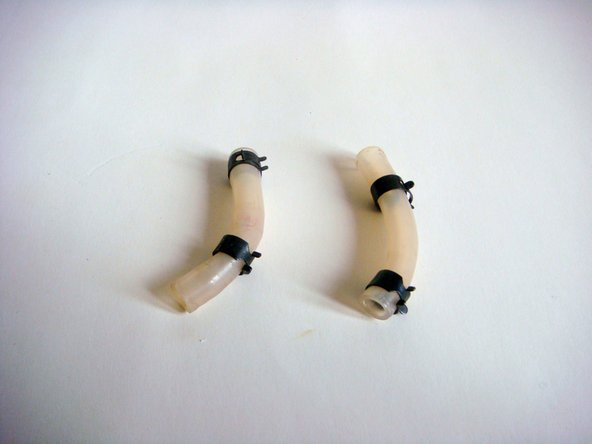
  7. XQ-673H Water Tubes Replacement: passo 7, imagem 1 %32 XQ-673H Water Tubes Replacement: passo 7, imagem 2 %32
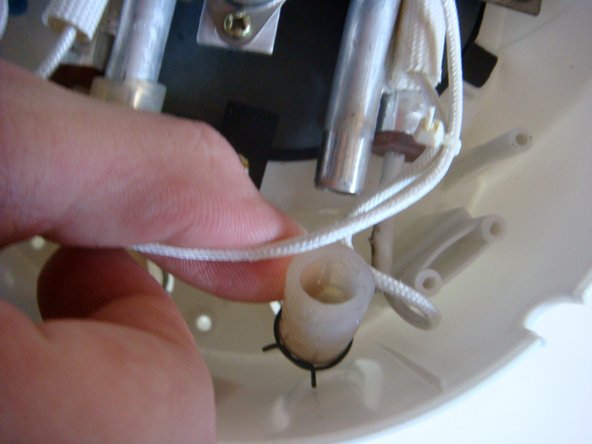
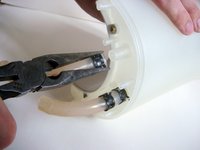
    • Using small needle nose pliers, squeeze the metal that is covering the tube.

    • Carefully slide down the metal covering.

    • Repeat this step for the other tube.

    • Remove both of the Water Tubes completely.

    Pergunte ao FixBot
Conclusão

To reassemble your device, follow these instructions in reverse order.

Uma outra pessoa concluiu este guia.

Sean Perry

Membro desde: 01/31/15

452 Reputação

Autoria de 4 guias

0Comentários do guia

Comentar

Visualizações:

Últimas 24 horas: 0

Últimos 7 dias: 6

Últimos 30 dias: 56

Ao todo: 1,012