Introdução
The W-King X10 battery is responsible for providing power to every component of the X10. Malfunctions in the battery may come in the form of diminished battery life, extended battery charging times, and at the extreme, a complete inability to power on your X10.
If you are experiencing any of these symptoms, this guide will show you how to open the casing of your X10, and how to disconnect and replace the battery.
Before you begin this repair, power off your speaker and disconnect it from the charging cable. The prerequisite guide to remove the speakers requires soldering. For detailed instructions, refer to the How to Solder and Desolder Connections guide.
O que você precisa
-
-
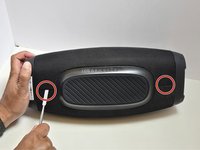
Lay the X10 on its back so that the bottom is facing you.
-
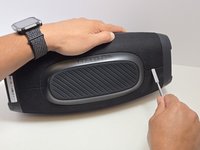
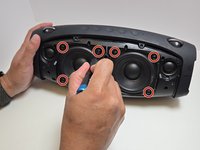
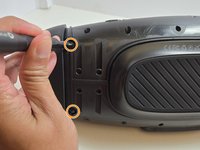
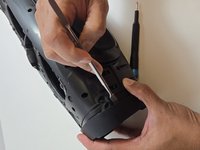
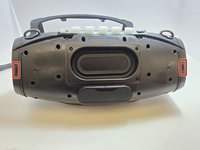
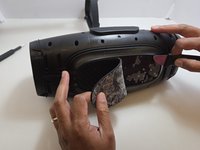
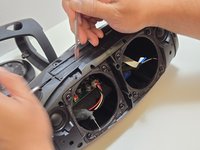
Using the metal spudger, separate the two connection points located on the left and right sides of the mesh panel as shown.
-
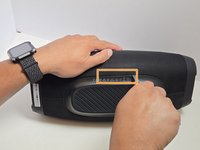
Separate the connection point in the center of the bottom section of the device.
-
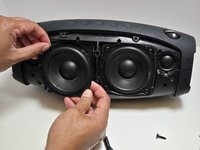
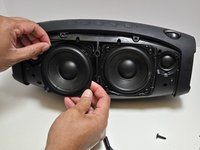
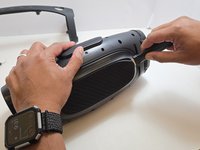
As before, all connection points should audibly 'pop' when disconnected, and the mesh panel will visibly separate from the body of the X10.
-
-
-
-
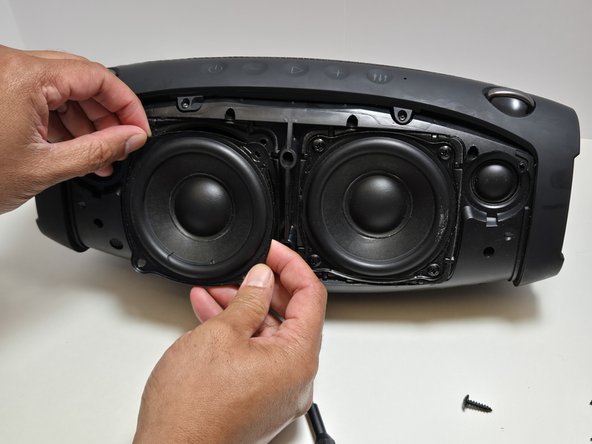
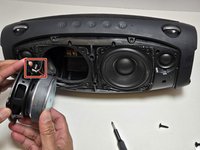
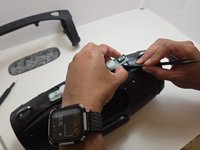
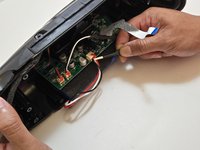
Use a soldering iron to disconnect the three wires connecting the speaker to the motherboard.
-
-
-
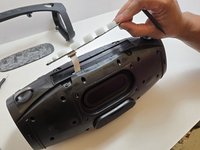
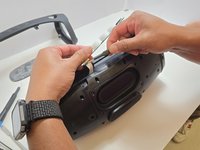
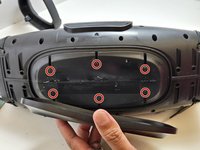
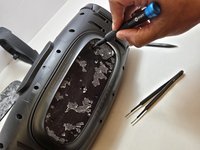
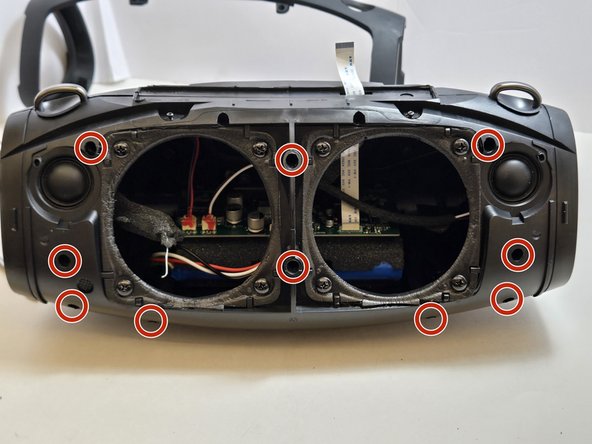
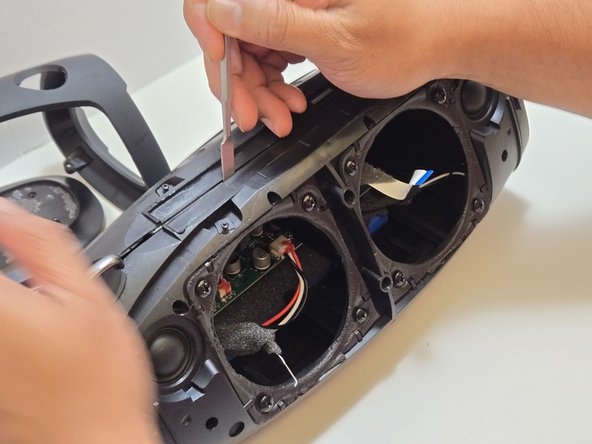
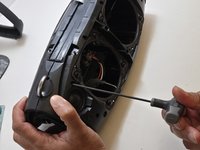
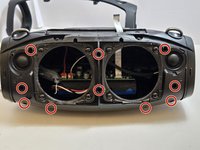
Unscrew the top arm of the X10.
-
There are four 7.5mm Phillips #0 screws at the center of the top arm.
-
There are two 7.5mm Phillips #0 screws at the base of each side of the arm.
-








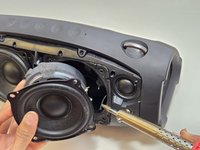
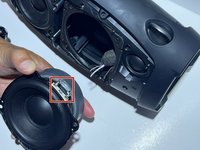


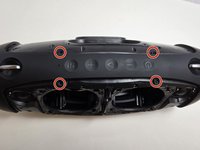
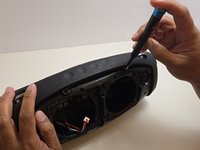











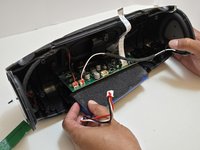
To reassemble your device, follow these instructions in reverse order. Take your e-waste to an R2 or e-Stewards certified recycler.
Cancelar: não concluí este guia.
2 outras pessoas executaram este guia.

Equipe

Austin Community College, Team 7-2, Watkins Fall 2024 Membro de Austin Community College, Team 7-2, Watkins Fall 2024
AUSTINCC-WATKINS-F24S7G2
4 Membros
Autoria de 9 guias
4Comentários do guia
Any chance you can give the manufacturer and part number for that battery pack and if you know where to buy the direct replacement please state this site we can purchase that new pack?
Where can I purchase the battery for the w-king x10?
Dónde compro la batería
No encuentro la batería. Alguien sabe dónde comprarla. (que no sea Alibaba)
