Ir para o conteúdo principal
Participe da comunidade de reparos - Criar conta

Vizio VTAB1008 Digitizer (Touchscreen) Replacement

O que você precisa

    1. Vizio VTAB1008 Digitizer (Touchscreen) Replacement, Vizio VTAB1008 Back Cover Removal: passo 1, imagem 1 %32 Vizio VTAB1008 Digitizer (Touchscreen) Replacement, Vizio VTAB1008 Back Cover Removal: passo 1, imagem 2 %32
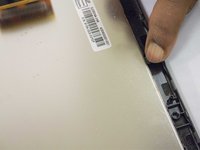
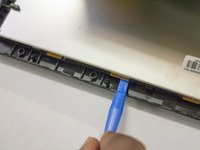
      • Carefully slide the heavy duty opening tool between the gap on the side of the device with no buttons.

      • Do not insert the opening tool too far into the tablet as this can damage connectors close to edges of the cover.

      • The angled tip of the opening tool can be wedged into the device by pressing on the back of the opening tool with the thumb. Move the opening tool in a sliding motion to ensure all tabs separate.

      • Corner tabs may require a more forceful prying tool. If needed, carefully insert the metal prying tool into corners to separate the tabs.

      Pergunte ao FixBot

      Comentar

    2. Vizio VTAB1008 Digitizer (Touchscreen) Replacement: passo 2, imagem 1 %32
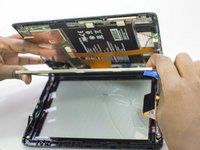
      • Look into the tablet for loose connectors.

      • There are three loose connectors: one for the screen, one for the digitizer, and one for the motherboard. They are held in place by the pressure of the backing and screen assemblies.

      • Flip the backing from the button-less side over, being careful not to separate the ribbon connector from the display screen.

      Pergunte ao FixBot

      Comentar

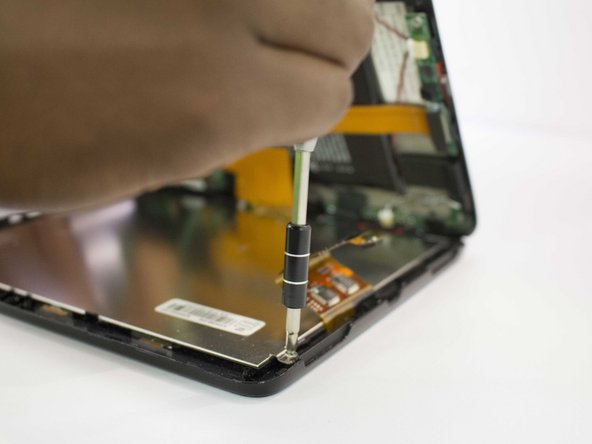
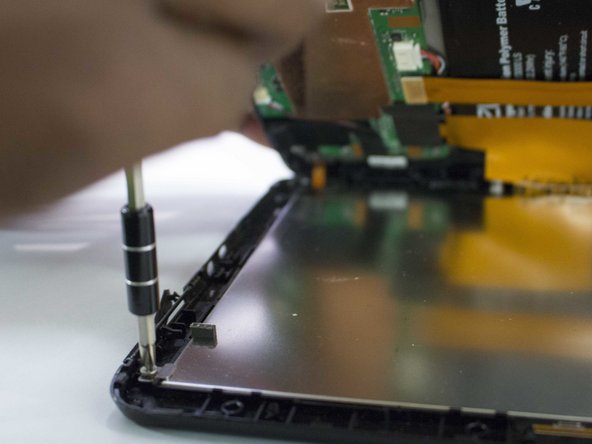
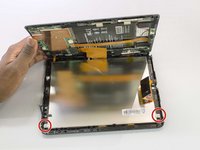
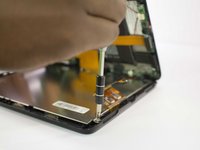
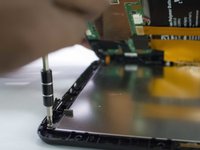
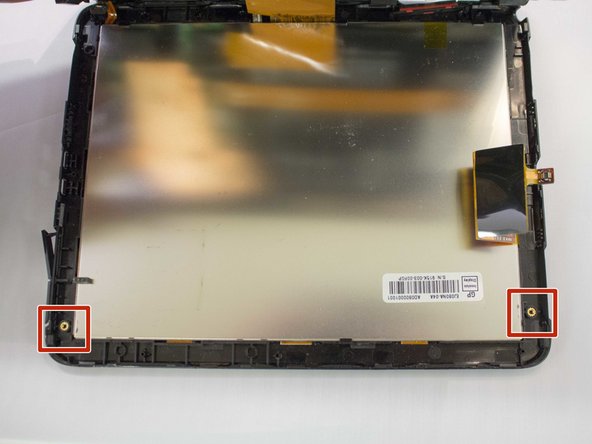
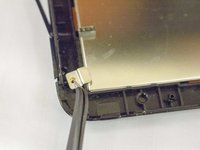
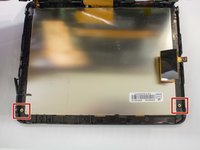
    1. Vizio VTAB1008 Digitizer (Touchscreen) Replacement, Digitizer/Touch Screen: passo 3, imagem 1 %32 Vizio VTAB1008 Digitizer (Touchscreen) Replacement, Digitizer/Touch Screen: passo 3, imagem 2 %32 Vizio VTAB1008 Digitizer (Touchscreen) Replacement, Digitizer/Touch Screen: passo 3, imagem 3 %32
      • Remove the two screws present using the J1 Screw bit.

      • The screw has a head size of 4.3 mm and is 3 mm tall.

      Pergunte ao FixBot

      Comentar

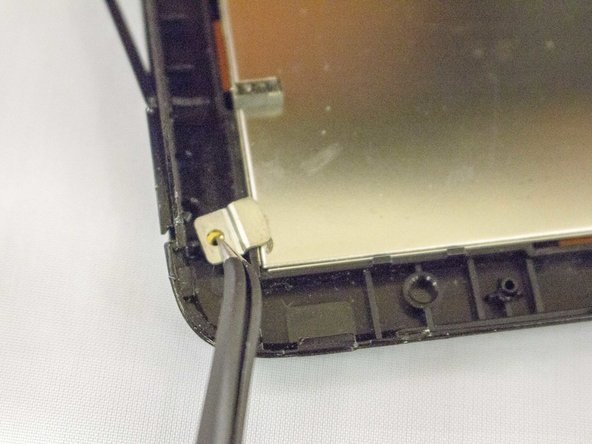
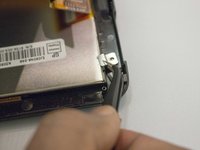
    2. Vizio VTAB1008 Digitizer (Touchscreen) Replacement: passo 4, imagem 1 %32 Vizio VTAB1008 Digitizer (Touchscreen) Replacement: passo 4, imagem 2 %32 Vizio VTAB1008 Digitizer (Touchscreen) Replacement: passo 4, imagem 3 %32
      • Remove the two brackets accompanying screws by lifting them up and away from the screen.

      • Brackets are 8.5 mm by 6.55 mm.

      Pergunte ao FixBot

      Comentar

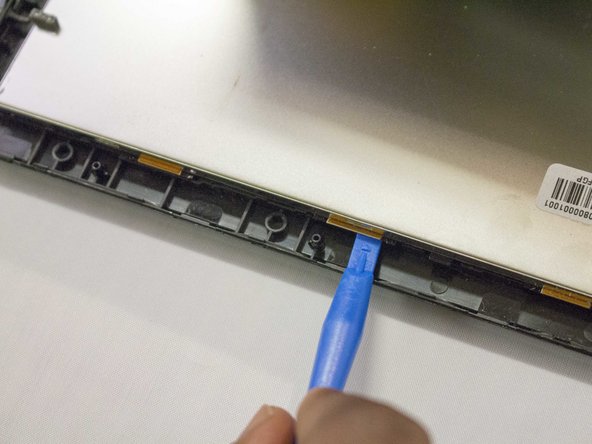
    3. Vizio VTAB1008 Digitizer (Touchscreen) Replacement: passo 5, imagem 1 %32 Vizio VTAB1008 Digitizer (Touchscreen) Replacement: passo 5, imagem 2 %32 Vizio VTAB1008 Digitizer (Touchscreen) Replacement: passo 5, imagem 3 %32
      • Separate the screen digitizer from the display screen, noting the placement of the quick disconnect ribbon cable.

      • Use a spudger if necessary to assist in the separation.

      Pergunte ao FixBot

      Comentar

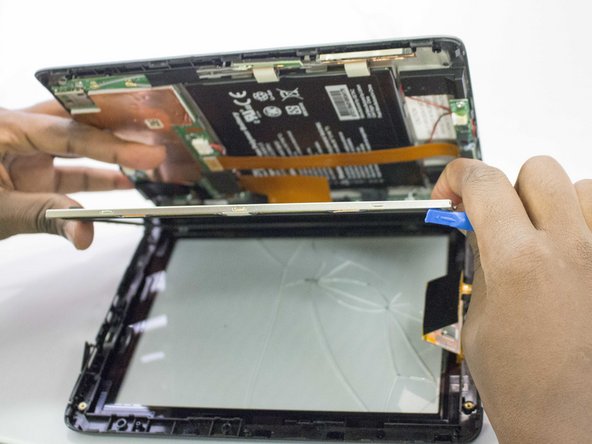
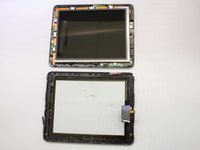
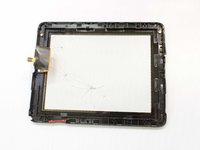
    4. Vizio VTAB1008 Digitizer (Touchscreen) Replacement: passo 6, imagem 1 %32 Vizio VTAB1008 Digitizer (Touchscreen) Replacement: passo 6, imagem 2 %32
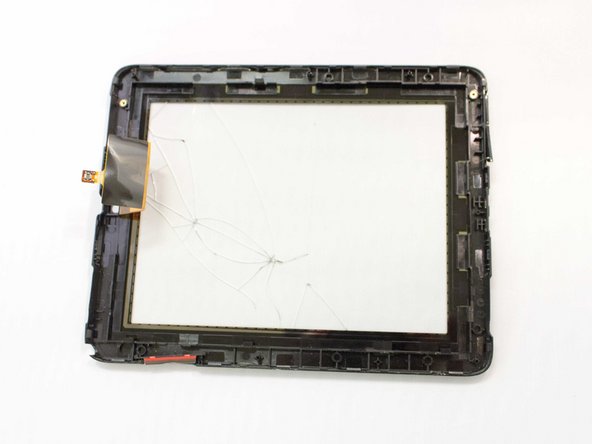
      • The digitizer should now be able to be freely removed.

      Pergunte ao FixBot

      Comentar

Conclusão

To reassemble your device, follow these instructions in reverse order.

Cancelar: não concluí este guia.

0Comentários do guia

Comentar

Visualizações:

Últimas 24 horas: 1

Últimos 7 dias: 10

Últimos 30 dias: 27

Ao todo: 1,125