Ir para o conteúdo principal
Participe da comunidade de reparos - Criar conta

Vizio CT15 CPU Fan Replacement

O que você precisa

  1. Vizio CT15 CPU Fan Replacement, Vizio CT15 Back Panel Removal: passo 1, imagem 1 %32 Vizio CT15 CPU Fan Replacement, Vizio CT15 Back Panel Removal: passo 1, imagem 2 %32
    • Turn the laptop off and remove all power cables.

    • Remove the six Phillips #0 screws.

    • Pull the back cover off.

    Pergunte ao FixBot

    Comentar

  2. Vizio CT15 CPU Fan Replacement, Battery: passo 2, imagem 1 %32
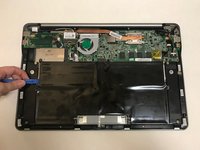
    • Remove the six Phillips #0 screws.

    Pergunte ao FixBot

    Comentar

  3. Vizio CT15 CPU Fan Replacement: passo 3, imagem 1 %32 Vizio CT15 CPU Fan Replacement: passo 3, imagem 2 %32
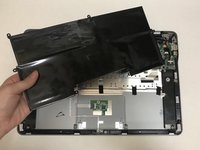
    • Use the plastic opening tool or your fingers to pry the battery up and pull it from the laptop.

    Pergunte ao FixBot

    Comentar

  4. Vizio CT15 CPU Fan Replacement, CPU Fan: passo 4, imagem 1 %32 Vizio CT15 CPU Fan Replacement, CPU Fan: passo 4, imagem 2 %32
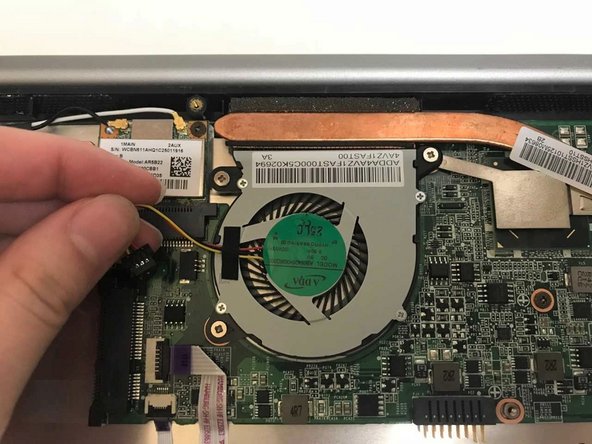
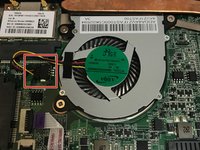
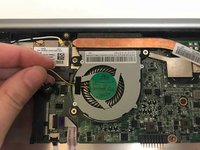
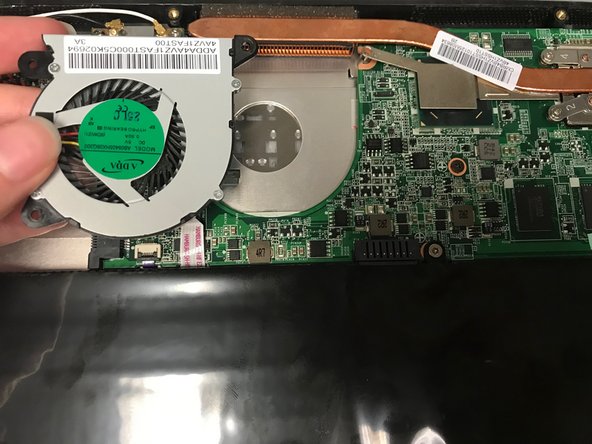
    • Unplug the fan from the motherboard.

    Pergunte ao FixBot

    Comentar

  5. Vizio CT15 CPU Fan Replacement: passo 5, imagem 1 %32 Vizio CT15 CPU Fan Replacement: passo 5, imagem 2 %32
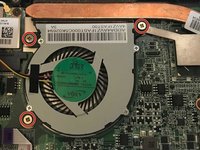
    • Remove the three Phillips #0 screws.

    • Pull the fan out to remove.

    Pergunte ao FixBot

    Comentar

Conclusão

To reassemble your device, follow these instructions in reverse order.

Cancelar: não concluí este guia.

2 outras pessoas executaram este guia.

0Comentários do guia

Comentar

Visualizações:

Últimas 24 horas: 1

Últimos 7 dias: 6

Últimos 30 dias: 41

Ao todo: 756