Ir para o conteúdo principal
Participe da comunidade de reparos - Criar conta

Uniden TCX905 Button Keypad Cleaning Guide

O que você precisa

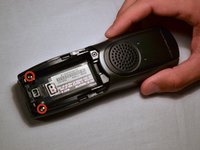
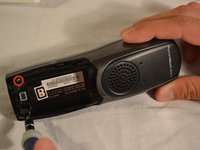
  1. Uniden TCX905 Button Keypad Cleaning Guide, Battery Cover: passo 1, imagem 1 %32 Uniden TCX905 Button Keypad Cleaning Guide, Battery Cover: passo 1, imagem 2 %32
    • Starting from the top of the cover, slide down and away from the phone with your thumb

    • Lift battery cover off of batter and place it to the side

    Pergunte ao FixBot

    Comentar

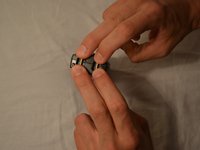
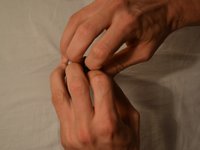
  2. Uniden TCX905 Button Keypad Cleaning Guide, Battery Pack: passo 2, imagem 1 %32 Uniden TCX905 Button Keypad Cleaning Guide, Battery Pack: passo 2, imagem 2 %32
    • Once battery cover is removed, place your thumb and index fingers on the the wires near the receptacle

    • Gently pull straight up on the wires until a click is heard which signifies the battery is completely disconnected

    • Place battery pack to the side

    Pergunte ao FixBot

    Comentar

  3. Uniden TCX905 Button Keypad Cleaning Guide, Back Shell: passo 3, imagem 1 %32 Uniden TCX905 Button Keypad Cleaning Guide, Back Shell: passo 3, imagem 2 %32
    • Remove the two 11mm screws inside the battery storage compartment using Phillips #1 screwdriver (located near the very bottom of the phone)

    Pergunte ao FixBot

    Comentar

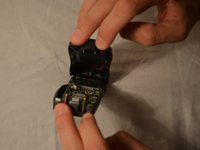
  4. Uniden TCX905 Button Keypad Cleaning Guide: passo 4, imagem 1 %32 Uniden TCX905 Button Keypad Cleaning Guide: passo 4, imagem 2 %32 Uniden TCX905 Button Keypad Cleaning Guide: passo 4, imagem 3 %32
    • Gently open phone casing along the seam at the bottom of the phone using index and middle fingers of both hands

    Pergunte ao FixBot

    Comentar

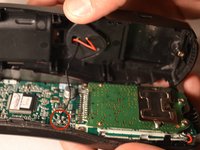
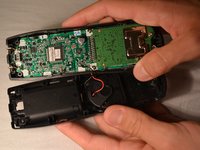
  5. Uniden TCX905 Button Keypad Cleaning Guide: passo 5, imagem 1 %32 Uniden TCX905 Button Keypad Cleaning Guide: passo 5, imagem 2 %32 Uniden TCX905 Button Keypad Cleaning Guide: passo 5, imagem 3 %32
    • Ensure that wired connection between circuit board and back shell is not strained

    • Fold the back shell underneath the front shell and circuit board

    Pergunte ao FixBot

    Comentar

  6. Uniden TCX905 Button Keypad Cleaning Guide, Circuit Board: passo 6, imagem 1 %32 Uniden TCX905 Button Keypad Cleaning Guide, Circuit Board: passo 6, imagem 2 %32
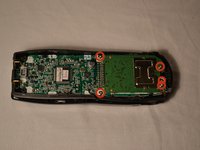
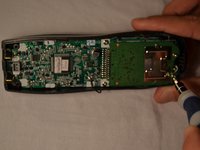
    • Carefully remove the middle two 7mm screws, the outer top 9mm screws, and the top middle 7 mm screw that hold the logic board to the front shell of the phone casing using the Phillips #1 screwdriver

    Pergunte ao FixBot

    Comentar

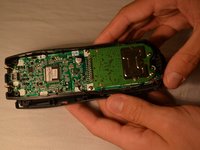
  7. Uniden TCX905 Button Keypad Cleaning Guide: passo 7, imagem 1 %32 Uniden TCX905 Button Keypad Cleaning Guide: passo 7, imagem 2 %32 Uniden TCX905 Button Keypad Cleaning Guide: passo 7, imagem 3 %32
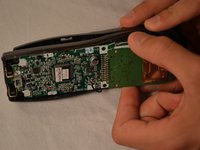
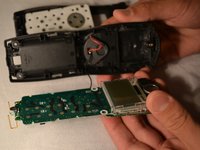
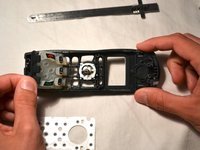
    • Using index finger and thumb, carefully remove the circuit board from the front shell of phone

    Pergunte ao FixBot

    Comentar

  8. Uniden TCX905 Button Keypad Cleaning Guide, Button Keypad: passo 8, imagem 1 %32 Uniden TCX905 Button Keypad Cleaning Guide, Button Keypad: passo 8, imagem 2 %32 Uniden TCX905 Button Keypad Cleaning Guide, Button Keypad: passo 8, imagem 3 %32
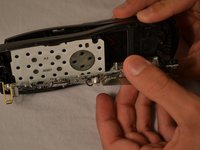
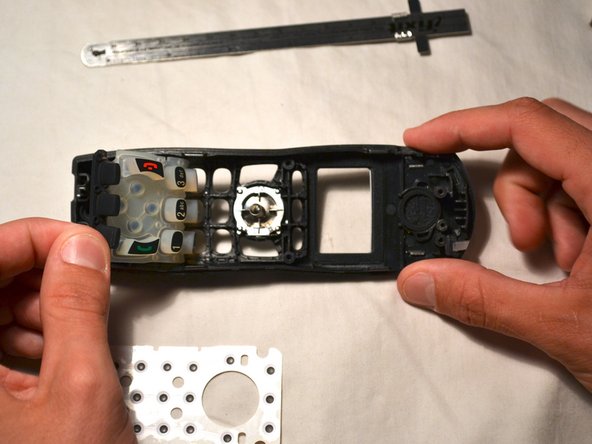
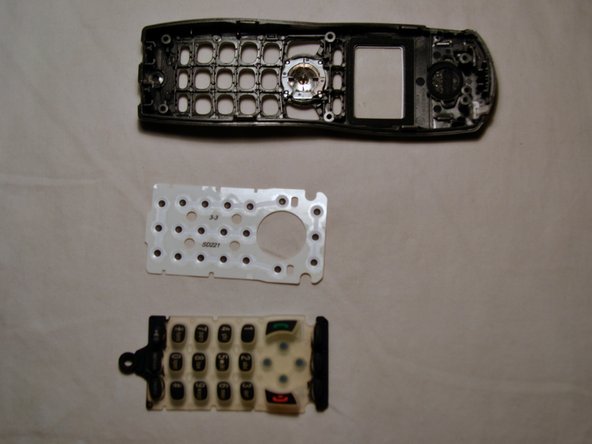
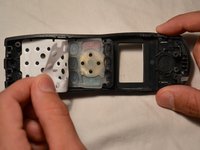
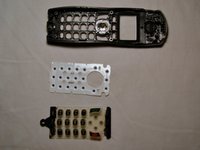
    • Remove the white plastic sheet covering the button pad with your fingers

    • Gently remove the silicon button pad

    Pergunte ao FixBot

    Comentar

  9. Uniden TCX905 Button Keypad Cleaning Guide: passo 9, imagem 1 %32 Uniden TCX905 Button Keypad Cleaning Guide: passo 9, imagem 2 %32
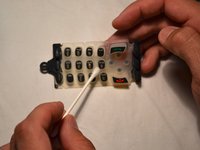
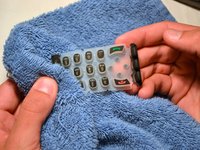
    • Wet one end of the cotton swab with water and clean button pad as needed

    • Repeat process with multiple cotton swabs if needed

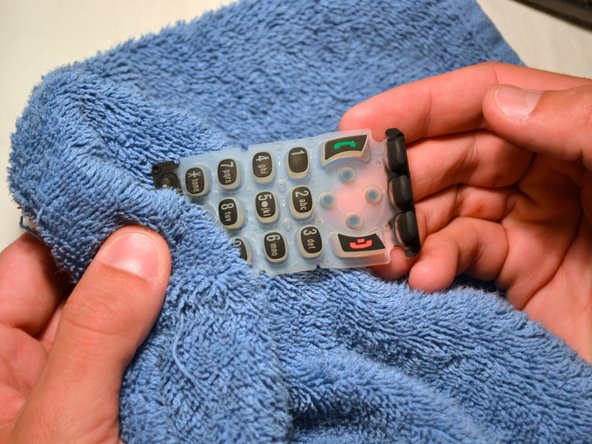
    • Dry the button pad with a clean, soft rag before replacing

    Pergunte ao FixBot

    Comentar

Conclusão

To reassemble your device, follow these instructions in reverse order.

Cancelar: não concluí este guia.

Gary Pence

Membro desde: 03/26/14

807 Reputação

Autoria de 8 guias

Equipe

Clemson, Team 1-1, Benson Spring 2014 Membro de Clemson, Team 1-1, Benson Spring 2014

CLEM-BENSON-S14S1G1

3 Membros

Autoria de 16 guias

0Comentários do guia

Comentar

Visualizações:

Últimas 24 horas: 1

Últimos 7 dias: 9

Últimos 30 dias: 49

Ao todo: 1,209